

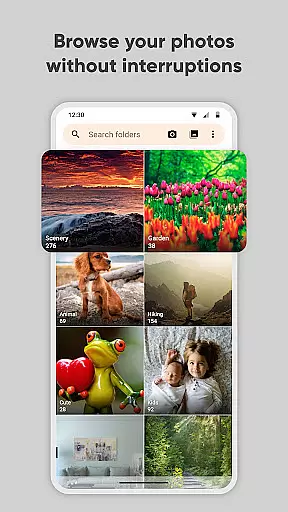
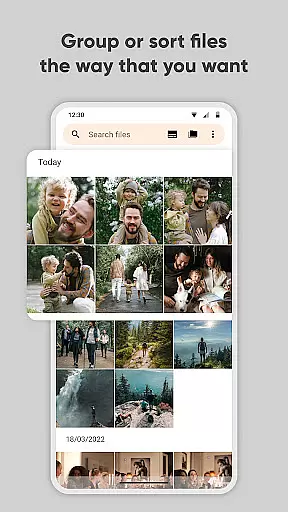
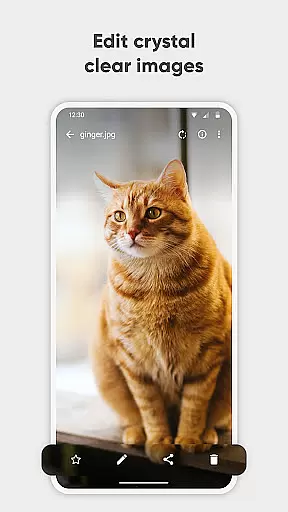
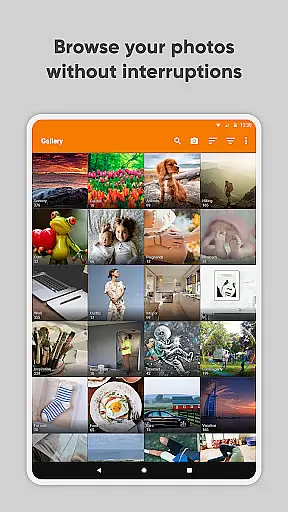
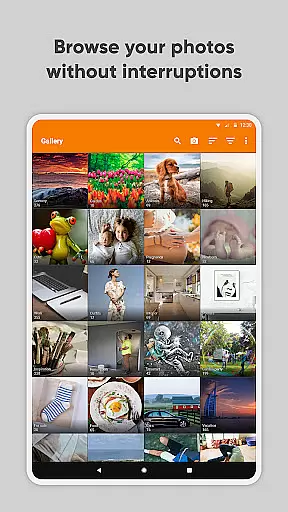
Simple Gallery Pro is a comprehensive photography app designed to enhance the way you manage, edit, and protect your media files on Android. This app combines an intuitive interface with powerful features, making photo management effortless and enjoyable. With support for a wide range of file formats including JPEG, PNG, MP4, and RAW, it ensures compatibility with virtually any media file you may have.
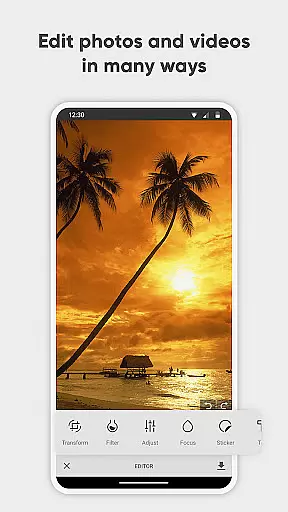
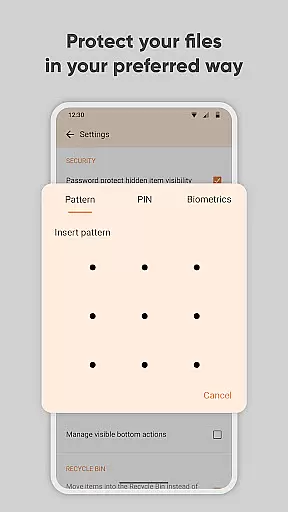
Beyond basic viewing, Simple Gallery Pro offers advanced editing tools that allow users to crop, rotate, flip, and apply filters to their images with ease. The app also includes practical features like accidental deletion recovery, hidden galleries for sensitive content, and robust security options such as PIN, pattern, and fingerprint protection. These capabilities make it not only a gallery app but also a secure vault for your most valued memories.
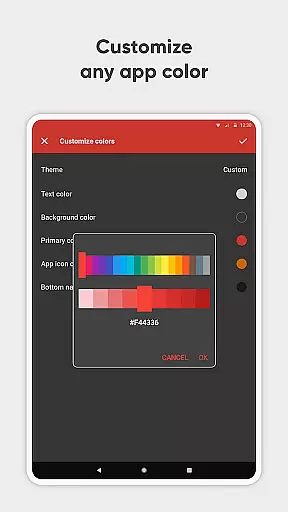
Whether you're a casual user looking for a more reliable way to store photos or a professional needing efficient media management, Simple Gallery Pro delivers both functionality and peace of mind. Its customizable UI, lack of ads, and commitment to privacy through offline operation create a seamless and secure user experience.
Simple Gallery Pro stands out with its extensive feature set tailored for photography enthusiasts and everyday users alike. One of its key strengths is the advanced photo editor, which allows users to perform various edits such as cropping, rotating, flipping, and resizing images with simple gestures. Additionally, the app provides a variety of stylish filters that can instantly enhance the visual appeal of your photos, turning editing into a quick and enjoyable task.
The app supports an impressive array of file types, ensuring that users can work with everything from standard JPEGs and PNGs to more specialized formats like RAW and SVG. This versatility extends to video files as well, accommodating formats such as MP4 and MKV. Furthermore, Simple Gallery Pro offers unique functionalities like the ability to recover accidentally deleted files and create hidden galleries, adding an extra layer of convenience and security.
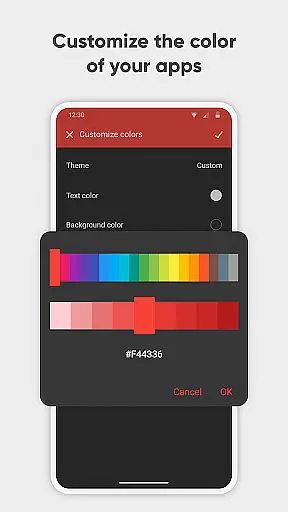
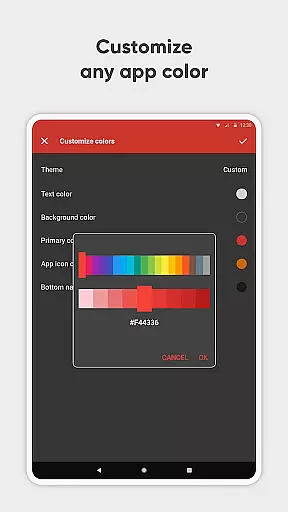
Customization is another hallmark of Simple Gallery Pro. Users can personalize the app's appearance and functionality, adjusting everything from the UI theme to the layout of function buttons. Privacy-conscious users will appreciate the app's security features, which include PIN, pattern, and fingerprint protection, along with the option to lock specific functions or the entire app itself. These features collectively ensure that your media remains safe, organized, and easily accessible.
Real-time capture and preview functionality is essential for ensuring that every photo or video taken meets the user's expectations without delay. Simple Gallery Pro excels in this area by offering a seamless experience where users can instantly view their captured images and videos in high quality.
The app supports a wide array of file types including JPEG, PNG, MP4, and even RAW formats, allowing users to capture and preview content in the format that best suits their needs. This versatility ensures that whether you're snapping quick photos or recording detailed videos, the results are immediately accessible for review.
With intuitive gestures and an easy-to-navigate interface, users can quickly make adjustments to their captures on the fly. The ability to crop, flip, rotate, and resize images directly within the preview window empowers users to perfect their shots instantly.
Ultimately, the real-time capture and preview feature in Simple Gallery Pro enhances the photography experience by providing instant feedback and control over your media, ensuring that you never miss a moment due to lengthy processing times.
AI beauty and enhancement features have become increasingly popular in photography apps, aiming to naturally improve the aesthetic appeal of photos without making them look overly processed. Simple Gallery Pro incorporates advanced AI algorithms that intelligently enhance facial features while maintaining a natural appearance.
Users can apply these enhancements to their photos with just a few taps, adjusting settings such as skin smoothing, eye enlargement, and teeth whitening. The AI technology behind these features ensures that edits remain subtle and lifelike, preserving the authenticity of the original image.
In addition to beautification tools, Simple Gallery Pro also offers a range of filters and effects that leverage AI to automatically adjust lighting, contrast, and color balance. These enhancements work together to create visually stunning images that still retain their genuine essence.
By focusing on natural-looking enhancements, Simple Gallery Pro provides users with the tools they need to elevate their photos without sacrificing realism, resulting in beautiful yet believable images every time.
User-friendly interface
Extensive file format support
Advanced editing tools
Robust security features
Highly customizable design
Limited cloud integration
No built-in social sharing
Premium-only availability
Occasional performance issues
Steep learning curve for beginners

Add Watermark - Sign your pictures with a text or logo. Effective, quick, easy!
 4.50
4.50
Create collages easily! Nice pic collage maker & background eraser for Instagram
4.50
Be your best in every shot! Fix, edit and retouch your face in selfies & photos.
3.70
Over 800 film simulation recipes for Fujifilm. Black Friday Offer!
4.2
Gallery Slideshow is slideshow maker app for slideshow from your gallery photos.
3.90
Collage your moments in one tap: 1000+ layouts, filters, stickers, and texts.
4.90
Hair color changer, AI haircut app, fun hair editor and buzz cut filter for all!
3.80
The original Rarevision VHS look seen everywhere!
4.70
Edit photos with the picture generator: PS2 & AI Clay filters, cartoon effects.
4.50
Gallery show photo, video, slideshow, is perfect 3D effect private photo albums.
4.80
Easily view, share, delete photos with Gallery.
4.70
Your personal guide to the sun and moon. Plan ahead, visualize and predict!
4.70
Discover & download millions of art for The Frame TV or Hisense CanvasTV
4.60
Create Business Headshots, Polaroid Filter, Retake Photos,Profile Pics,AI Photos
4.50
Shooting photos and records video easily and efficient with professional Camera
4.30
Catch sunlight, sunrise sunset times and sun phases with the AR sun tracker.
4.10
How old age camera Gender Swap App Face Shape Hairstyle App Hair Styler App fun!
4.00
Pet Camera
3.70
Long exposure camera with computational photography
2.60


User Reviews