
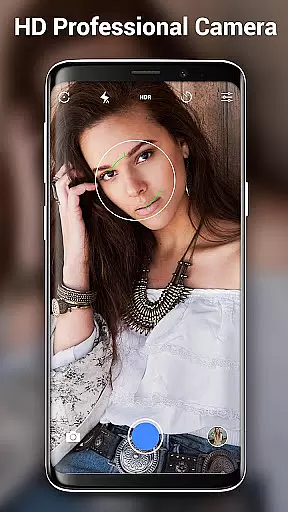
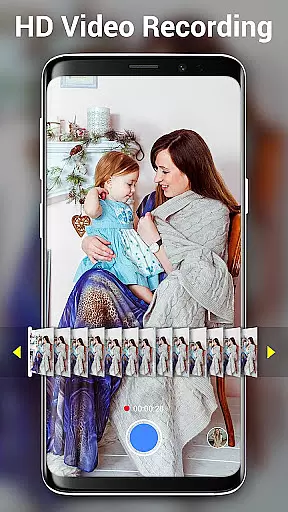

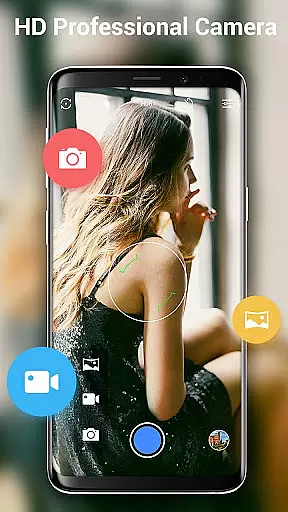
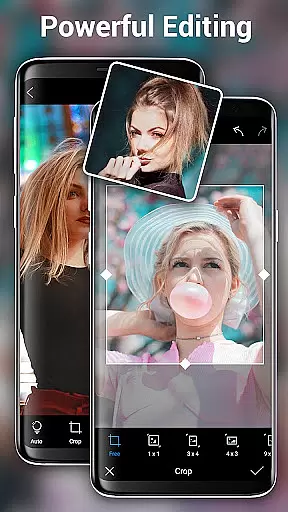
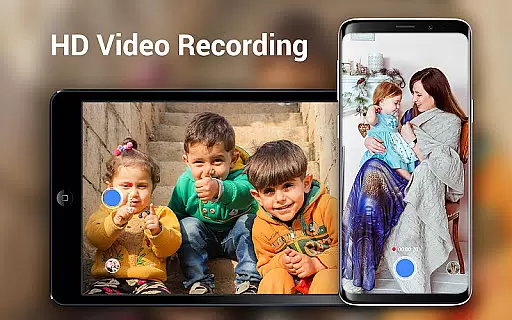
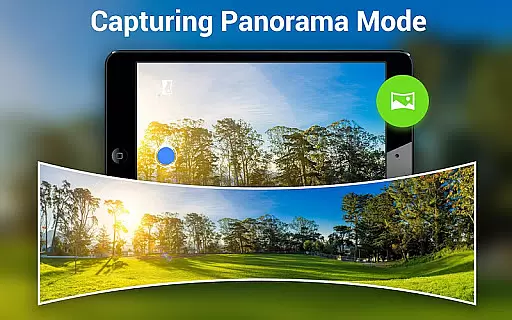
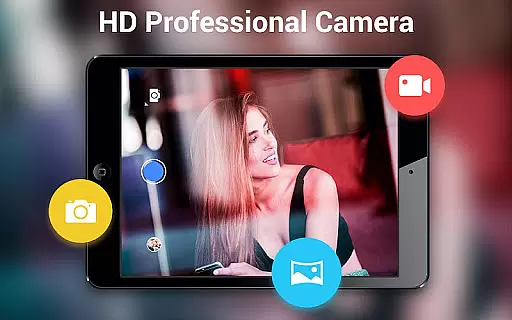
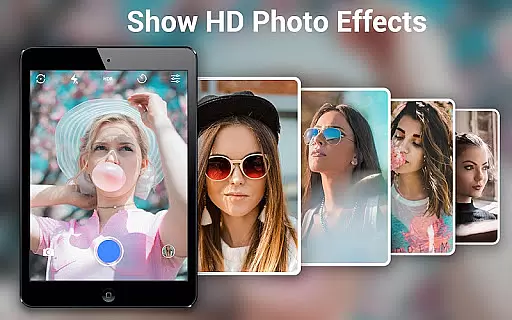
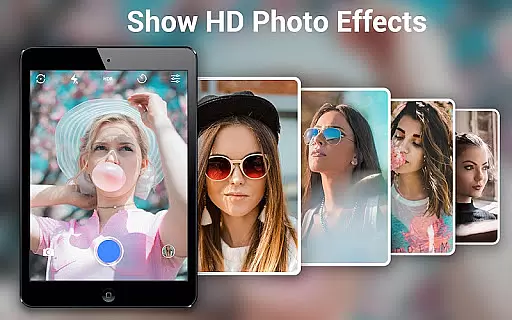
HD Camera Pro Edition is a premium photography application designed for Android users seeking professional-grade camera functionalities without advertisements. This app offers an extensive range of features including high-definition photo and video capture, creative panorama modes, and advanced photo editing tools.
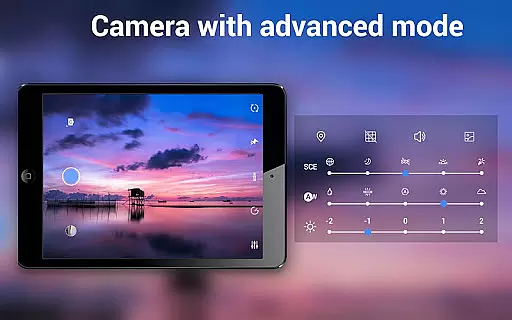
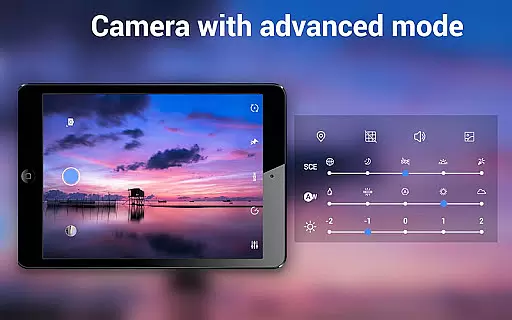
The application stands out with its intuitive interface that mimics a DSLR camera, providing users with options like optical and digital zoom, tap to focus, and various white balance settings. Whether capturing selfies or shooting in low-light conditions, HD Camera Pro delivers exceptional image quality making it ideal for photography enthusiasts.
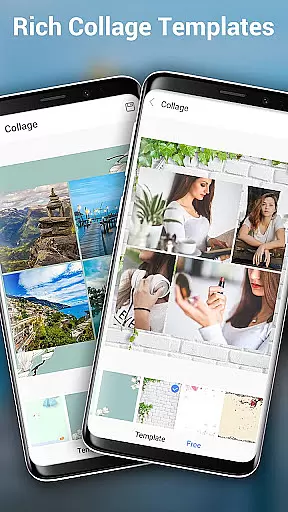
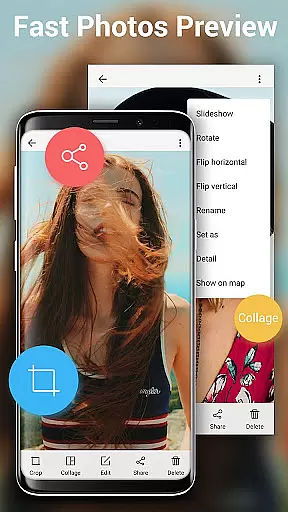
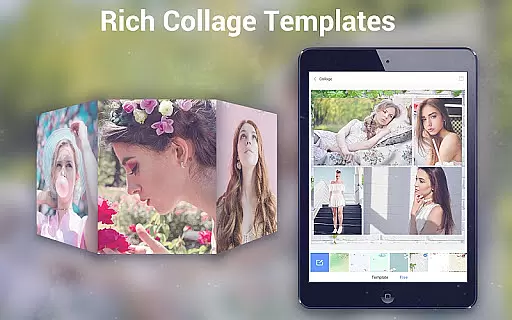
With the ability to shoot in different modes such as night, sunset, and party, this app ensures optimal performance across diverse scenarios. Users can also enjoy additional functionalities like timer settings, time-lapse photography, and built-in photo collage and editing features, enhancing their overall mobile photography experience.
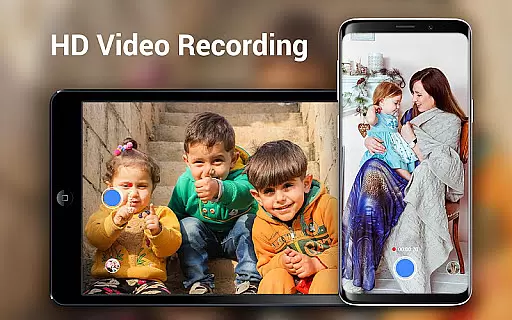
HD Camera Pro boasts an impressive array of features tailored for both amateur and professional photographers. The app supports high-definition video recording with options for pause and panoramic video capture, ensuring users never miss a moment.
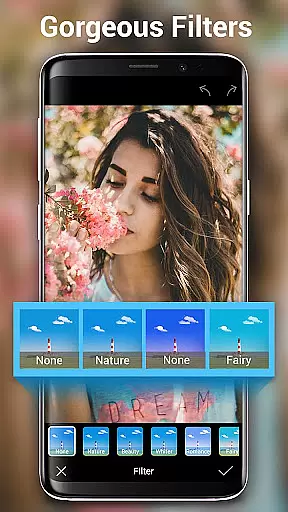
One of the standout features is the Photo Sphere mode, which allows users to create immersive 360-degree images. Additionally, the app provides various filters and beauty modes that enhance portrait shots, making it a versatile tool for capturing stunning selfies and group photos.
Other notable features include automatic and manual white balance adjustments, optical and digital zoom capabilities, and a focus halo display for precise focusing. With its comprehensive suite of tools, HD Camera Pro transforms any Android device into a powerful photographic instrument.
Real-time capture and preview functionality is essential for ensuring that every photo or video taken with HD Camera Pro Edition meets the user's expectations. This feature allows users to see exactly what the camera sees, in high definition, before they take the shot. The immediacy of this feedback empowers photographers to make necessary adjustments on the fly, ensuring optimal lighting, framing, and focus.
HD Camera Pro leverages the full potential of your device's camera hardware to provide a seamless real-time preview experience. With its intuitive interface, users can easily switch between different modes such as panorama, beauty camera, and professional HD video without losing sight of their subject. The app ensures that settings like white balance, exposure, and zoom are instantly reflected in the preview window, giving users precise control over their photography.
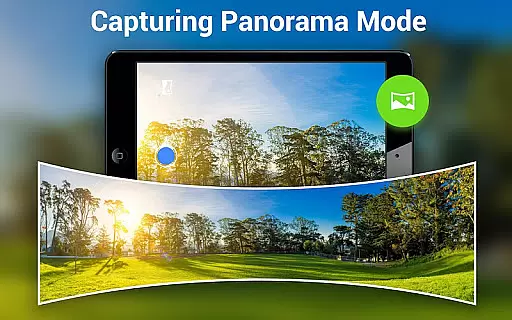
The benefits of real-time capture extend beyond just taking better pictures. It also enhances the creative process by allowing users to experiment with various filters and effects live. Whether capturing a breathtaking landscape in panorama mode or perfecting a selfie with beauty enhancements, HD Camera Pro's real-time capabilities ensure that the final image matches the photographer's vision. This immediacy not only saves time but also elevates the overall quality of photos and videos.
AI Beauty & Enhancement Naturalness represents the cutting-edge integration of artificial intelligence within the realm of mobile photography through HD Camera Pro Edition. This feature focuses on delivering natural-looking enhancements to portraits and selfies, preserving the authenticity of facial features while subtly improving them. By analyzing facial structures and skin tones, the AI algorithms apply enhancements that look genuine rather than overly processed.
With HD Camera Pro, users have access to an array of sophisticated AI-driven tools designed to elevate their selfie game. These include skin smoothing, blemish removal, and eye enhancement features that work harmoniously to create stunning yet believable portraits. The app intelligently adjusts these enhancements based on individual characteristics, ensuring that each photo reflects the unique beauty of its subject without appearing artificial.
The true value of AI Beauty & Enhancement lies in its ability to democratize professional-grade photo editing. Users no longer need extensive knowledge of complex editing software to achieve magazine-quality results. Instead, HD Camera Pro places powerful editing tools at their fingertips, enabling anyone to capture and share beautifully enhanced images effortlessly. This accessibility not only boosts confidence but also encourages creativity among amateur photographers seeking to express themselves through their photos.
User-friendly interface
High-quality image capture
Extensive feature set
No advertisements
Versatile shooting modes
Premium version only
Resource-intensive
Limited free trial
Occasional bugs
Advanced settings may overwhelm beginners

Viewfinder, Light meter, Reciprocity failure time, DOF & Bellows Extension
 4.60
4.60
Edit like a pro with Hypic. Apply filters, AI effects, & magic touch.
4.40
AI photo editor with hair editor, retouch tools, hair color changer & filters!
4.50
Over 800 film simulation recipes for Fujifilm. Black Friday Offer!
4.5
Superimpose one photo on top of another using the original Superimpose app!
3.20
The #1 app for B&W film developing featuring an advanced darkroom timer.
4.10
Easily create custom gifts, cards, photo books & more on the Shutterfly app!
4.60
Use AI Video Generator to turn your words to ai generated videos.
4.50
Snap photos remotely using your Garmin watch as the camera trigger
4.3
Your personal guide to the sun and moon. Plan ahead, visualize and predict!
4.70
Automatically backup your photos and videos to computer, NAS and Cloud services
4.60
PhotoSync Bundle Add-On License. Enables all features and services in PhotoSync.
4.60
Create Business Headshots, Polaroid Filter, Retake Photos,Profile Pics,AI Photos
4.50
Create AI photos & videos with Enhancer; restore, fix, beautify, enhance photos
4.50
AI photo enhancer with Sora 2! Enhance, descratch, and colorize your old photos.
4.50
Natural Beauty, Selfie Retouch
4.30
A light meter for true photographers.
4.20
What celebrity do you look like? Celebs will find your celebrity match!
4.10
Hair color changer, AI haircut app, fun hair editor and buzz cut filter for all!
3.80


User Reviews