
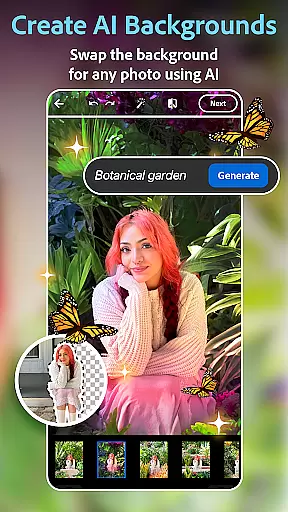
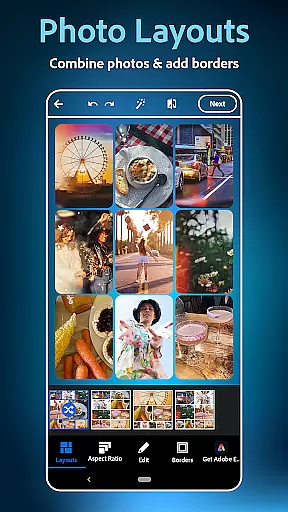
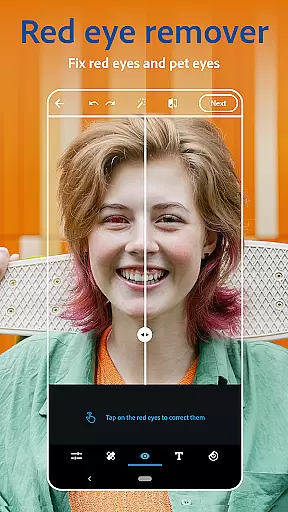
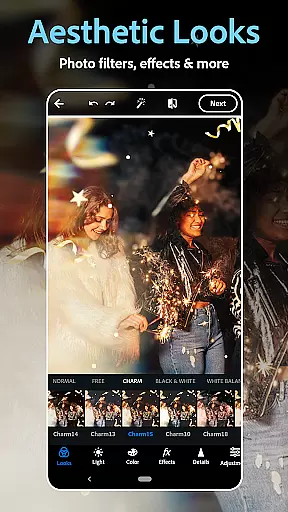
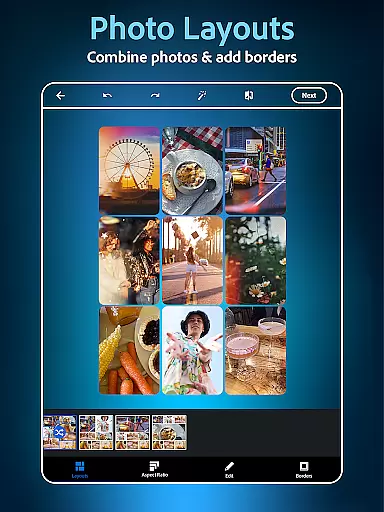
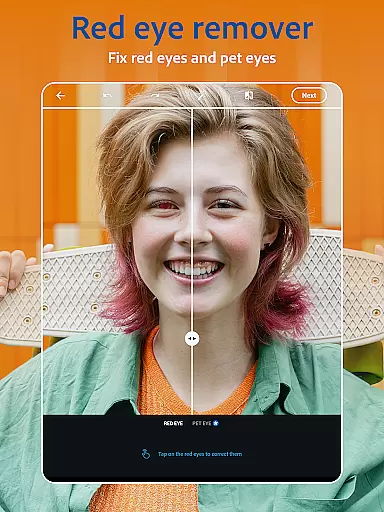
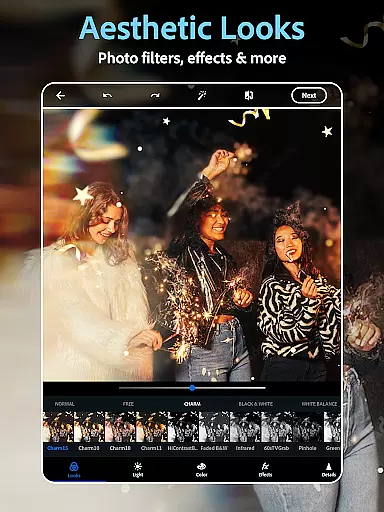
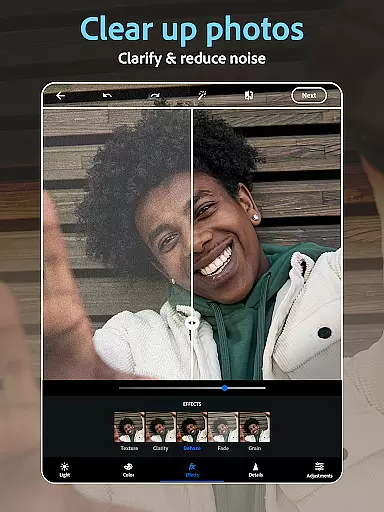
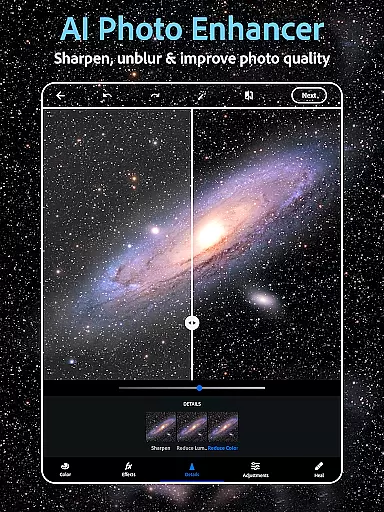
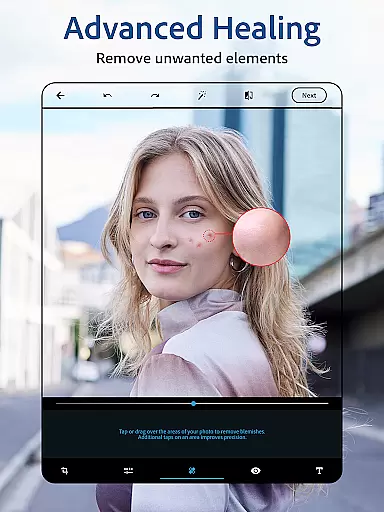
Photoshop Express Photo Editor is a versatile mobile application designed to make photo editing fun, fast, and easy. Trusted by millions, this app offers a comprehensive suite of tools for creative photo enhancement. Users can add text to photos, touch up selfies, and apply vibrant or vintage camera filters. The app includes an AI image generator, a user-friendly collage maker, and advanced face editing features.
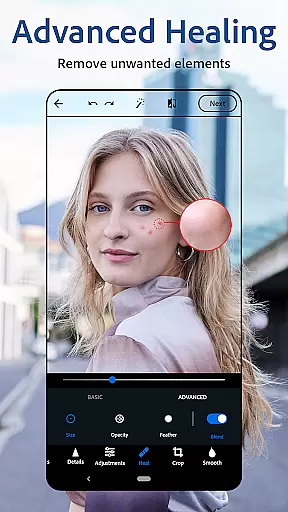
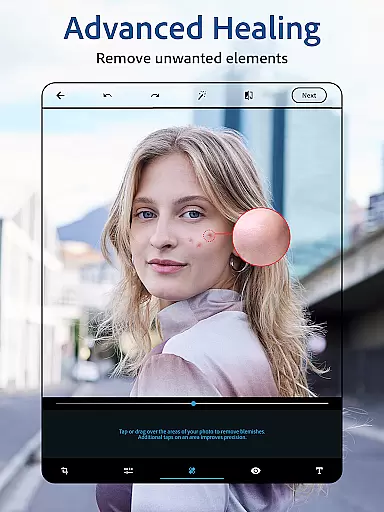
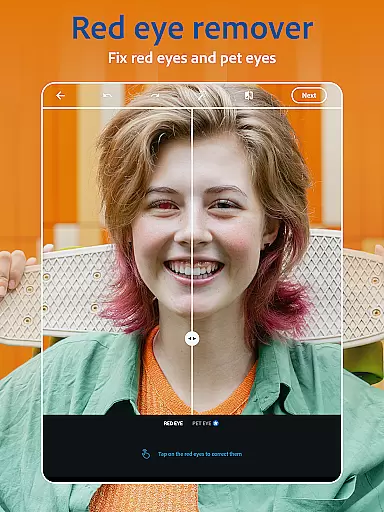
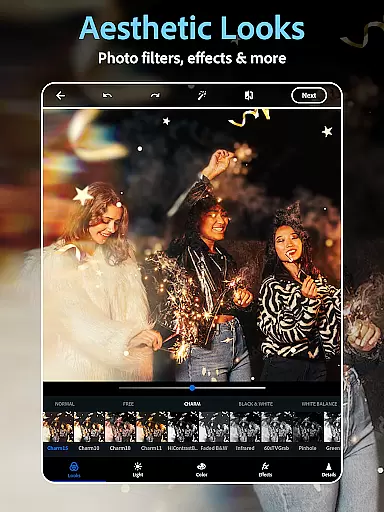
The app's powerful airbrush tools allow users to clean up images with red-eye correction, healing, clone stamp, and blemish removal. With hundreds of camera filters ranging from moody film effects to aesthetic styles, users can customize their photos to fit any artistic vision. Whether you're a beginner or an experienced photographer, Photoshop Express provides professional-grade editing capabilities that transform ordinary moments into extraordinary visual stories.
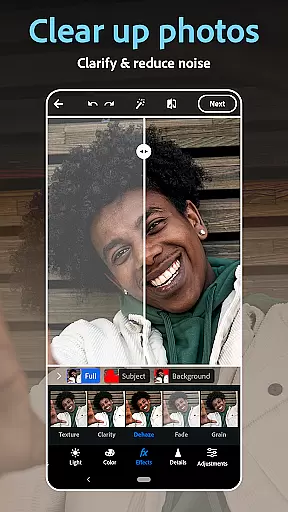
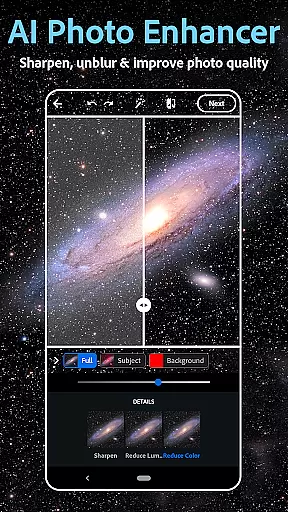
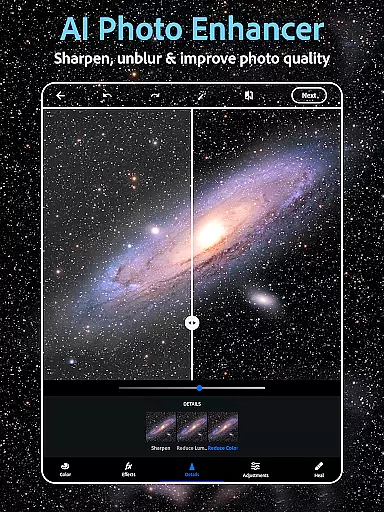
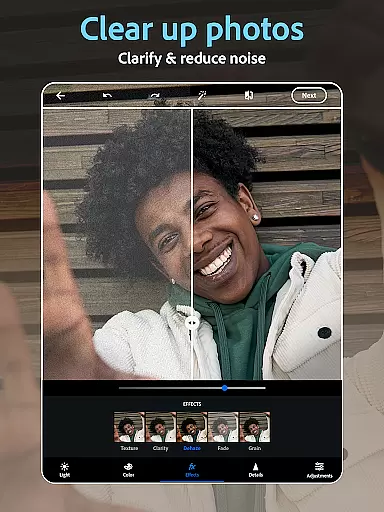
Photoshop Express boasts an impressive array of features that cater to various photo editing needs. The AI-powered photo editor enables users to retouch images with precision, offering tools like blemish remover, spot healing, and background replacement. Its sophisticated algorithms help remove blur, dehaze pictures, and erase unwanted objects while maintaining natural-looking results.
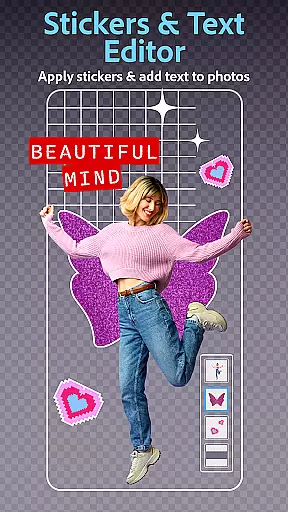
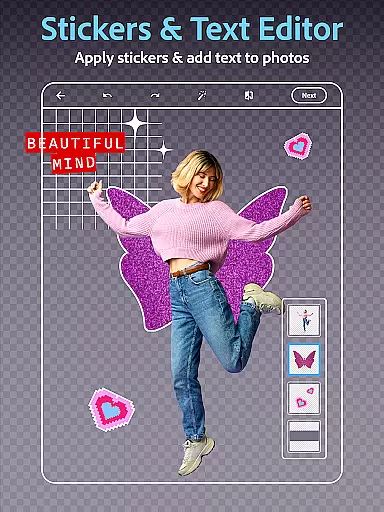
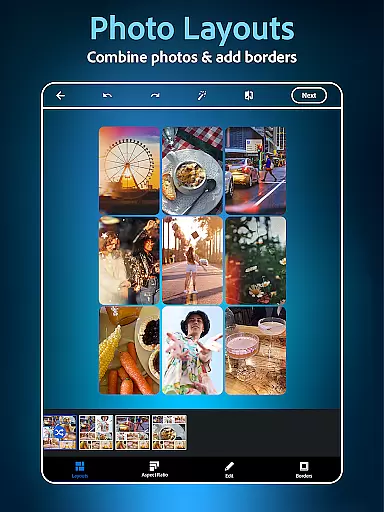
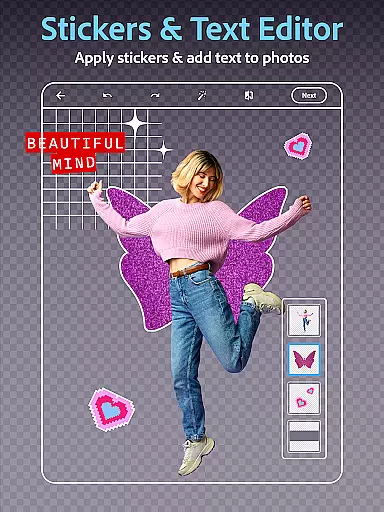
The app's collage maker allows users to combine multiple pictures in pre-made grids, while its text overlay feature helps create engaging memes and custom watermarks. Additionally, the AI image generator expands creative possibilities by enabling users to generate unique images from text prompts. These features, combined with support for multiple file formats including RAW, TIFF, and PNG, make Photoshop Express an indispensable tool for both casual users and professional photographers looking to enhance their social media presence.
Real-time capture and preview functionality is essential for ensuring that every photo taken meets the user's expectations without delay. Photoshop Express Photo Editor offers a seamless experience by providing instant feedback on images captured through its interface.
The app leverages advanced processing capabilities to deliver high-quality previews, allowing users to adjust settings such as exposure, contrast, and filters before capturing the final shot. This immediate visualization helps in making informed decisions about the desired outcome.
Users benefit from this feature by being able to fine-tune their photos on the go, ensuring that they capture the perfect moment with precision. The ability to preview changes in real time enhances creativity and saves valuable time during the editing process.
This functionality not only elevates the photography experience but also empowers users to produce professional-grade images without needing extensive technical knowledge. With Photoshop Express, capturing and refining images becomes an intuitive and enjoyable process.
AI beauty and enhancement features are designed to elevate the aesthetic appeal of photos while maintaining a natural look. Photoshop Express incorporates sophisticated AI algorithms that intelligently apply enhancements, ensuring that edits appear authentic and not over-processed.
The application provides tools like skin smoothing, blemish removal, and eye enhancement, all powered by AI technology. These features work harmoniously to refine facial attributes without compromising the original character of the subject, offering a balanced and realistic result.
By using Photoshop Express, users can achieve polished and professional-looking portraits with minimal effort. The AI-driven enhancements adapt to different skin tones and lighting conditions, delivering consistent quality across various scenarios.
This approach to photo editing democratizes access to high-quality retouching tools, enabling both amateur and professional photographers to create stunning images effortlessly. The emphasis on naturalness ensures that edited photos retain their genuineness, enhancing the overall impact of the visual storytelling.
User-friendly interface
Wide range of filters
Powerful AI tools
Versatile editing options
Excellent social sharing
Premium features costly
Advanced tools complex
Occasional bugs
Limited free content
Subscription required

Photo editor: face & body editor, beauty cam, filters and quality enhancer.
 4.00
4.00
Photo Album Watch Face shows your favorite pictures as a Watchface.
1.90
Photobooth mini FULL app will allow you to add more fun to your parties
4.00
What celebrity do you look like? Celebs will find your celebrity match!
4.10
Pet Camera
3.70
Perfect body tune & face app - photo retouch, makeup, slim body & beautify face.
4.80
The #1 app for B&W film developing featuring an advanced darkroom timer.
4.10
Create AI photos & videos with Enhancer; restore, fix, beautify, enhance photos
4.50
Unblur, enhance & restore photos with powerful AI photo enhancer tools.
4.60
Gallery show photo, video, slideshow, is perfect 3D effect private photo albums.
4.80
Cut and paste photo editor & eraser to customize photos easy and swap faces fun
4.50
Photo Exif Editor allows to view, add and modify EXIF data of multiple photos
4.50
Search, tag and rate your way to an organized image gallery
4.40
Professional photography on your mobile phone
4.20
AI-powered video creator by MiniMax - Where ideas meet cinema
4.20
Transform Photos: Edit, Beautify and Craft Memories & Make Collages!
4.10
Turn photos into cartoons & avatars! - Photo Editor, Cartoon Face!
3.90
Be your best in every shot! Fix, edit and retouch your face in selfies & photos.
3.70
HD Photo gallery and photo manager to edit, hide private photos, videos & albums
4.0


User Reviews