
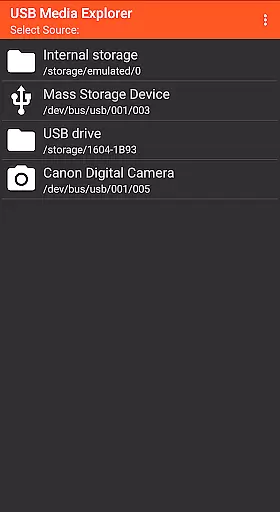
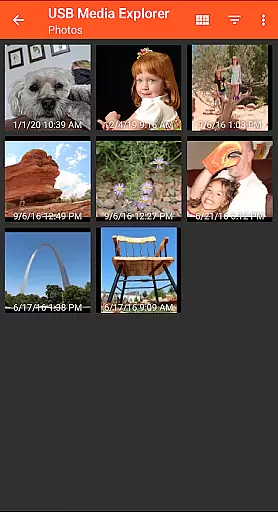
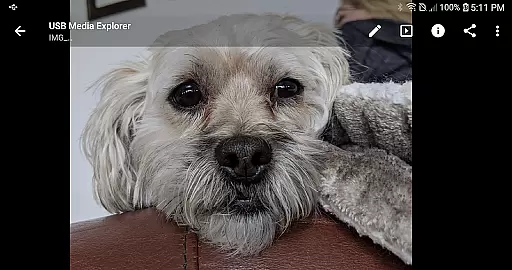
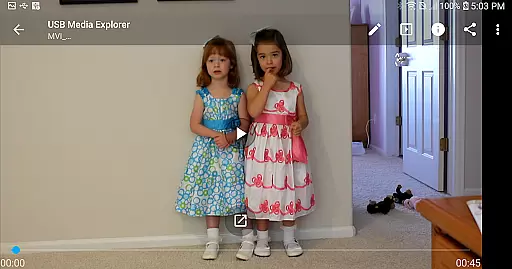
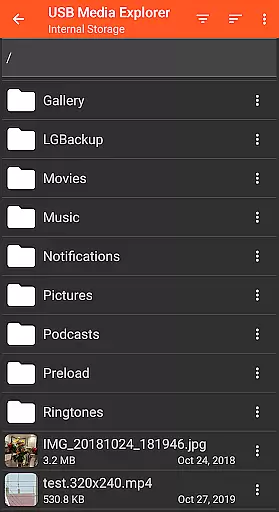
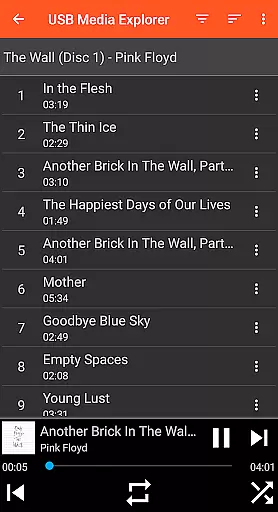
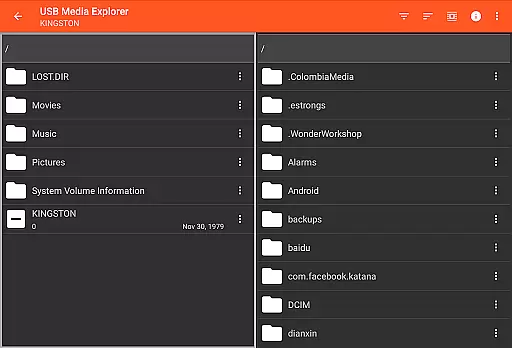
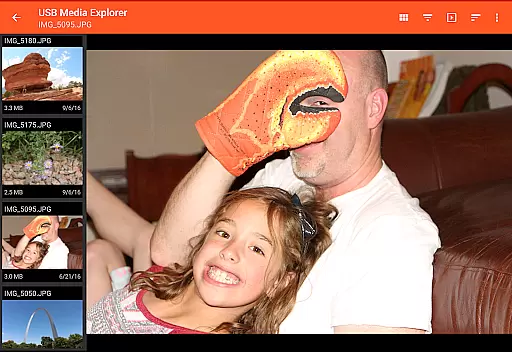
USB Media Explorer (UME) is a versatile photography app that allows users to view photos, stream videos, listen to music, and manage documents from various USB storage devices. The app supports multiple file formats including Jpeg, Raw, AVI, and Dolby, making it an ideal tool for photographers and multimedia enthusiasts. With specialized viewing modes for different media types, users can enjoy full-size photos and videos without the need for importing.
The application works with a wide range of devices such as flash drives, card readers, hard drives, cameras, and even other Android devices. While most devices require a microUSB OTG cable or USB C adapter for connection, the app provides a seamless experience once set up. Whether you're managing your photo library or streaming videos, USB Media Explorer offers a comprehensive solution for all your media management needs.
USB Media Explorer stands out with its specialized screens tailored for different media types. The photo viewer supports both Jpeg and Raw formats, allowing photographers to view their work in full resolution directly from USB devices. For video enthusiasts, the app streams videos in various formats, although unsupported codecs may require third-party players like VLC.
File management capabilities are robust, enabling users to copy files to and from USB devices effortlessly. The app also supports specific device types such as MTP/UMS audio players and certain DVD drives, though commercial DVDs are not supported. These features make USB Media Explorer a powerful tool for anyone needing to manage and view multimedia files from external storage.
USB Media Explorer offers a unique real-time capture and preview feature that allows users to view photos and stream videos directly from USB storage devices without the need for importing files. This functionality is crucial for photographers and videographers who require immediate access to their media files on the go.
The application supports both Jpeg and Raw photo formats, ensuring that professionals can work with high-quality images directly from their cameras or storage devices. The ability to view full-size photos and videos without importing saves valuable time and storage space on the user's device.
With specialized screens dedicated to photos, videos, music, documents, and file management, users can efficiently organize and access their media files. This comprehensive support ensures that creatives can focus on their work without worrying about compatibility issues or lengthy import processes.
While USB Media Explorer does not explicitly market AI beauty and enhancement features, its robust support for various media formats provides a natural enhancement to the viewing experience. Users can enjoy music, videos, and photos in their original quality, preserving the authenticity of the content.
The app's ability to copy files to and from USB devices adds another layer of convenience, allowing users to back up their enhanced media files effortlessly. This feature is particularly beneficial for those who wish to maintain a natural look and feel in their work while having the flexibility to transfer files between devices.
For unsupported video and audio formats, users can integrate third-party players like VLC, ensuring that all media types are accessible within the app. This adaptability enhances the overall user experience, making USB Media Explorer a versatile tool for managing and enjoying digital media with natural enhancement options.
User-friendly interface
Wide device compatibility
Supports various file formats
Efficient file management
Specialized media viewers
Requires additional hardware
Limited camera support
No live image functionality
Proprietary protocol issues
Commercial DVD restrictions

Remote control of the phone camera from your Wear OS smartwatch
 3.70
3.70
How would you look like with a differently shaped nose, chin or lips?
3.90
How old age camera Gender Swap App Face Shape Hairstyle App Hair Styler App fun!
4.00
The #1 app for B&W film developing featuring an advanced darkroom timer.
4.10
Future baby face generator: AI kids generator, kid face! What my baby look like?
4.40
AI-powered video creator by MiniMax - Where ideas meet cinema
4.20
The original Rarevision VHS look seen everywhere!
4.70
Enhance, upscale, and transform your images — on your device, without limits
4.70
Effortlessly make high-quality GIFs from images & videos without any watermarks.
4.70
Pro version: AR sun/moon tracker for any date. Tool for photographers & planners
4.90
Perfect body tune & face app - photo retouch, makeup, slim body & beautify face.
4.80
Take videos and pictures with the popular TikTok TIME WARP SCAN filter.
4.60
A must-have app for landscape photographers
4.60
Unblur, enhance & restore photos with powerful AI photo enhancer tools.
4.60
A reflected light meter with spot metering and incident light metering.
4.40
Shooting photos and records video easily and efficient with professional Camera
4.30
Professional camera app that brings DSLR manual photography controls to Android.
4.20
Over 800 film simulation recipes for Fujifilm. Black Friday Offer!
4.3
Snap photos remotely using your Garmin watch as the camera trigger
4.0


User Reviews