
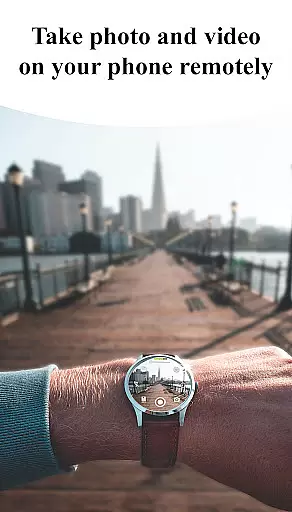
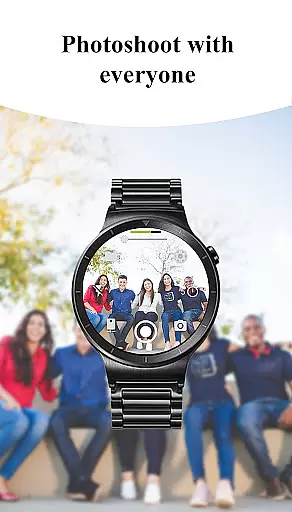

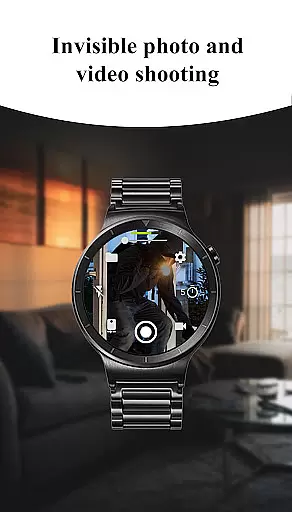
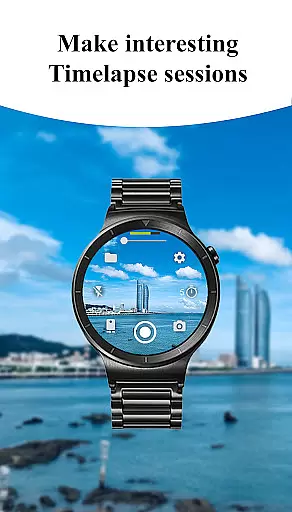
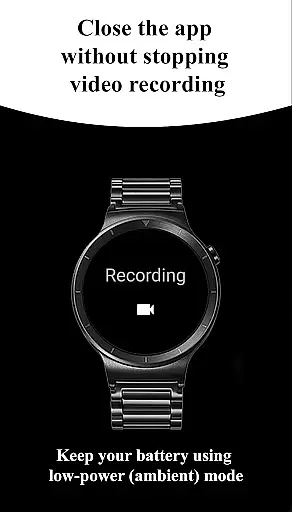

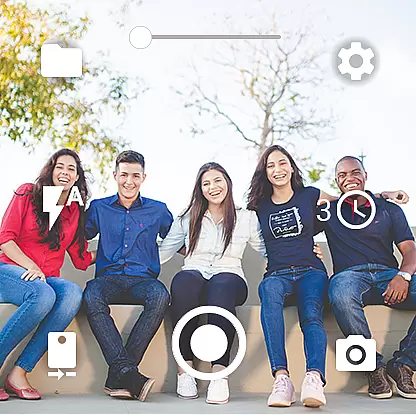
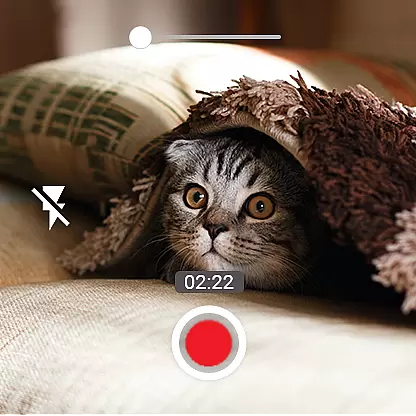
Camera Control for Wear OS is a powerful photography app that allows users to control their phone's camera directly from a Wear OS smartwatch. With this app, you can capture photos and videos effortlessly while enjoying advanced features like Bokeh, HDR, Night Mode, and more. The app supports three shooting modes including timelapse sessions, making it versatile for creative projects.
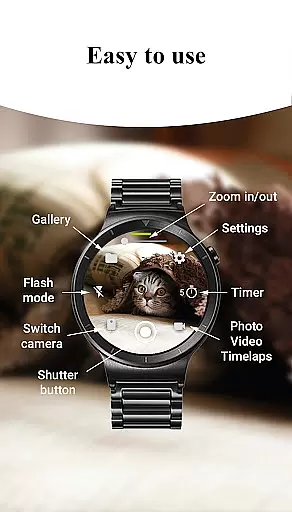
The application also provides convenient controls such as timer setup, flash adjustments, and quick camera switching between front and rear cameras. You can adjust photo quality settings, zoom in and out, and even record in stunning 4K resolution on compatible devices. Designed for both amateur and professional photographers, Camera Control for Wear OS enhances your mobile photography experience by offering seamless wireless connectivity through Bluetooth and Wi-Fi.
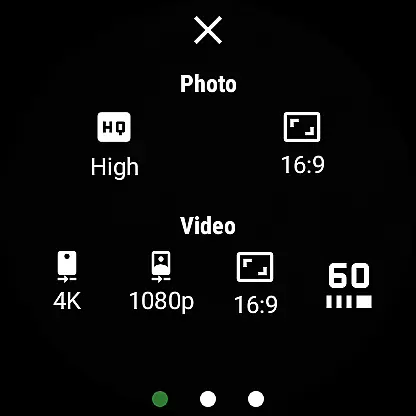
One of the standout features of Camera Control for Wear OS is its diverse shooting modes. Users can choose from three main modes: photo capture, video recording, and timelapse creation. Each mode comes with customizable settings such as aspect ratio options (4:3 or 16:9), high-framerate video recording at 30 or 60 frames per second, and advanced camera modes like Bokeh, HDR, and Night Mode for improved image quality.
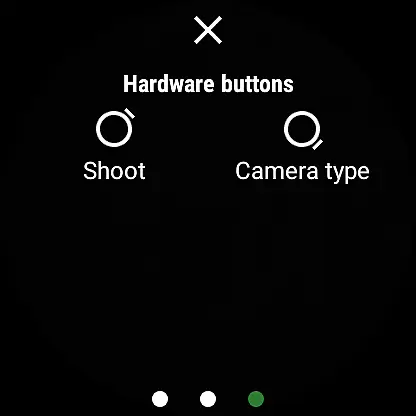
In addition to these core functionalities, the app offers practical tools such as flashlight control, camera orientation lock, and gesture-based controls. These features allow users to take photos even when their phone screen is off or locked. Furthermore, the app supports wide-angle photography, geotagging, and flexible storage options, ensuring that every captured moment is stored efficiently either on an SD card or internal storage.
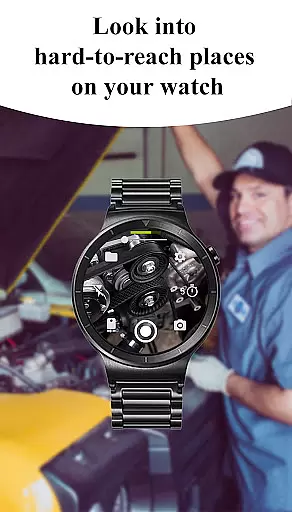
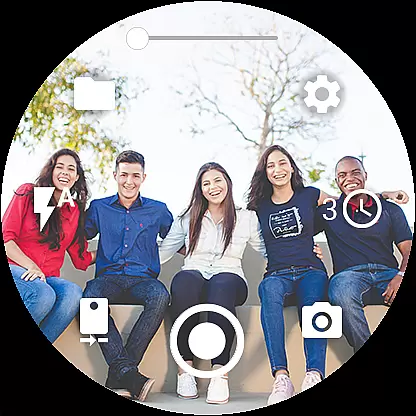
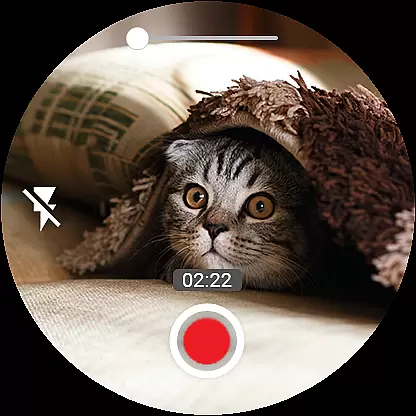
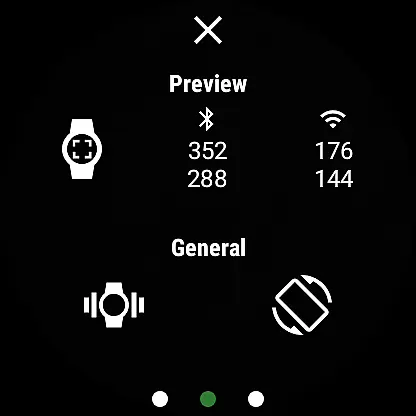
Real-time capture and preview functionality is essential for ensuring that every photo or video taken meets the user's expectations without delay. The Camera Control for Wear OS app excels in this area by providing users with immediate feedback on their smartwatch as they control their phone's camera. This instant preview capability allows users to adjust settings, such as zoom, flash, and camera orientation, directly from their wrist.
The app supports various advanced camera modes including Bokeh, HDR, Night, and Auto modes, which can be activated based on the shooting environment. Users can also set up timers for precise photo, video, and timelapse shooting, enhancing the creative possibilities. With the ability to switch between front and rear cameras seamlessly, users have versatile photography options at their fingertips.
Furthermore, the app offers quality settings adjustments for both photo and video, enabling users to fine-tune the output according to their preferences. Whether capturing moments in 4K resolution or choosing between different aspect ratios like 4:3 and 16:9, the app ensures that the final product aligns with the useru2019s vision. This real-time interaction not only saves time but also enhances the overall photography experience by making it more intuitive and engaging.
AI beauty and enhancement features are becoming increasingly popular among photography enthusiasts who seek natural-looking results. The Camera Control for Wear OS app incorporates sophisticated AI algorithms that enhance images while maintaining a realistic appearance. These enhancements include skin smoothing, blemish removal, and subtle color corrections that collectively elevate the visual appeal of photos without appearing artificial.
One of the standout features of the app is its ability to apply these enhancements automatically, ensuring that users do not need to manually adjust settings each time they take a picture. For instance, the AI can intelligently detect faces and apply beautification effects that complement the subject's natural features. Additionally, the app provides options for controlling the intensity of these enhancements, allowing users to customize the level of modification to suit their personal style.
Beyond just beautification, the app also includes tools for improving image quality through features like HDR and night mode. These functionalities work together to produce well-lit, detailed images even in challenging lighting conditions. By integrating AI-driven enhancements with traditional camera controls, the app delivers a comprehensive photography solution that caters to both amateur and professional photographers looking for natural yet polished results.
User-friendly interface
Advanced camera modes
Wireless connectivity
Timelapse functionality
Quick camera switching
Limited device compatibility
No live preview
Battery consumption
Complex setup
Premium cost

Search, tag and rate your way to an organized image gallery
 4.40
4.40
HD Photo gallery and photo manager to edit, hide private photos, videos & albums
4.3
Perfect body tune & face app - photo retouch, makeup, slim body & beautify face.
4.80
Be your best in every shot! Fix, edit and retouch your face in selfies & photos.
3.70
Take videos and pictures with the popular TikTok TIME WARP SCAN filter.
4.60
HD Camera Pro with HD Video shooting, Panorama, Photo editor , Beauty Camera.
4.50
Amazing Photo Effects - The most fun you can have with your photos!
4.70
Use AI Video Generator to turn your words to ai generated videos.
4.50
Unblur, enhance & restore photos with powerful AI photo enhancer tools.
4.60
Gallery show photo, video, slideshow, is perfect 3D effect private photo albums.
4.80
Photo Exif Editor allows to view, add and modify EXIF data of multiple photos
4.50
Movie camera, supports pro recording settings for filming. Try it and be amazed!
4.50
Easily stitch panoramas from multiple photos or video.
4.40
A reflected light meter with spot metering and incident light metering.
4.40
Shooting photos and records video easily and efficient with professional Camera
4.30
Turn your phone into a professional camera - full DSLR manual photography
4.30
Create AI Photos, Improve and restore quality of blurry, old or damaged pics.
4.20
A light meter for true photographers.
4.20
live datamoshing
4.00


User Reviews