
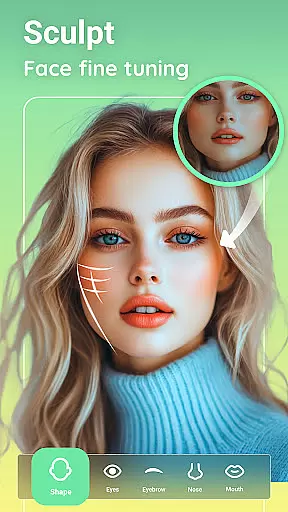
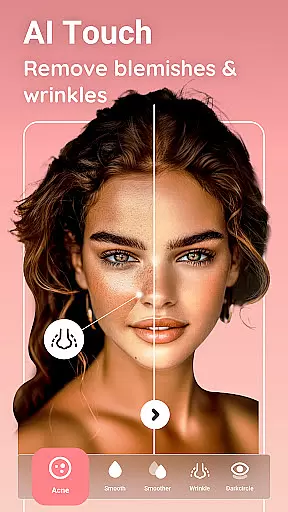
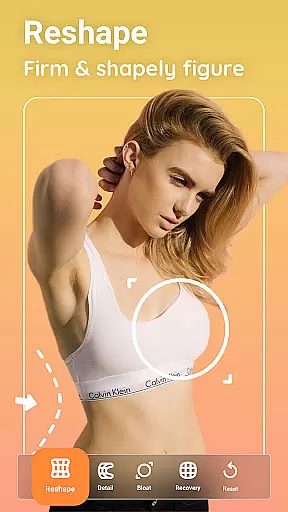
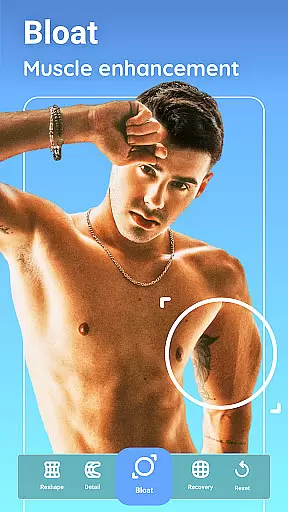
Peachy is a powerful photo and face editing application that transforms your selfies and pictures into flawless masterpieces. With professional features like body reshaping, skin smoothing, blemish removal, and radiant glow effects, it caters to users who want high-quality photo edits with minimal effort. The app utilizes advanced AI tools for muscle enhancement, body sculpting, facial retouching, and virtual makeup, making it ideal for social media enthusiasts looking to elevate their content.
Available as a free HD body and face editor, Peachy supports various platforms such as Instagram, TikTok, YouTube, Snapchat, WhatsApp, and Facebook. Its intuitive design ensures users can achieve stunning results without watermarks, perfect for sharing across multiple channels. Whether you're enhancing portraits or experimenting with creative filters, Peachy delivers professional-grade enhancements tailored to modern photography needs.
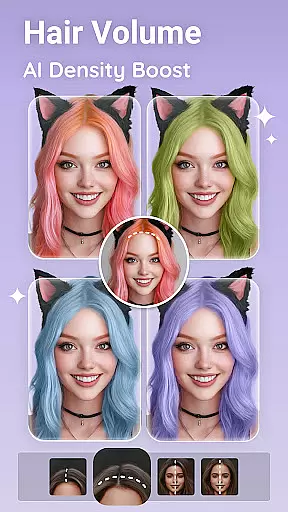
Peachy stands out with its comprehensive suite of AI-powered editing tools designed to enhance every aspect of your photos. From AI Muscle and Body Edit features that reshape and define body proportions naturally, to AI Face Retouch and Makeup tools that smooth skin, remove blemishes, and apply realistic makeup looks, the app offers unmatched versatility. Users can also experiment with hair styling options like volume boosting, density optimization, and color changes for vibrant, natural results.
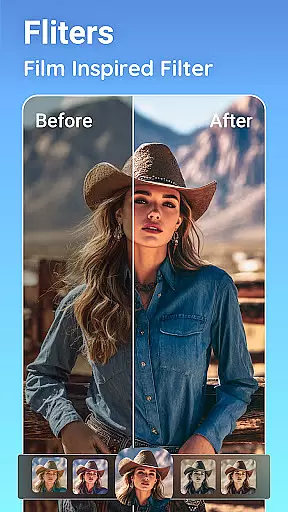
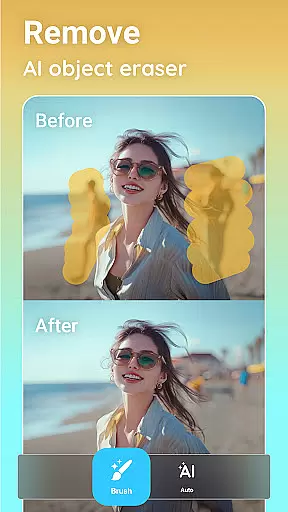
In addition to body and face editing, Peachy provides essential photo enhancement tools such as cropping, rotating, brightness adjustment, and object removal. Advanced features like Portrait Enhancement, Color Boost, and Night View Optimization ensure images maintain clarity and vibrancy in any lighting condition. With one-tap filters and presets, Peachy simplifies complex editing tasks while maintaining professional-quality output.
Real-time capture and preview functionality is essential for any photography app, allowing users to see exactly what their photo will look like before taking the shot. Peachy excels in this area by providing a seamless experience where users can apply filters, adjust settings, and see the results instantly on their screen.
The app ensures that every adjustment, from brightness to skin retouching, is reflected immediately in the preview window. This allows users to fine-tune their images with precision, ensuring that the final result matches their creative vision without any surprises after the photo is captured.
With real-time previews, users can experiment with different looks and styles, such as body reshaping or makeup application, and see the changes instantly. This feature not only saves time but also enhances creativity, letting users express themselves freely and with confidence while capturing their best moments.
AI beauty and enhancement features are revolutionizing how we edit photos, offering natural-looking improvements that enhance a user's best features without appearing artificial. Peachy leverages advanced AI technology to provide stunning yet realistic enhancements, from smoothing skin to defining muscles, all while maintaining the authenticity of the original image.
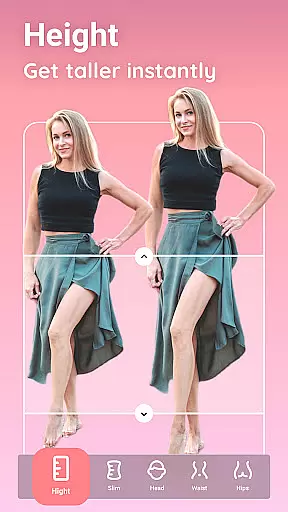
The appu2019s AI tools intelligently adapt to each photo, recognizing gender-specific traits and applying appropriate enhancements. Whether it's refining facial symmetry or adjusting body proportions, Peachy ensures that every edit looks genuine and respects the natural contours of the subject.
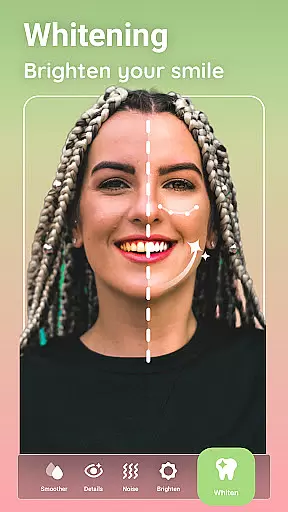
Users benefit from Peachyu2019s sophisticated algorithms that preserve skin texture and other fine details, avoiding the over-processed look common in other editing apps. The result is flawlessly retouched photos that retain their original charm and character, empowering users to share their beautifully enhanced images with confidence across social platforms.
Advanced AI tools
One-tap enhancements
No watermark on exports
Versatile editing options
User-friendly interface
Some features may require premium access
Occasional ads in free version
Steep learning curve for beginners
High system resource usage
Limited offline functionality

Photo Album Watch Face shows your favorite pictures as a Watchface.
 1.90
1.90
All-in-One Editor & AI Photo Enhancer, Beautify & Retouch, Collage, Cartoonify
4.20
Trendy TikTok time warp scan funny filter app brings you unique photos & videos.
4.40
A must-have app for landscape photographers
4.60
Enhance, retouch & create your story - Share the moment with Photoshop Express.
4.60
Fit multiple photos on one post. Create carousels & scroll layouts for Instagram
4.50
Remote control the phone camera shutter from your smartwatch and take a picture
1.60
Discover & download millions of art for The Frame TV or Hisense CanvasTV
4.60
Effortlessly make high-quality GIFs from images & videos without any watermarks.
4.70
Create funny photos and videos with the popular Time Warp Scan filter.
4.90
Light-weight Media Gallery app for Android made with Jetpack Compose
4.60
Photo Exif Editor allows to view, add and modify EXIF data of multiple photos
4.50
Virtual makeup, hair filters & body tuner—edit from face to full body!
4.20
Professional photography on your mobile phone
4.20
A light meter for true photographers.
4.20
Catch sunlight, sunrise sunset times and sun phases with the AR sun tracker.
4.10
How would you look like with a differently shaped nose, chin or lips?
3.90
Astrophotography with your smartphone, photo live stacking and much more!
3.90
Application for remote controlling DSLR
3.00


User Reviews