
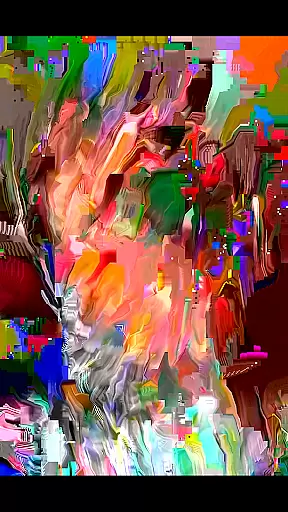
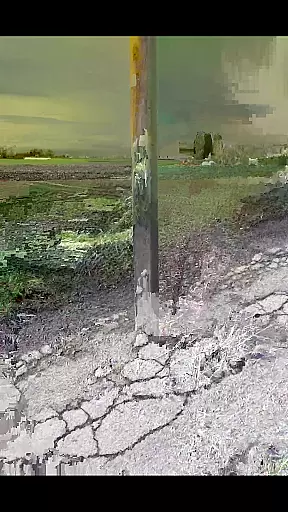
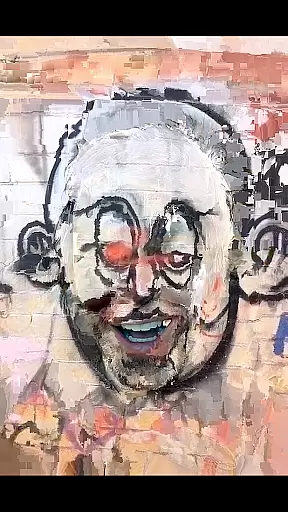
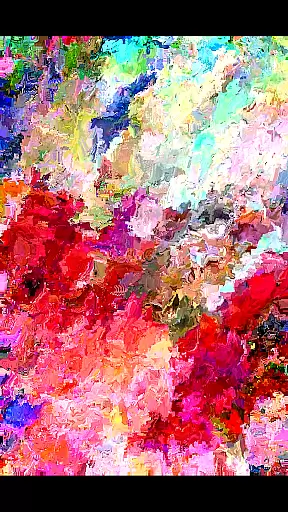
MoshUp is a creative photography app that allows users to perform live datamoshing on their mobile devices. This innovative tool lets you film one scene, then another, and uses the motion data from the second recording to transform the first. The result is unique visual effects that map the motion of one video onto the other.
With additional features like frame repetition by holding the screen and video import from your gallery, MoshUp offers a versatile platform for experimenting with video manipulation. While still in development, it provides an exciting playground for photographers and videographers looking to explore new artistic possibilities through datamoshing.
MoshUp stands out with its distinctive live datamoshing feature, enabling real-time video transformation based on motion data. Users can capture two separate videos, where the second clip's motion patterns alter the appearance of the first, creating fascinating mapping effects.
Beyond live datamoshing, the app includes practical functionalities such as touch-to-repeat last frame and video import capabilities. These features enhance user control and creativity, allowing for more personalized and intricate video edits. Although performance may vary across devices due to ongoing development, MoshUp remains committed to delivering a novel and engaging experience for digital artists.
Real-time capture and preview functionality is essential for photography apps like MoshUp. This feature allows users to see the effects of their actions immediately as they film, providing instant feedback on the datamoshing transformations.
MoshUp enables live datamoshing by transforming the first recording with the motion detected in the second recording. As users film different scenes, the app applies mapping effects in real time, creating a dynamic and interactive filming experience.
The ability to hold the screen and repeat the last frame further enhances this real-time interaction. Users can experiment with various visual effects without delay, making the creative process more engaging and efficient.
This immediate visual feedback empowers users to make quick adjustments and explore different artistic expressions, ensuring that their final creations align with their vision.
While MoshUp focuses primarily on live datamoshing, it also offers features that enhance video quality while maintaining natural aesthetics. The app's latest version supports importing videos from the gallery, allowing users to apply its unique effects to pre-recorded content.
Although not a traditional AI beauty tool, MoshUp's transformation algorithms create interesting visual mappings that preserve the authenticity of the original footage. This approach ensures that modified videos maintain their genuine character while incorporating creative distortions.
The app's developers are continuously working on compatibility improvements, aiming to provide consistent performance across different devices. This commitment to development demonstrates their dedication to delivering high-quality, natural-looking enhancements.
Users experiencing technical issues are encouraged to reach out, as the team actively works on optimizing the app's performance and expanding its capabilities while maintaining the natural essence of processed videos.
Unique datamoshing effect
Real-time video transformation
User-friendly interface
Creative freedom
Video import option
Limited device compatibility
Occasional stability issues
Requires technical understanding
Interface could be more polished
Feature set is niche

Trendy TikTok time warp scan funny filter app brings you unique photos & videos.
 4.40
4.40
Easily stitch panoramas from multiple photos or video.
4.40
What celebrity do you look like? Celebs will find your celebrity match!
4.10
Cartoon and artistic effects for your photos and videos
4.70
HD Camera Pro with HD Video shooting, Panorama, Photo editor , Beauty Camera.
4.50
Easily view, share, delete photos with Gallery.
4.70
AI-powered video creator by MiniMax - Where ideas meet cinema
4.20
Effortlessly make high-quality GIFs from images & videos without any watermarks.
4.70
Edit photos with the picture generator: PS2 & AI Clay filters, cartoon effects.
4.50
Pro version: AR sun/moon tracker for any date. Tool for photographers & planners
4.90
Photo editor: AI filters, photo enhancer, pic collage maker, AI art generator.
4.80
Enhance, upscale, and transform your images — on your device, without limits
4.70
Take videos and pictures with the popular TikTok TIME WARP SCAN filter.
4.60
PhotoSync Bundle Add-On License. Enables all features and services in PhotoSync.
4.60
AI portrait generator and polaroid AI selfie, fun AI generated AI photo creator!
4.30
All-in-One Editor & AI Photo Enhancer, Collage, Cartoonify, Funny Stickers & BGS
4.10
Create & Edit with AI: AI Remove, Enhance, Retouch, Filter
4.10
Remote control the phone camera shutter from your smartwatch and take a picture
1.60
Add a dreamy vibe to your selfies and videos with soft style filters
4.0


User Reviews