
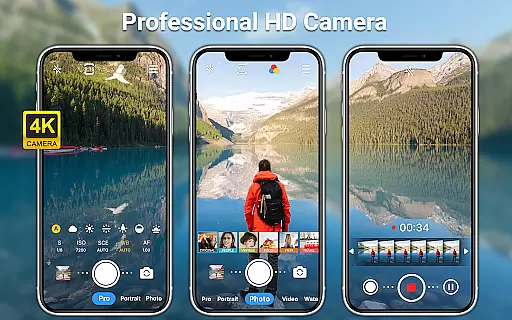
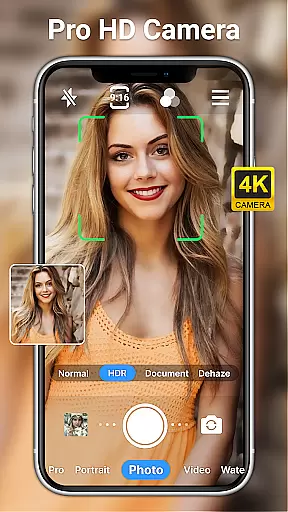
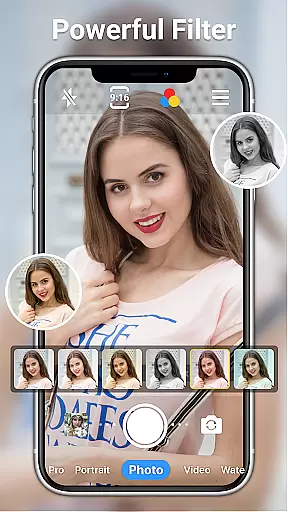
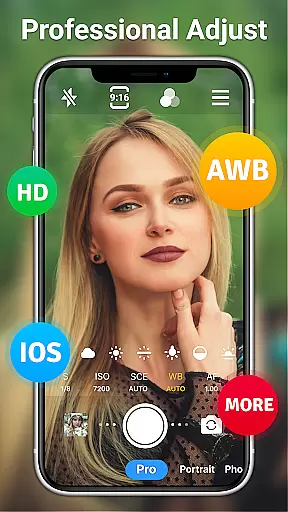
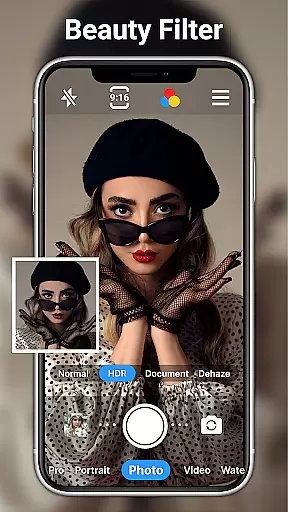
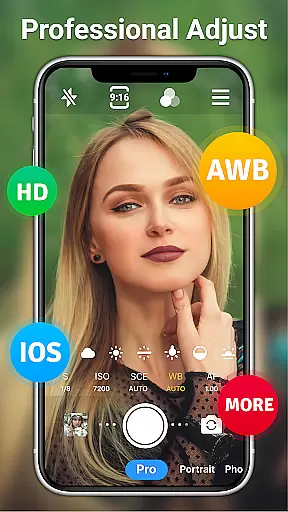
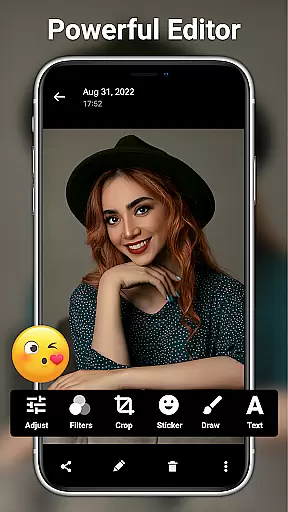
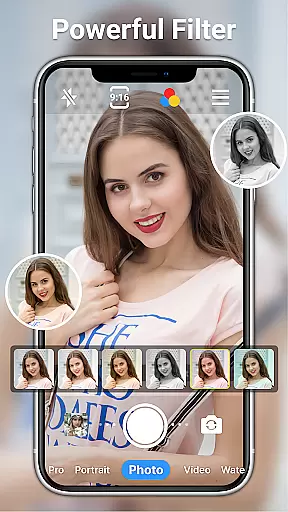
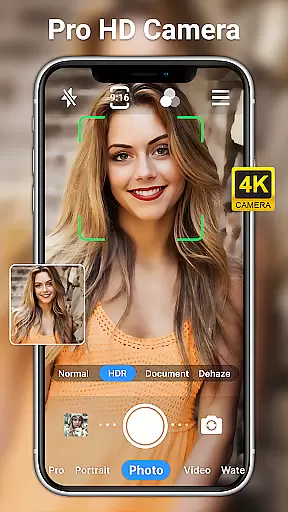
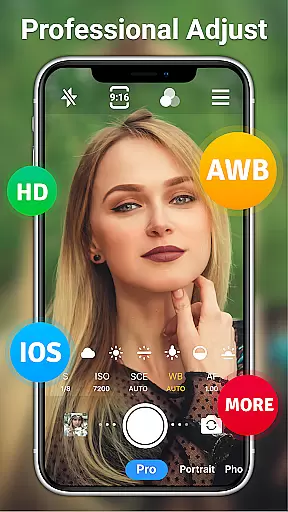
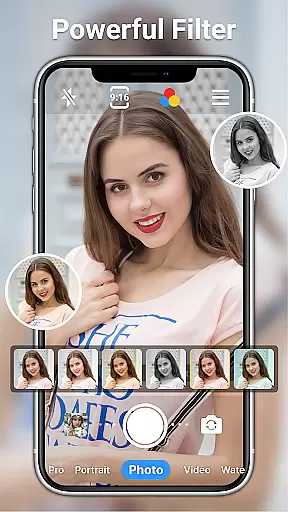
HD Camera for Android is a professional-grade photography application that empowers users to capture high-definition photos and videos with advanced features. This app offers full manual control over camera settings, including ISO, shutter speed, and white balance, making it suitable for both amateur photographers and professionals.
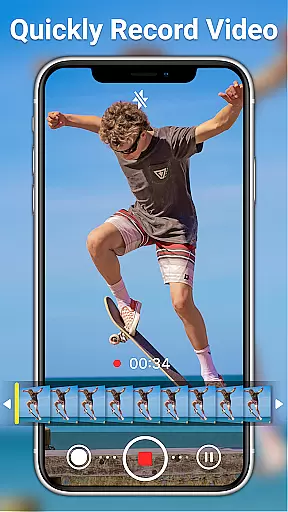
The app includes an array of creative tools such as real-time filters, scene modes, and photo editing capabilities. With support for 1080p video recording, optical/digital zoom, and various shooting modes, it ensures users can produce stunning visuals regardless of lighting conditions or environment.
Whether capturing everyday moments or working on professional projects, HD Camera for Android provides the tools necessary to create visually impressive content while offering extensive customization options tailored to individual preferences.
HD Camera for Android stands out with its comprehensive feature set designed for optimal photographic control. The app supports both front and rear cameras, providing flexibility in shooting perspectives. It includes professional shooting modes like HDR, sports, and night mode, allowing users to adapt to different environments effortlessly.
One of the key highlights is the ability to adjust advanced settings such as ISO, shutter speed, and white balance. These features enable users to fine-tune their shots according to specific lighting conditions. Additionally, the app offers real-time filters, AI-based photo restoration, and facial retouching tools, enhancing creativity without compromising image quality.
Other notable features include steady shooting, pinch-to-zoom functionality, and time-lapse photography. With intuitive controls like touch-to-focus and volume key shutter release, this app ensures a seamless user experience while delivering professional-grade results.
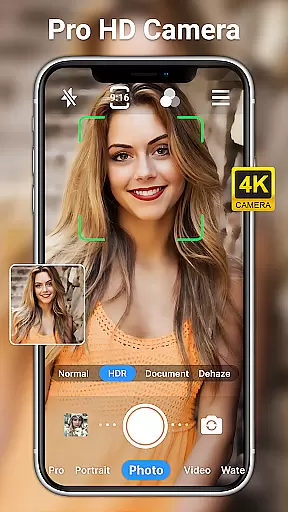
Real-time capture and preview functionality is essential for ensuring that every photo or video taken meets the user's expectations immediately. HD Camera for Android offers a seamless experience by providing an accurate and high-definition preview, allowing users to see exactly what they will capture before taking the shot.
This app leverages 1080p camera capabilities in full HD mode, ensuring that each image and video reflects true colors and fine details. With real-time filters and effects, users can apply different styles instantly, enhancing creativity without compromising on quality.
Users benefit from advanced features like optical and digital zoom, tap to focus, and steady shooting. These tools ensure that whether capturing moments during the day or night, the clarity and detail remain exceptional. The ability to preview adjustments such as hue, saturation, and exposure in real time empowers users to produce professional-quality work effortlessly.
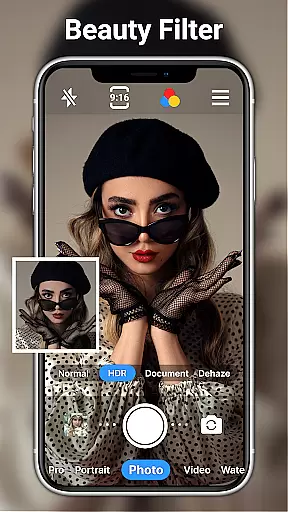
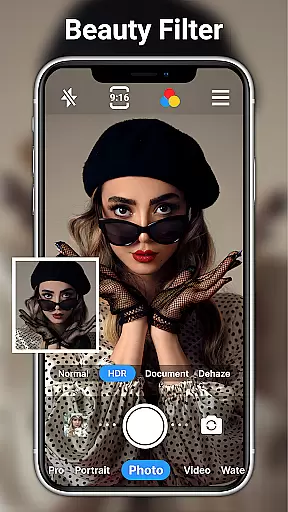
AI beauty and enhancement features are crucial for users looking to elevate their photography with natural-looking edits. HD Camera for Android incorporates sophisticated AI algorithms that enhance facial features while maintaining authenticity, ensuring that edited photos do not appear overly processed or artificial.
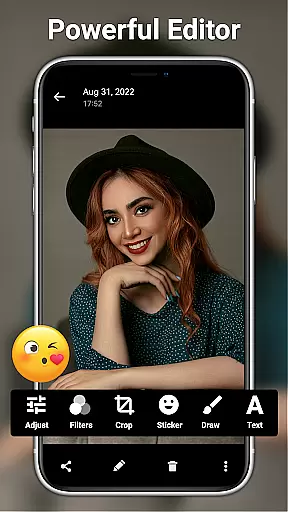
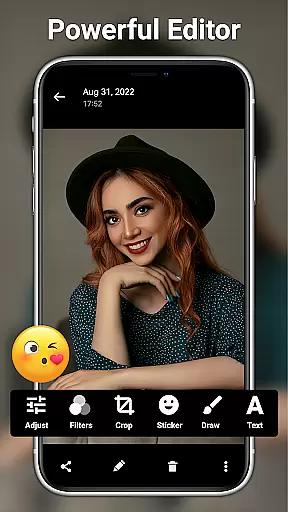
The app provides one-click facial retouch options, which intelligently smooth skin, brighten eyes, and enhance facial contours. This feature is complemented by a suite of editing tools that allow for detailed adjustments, including brightness, contrast, and saturation, enabling users to fine-tune their images precisely.
With 20+ photo filters designed for various occasions, users can add artistic touches to their photos while retaining a natural feel. Additionally, AI restore and AI palettes offer advanced color correction and restoration capabilities, making it easy to achieve professional-grade enhancements without extensive editing knowledge.
User-friendly interface
Advanced manual controls
Real-time filters and effects
AI-powered editing tools
Completely free to use
Occasional performance lags
Ads may disrupt workflow
Limited low-light optimization
No RAW format support
Heavy on battery usage

Easily stitch panoramas from multiple photos or video.
 4.40
4.40
Application for remote controlling DSLR
3.00
Cartoon and artistic effects for your photos and videos
4.70
Photo Exif Editor allows to view, add and modify EXIF data of multiple photos
4.50
See your baby AI baby face generator AI baby maker Face generator babymaker fun!
4.70
Snap photos remotely using your Garmin watch as the camera trigger
4.0
The original Rarevision VHS look seen everywhere!
4.70
A unique animation app. Powerful, easy to use, and lots of fun.
4.30
Your Family Calendar + Photos. Manage your Skylight Calendar and Skylight Frame.
4.40
Create funny photos and videos with the popular Time Warp Scan filter.
4.90
Amazing Photo Effects - The most fun you can have with your photos!
4.70
Enhance, retouch & create your story - Share the moment with Photoshop Express.
4.60
HD Camera Pro with HD Video shooting, Panorama, Photo editor , Beauty Camera.
4.50
Use AI Video Generator to turn your words to ai generated videos.
4.50
Turn your phone into a professional camera - full DSLR manual photography
4.30
Virtual makeup, hair filters & body tuner—edit from face to full body!
4.20
Professional photography on your mobile phone
4.20
Hair color changer, AI haircut app, fun hair editor and buzz cut filter for all!
3.80
Pet Camera
3.70


User Reviews