
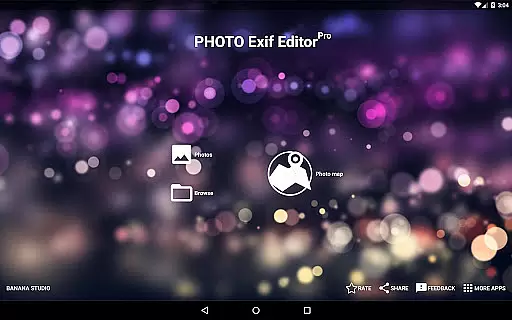
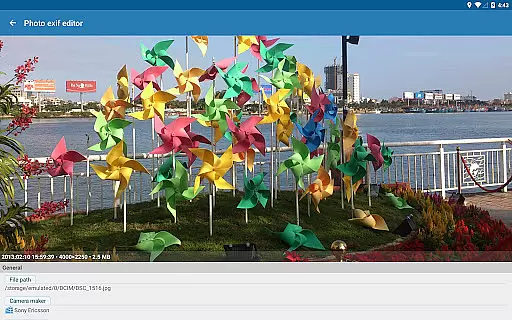
Photo Exif Editor Pro is a powerful tool designed for photographers and enthusiasts who need to manage the metadata of their images. This application allows users to view, modify, and correct Exif data in photos, ensuring that all relevant information is accurate and complete.
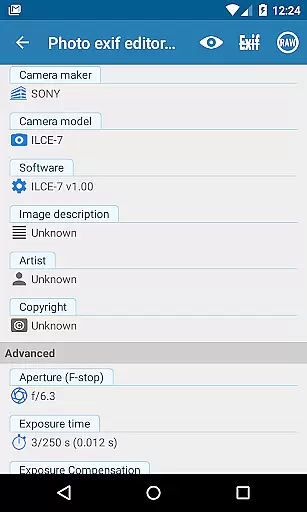
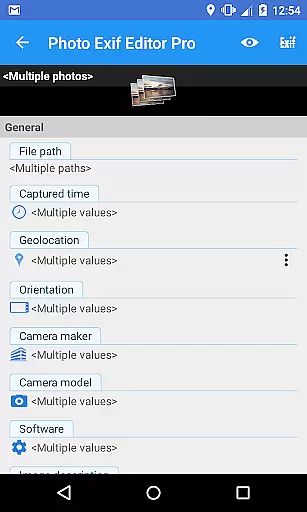
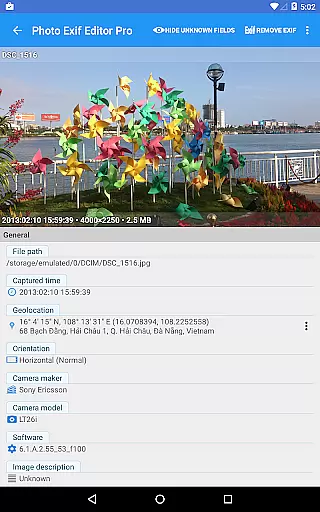
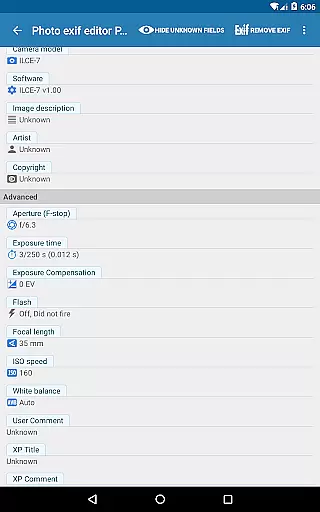
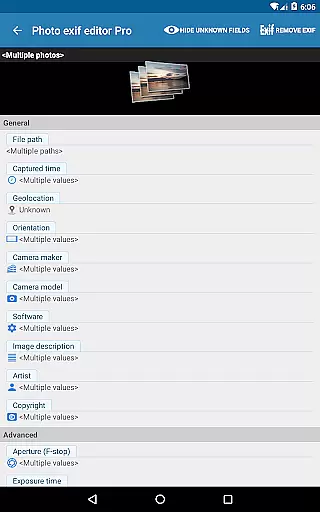
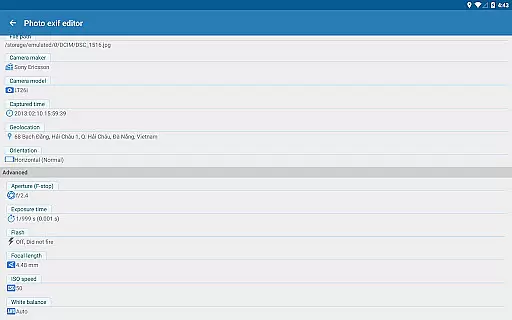
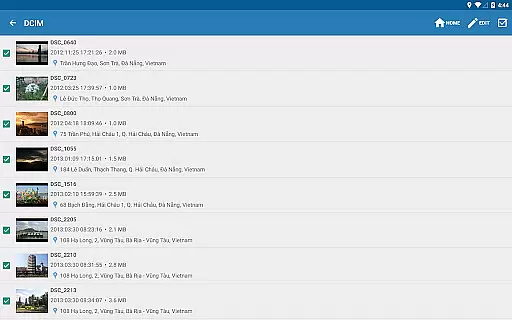
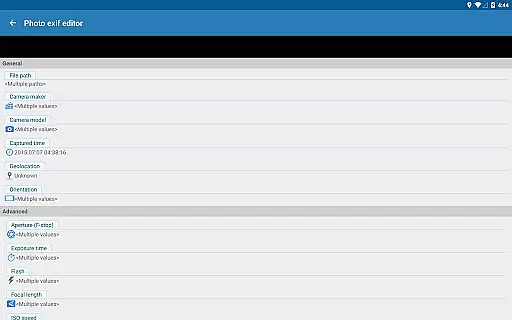
The app features an intuitive interface that makes it easy to browse and edit Exif tags such as camera settings, GPS location, aperture, shutter speed, focal length, and ISO speed. With support for batch editing, users can efficiently update multiple photos at once. Additionally, the Pro version offers advanced capabilities like viewing full raw data and ad-free usage.
Whether you're organizing your photo library or preparing images for professional use, Photo Exif Editor Pro provides the necessary tools to ensure your photos' metadata is precise and informative. It's particularly useful for those who require detailed control over their image files on Android devices.
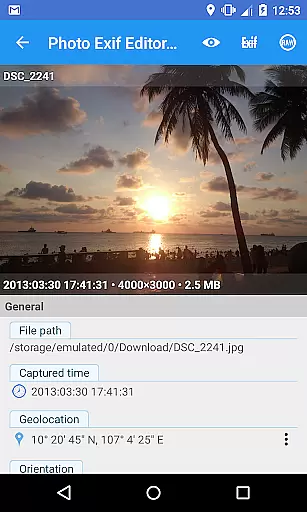
Photo Exif Editor Pro stands out with its comprehensive set of features tailored for managing photo metadata. The app supports viewing and modifying Exif data, including essential camera settings like aperture, shutter speed, focal length, and ISO speed. Users can also edit GPS tags to document the exact location where a photo was taken.
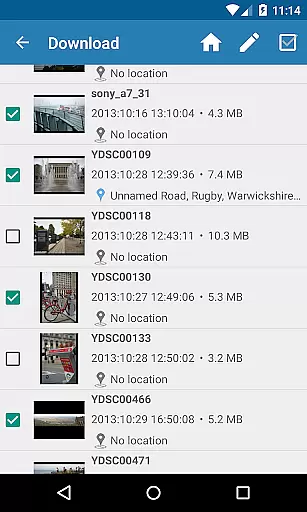
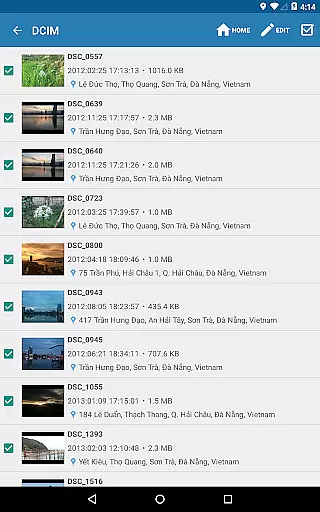
One of the key strengths of this application is its batch editing capability, allowing users to make changes to multiple photos simultaneously. This feature saves time and effort, especially when dealing with large photo collections. Additionally, the Pro version provides access to full raw data of images, offering advanced users more control and insight into their files.
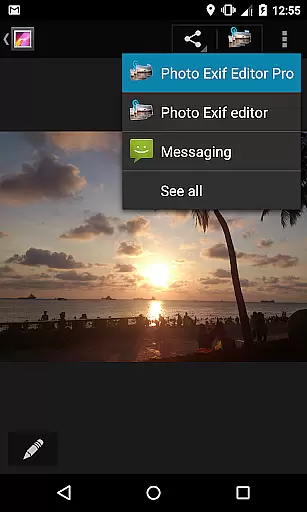
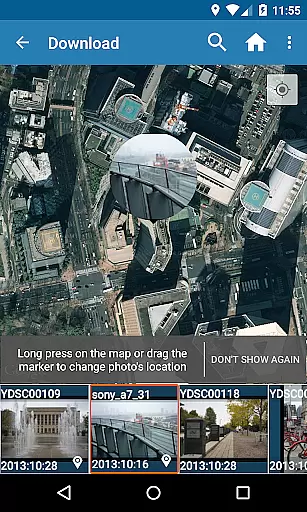
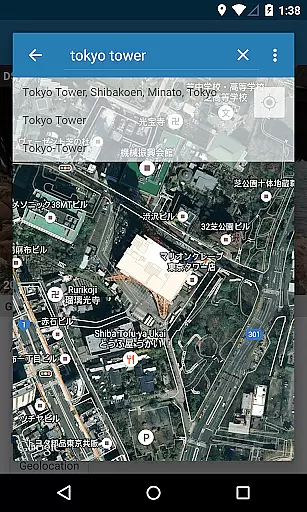
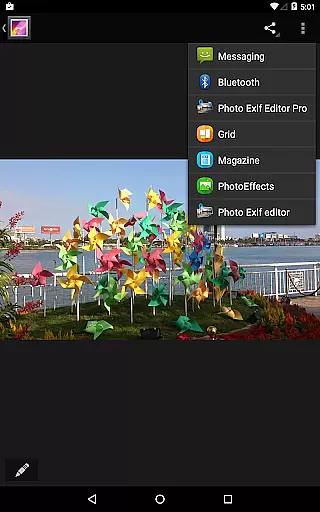
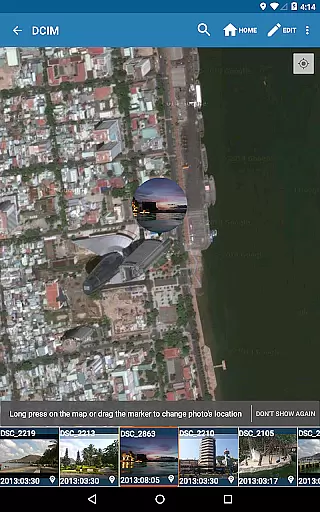
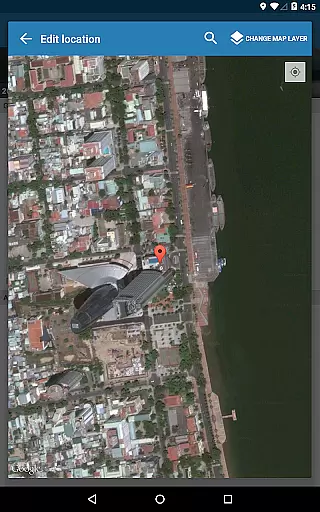
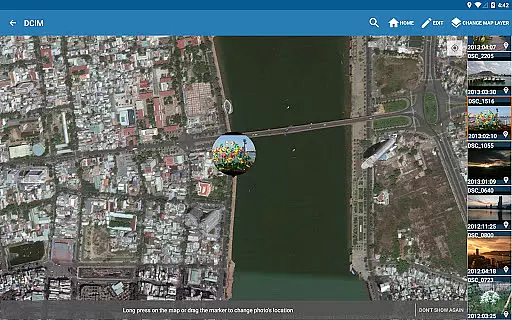
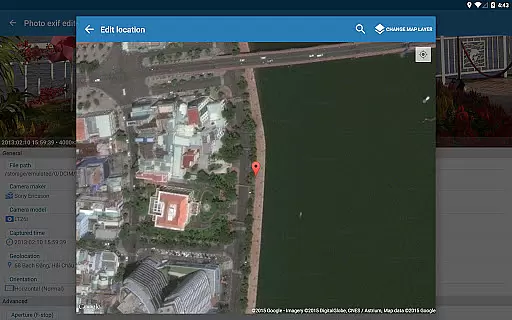
The app integrates seamlessly with Android Gallery and includes an internal photo browser for easy navigation. With options to add or correct location data using Google Maps, Photo Exif Editor Pro ensures that every photo's metadata is accurate and meaningful. These robust features make it an indispensable tool for anyone serious about photo management.
Real-time capture and preview functionality is essential for ensuring that photographers can accurately assess their images while shooting. Photo Exif Editor Pro provides a seamless experience by allowing users to view Exif data instantly, which includes critical information such as aperture, shutter speed, and ISO settings.
This application ensures that all captured details are displayed in real time, offering users the ability to make necessary adjustments on the fly. The clear user interface enhances the ease of use, making it simple for photographers to correct any missing information in their photos without delay.
With the integration of Google Maps, users can also add or correct location data immediately after capturing an image. This feature not only enriches the metadata but also adds context to each photograph, making it invaluable for both amateur and professional photographers who rely on accurate data for their work.
AI beauty and enhancement features have become a staple in modern photography applications, aiming to improve image quality while maintaining a natural look. Photo Exif Editor Pro offers advanced tools that leverage AI technology to enhance photos without compromising their authenticity.
The application allows for detailed modifications of Exif tags, including camera settings like white balance, focal length, and metering mode. These adjustments ensure that enhancements are applied with precision, preserving the original aesthetics of the photograph.
Furthermore, the batch editing capability enables users to apply these enhancements across multiple images efficiently. This feature saves time and effort, particularly for professionals managing large volumes of photos. By focusing on natural enhancement, Photo Exif Editor Pro ensures that every edited photo retains its genuine essence, providing photographers with reliable and high-quality results.
User-friendly interface
Batch editing support
Full raw data access
Ad-free experience
Comprehensive Exif tag editing
Limited to Android platform
No iOS version available
Advanced features may overwhelm beginners
Requires network connection for maps
Optional location permission needed

AI portrait generator and polaroid AI selfie, fun AI generated AI photo creator!
 4.30
4.30
HD Photo gallery and photo manager to edit, hide private photos, videos & albums
4.0
Viewfinder, Light meter, Reciprocity failure time, DOF & Bellows Extension
4.60
Enhance, retouch & create your story - Share the moment with Photoshop Express.
4.60
Easily create custom gifts, cards, photo books & more on the Shutterfly app!
4.60
RAW video capture with advanced controls
4.40
PhotoSync Bundle Add-On License. Enables all features and services in PhotoSync.
4.60
A unique animation app. Powerful, easy to use, and lots of fun.
4.30
Try an anime version, cartoon yourself, and generate AI hug or aging videos!
3.70
Collage your moments in one tap: 1000+ layouts, filters, stickers, and texts.
4.90
Find time and duration of different sunlight phases at any location
4.90
Android Native system HD camera app. Never been so simple and faster.
4.70
Cartoon and artistic effects for your photos and videos
4.70
Amazing Photo Effects - The most fun you can have with your photos!
4.70
The original Rarevision VHS look seen everywhere!
4.70
Effortlessly organize, view and share your photos & videos with Gallery app!
4.40
live datamoshing
4.00
How would you look like with a differently shaped nose, chin or lips?
3.90
Turn photos into cartoons & avatars! - Photo Editor, Cartoon Face!
3.90


User Reviews