

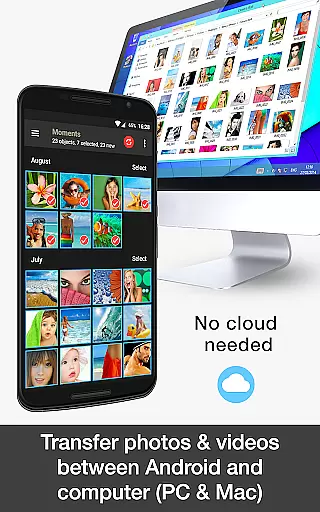
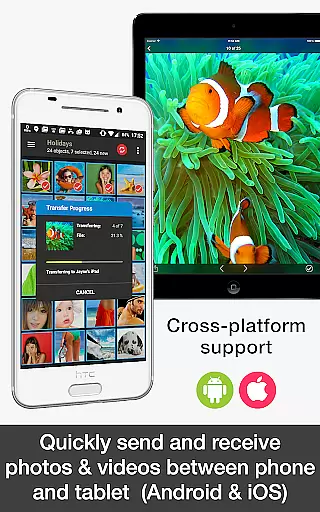
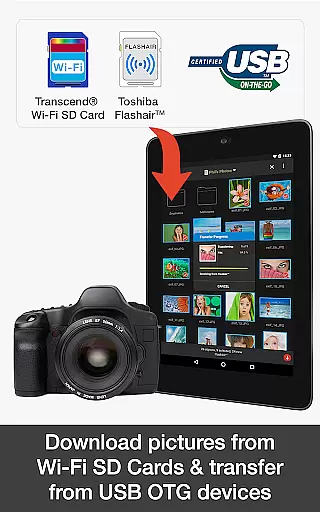
PhotoSync Bundle Add-On is an advanced activation license that enhances the free version of PhotoSync, a leading cross-platform solution for wireless photo and video management. This add-on enables users to seamlessly transfer, backup, and share multimedia files between various devices including Android, iOS, Windows, Mac, NAS systems, and cloud services.
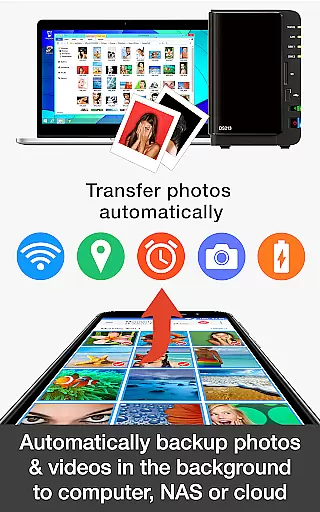
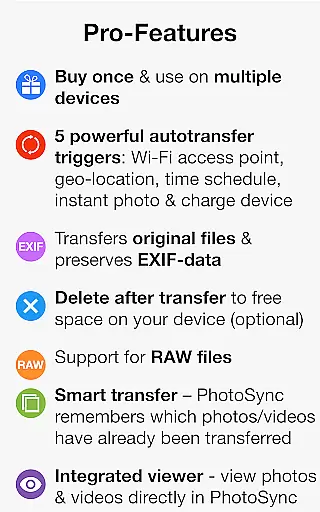
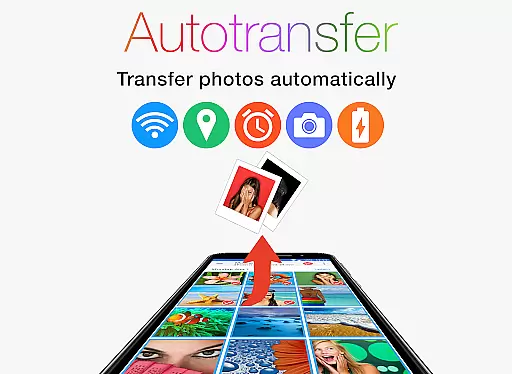
The product stands out with its autotransfer capabilities, allowing instant wireless transfers based on triggers like Wi-Fi connection or geolocation. It also includes NAS support for major brands and integrates with popular cloud services, providing a comprehensive toolset for managing digital content securely and efficiently.
Ideal for photographers and businesses, PhotoSync Bundle Add-On offers significant cost savings while removing ads and ensuring all future add-ons are included for free. With over 10,000 positive reviews and millions of successful transfers, it represents a reliable choice for anyone seeking robust media management solutions.
PhotoSync Bundle Add-On boasts an impressive array of features designed to streamline photo and video management. The autotransfer functionality supports multiple triggers such as instant transfer upon capturing new media, scheduled transfers, and location-based actions, ensuring users never miss backing up important moments.
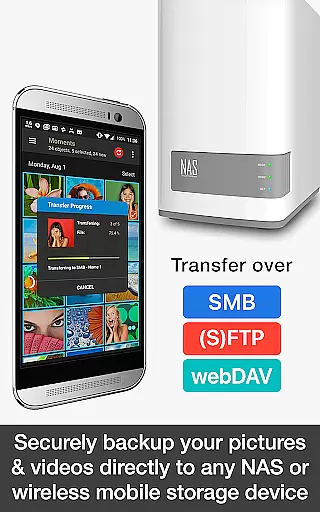
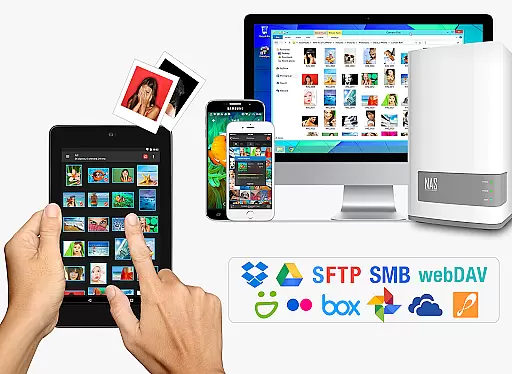
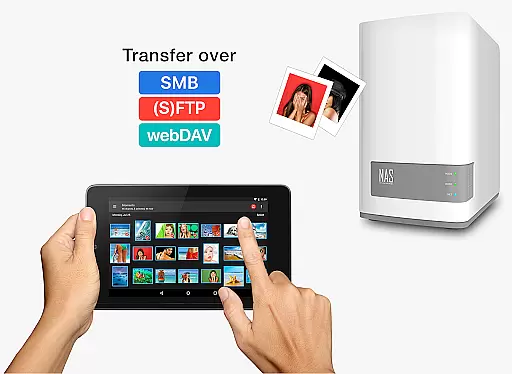
With the NAS Add-On, users can securely back up their files to various network-attached storage devices or servers using protocols like SMB, (S)FTP, and WebDAV. This feature extends compatibility to numerous brands including Synology, QNAP, and Western Digital, making it versatile for different hardware setups.
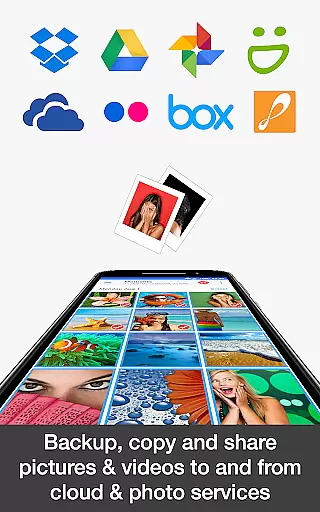
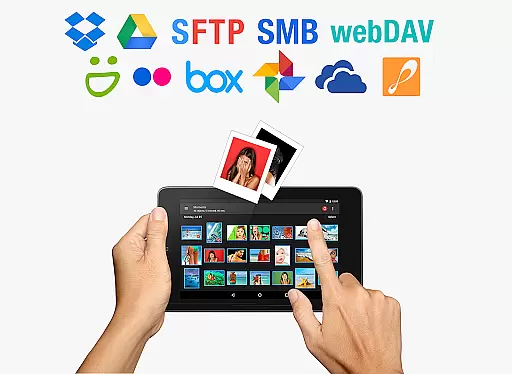
The Cloud Add-On further expands usability by integrating with major cloud services like Dropbox, Google Drive, and OneDrive. Users can easily upload, download, and manage their media across these platforms, creating a seamless experience for both personal and professional use cases.
Real-time capture and preview functionality is essential for photography apps as it allows users to see exactly what the camera is capturing before taking a shot. This ensures that photos are framed correctly, lighting is optimal, and unwanted elements are avoided.
PhotoSync Bundle Add-On enhances this experience by providing seamless integration with Android devices, enabling instant previews of photos and videos directly on computers or NAS systems. The app supports automatic uploads over WiFi, ensuring that every captured moment is immediately viewable on larger screens without delay.
Users benefit from real-time previews when using PhotoSync's Autotransfer feature, which automatically backs up new photos and videos. This immediate feedback loop helps photographers adjust settings on-the-fly, improving their overall photography skills and ensuring no important moments are missed due to poor framing or exposure issues.
AI beauty and enhancement features have become increasingly popular in photography apps, offering tools to improve skin tones, remove blemishes, and enhance facial features naturally. These enhancements should maintain the authenticity of the original image while subtly improving its aesthetic appeal.
While PhotoSync does not focus heavily on AI-driven beautification, its robust transfer capabilities ensure that any edits made using other specialized apps can be quickly synced across devices. Users can apply advanced editing techniques on one device and instantly see results on others, maintaining consistency in their workflow.
The naturalness of these enhancements is crucial; overly processed images can appear artificial. With PhotoSyncu2019s reliable syncing, photographers can experiment with different editing styles and confidently share their work knowing that the final output retains the intended look and feel, whether viewed on a phone, tablet, or computer.
User-friendly interface
Comprehensive device support
Secure data handling
Cost-effective bundle
Regular updates
Requires initial setup
Premium pricing
Dependent on network quality
Limited offline functionality
Learning curve for beginners

Photo Album Watch Face shows your favorite pictures as a Watchface.
 1.90
1.90
Edit like a pro with Hypic. Apply filters, AI effects, & magic touch.
4.40
AI photo editor with hair editor, retouch tools, hair color changer & filters!
4.50
Amazing Photo Effects - The most fun you can have with your photos!
4.70
Raw Image Viewer. Gallery with support of raw images (.cr3, .cr2, .nef, .raf).
2.00
See your baby AI baby face generator AI baby maker Face generator babymaker fun!
4.70
Transform Photos: Edit, Beautify and Craft Memories & Make Collages!
4.10
The original Rarevision VHS look seen everywhere!
4.70
Unlock the full potential of your DJI drone with Litchi
4.50
Easily view, share, delete photos with Gallery.
4.70
Create collages easily! Nice pic collage maker & background eraser for Instagram
4.50
Create Business Headshots, Polaroid Filter, Retake Photos,Profile Pics,AI Photos
4.50
Photo editor & gallery. Crop pictures & edit photos offline, no wifi!
4.50
Search, tag and rate your way to an organized image gallery
4.40
A reflected light meter with spot metering and incident light metering.
4.40
Professional camera app that brings DSLR manual photography controls to Android.
4.20
All-in-One Editor & AI Photo Enhancer, Collage, Cartoonify, Funny Stickers & BGS
4.10
Over 800 film simulation recipes for Fujifilm. Black Friday Offer!
4.1
Snap photos remotely using your Garmin watch as the camera trigger
4.5


User Reviews