
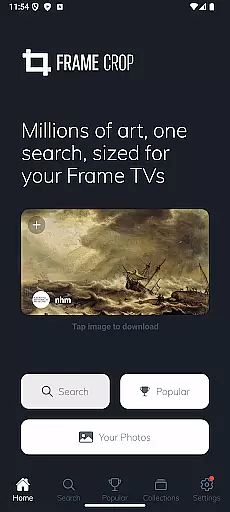
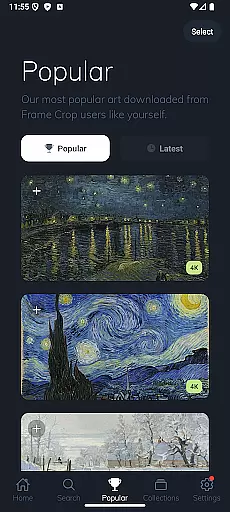
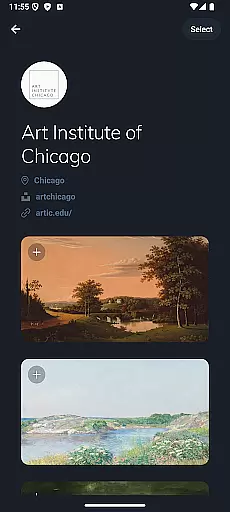
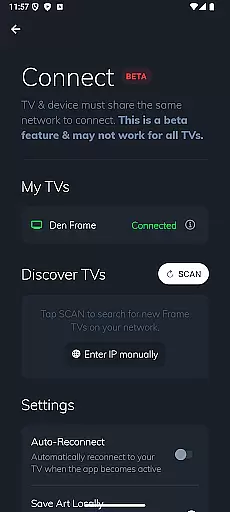
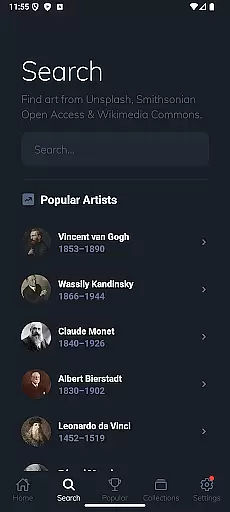
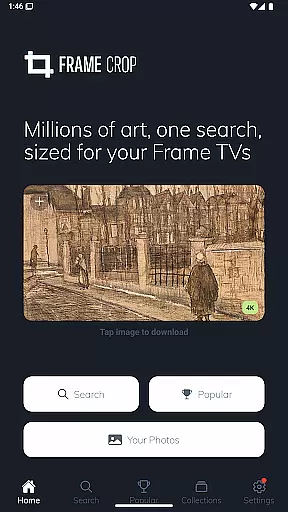
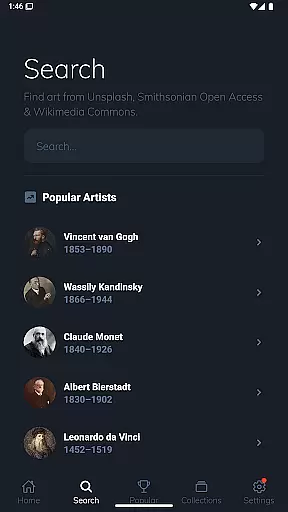
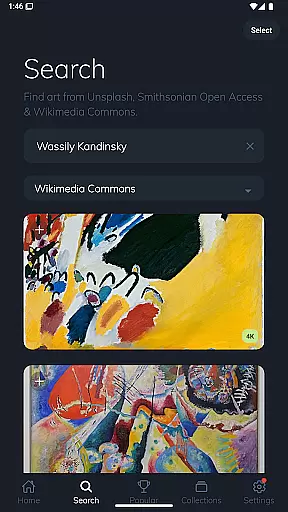
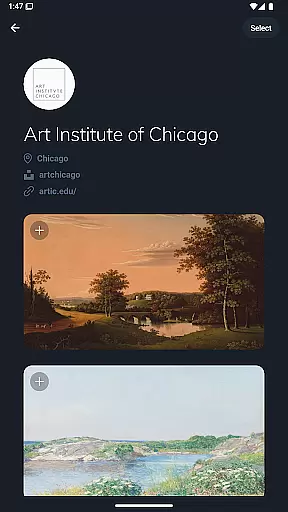
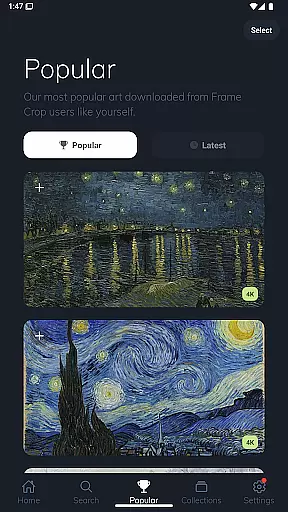
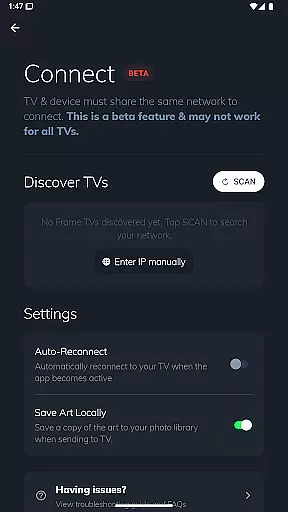
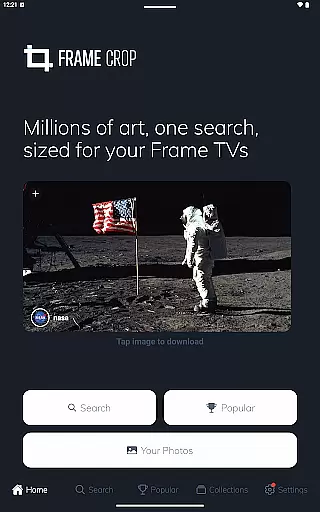
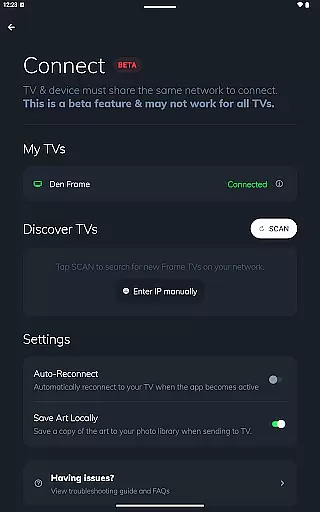
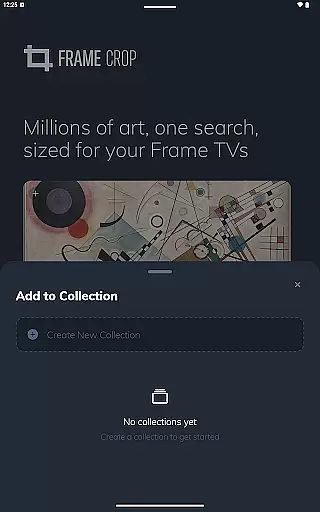
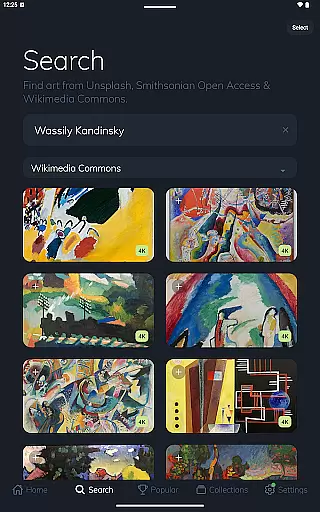
Frame Crop is a specialized photography app designed to optimize artwork and photos for Samsung Frame TV and Hisense CanvasTV. The application allows users to effortlessly browse, crop, and download high-quality images from integrated libraries such as Smithsonian Open Access, Unsplash, and Wikimedia Commons. With intuitive cropping tools tailored for borderless displays, users can perfectly fit images to their TV screens.
The app supports both landscape and portrait-mounted Frame TVs, offering flexibility in art display. Whether showcasing travel memories, professional artwork, or stunning landscapes, Frame Crop ensures each image complements the user's mood or home decor. By leveraging thousands of high-resolution images, this app transforms any living space into a dynamic art gallery, enhancing the overall aesthetic with minimal effort.
Frame Crop stands out with its powerful yet user-friendly features tailored specifically for Samsung Frame TV and Hisense CanvasTV owners. One of its core functionalities is the intuitive photo cropping tool, which enables users to adjust images precisely to match the aspect ratio of their borderless displays. This feature ensures every piece of art looks professionally curated on-screen.
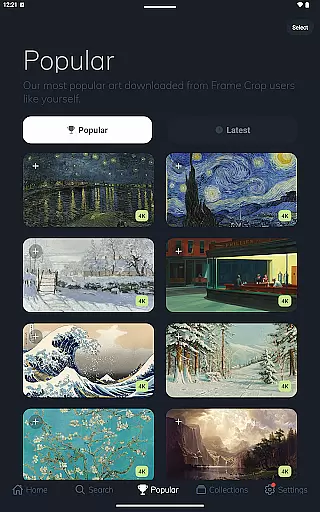
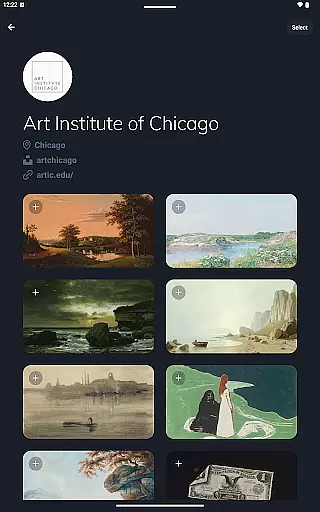
In addition to precise cropping, Frame Crop provides access to an extensive library of artwork sourced from renowned platforms like Smithsonian Open Access, Unsplash, and Wikimedia Commons. Users can explore categories ranging from landscapes to animals, ensuring there’s something for every taste. Furthermore, support for portrait orientation adds versatility, making it ideal for creative room setups. These capabilities empower users to customize their viewing experience while maintaining exceptional visual quality.
Real-time capture and preview functionality is essential for ensuring that the images displayed on your Samsung Frame TV or Hisense CanvasTV are perfectly aligned with your expectations. Frame Crop offers an intuitive interface that allows users to see exactly how their chosen artwork, photos, or paintings will look on their TV screens before finalizing the selection.
The app provides a seamless experience by enabling users to browse through thousands of high-resolution images from integrated libraries such as Smithsonian and Unsplash. With real-time previews, users can effortlessly adjust and crop these images to fit the unique borderless display of their TVs. This ensures that every piece of art or photograph is displayed in the best possible way, enhancing both mood and home decor.
By leveraging advanced rendering technologies, Frame Crop guarantees that what you see in the preview is precisely what you get on your TV screen. This feature not only saves time but also enhances user satisfaction by providing a clear and accurate representation of the final output, making it easier than ever to customize and enjoy a personalized art display.
AI beauty and enhancement features have become a cornerstone of modern photography apps, allowing users to optimize and beautify their images while maintaining a natural look. Frame Crop incorporates sophisticated AI algorithms that enhance the visual appeal of artworks, photos, and paintings without compromising their authenticity.
With Frame Crop, users can apply AI-driven enhancements to their favorite memories, landscapes, or professional artwork sourced from libraries like Smithsonian Open Access and Unsplash. The app's AI capabilities ensure that every image is optimized for display on Samsung Frame TVs or Hisense CanvasTVs, preserving the original quality while adding a touch of refinement.
This balance between enhancement and naturalness is achieved through careful calibration of AI parameters, ensuring that colors, contrasts, and details are enhanced subtly. As a result, users can enjoy stunning visuals that complement their home decor and personal style, all while retaining the genuine essence of the original content. This makes Frame Crop an indispensable tool for anyone looking to elevate their digital art display experience.
User-friendly interface
Extensive art library
Precise cropping tools
Supports portrait mode
High-resolution downloads
Limited device compatibility
No offline editing
Premium content costs
Requires SmartThings app
Subscription fees apply

Effortlessly organize, view and share your photos & videos with Gallery app!
 4.40
4.40
Add Watermark - Sign your pictures with a text or logo. Effective, quick, easy!
4.50
Perfect photos with body shaping, BG changer and object remover.
3.70
Take videos and pictures with the popular TikTok TIME WARP SCAN filter.
4.60
Raw Image Viewer. Gallery with support of raw images (.cr3, .cr2, .nef, .raf).
2.00
Smart, light, and fast photo and video gallery
4.30
Easily view, share, delete photos with Gallery.
4.70
RAW video capture with advanced controls
4.40
Catch sunlight, sunrise sunset times and sun phases with the AR sun tracker.
4.10
Cartoon and artistic effects for your photos and videos
4.70
PhotoSync Bundle Add-On License. Enables all features and services in PhotoSync.
4.60
Safe & smart flight with Go Fly drone controller for 40+ drone camera, zone map
4.50
Transform photos into videos! Create realistic or anime-style images easily!
4.50
Trendy TikTok time warp scan funny filter app brings you unique photos & videos.
4.40
A light meter for true photographers.
4.20
How old age camera Gender Swap App Face Shape Hairstyle App Hair Styler App fun!
4.00
live datamoshing
4.00
USB Storage Access for Photos, Videos, Music and Documents
3.80
Superimpose one photo on top of another using the original Superimpose app!
3.20


User Reviews