
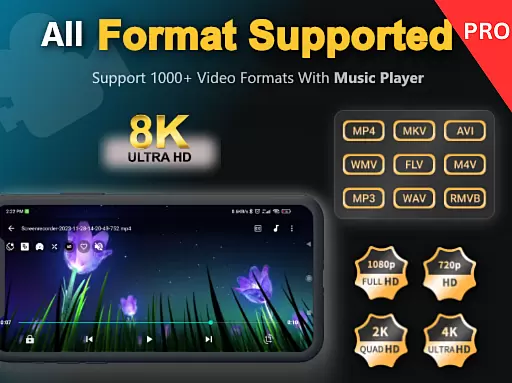
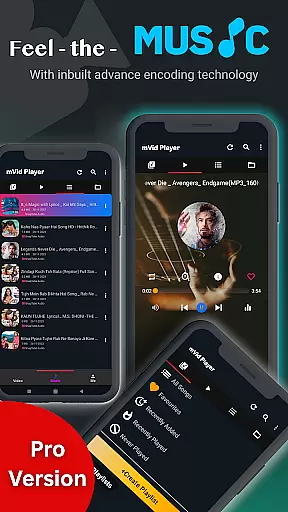
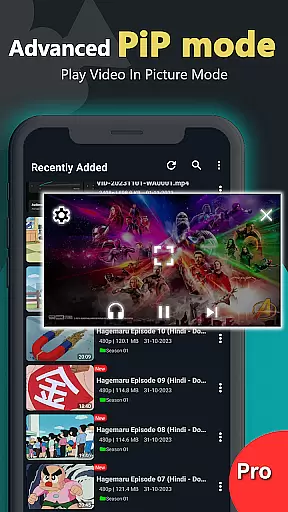
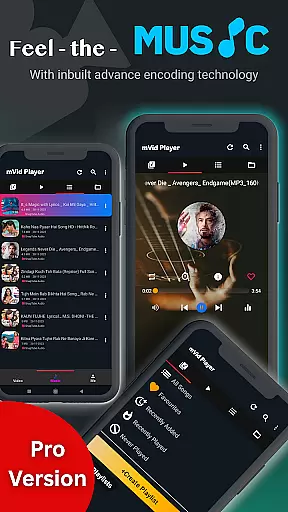
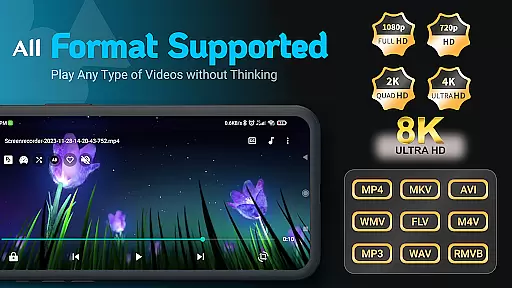
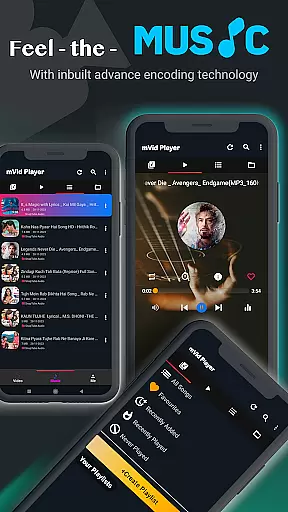
Zea Player Pro is a premium video player designed for Android devices, offering an ad-free experience with support for all major video and audio formats. This includes high-resolution 4K and 8K videos, MKV, MP4, AVI, and more. It stands out as the ultimate solution for movie enthusiasts, streamers, and audiophiles who demand smooth, high-quality playback.
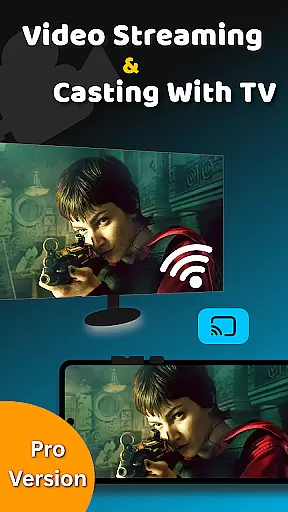
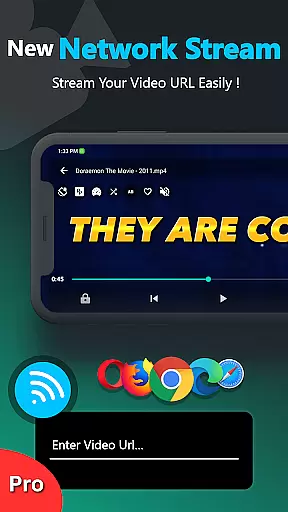
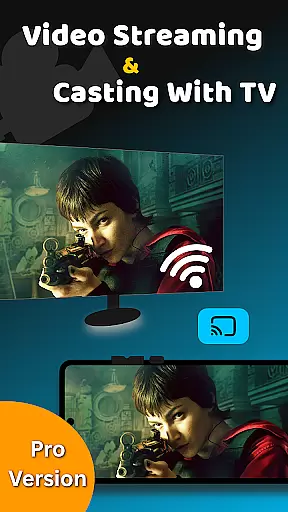
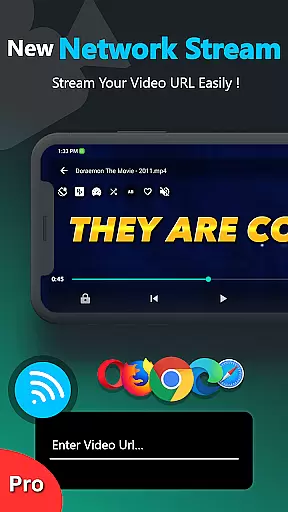
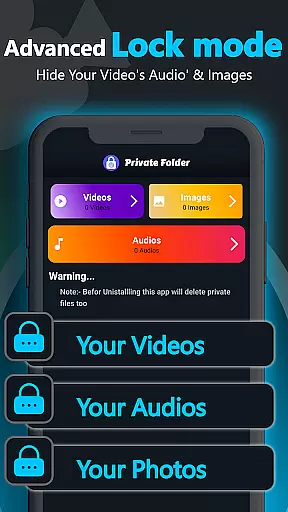
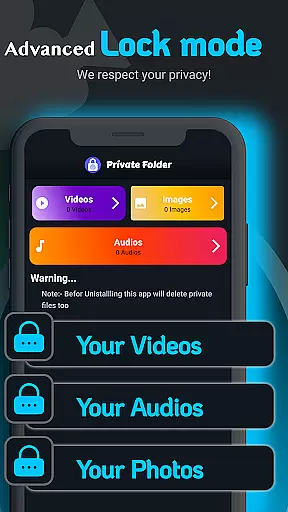
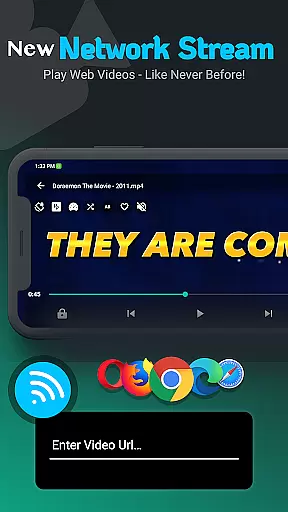
One of the key features of Zea Player Pro is its ability to play videos from both local storage and direct URLs, making it versatile for various user needs. Additionally, the app provides advanced functionalities such as dual audio tracks, online subtitle downloads, and background music play. With volume boosting, casting to Android TV, and a private folder feature to hide media files, Zea Player Pro ensures both convenience and privacy.
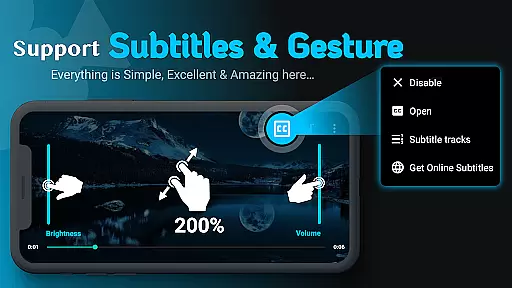
Whether you're watching your favorite Bollywood movies or streaming personal video collections, Zea Player Pro delivers a seamless and premium-grade media experience. Its intuitive controls for volume, brightness, zoom, and playback progress make it easy to use while maintaining high performance standards.
Zea Player Pro boasts an impressive array of features that cater to diverse media consumption needs. The app supports all major video and audio formats, including ultra HD 4K and 8K resolutions, ensuring that users can enjoy their media in the highest possible quality. The inclusion of advanced playback options like URL streaming and dual audio tracks makes it highly versatile.
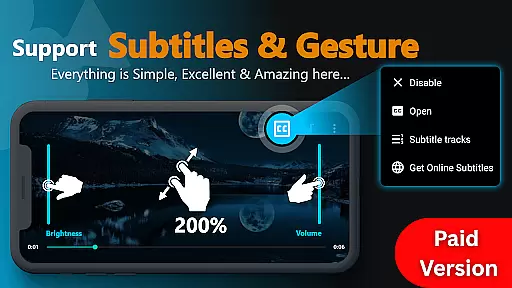
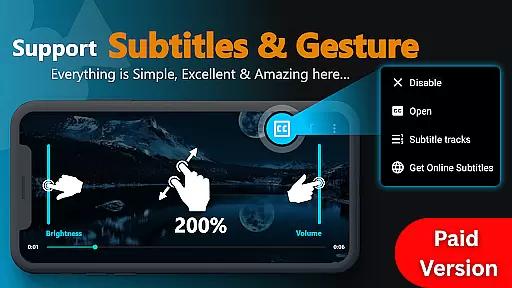
Subtitle support is another standout feature, allowing users to watch movies with subtitles and even download them directly within the app. The ability to control volume, brightness, and zoom with ease enhances the overall user experience. Additionally, the private folder functionality lets users password-protect their private files, ensuring that sensitive media remains secure and unseen by others.
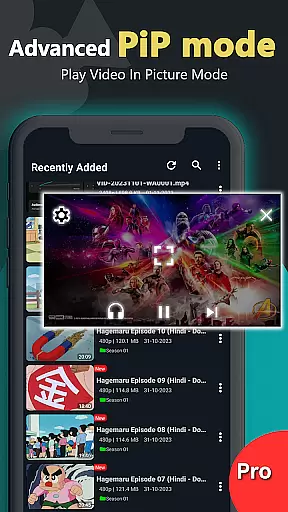
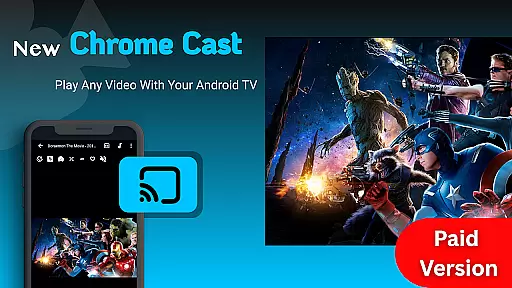
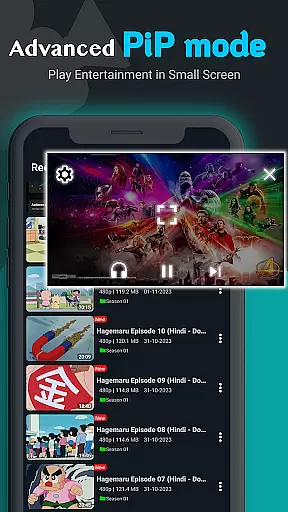
Other notable features include the ability to play music and videos in the background, cast videos to Android TV, and enjoy an uninterrupted viewing experience thanks to the ad-free environment. These comprehensive capabilities make Zea Player Pro a top choice for anyone seeking a robust and reliable media player.
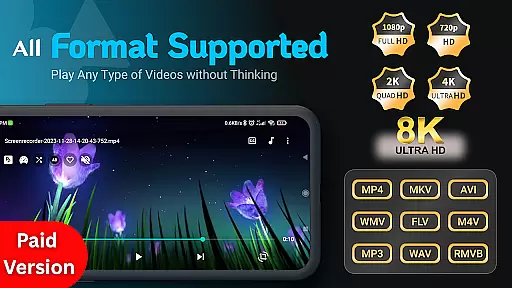
Video Player Pro Version stands out for its exceptional video format compatibility, ensuring users can enjoy a seamless playback experience across all major file types. The application supports an extensive range of formats including MKV, MP4, AVI, MOV, and even ultra-high-definition 4K and 8K videos.
This comprehensive support is made possible through advanced decoding technologies integrated into the app's core framework. Whether users are streaming content from local storage or directly via video URLs, Zea Player Pro ensures smooth, high-quality playback without the need for additional plugins or converters.
The benefit to users is significant - they can confidently play any video file without worrying about format restrictions. This versatility makes the app suitable for diverse audiences, from casual viewers to professional content creators who work with various video resolutions and codecs.
While primarily a video player, Video Player Pro Version incorporates AI-powered features that enhance the viewing experience beyond basic playback. The app utilizes artificial intelligence to optimize video quality, automatically adjusting parameters such as brightness, contrast, and color saturation based on content analysis.
One notable implementation is the smart subtitle synchronization feature, which uses AI algorithms to detect and correct timing issues in subtitle tracks. Additionally, the app's volume booster function employs machine learning to maintain consistent audio levels across different video sources.
These intelligent features provide users with a more refined and professional-grade viewing experience. The AI enhancements work seamlessly in the background, requiring no technical expertise from users while delivering noticeably improved video and audio quality across all content types.
Ad-free playback
Supports 4K/8K videos
Private folder feature
Background playback
Dual audio tracks
Paid application
No free version
Advanced settings may overwhelm new users
Limited customer support options
Resource-intensive on older devices

The smartest M3U IPTV Player your playlists have ever seen.
 4.5
4.5
Cast Videos from Web Browser, IPTV to Roku, Chromecast, DLNA, Smart TV +more
4.60
Search & download videos from net with all video downloader, auto-detect & safe.
4.60
Capture images & record videos for USB Camera, Webcam, Microscopes, Endoscopes
3.80
Video player with powerful streaming playback and various convenient features.
2.10
Stream Web Videos to Chromecast, Samsung, LG, Sony, Roku, Fire TV, DLNA + more
4.00
GENRAL PRO - General Pro is the best video player that fully supports all formats.
4.70
Cast movies, tv shows and live streams to Chromecast, Roku, DLNA, Fire TV & more
4.60
Fast & Private HD Video Downloader with Built-in Proxy Browser and Video Player.
4.50
Download Hub, easy and private way to download and enjoy your videos offline
4.80
Download videos and play them offline
4.70
HD Video player all format, HD Videos, Cast & Subtitle. No annoying ads.
4.60
VLC Remote lets you control your VLC Media Player on Mac, PC or Linux.
4.60
Seamlessly connect and control your smart devices, anytime, anywhere with ease.
4.60
Photo and Music Video Creator into Stunning Videos—Effortlessly
4.40
Fast video downloader & private browser. Save HD clips to watch offline.
4.40
Full HD Video mp3 Player, MP4 player play 1080p, File manager, Video Downloader
4.40
LumaFusion: The Ultimate Storytelling Experience for Video Editing
4.10
AirMirror is Receiver for Screen Mirroring and Casting from Apple Devices.
3.60


User Reviews