
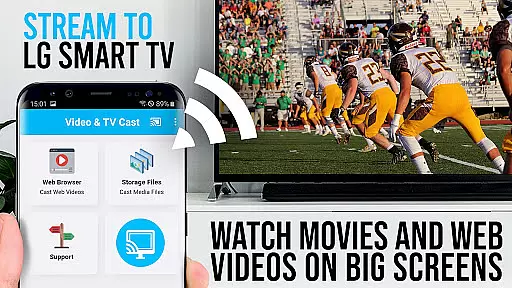
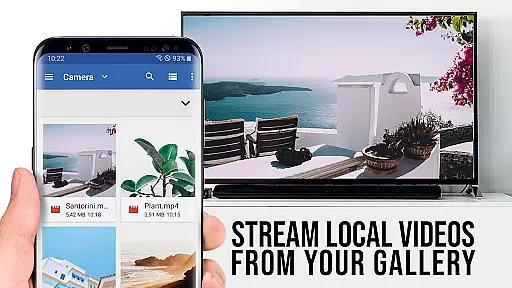
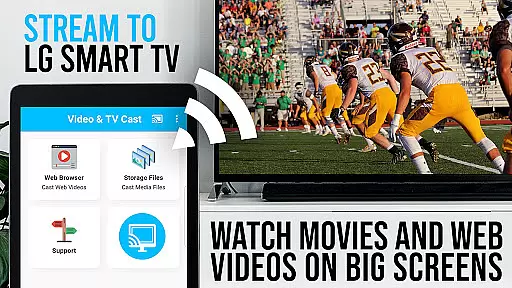
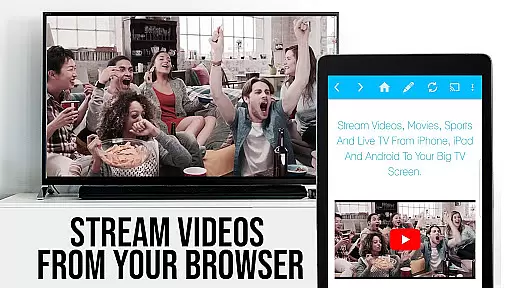
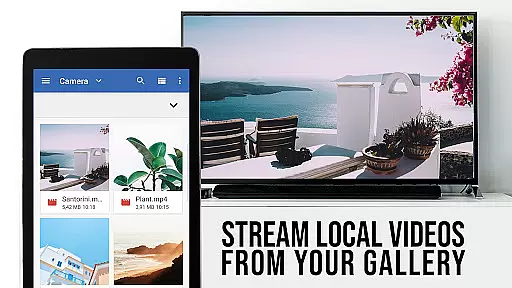
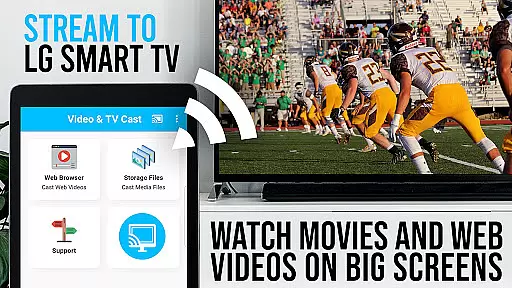
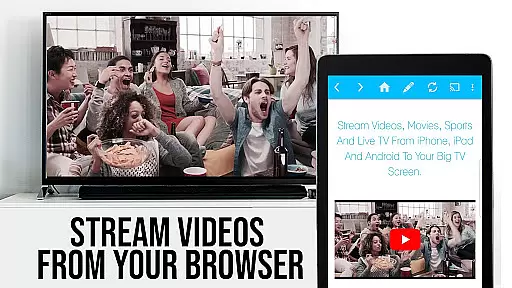
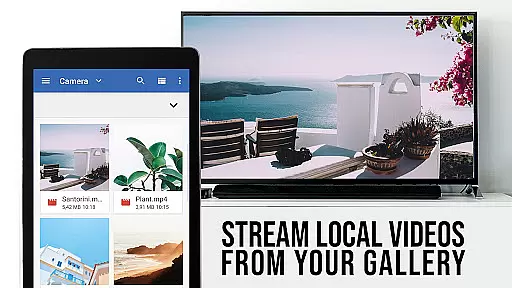
TV Cast Pro for LG webOS is a premium application designed to enhance your streaming experience on LG Smart TVs. This app allows users to stream web-videos, online-movies, livestreams, and live TV shows directly to their LG TV without the need for an additional streaming box. With support for mp4, m3u8, and other video formats in full HD, it ensures high-quality viewing. The app supports multitasking, enabling users to close the app or even shut down their phone while casting continues. It also offers less wifi usage compared to traditional screen mirroring technologies like Miracast.
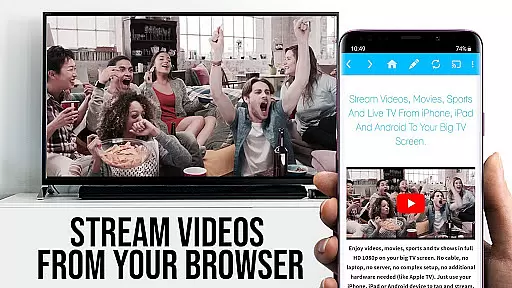
The app's standout feature is its ability to cast videos in Full HD regardless of the Android device's screen resolution. Users can browse the web and send any discovered video to their LG TV with a single tap. To connect, simply scan the QR Code shown on your TV or enter the IP Address using the TV remote. However, it's important to note that third-party apps, Flash video, Google Play movies, Netflix, Amazon, HBO, and other DRM-protected content are not supported. For optimal use, ensure compatibility by testing websites and videos in the free edition before upgrading.
TV Cast Pro for LG webOS boasts several advanced features that set it apart from standard casting applications. One of its key functionalities is the Remote Playbar, which provides users with advanced video control options such as video scrubbing, forward, rewind, play, pause, and stop while browsing. This feature significantly enhances user interaction and control over their streaming content.
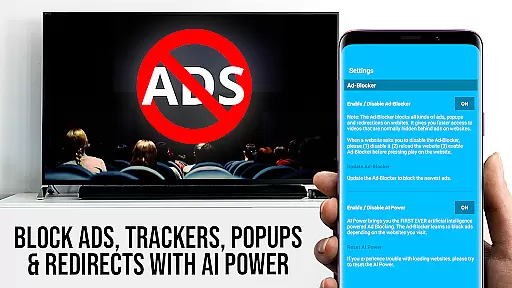
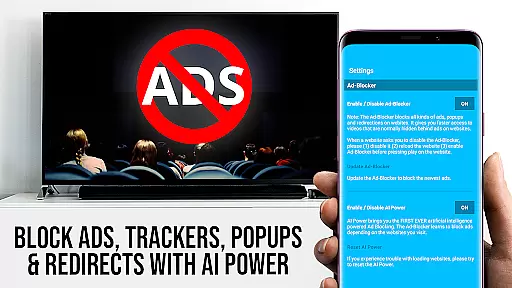
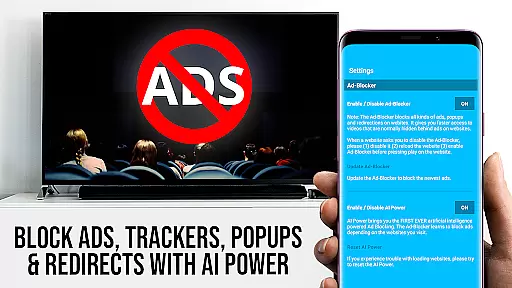
In addition to the Remote Playbar, the app includes an Ad-Blocker that removes ads and popups on most visited websites, ensuring an uninterrupted viewing experience. Users can enable or disable this feature at any time through the settings. The app also allows for extensive bookmark management, enabling users to add and manage bookmarks either in the bookmarks menu or directly within the browser. Furthermore, the Desktop Mode feature lets users change the browser user-agent to mimic a desktop PC, loading desktop websites instead of mobile versions. Lastly, users have the flexibility to set a personal homepage after purchasing the app, customizing their browsing experience to suit individual preferences.
TV Cast Pro for LG webOS stands out with its versatile video format compatibility, ensuring a seamless streaming experience. The app supports popular formats like mp4 and m3u8, allowing users to cast web-videos, online-movies, livestreams, and live TV shows directly to their LG Smart TVs in full HD.
This compatibility eliminates the need for additional streaming boxes or devices, making it an all-in-one solution for enjoying online content on the big screen. Whether you're streaming from YouTube, Vimeo, or any other website that hosts compatible videos, this app ensures smooth playback without interruptions.
Moreover, the app's ability to handle various video formats means users aren't limited to specific websites or services. As long as the video is in a supported format, TV Cast Pro can stream it, offering flexibility and convenience that enhances the overall user experience.
While TV Cast Pro for LG webOS focuses primarily on streaming, it also incorporates AI-powered features that enhance the viewing experience. Although not a traditional video editor, the app includes an Ad-Blocker that uses advanced algorithms to detect and block ads & popups on most websites, providing an uninterrupted viewing session.
The Remote Playbar is another innovative feature, allowing users to control video playback with options like scrubbing, forward, rewind, play, pause, and stop. This functionality mimics the precision of professional video editing tools, giving users advanced control over their streamed content.
Additionally, the Desktop Mode feature uses AI to change the browser's user-agent, loading desktop versions of websites instead of mobile ones. This ensures that users get the best possible layout and viewing experience, especially when accessing content designed primarily for larger screens.
Full HD casting
Multi-tasking support
Ad-free experience
Advanced video controls
Desktop mode available
No DRM content support
Limited to LG TVs
QR code setup required
Premium version costly
Device-specific issues

Online Videos Player
 3.90
3.90
Fast, private downloading, video saving, social media
4.50
Photo and Music Video Creator into Stunning Videos—Effortlessly
4.40
HD video maker with no watermark, no ads & vlog maker with music, PIP, text
4.50
Powerful HD video player with support for all formats & subtitles.
4.0
VLC Remote lets you control your VLC Media Player on Mac, PC or Linux.
4.60
Download website videos fast&privacy
4.40
Mix with Virtual DJ directly from your phone or tablet !
3.10
VLC for Android is the best open source video and music player, fast and easy!
4.10
Play ALL formats in 4K & HD. Video downloader, MP3 player, Chromecast & more.
4.80
Download videos and play them offline
4.70
A Simple app to download Video & Music from the Internet.
4.70
?100% FREE! Download & save videos? safely in this app. All formats supported.
4.60
Snaptubè Video Downloader app allows to download videos and music in Snaptube. .
4.60
IPTV Loader, loads your own Playlist. DOES NOT CONTAIN ANY LIST OR CHANNELS
4.60
Powerful video player with advanced hardware acceleration and subtitle supports
4.20
Video player with 4K & 1080P support, popup play, background play and subtitle.
4.20
Fast private browser with secure, seamless access & supported video downloads!
4.00
Browser for Sony TV to stream web videos, online movies and live tv
3.20


User Reviews