
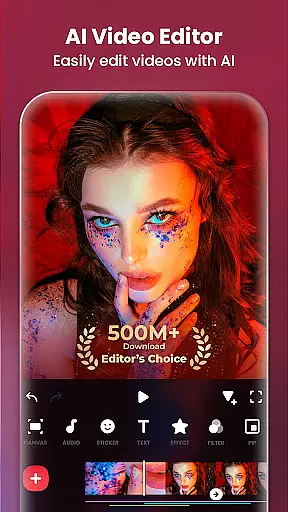
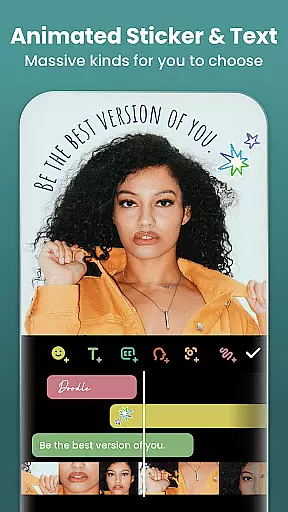
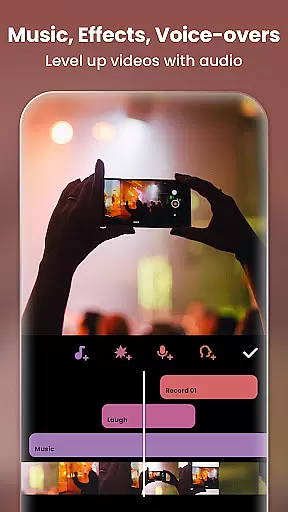
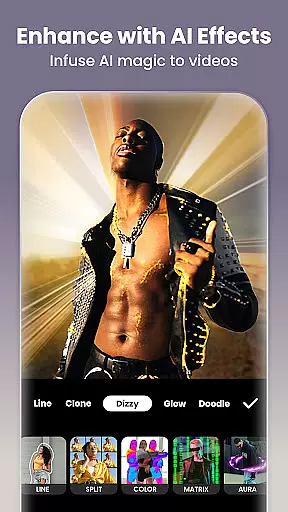
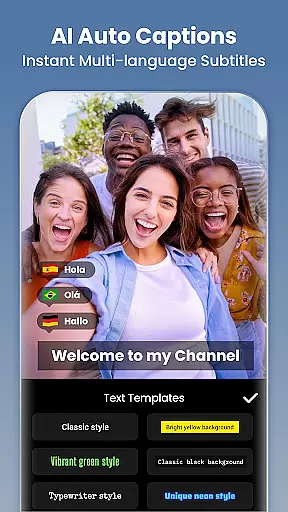
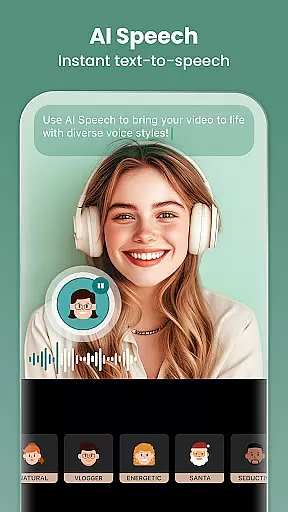
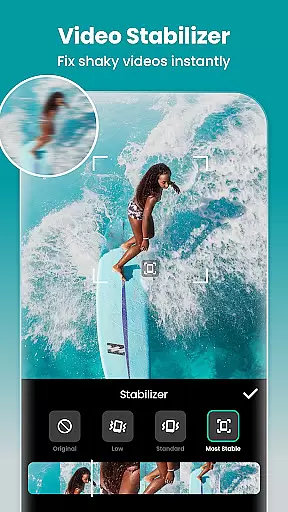

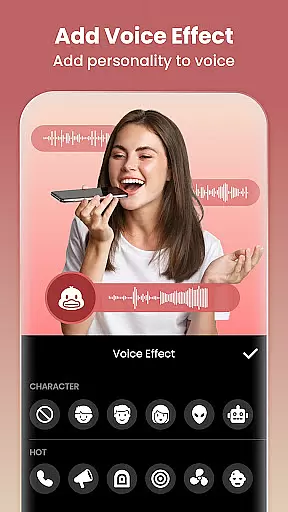
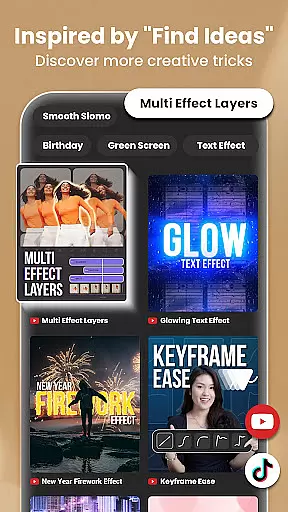
InShot is a versatile video editing and photo enhancement application designed for both casual users and professional content creators. This all-in-one tool offers advanced features such as AI-powered body effects, auto captions, and background removal, making video production seamless and efficient. Users can trim, merge, and reverse clips, add music or voice-overs, and apply cinematic filters to achieve polished results.
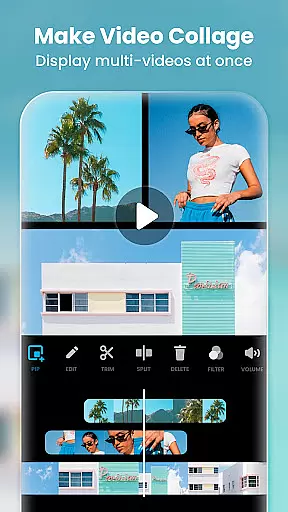
One of the standout aspects of InShot is its ability to cater to multiple creative needs. Beyond video editing, it functions as a robust photo editor and collage maker, allowing users to blur backgrounds, adjust HSL settings, and remove unwanted objects with precision. The app also supports picture-in-picture functionality, chromakey editing, and custom aspect ratios, ensuring compatibility with platforms like Instagram, TikTok, and YouTube. Whether you're crafting vlogs, social media posts, or professional presentations, InShot provides the tools necessary to produce high-quality content effortlessly.
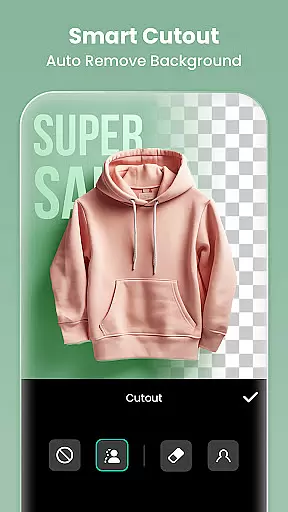
InShot stands out with its comprehensive suite of professional-grade features tailored for diverse editing needs. The app's AI tools are particularly noteworthy, offering capabilities such as smart object tracking, automatic background removal, and one-tap body effects that enhance videos and images instantly. These innovations streamline workflows by eliminating manual adjustments while maintaining creative control.
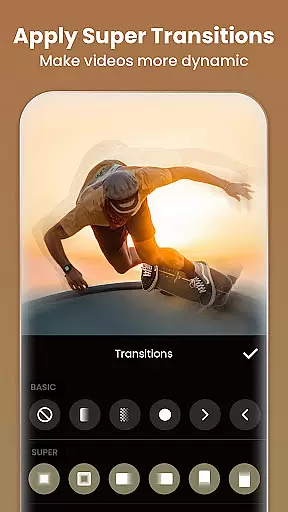
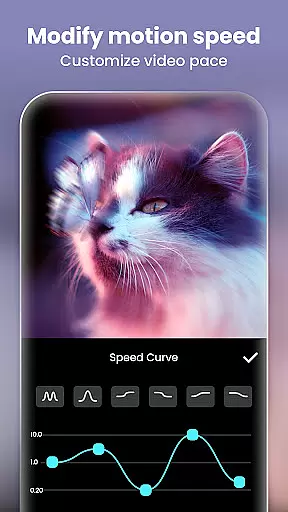
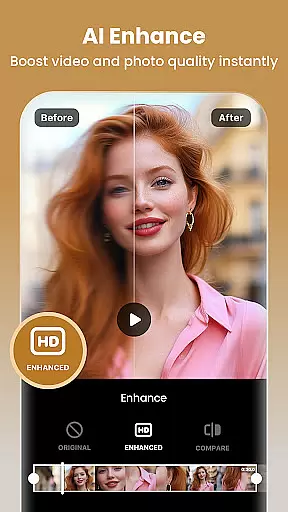
The app excels in full-featured video editing functionalities, including trimming, merging, speed control, and keyframe animations. It also supports advanced techniques like chromakey editing and picture-in-picture layering, enabling users to create multi-dimensional projects. Additionally, InShot provides an extensive library of cinematic filters, unique effects like glitch and retro styles, and smooth transitions between clips. For photo editing, users can leverage AI-enhanced tools to turn blurry images into HD masterpieces or design visually appealing collages with over 100 customizable layouts. These features collectively empower creators to produce engaging content optimized for various social media platforms.
Real-time capture and preview functionality is essential for ensuring that every moment is captured exactly as intended. InShot's Video Editor & Maker offers a seamless experience by allowing users to see their edits come to life instantly on the screen.
The app provides a dynamic preview window where users can view changes as they apply filters, effects, and transitions. This immediate feedback empowers creators to make precise adjustments, ensuring their videos meet professional standards before exporting.
With real-time previews, users save valuable time by avoiding multiple revisions. The ability to witness edits in real time enhances creativity and allows for quick experimentation with different styles and effects, making video creation both efficient and enjoyable.
InShot's dedication to providing an intuitive real-time capture and preview feature ensures that users can focus on their creative vision without technical hindrances, resulting in polished and engaging content ready for social media platforms.
AI beauty and enhancement features are revolutionizing how we refine images and videos. InShot incorporates advanced AI technology to deliver natural-looking enhancements that preserve the authenticity of the original content.
From smoothing skin tones to brightening eyes, the app's AI tools intelligently analyze and enhance facial features while maintaining a realistic appearance. Users can effortlessly beautify subjects without the risk of over-processing, thanks to carefully calibrated algorithms.
In addition to portrait enhancements, InShot's AI capabilities extend to improving overall image quality. Whether it's sharpening details or adjusting lighting conditions, these enhancements contribute to producing visually stunning yet believable results.
By prioritizing naturalness in AI-driven enhancements, InShot empowers creators to elevate their visual storytelling while retaining genuine human elements, thus fostering deeper connections with audiences across various social media channels.
User-friendly interface
Advanced AI tools
Professional editing options
Versatile format support
Regular feature updates
Ads in free version
Paid subscription required
Occasional bugs
Heavy on storage
Learning curve for beginners

Photo Album Watch Face shows your favorite pictures as a Watchface.
 1.90
1.90
Add Watermark - Sign your pictures with a text or logo. Effective, quick, easy!
4.50
AI photo editor with hair editor, retouch tools, hair color changer & filters!
4.50
Movie camera, supports pro recording settings for filming. Try it and be amazed!
4.50
Create amazing frames with up to five photos. Rounded corners, effects and more!
3.60
Add a dreamy vibe to your selfies and videos with soft style filters
4.3
USB Storage Access for Photos, Videos, Music and Documents
3.80
AI Photo Editor with 100+ Filters, Effects! Remove BG, Retouch & Photo Enhancer.
4.80
Try an anime version, cartoon yourself, and generate AI hug or aging videos!
3.70
Collage your moments in one tap: 1000+ layouts, filters, stickers, and texts.
4.90
The original Rarevision VHS look seen everywhere!
4.70
Automatically backup your photos and videos to computer, NAS and Cloud services
4.60
Photo editor & gallery. Crop pictures & edit photos offline, no wifi!
4.50
Use AI Video Generator to turn your words to ai generated videos.
4.50
Luminar: Photo Editor - easy picture editing with AI
4.20
AI-powered video creator by MiniMax - Where ideas meet cinema
4.20
Photo editor: face & body editor, beauty cam, filters and quality enhancer.
4.00
Application for remote controlling DSLR
3.00
HD Photo gallery and photo manager to edit, hide private photos, videos & albums
4.3


User Reviews