
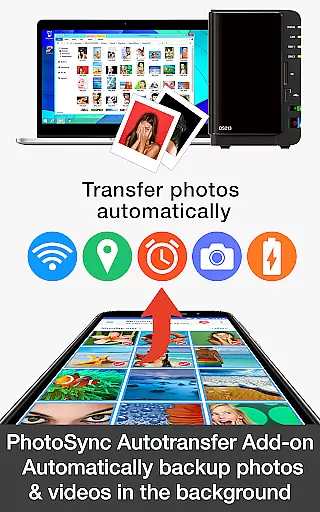


PhotoSync Autotransfer Add-On is an advanced photography tool designed to streamline photo and video backups. This add-on enhances the free version of PhotoSync by enabling automatic wireless transfers to various destinations such as computers, private clouds, and NAS systems. With over 10,000 positive reviews and millions of successful transfers, it stands out as a reliable solution in the market.
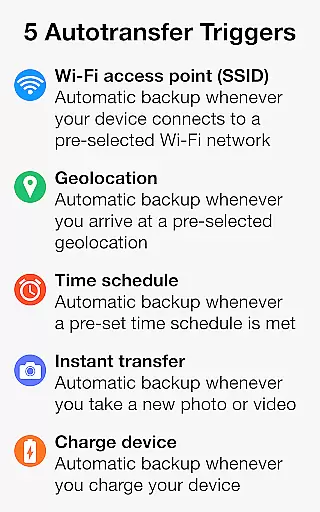
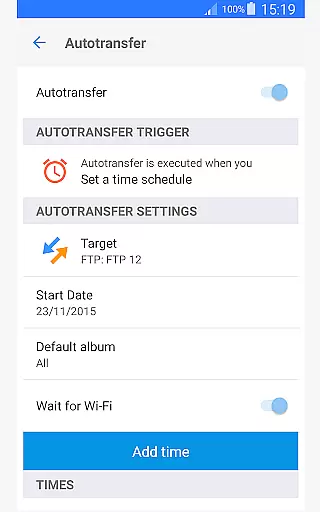
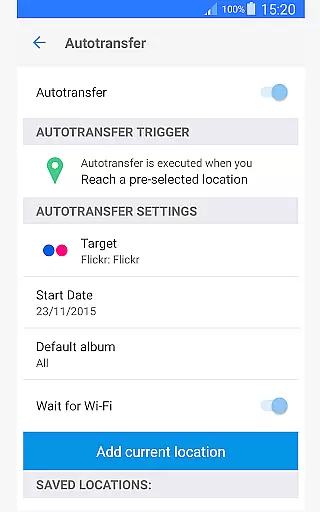
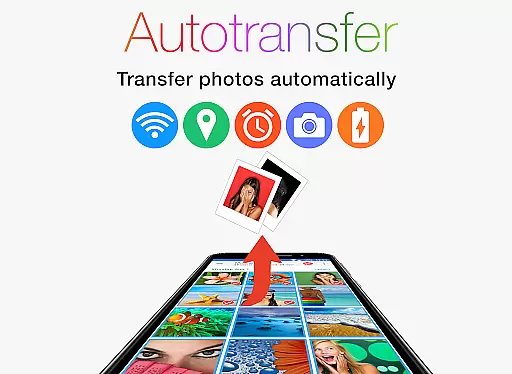
The core functionality revolves around five configurable triggers that initiate transfers based on Wi-Fi access points, geolocation, time schedules, device charging status, or when new photos are taken. These features ensure users maintain control while simplifying their backup processes. Whether you're a professional photographer or simply looking to safeguard personal memories, this app provides a seamless experience across Android, iOS, Windows, and Mac platforms.
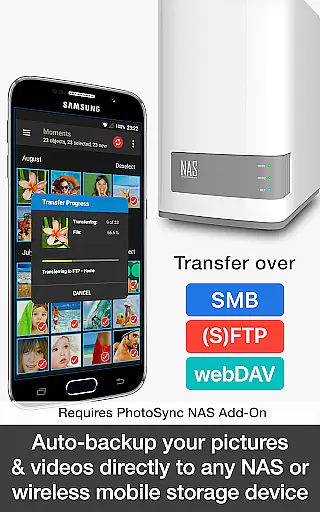
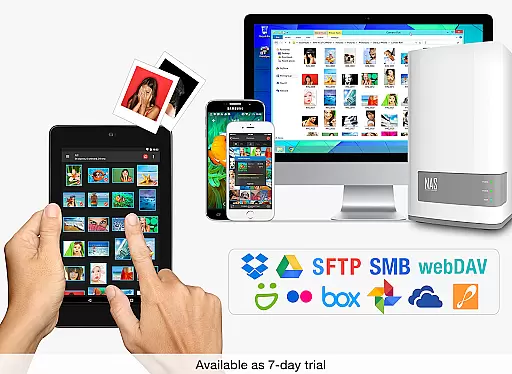
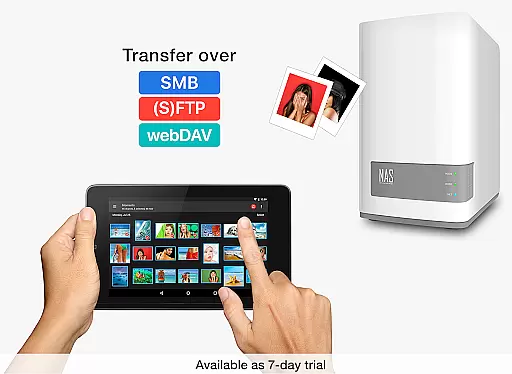
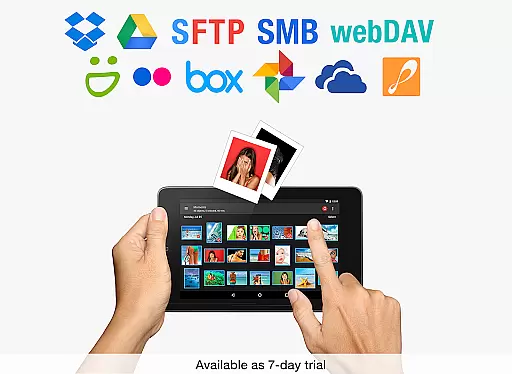
PhotoSync Autotransfer Add-On offers a comprehensive suite of features tailored for efficient media management. One standout capability is its support for multiple transfer protocols including SMB, (S)FTP, and WebDav, allowing secure uploads to any NAS or remote server. Additionally, integration with popular cloud services like Dropbox, Google Drive, and OneDrive ensures your files are always accessible.
Customization is at the heart of this application's design. Users can configure specific conditions under which transfers occur, providing flexibility and convenience. The app also removes ads, offering an uninterrupted user experience. Its ten-year presence in the market, coupled with continuous updates, underscores its commitment to reliability and security. This makes PhotoSync not just a tool but a trusted partner in managing digital assets effectively.
Real-time capture and preview functionality is essential for ensuring that every photo or video taken meets the desired quality standards. PhotoSync Autotransfer Add-On offers a seamless experience by enabling users to automatically and wirelessly back up photos and videos in the background as soon as they are captured.
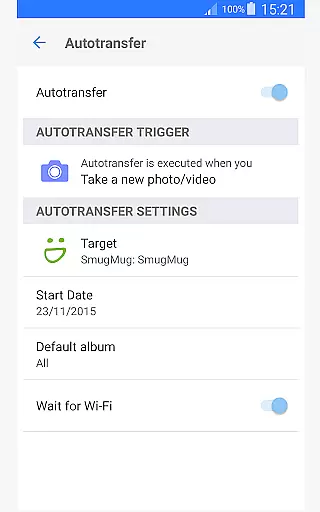
This application supports instant transfer, which means that whenever a new picture or video is taken, it is automatically backed up to pre-selected targets such as computers, private clouds, NAS, and supported cloud services. This ensures that no data is lost and all media files are securely stored without any manual intervention.
With this feature, users can enjoy peace of mind knowing that their precious memories are safely stored. The real-time aspect allows for immediate review and sharing, streamlining workflows for both personal and professional use.
The ability to instantly transfer files also enhances productivity, allowing users to focus on capturing moments rather than worrying about the backup process. This makes PhotoSync an invaluable tool for photographers, content creators, and anyone who values efficient media management.
While PhotoSync Autotransfer Add-On does not specifically market itself with AI beauty and enhancement features, its core functionalities contribute significantly to maintaining the natural quality of photos and videos during transfers. Ensuring that media files retain their original quality after being transferred is crucial for preserving the authenticity of visual content.
The application supports various transfer protocols including SMB, (S)FTP, WebDav, and direct connections to computers and cloud services. These methods ensure that files are copied without any loss of quality, maintaining the integrity and natural appearance of images and videos.
By providing reliable and secure software that has been operating in the market for 10 years, PhotoSync guarantees that users receive consistent performance and dependable service. Continuous updates further enhance the stability and compatibility of the app, ensuring optimal results.
Users benefit from having full control over their media transfers, allowing them to customize settings according to their specific needs. This level of customization ensures that each transfer maintains the intended natural look and feel of the original content, making PhotoSync a trusted solution for managing digital media assets.
Automatic wireless backup
Cross-platform compatibility
Multiple transfer options
Ad-free experience
Secure cloud integration
Requires additional add-ons
Premium cost involved
Complex setup process
Limited free features
Dependent on network stability

Viewfinder, Light meter, Reciprocity failure time, DOF & Bellows Extension
 4.60
4.60
Gallery Slideshow is slideshow maker app for slideshow from your gallery photos.
3.90
Amazing Photo Effects - The most fun you can have with your photos!
4.70
USB Storage Access for Photos, Videos, Music and Documents
3.80
AI-powered video creator by MiniMax - Where ideas meet cinema
4.20
Turn photos into cartoons & avatars! - Photo Editor, Cartoon Face!
3.90
RAW video capture with advanced controls
4.40
Solocator stamps photos you take with GPS location, Compass Direction, Date/Time
3.80
Photo & Video Gallery app to manage albums and save WA Status easily.
4.70
Collage your moments in one tap: 1000+ layouts, filters, stickers, and texts.
4.90
Photo prints, cards, & gifts at Walgreens. Easy ordering & fast local pickup !
4.80
Easily view, share, delete photos with Gallery.
4.70
AI photo editor with hair editor, retouch tools, hair color changer & filters!
4.50
AI photo enhancer with Sora 2! Enhance, descratch, and colorize your old photos.
4.50
Search, tag and rate your way to an organized image gallery
4.40
Shooting photos and records video easily and efficient with professional Camera
4.30
All-in-One Editor & AI Photo Enhancer, Collage, Cartoonify, Funny Stickers & BGS
4.10
Professional quality photo edits with the new Snapseed.
4.00
Add a dreamy vibe to your selfies and videos with soft style filters
4.1


User Reviews