
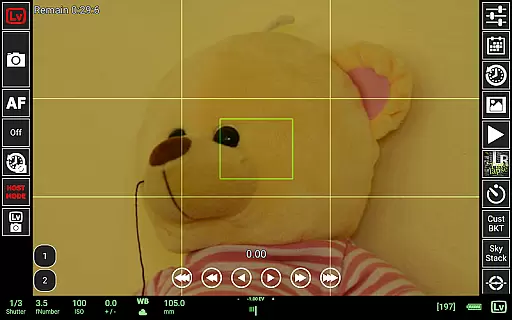
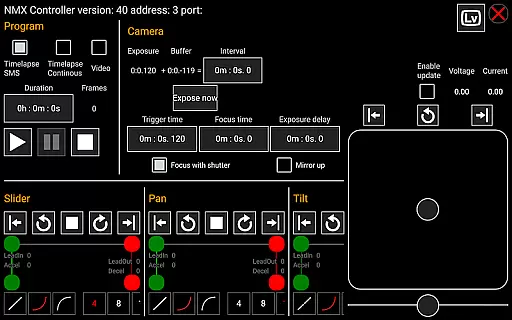
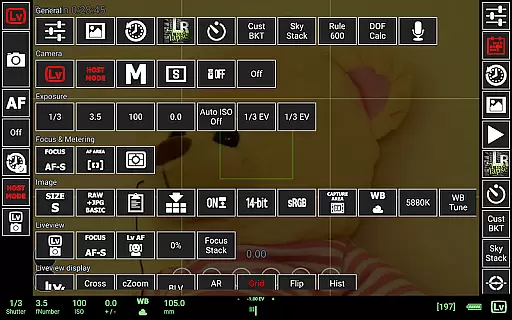
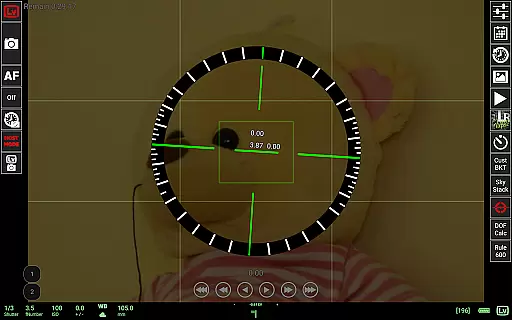
qDslrDashboard is a powerful photography application designed for DSLR camera enthusiasts who want to control their Nikon, Canon, or Sony cameras remotely. The app offers comprehensive functionality through USB OTG adapters or wireless connections, enabling users to manage multiple cameras simultaneously. With features like synchronized capture, live view with histogram analysis, and manual focus adjustments, it caters to both amateur and professional photographers.
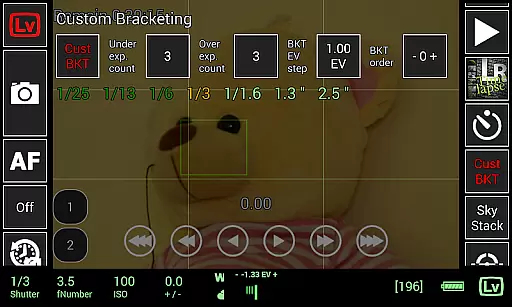
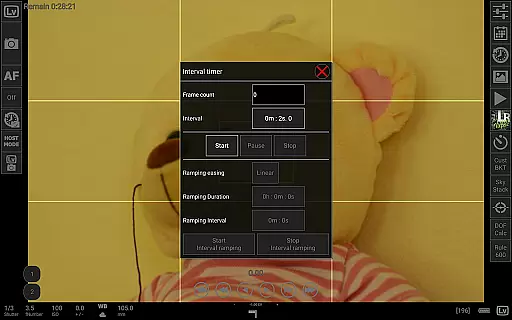
The app also supports advanced photography techniques such as time-lapse creation, focus stacking, and custom bracketing. Whether you're shooting in a studio or outdoors, qDslrDashboard enhances your workflow by providing tools like DoF calculators, Rule600 calculations, and even integration with motion controllers. This makes it an indispensable tool for creative professionals seeking precision and flexibility in their projects.
qDslrDashboard stands out with its extensive feature set tailored for photographers. One of its key strengths is the ability to connect wirelessly using portable routers or directly via USB OTG adapters, ensuring seamless communication between your Android device and DSLR camera. Users can adjust camera settings, browse images stored on the camera, and transfer files to their mobile devices effortlessly.
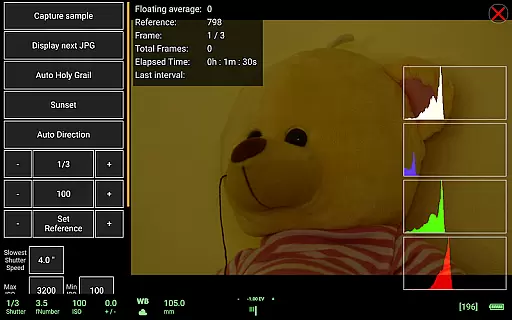
Advanced functionalities include live view modes with histograms for exposure analysis, manual focus control during live view sessions, and support for specialized accessories like WU-1a/1b adapters and Bluetooth-enabled motion controllers. Additionally, features like sound-initiated capture and LRTimelapse automation make this app ideal for complex shoots requiring precise timing and execution. These capabilities ensure that photographers have all the tools they need at their fingertips.
Real-time capture and preview functionality is essential for photographers who need precise control over their shots. qDslrDashboard offers a comprehensive solution that allows users to connect their Nikon, Canon DSLR, or Sony mirrorless camera via USB OTG adapter or wireless network.
The application enables remote capture with synchronized shooting across multiple cameras. This feature ensures that photographers can manage complex shoots without missing any critical moments. The live view mode provides real-time feedback, including histogram display, which helps in achieving optimal exposure settings.
Additionally, qDslrDashboard supports manual focus adjustments during live view, giving users the ability to fine-tune their images before capturing. This level of control is particularly beneficial for professional photographers who demand accuracy and consistency in their work.
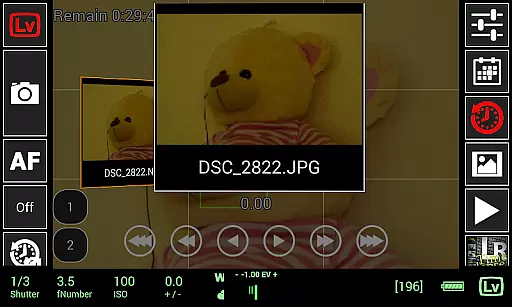
While primarily focused on professional photography features, qDslrDashboard also includes tools for image enhancement that maintain natural aesthetics. The application allows users to preview both JPG and RAW images directly from their camera, ensuring accurate representation before transferring files to an Android device.
Advanced features such as custom bracketing and focus stacking contribute to creating images with enhanced depth and clarity without artificial manipulation. These tools help photographers achieve professional-grade results while maintaining the authenticity of their subjects.
Furthermore, qDslrDashboard's support for wireless control and WU-1a/1b adapter integration streamlines the workflow, making it easier for users to focus on creative aspects rather than technical limitations. This seamless experience enhances the overall quality of photographic work while preserving its natural essence.
User-friendly interface
Wide camera compatibility
Advanced time-lapse options
Live view with histogram
Wireless connectivity
Requires USB OTG adapter
Complex for beginners
Limited free features
No iOS version
High learning curve

Search, tag and rate your way to an organized image gallery
 4.40
4.40
Professional video recording application with manual controls for filmmakers!
2.80
AI photo editor with hair editor, retouch tools, hair color changer & filters!
4.50
Cartoon and artistic effects for your photos and videos
4.70
Raw Image Viewer. Gallery with support of raw images (.cr3, .cr2, .nef, .raf).
2.00
Create AI photos & videos with Enhancer; restore, fix, beautify, enhance photos
4.50
Hair color changer, AI haircut app, fun hair editor and buzz cut filter for all!
3.80
Pro version: AR sun/moon tracker for any date. Tool for photographers & planners
4.90
PhotoSync Bundle Add-On License. Enables all features and services in PhotoSync.
4.60
Amazing Photo Effects - The most fun you can have with your photos!
4.70
Easily view, share, delete photos with Gallery.
4.70
Your personal guide to the sun and moon. Plan ahead, visualize and predict!
4.70
Create Business Headshots, Polaroid Filter, Retake Photos,Profile Pics,AI Photos
4.50
Fit multiple photos on one post. Create carousels & scroll layouts for Instagram
4.50
Use AI Video Generator to turn your words to ai generated videos.
4.50
All-in-One Editor & AI Photo Enhancer, Beautify & Retouch, Collage, Cartoonify
4.20
Photo editor: face & body editor, beauty cam, filters and quality enhancer.
4.00
Gallery Slideshow is slideshow maker app for slideshow from your gallery photos.
3.90
Astrophotography with your smartphone, photo live stacking and much more!
3.90


User Reviews