
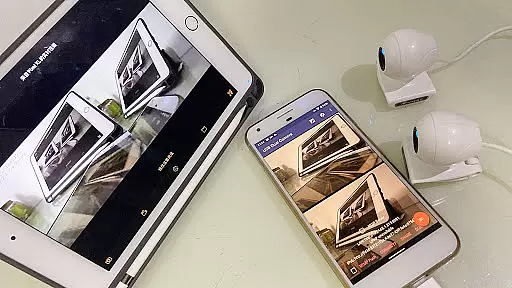
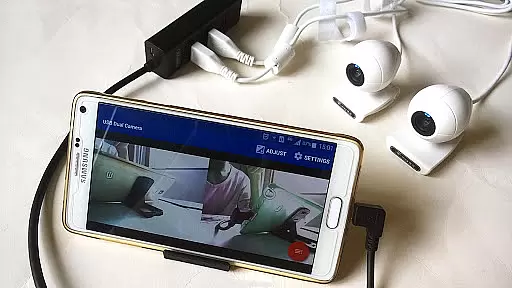
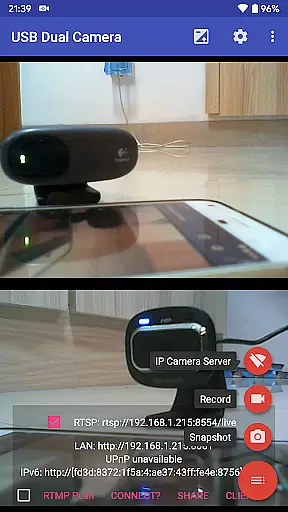
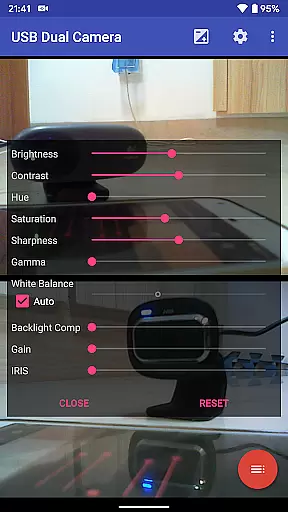
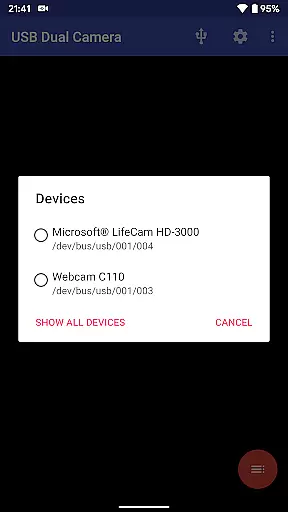

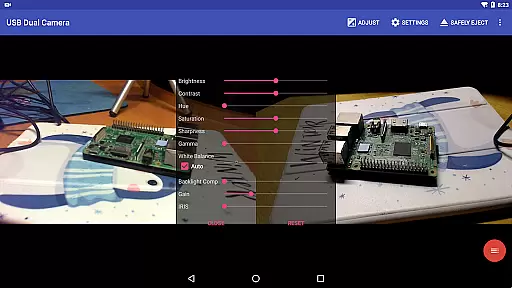
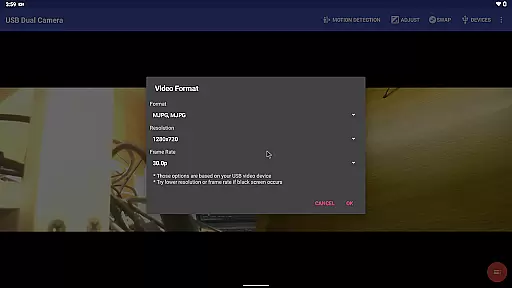
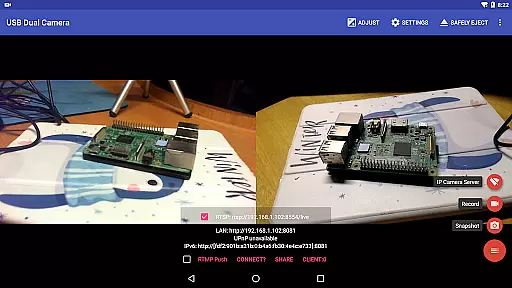
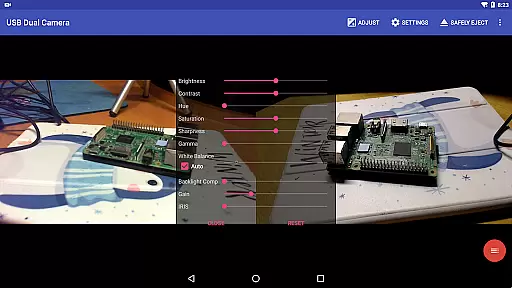
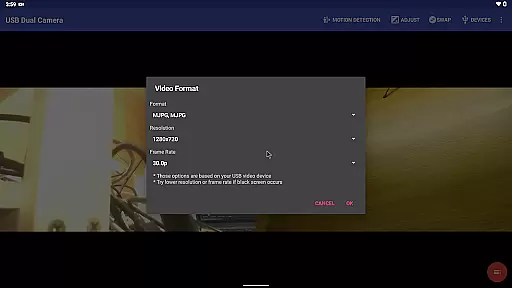
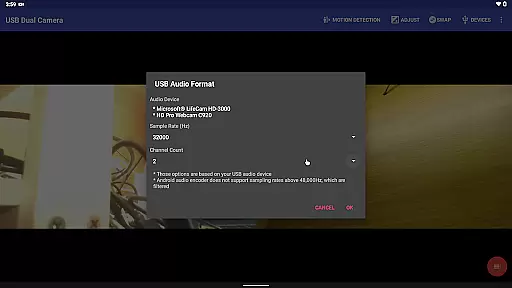
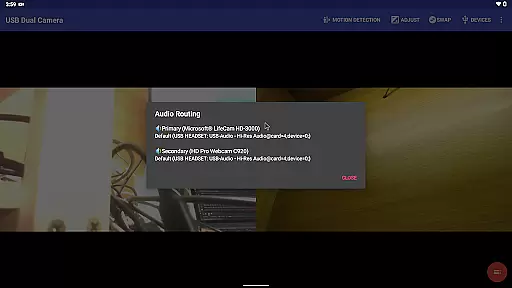
USB Dual Camera Pro is a versatile video application that allows Android devices to connect to two USB webcams or video capture cards simultaneously through USB-OTG. This app supports UVC WebCams with microphones and UVC video grabbers with audio input, enabling users to record videos or capture snapshots in resolutions up to 4K via HDMI. The app also features MJPEG, H.264, H.265, HEVC formats for dual camera usage, making it suitable for professional video production and live streaming.
Beyond its dual camera functionality, the app can transform your phone into a wireless IP camera with bi-directional audio support via an integrated RTSP and HTTP server. This feature is ideal for security monitoring, allowing users to view footage on their browsers or through the dedicated 'IP Camera' app. Additionally, the app's compatibility with Windows Hello Cameras and IR Cameras extends its utility for secure device access.
The app's comprehensive feature set includes video mixing capabilities, loop recording, motion detection-based auto video recording, and seamless background switching without interrupting recordings. These features make it a powerful tool for various applications, from creating 3D videos to functioning as a dashcam. With support for advanced codecs like HEVC and AV1, USB Dual Camera Pro ensures high-quality video streaming and recording on compatible Android devices.
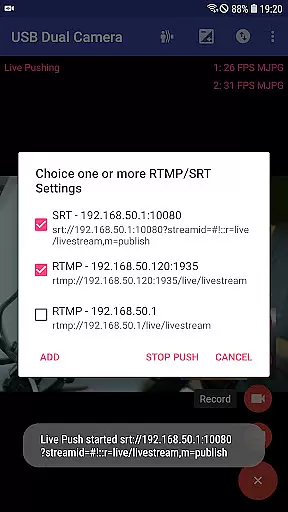
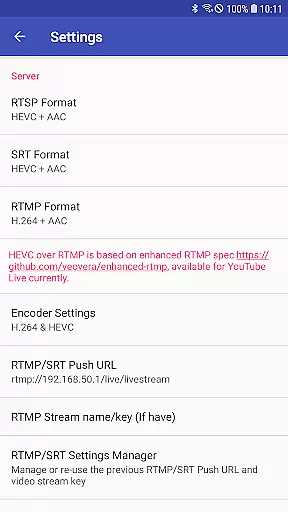
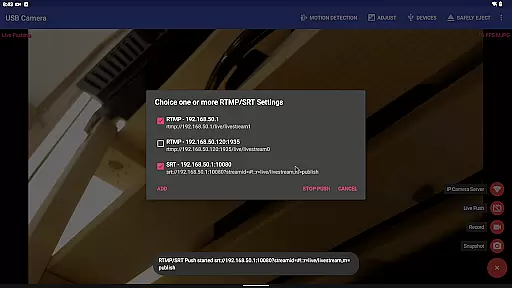
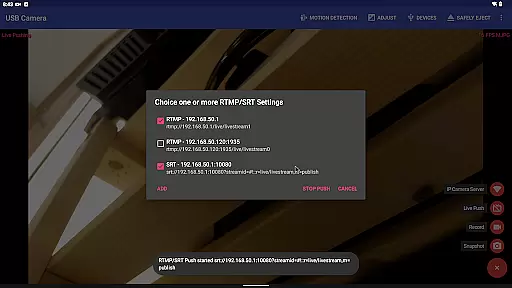
USB Dual Camera Pro stands out with its ability to push video and audio to RTMP/SRT live media servers, supporting both rtmps security protocol and SRT protocol. This functionality enables network live broadcasts with HEVC/AV1 over RTMP, currently usable for platforms like YouTube Live. Users can stream content to multiple media servers simultaneously, enhancing their reach and engagement.
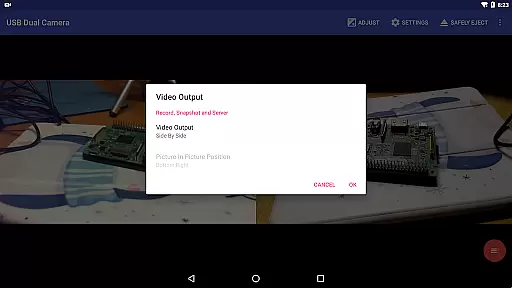
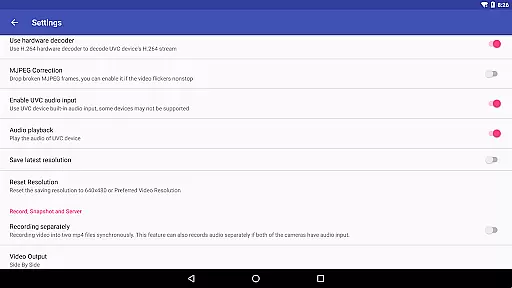
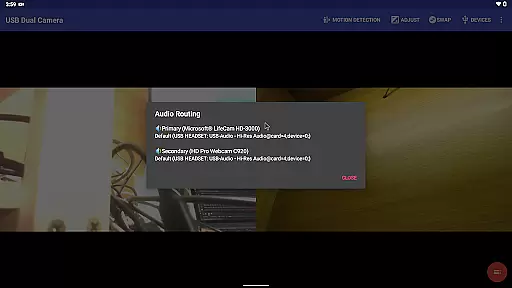
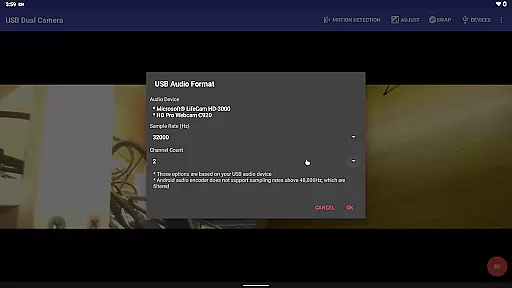
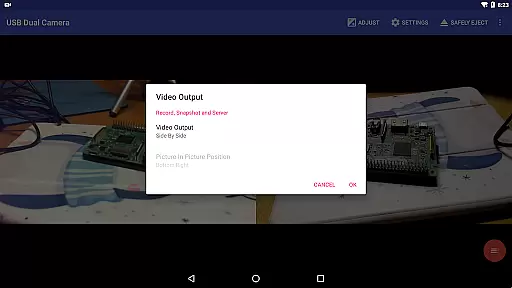
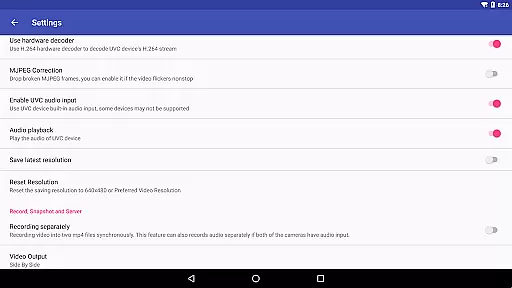
The app's audio mixing capabilities allow users to combine USB audio with built-in microphones or system audio, providing flexibility in sound design. It can also overlay internal camera/screen video onto external camera video, creating dynamic visual effects. When connected to two USB webcams, the app records video into two MP4 files synchronously, even recording audio separately if both cameras have audio inputs.
Additional features include timestamping, GPS, speed information overlays on video frames during recording, and loop recording with auto-segment settings. The app facilitates automatic deletion of old video archives when storage is insufficient, functioning effectively as a dashcam. Its motion detection-based auto video recording can upload footage to an FTP server automatically, notifying users via email, thus ensuring security and convenience.
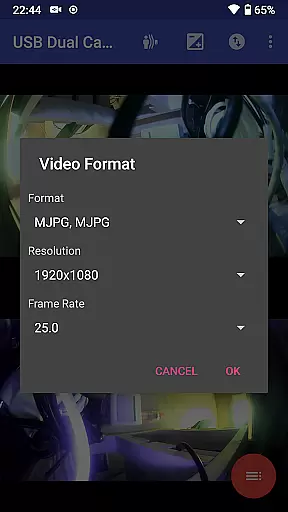
USB Dual Camera Pro demonstrates exceptional versatility in video format compatibility, ensuring a seamless experience for users working with multiple cameras. The app supports MJPEG, H.264, H.265, HEVC formats, allowing simultaneous use of two cameras provided the appropriate codec is utilized.
This flexibility extends to resolutions up to 4K via HDMI, accommodating both progressive and interlaced video streams. Such comprehensive support ensures that whether you're recording high-definition content or streaming live events, the app maintains visual fidelity across different devices and settings.
For advanced users, the application facilitates HEVC video recording on Android 5.0 or newer, provided the device supports this codec. Similarly, AV1 streaming becomes available on Android 10 or later, offering cutting-edge compression technology for superior video quality at lower bitrates.
These capabilities make USB Dual Camera Pro an invaluable tool for professionals requiring reliable performance across various video formats and resolutions, from basic webcam usage to sophisticated multi-camera setups.
Beyond its core functionality as a dual camera interface, USB Dual Camera Pro incorporates innovative AI-powered editing features that enhance the creative process. The application can automatically mix audio from two sources, including USB audio and built-in microphones, creating professional-grade soundtracks without manual intervention.
The app's intelligent video processing extends to complex compositing tasks, enabling users to overlay internal camera footage onto external camera video seamlessly. This feature proves particularly valuable for content creators who need to incorporate multiple visual elements into their productions while maintaining optimal image quality.
Advanced automation capabilities include timestamp insertion, GPS data overlay, and speed information integration during recording sessions. These smart features help produce informative and contextually rich video content suitable for various applications, from security monitoring to documentary filmmaking.
Furthermore, the application's motion detection-based auto-recording function showcases its artificial intelligence prowess. This feature not only triggers recordings based on environmental changes but also facilitates automatic FTP uploads and email notifications, streamlining the entire content creation workflow through intelligent automation.
Supports dual cameras
High-quality video
Flexible audio options
Advanced streaming protocols
Comprehensive security features
Requires good OTG cable
Power supply needed
Complex setup process
Limited third-party app support
Higher Android version needed

Tik & Story Saver-Download ALL social media videos, photos & reels no watermark.
 4.80
4.80
Full HD Video mp3 Player, MP4 player play 1080p, File manager, Video Downloader
4.40
Powerful HD video player with support for all formats & subtitles.
4.0
This app was created to edit the metadata of music files.
4.20
Video player with powerful streaming playback and various convenient features.
2.10
Download videos easily & play them all in one smart, powerful video manager.
3.40
Seamlessly connect and control your smart devices, anytime, anywhere with ease.
4.60
Find, download, and play torrents with the official BitTorrent® Pro app
4.70
Fast private browser with secure, seamless access & supported video downloads!
4.00
HD Video player all format, HD Videos, Cast & Subtitle. No annoying ads.
4.60
Fast, private downloading, video saving, social media
4.50
Browser for Fire TV to stream webvideos, online movies, livestreams in HD
4.40
Video player, file manager for all formats, 4K/HD media player supports subtitle
4.30
Web Browser for LG TV to stream webvideos, online movies and livestreams in HD
4.20
Powerful video player with advanced hardware acceleration and subtitle supports
4.20
Explore the largest library of free GIFs, Stickers & Memes - or create your own!
3.90
Manage your IPTV live channels and VOD playlists (no playlist included)
3.80
The smartest M3U IPTV Player your playlists have ever seen.
4.1
Play and download HD videos from all sources — fast, simple, and all-in-one.
4.4


User Reviews