


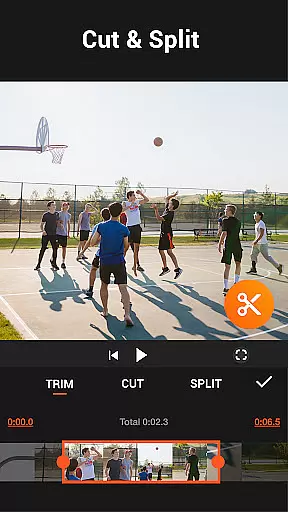
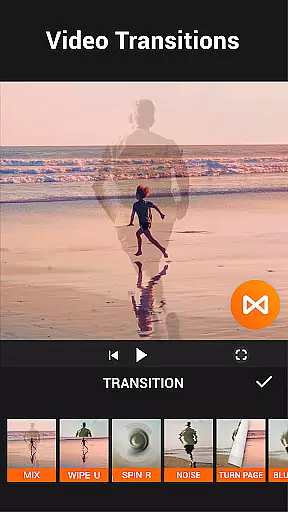

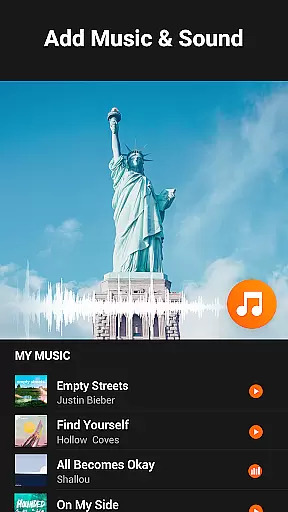
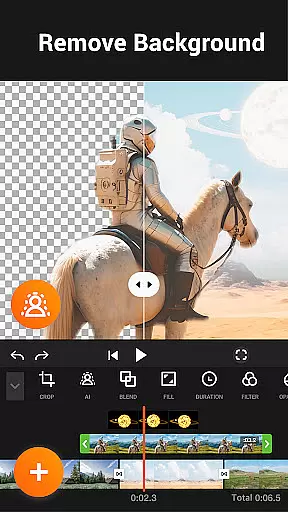
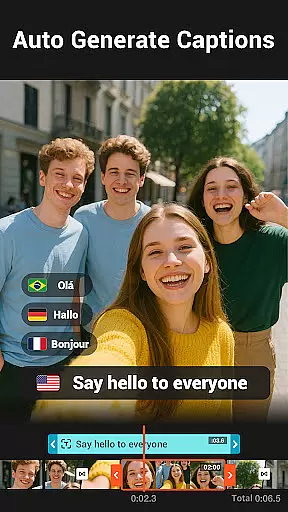
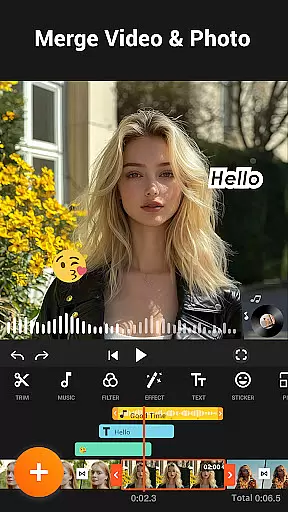
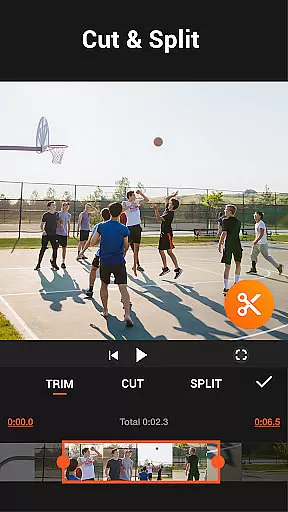
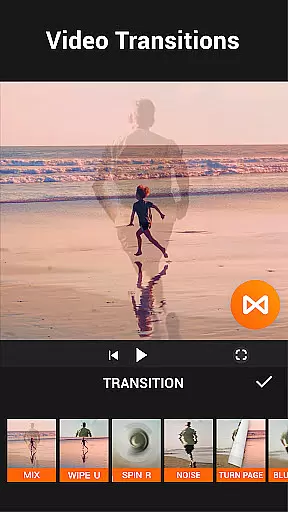

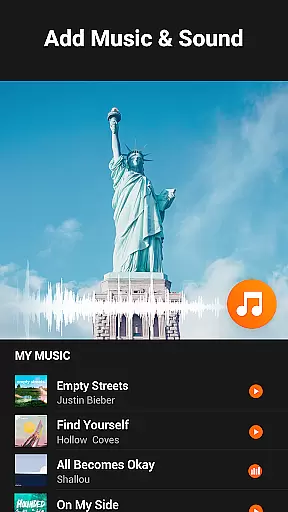
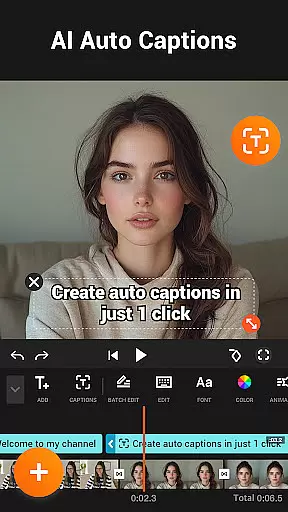
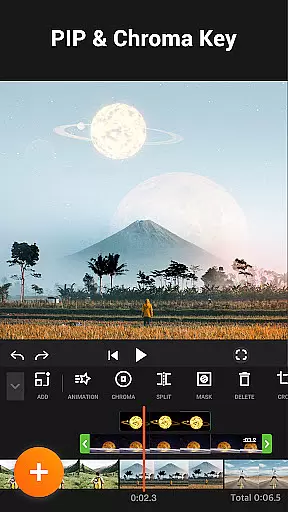

YouCut is a versatile video editing application designed for both casual users and professional content creators. This app offers a comprehensive suite of tools including AI-powered features like auto captions and background removal, making it stand out among other video editing apps. With YouCut, users can effortlessly merge, cut, trim, and slice videos while applying various effects and filters to enhance their creations.
The app supports advanced functionalities such as chroma key effects, video speed control, and aspect ratio adjustments, catering to diverse editing needs. Whether you're creating a photo slideshow or a cinematic video with music, YouCut provides the necessary tools without adding watermarks or intrusive ads during the editing process. Its user-friendly interface ensures that even beginners can achieve professional-quality edits for platforms like YouTube and social media.
YouCut distinguishes itself through its robust feature set tailored for modern video editing requirements. The app includes an AI Video Boost that simplifies tasks such as generating auto captions from speech and enhancing video quality with just a tap. Users can remove backgrounds instantly and enjoy buttery-smooth slow-motion effects, elevating their video projects with minimal effort.
In addition to AI capabilities, YouCut offers traditional yet powerful editing tools. These include multi-layer timelines, video merging, slicing, trimming, and speed adjustments ranging from 0.2× to 100×. Advanced options like chroma key effects, video color adjustments, and aspect ratio changes enable users to customize their videos extensively. Furthermore, the app's ability to compress files without significant quality loss makes it ideal for sharing high-resolution content across various platforms.
Video format compatibility is a crucial feature for any video editing application, ensuring that users can work with a wide range of video files without conversion hassles. YouCut stands out by supporting various formats, allowing creators to import and export videos in resolutions up to 4K.
This flexibility empowers content creators to produce high-quality videos tailored for different platforms like YouTube, Instagram, and TikTok. The app's ability to handle multiple formats ensures that users won't face limitations when working on diverse projects.
Moreover, YouCut offers tools such as video compression, which helps in reducing file size significantly without compromising much on quality. This feature is particularly beneficial for users who need to share large video files across devices or platforms with size restrictions.
By providing comprehensive format support alongside powerful editing features, YouCut enables seamless video creation and sharing, making it an indispensable tool for modern content creators.
AI-powered editing features represent the cutting edge of video editing technology, automating complex tasks and enhancing creativity. YouCut incorporates advanced AI tools like Auto Captions, which uses speech-to-text technology to generate subtitles for talking videos automatically. This feature not only saves time but also improves accessibility for viewers.
In addition to captioning, YouCut's AI capabilities extend to background removal and video enhancement. Users can instantly erase video backgrounds or enhance video/photo quality with a single tap, streamlining the editing process while maintaining professional standards.
The app also includes Smooth Slow-Mo functionality, leveraging AI to create buttery-smooth slow-motion effects. These intelligent features help both amateur and professional editors achieve polished results without requiring extensive technical expertise.
By integrating these AI-powered tools, YouCut revolutionizes the video editing experience, enabling creators to focus more on storytelling and less on technical details, ultimately leading to more engaging and visually stunning content.
User-friendly interface
Advanced AI features
No watermark on exports
Extensive editing tools
High-quality output
Limited advanced features
Occasional bugs
Ads in free version
Basic tutorials
Device compatibility

Client application for NextPVR software
 3.00
3.00
A Quick and Pro Video Editor
4.70
Cast to Chromecast, Xbox, Fire Stick, Roku, DLNA, Smart TV & No Feature Limited!
4.50
Video player with powerful streaming playback and various convenient features.
2.10
Turn your phone into a wireless camera!
4.20
Download website videos fast&privacy
4.40
Play and download HD videos from all sources — fast, simple, and all-in-one.
4.0
All in one multi protocols stream receiver for AirPlay, Cast and DLNA.
3.60
Video player with 4K & 1080P support, popup play, background play and subtitle.
4.20
An easy-to-use and all-round screen recorder with audio
4.80
Seamlessly connect and control your smart devices, anytime, anywhere with ease.
4.60
Auto video maker with music & exclusive filters. Video editing made simple.
4.50
Add date and time watermark to photos and videos
4.50
Fast & Private Video Downloader App. Save all videos easily from the Internet.
4.40
Video Downloader is an utility that can save videos and music from web sites
4.20
Powerful video player with advanced hardware acceleration and subtitle supports
4.20
Powerful, professional, versatile teleprompter. Developed by an active film crew
4.00
Kodi media center, a free and open source cross-platform entertainment hub
3.60
Powerful HD video player with support for all formats & subtitles.
4.0


User Reviews