
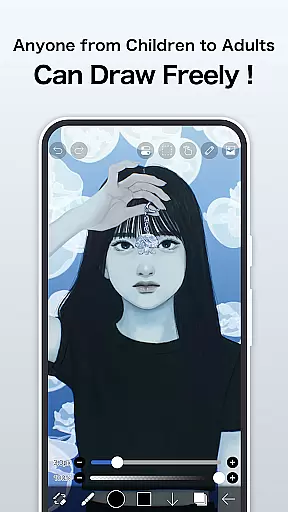
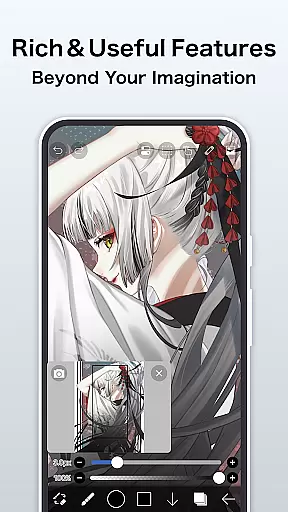
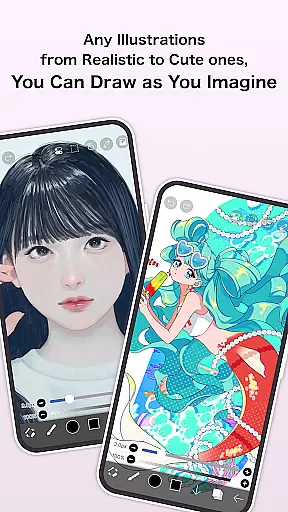
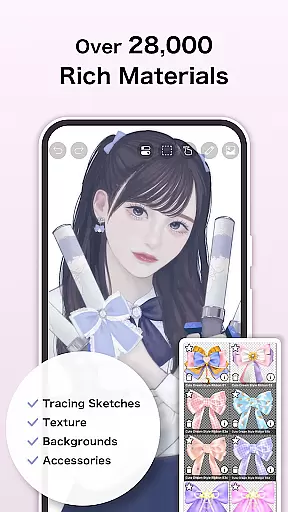
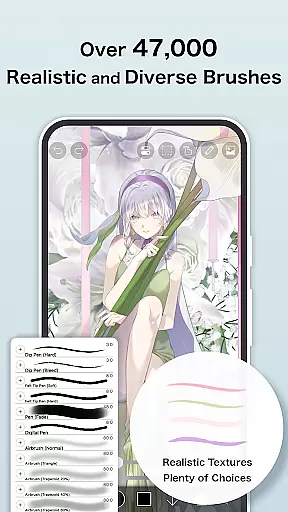
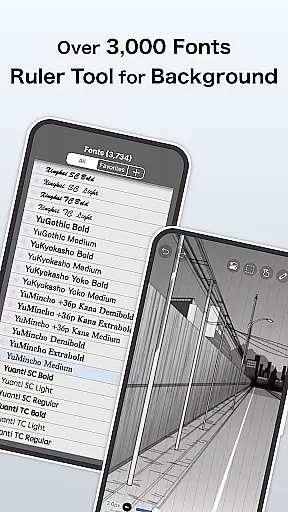
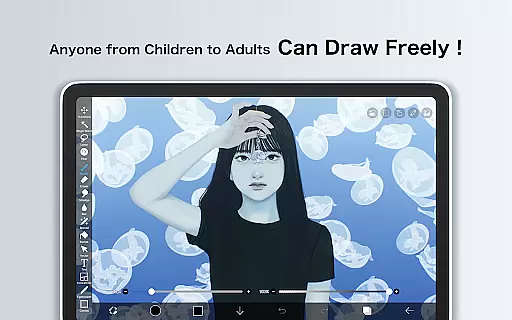
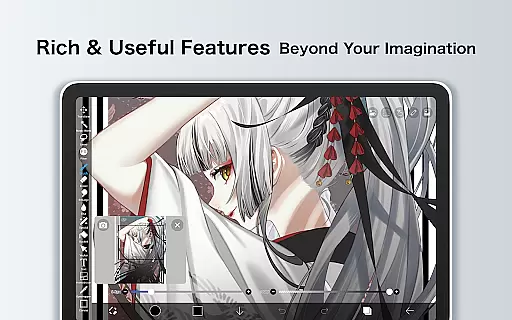
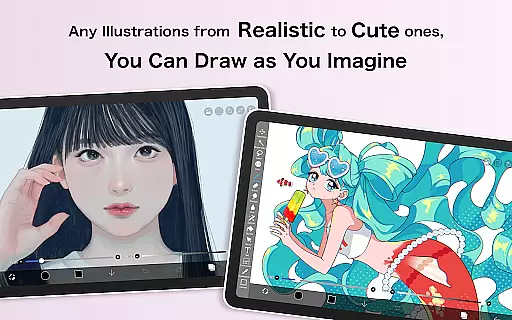
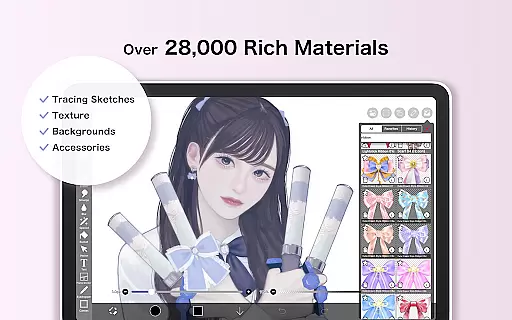
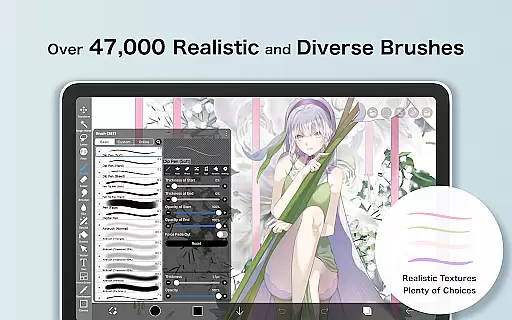
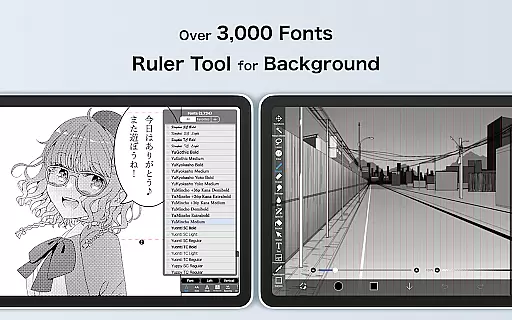
ibis Paint is a premier digital art studio designed for both amateur and professional artists. This app offers an extensive suite of creative tools including over 47000 brushes, 27000 materials, and 2100 fonts, enabling users to produce highly detailed artwork directly on their mobile devices. With advanced features like stroke stabilization, various rulers, and blending modes, it ensures precision and versatility in every creation.
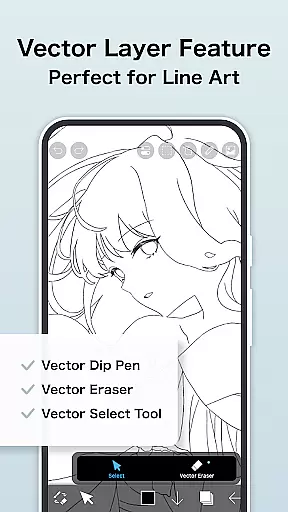
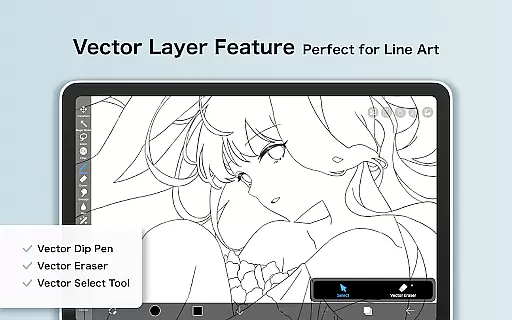
The application stands out with its unique ability to record drawing processes, making it an excellent educational tool for aspiring artists. Additionally, the Prime Membership unlocks exclusive features such as vector tools, cloud storage, and specialized filters, enhancing productivity and creative potential. Whether you're sketching, painting, or designing manga, ibis Paint provides a comprehensive platform that caters to diverse artistic needs.
One of the standout characteristics of ibis Paint is its vast array of customization options. Users can choose from thousands of brushes, each simulating different traditional media like oil paints, charcoal, and crayons. The app also supports layer-based editing with unlimited layers, offering flexibility in combining elements and applying effects such as alpha blending and screentones.
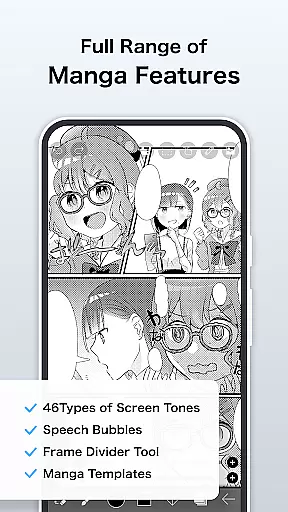
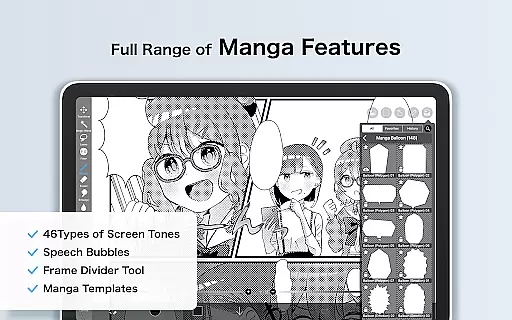
For manga creators, ibis Paint includes an advanced text tool with vertical and horizontal writing options, multiple font selections, and stroke adjustments. The Prime Membership further enriches the experience by providing access to exclusive materials, larger canvas sizes, and sophisticated filters like Tone Curve and Gradation Map. These features collectively empower artists to bring their visions to life with remarkable detail and creativity.
In the realm of digital art, ibis Paint stands as a paragon of creative tool completeness. This application offers over 47000 brushes, including dip pens, felt tip pens, and oil brushes, catering to an expansive range of artistic styles and preferences.
Layer features are equally impressive, allowing artists unlimited layer addition with individual parameters such as opacity and blending modes. The inclusion of advanced manga features, like the text tool with vertical and horizontal stroke options, further enriches the creative process.
The app's functionality extends beyond static art creation; it includes video recording of drawing processes, enabling users to share their techniques or learn from others. With AI-powered tools like AI Disturbance and various filters, artists can explore new dimensions in their work.
For those seeking even more, Prime Membership unlocks exclusive features such as vector tools and adjustment layers, ensuring that ibis Paint remains a top-tier choice for both amateur and professional artists alike.
ibis Paint excels in providing canvas and format flexibility, essential for artists who demand precision and adaptability in their work. Users can manipulate canvases with commands for duplication, inversion, rotation, and zooming, offering unparalleled control over their creative space.
The app supports diverse layer commands, empowering artists to import images from their photo library and apply transformations seamlessly. This flexibility ensures that creators can experiment with different compositions and effects without constraint.
Furthermore, ibis Paint accommodates various file formats, making it easy to integrate external resources into projects. Artists can utilize custom brush patterns and screentones, enhancing their ability to personalize their toolkit.
Prime Membership elevates this flexibility by granting access to exclusive canvas papers and fonts, alongside increased cloud storage capacity. These features collectively ensure that ibis Paint meets the dynamic needs of modern digital artists.
User-friendly interface
Extensive brush library
Advanced layer management
Unique process recording
Comprehensive manga tools
Prime Membership cost
Initial learning curve
Limited free features
Occasional bugs
High device requirements

Discover Cartoon Dream : Unleash Your Creativity with CuttingEdge AI
 4.50
4.50
Create neon drawing with magic doodle and fun doodle art effects!
4.50
Unleash your drawing and painting potential
4.50
Your Essential Color Theory Guide: Red, Yellow, Blue (RYB)
4.1
See Color, Paint Color
4.90
Create stunning video, photo & magic from text with FlixAI GPT video generator.
3.10
Experience next-gen icons with a modern liquid glass look.
3.60
AI Tattoo Generator: Create Tattoo Designs & Get Ideas! Ink & Stencil Maker
4.50
Explore future self face age filter & remove background image for a unique look.
3.50
Draw on screen: FP sDraw is a simple and lightweight drawing app
4.70
Draw glowing spinners, relax, and spin your creative art
4.60
Image resizer to resize, crop, rotate, flip, change dpi photo or picture in bulk
4.60
Turning simple sketches into captivating tales filled with life and motion
3.90
Paint with oils and sketch with natural tools on a realistic virtual canvas.
3.80
AI Assistant, powered by ChatGPT GPT-4 & GPT-4o. Your intelligent companion.
3.50
Art of Combination Wear OS Watch faces (for Wear OS 5+ devices)
3.00
Inky runs Inkscape on Android devices and Chromebooks
2.90
Premium version of Shimeji-ee app with no ads & no limit active shimeji
4.0
Art of Combination Wear OS Watch faces
4.2


User Reviews