
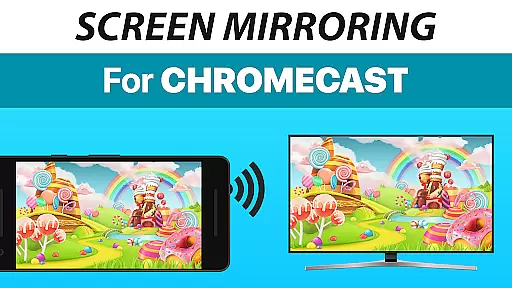
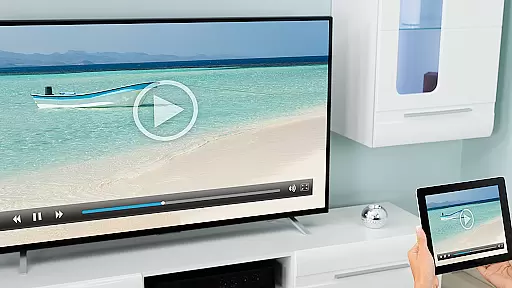
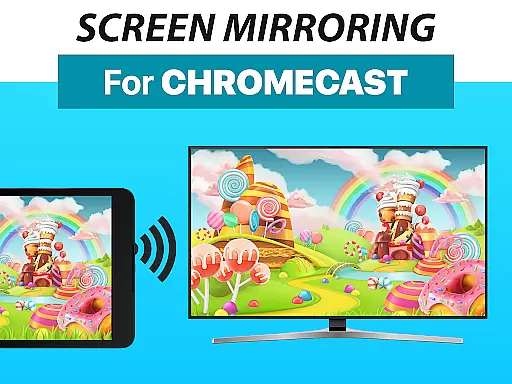
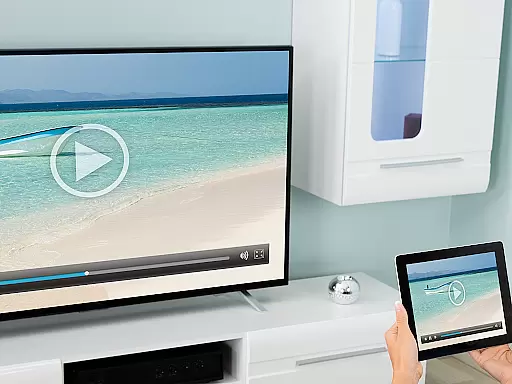
Screen Mirroring + Chromecast is a powerful tool designed for real-time HD screen sharing to Chromecast and Android TV devices. This app allows users to mirror their mobile screens effortlessly, bringing content like photos, videos, games, and presentations to larger displays. Compatible with popular smart TVs including Xiaomi Mi TV, Sony Bravia TV, TCL TV, and more, it ensures broad device support.
The app stands out with its unified setup process across all Android devices running Android 5.0 or higher. It eliminates the need for complex settings adjustments, making screen sharing accessible even for non-technical users. With optimized performance on 5GHz Wi-Fi networks and sound support for Android 10+, Screen Mirroring + Chromecast delivers a seamless experience for personal and professional use alike.
One of the standout features of Screen Mirroring + Chromecast is its extensive device compatibility. The app supports all Android devices with Android 5.0+ and works seamlessly with Chromecast-enabled TVs and Android TVs. Its intuitive design ensures that users can set up and start casting without needing to adjust Wi-Fi settings or other configurations.
Performance optimization is another key aspect, particularly when using a robust 5GHz Wi-Fi network. This ensures minimal lag and high-quality streaming. Additionally, the inclusion of sound support for Android 10+ enhances the multimedia experience, allowing users to share audio along with visual content. These features collectively make the app an essential tool for anyone looking to share content on a bigger screen.
Screen Mirroring + Chromecast is designed to provide users with a seamless and high-quality screen sharing experience. The core functionality revolves around its ability to mirror your device's screen in real-time to Chromecast-enabled devices, including Smart TVs from various brands like Xiaomi Mi TV, Sony Bravia TV, and more.
The app ensures that the shared content, whether it be photos, videos, games, or presentations, is transmitted with HD quality. This guarantees that users can enjoy crisp and clear visuals on larger screens without any compromise in quality. Furthermore, the support for Android 5.0+ and all Chromecast and Android TVs makes it highly versatile and accessible to a wide range of users.
Performance optimization is another key aspect where Screen Mirroring + Chromecast excels. By recommending a 5GHz Wi-Fi network, the app minimizes latency and maximizes streaming quality. This focus on performance ensures that users have a smooth and uninterrupted screen sharing experience, making it ideal for both personal and professional use.
A standout feature of Screen Mirroring + Chromecast is its user-friendly interface, which simplifies the entire screen sharing process. The setup is super easy and unified across all Android devices, eliminating the need for users to change Android settings or Wi-Fi options manually.
This ease of use extends to its compatibility with a broad spectrum of devices, ensuring that anyone with an Android 5.0+ device can utilize the app without hassle. The intuitive design allows users to quickly connect and share their screen content, such as apps, websites, and documents, with friends and family.
Additionally, the app provides sound support on Android 10+, further enhancing the user experience by allowing audio to be shared alongside visual content. This combination of simplicity and powerful functionality ensures that users can focus on enjoying their content rather than troubleshooting technical issues, making Screen Mirroring + Chromecast a reliable tool for everyday use.
User-friendly interface
Wide device compatibility
High-definition streaming
Sound support for Android 10+
Easy setup process
Requires good Wi-Fi for best results
No offline functionality
Limited to Chromecast devices
Sound only on Android 10+
Premium version costs extra

Universal TV remote control all TVs, Roku, LG, Samsung, Fire, Vizio, Sony, TCL.
 4.40
4.40
Amateur Radio app for APRS: Track friends, exchange messages, get tactical info.
3.90
Create your own live wallpaper or check out thousands already made presets
3.90
Smart and comfortable browsing experience.
3.80
Signal Strength, Mobile, Wifi, Speed Test, Bad Signals, Cellular, 5G, LTE, 4G
4.20
View detailed information about your Nissan Leaf the dealer never shows you.
4.10
Powerful collection of electronics tools and reference.A must for any enthusiast
4.90
Play your X-Box games remotely in 1080p with any controller and zero latency
4.60
Clean up large files and similar photos, fast and easy to use
4.40
Monitor car performance in real time and troubleshoot malfunctions.
4.80
ADB support Android 4.X-Android 13(Support wireless pair mode).No root required!
4.70
FV File Manager Pro, Fast and powerful file manager for Android
4.60
eXtended Permission Manager - a small app to manage permissions and AppOps
4.50
Button mapper, mouse toggle, sleep timer and a lot of another features
4.50
Mirror your screen to Fire TV - Super fast and simple
4.40
Complete kernel toolbox with features to manage and tweak your rooted device
4.30
Carry a FTP server in your pocket and avoid USB cables for file transfer
4.20
A convenient photo, video, and file recovery tool.
4.00
Create your own custom widget with endless possibilities
3.90


User Reviews