
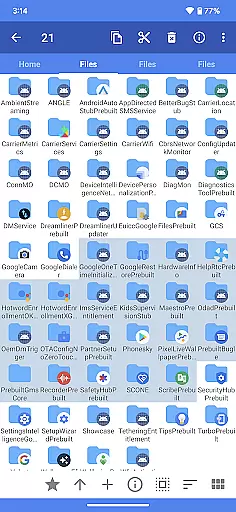
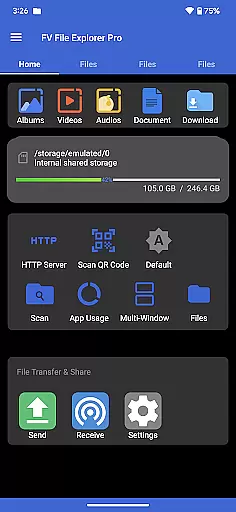
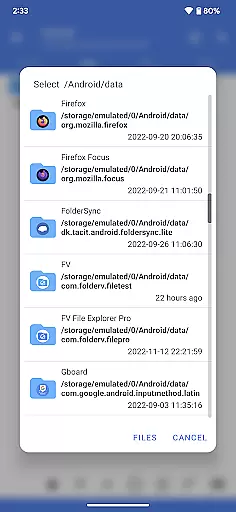
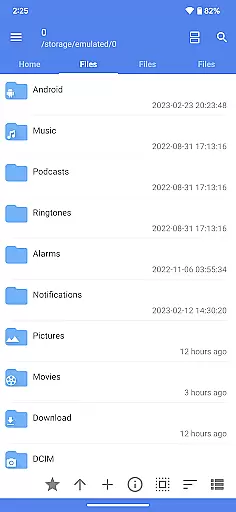
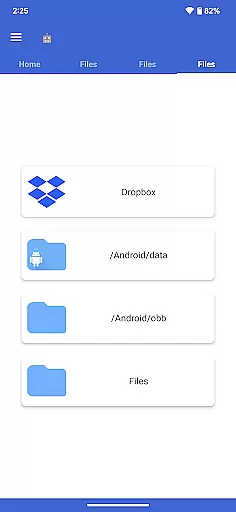
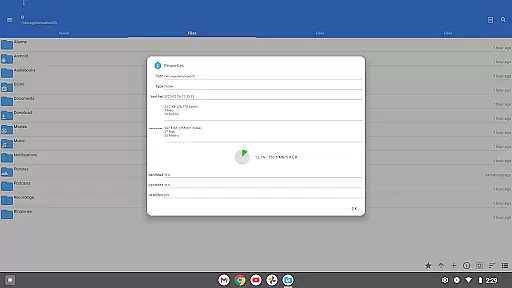
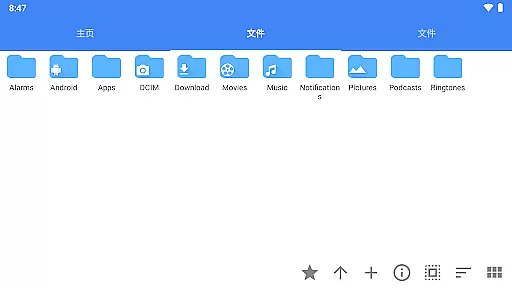
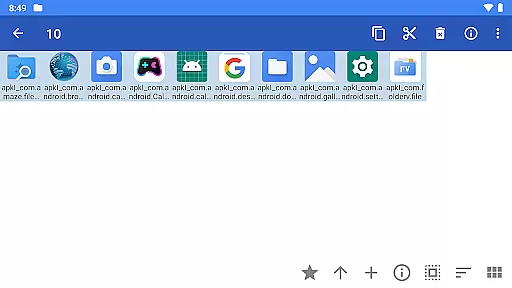
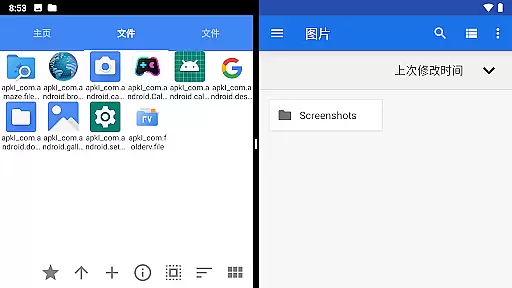
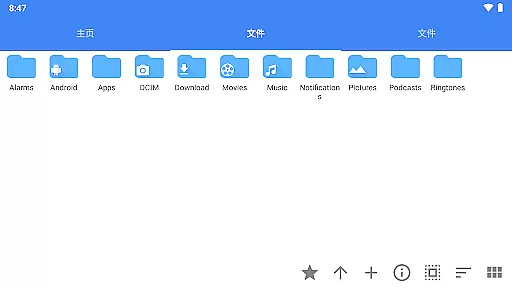
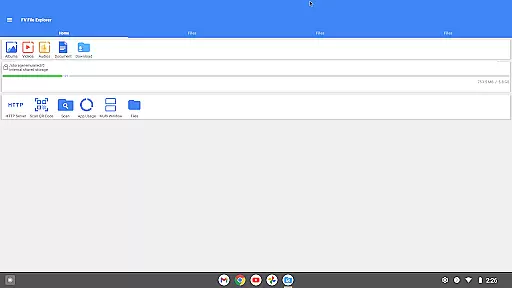
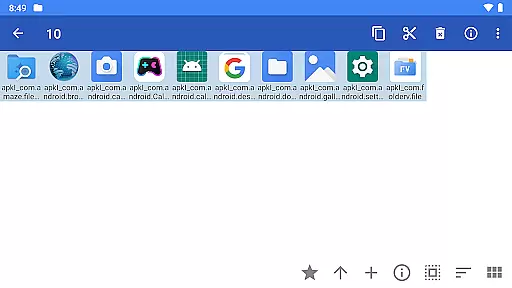
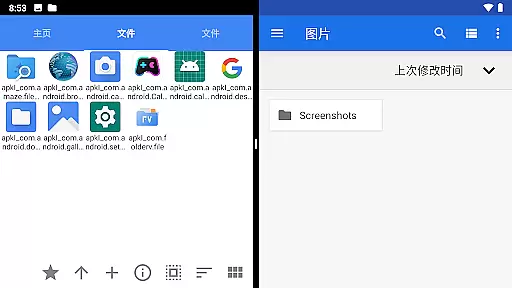
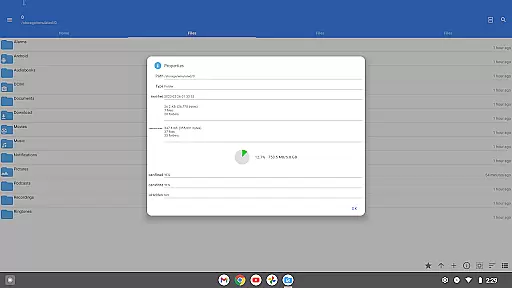
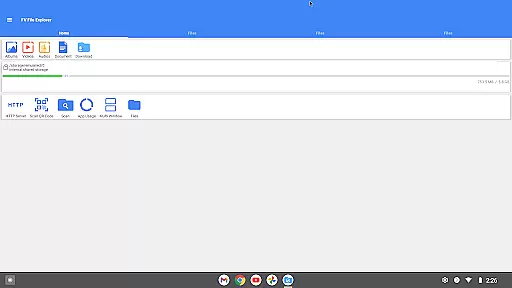
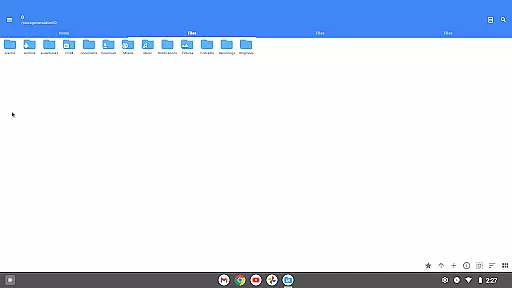
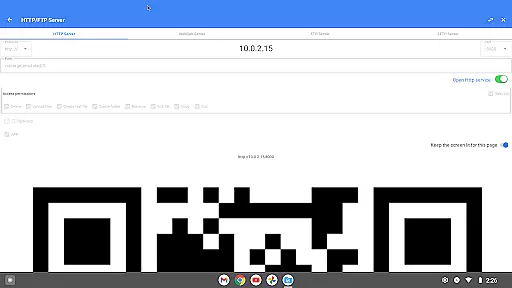
FV File Pro is a robust file management application designed specifically for Android devices. This tool stands out with its ability to access restricted directories like /Android/data and /Android/obb on Android 13 without requiring root permissions, making it an essential utility for power users. The app features a Material Design UI that ensures a seamless and intuitive user experience.
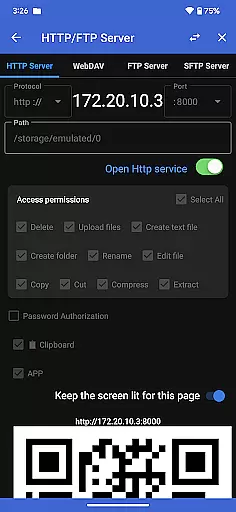
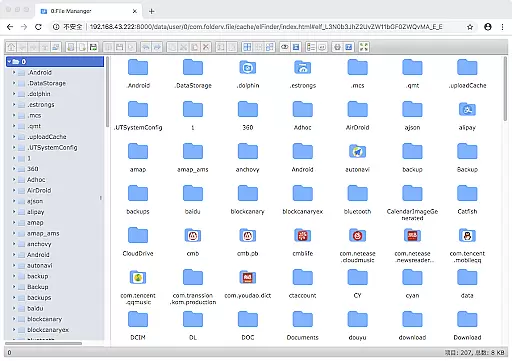
One of the core functionalities of FV File Pro is its comprehensive support for viewing multiple image formats including JPG, PNG, BMP, TIFF, and more. Additionally, it offers powerful decompression capabilities for various compressed file types such as ZIP, RAR, and 7Z. Users can also manage their files over a wireless network via HTTP, FTP, or SFTP, facilitating easy file transfers between computers and mobile devices without the need for data cables.
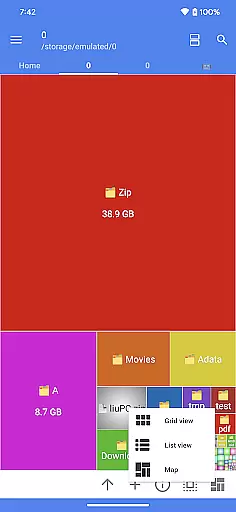
The inclusion of a WebDAV server and treemap visualizations for storage further enhances its utility, allowing users to connect to servers easily and visualize disk usage effectively. With additional features like QR code scanning, markdown file preview, and HTTP file download functionality, FV File Pro is a versatile tool for managing digital content efficiently.
FV File Pro boasts an array of sophisticated features tailored to meet the needs of tech-savvy individuals. One of its standout features is the ability to access restricted directories such as /Android/data and /Android/obb on Android 13 without root access, which is particularly beneficial for advanced users who require deeper system interactions.
The app supports a wide range of image formats including JPG, PNG, BMP, TIFF, WEBP, HEIF, AVIF, ICO, and APNG, ensuring that users can view almost any image file they encounter. Moreover, it provides extensive support for decompressing various archive formats like ZIP, RAR, 7Z, ISO, and DMG, making it a go-to solution for handling compressed files.
Another remarkable feature is the ability to manage files over a wireless network using protocols such as HTTP, FTP, or SFTP. This allows users to transfer documents, pictures, and text files between their computer and mobile device effortlessly. The integrated WebDAV server and treemap visualization for storage add layers of convenience and insight, enabling users to connect to servers easily and understand their storage usage at a glance.
FV File Pro stands out as a robust file management tool designed for Android users, ensuring both precision and efficiency in handling files. The app provides unparalleled access to system folders such as /Android/data and /Android/obb without the necessity for root permissions, making it an indispensable utility for advanced users.
With support for a wide array of image formats including but not limited to JPG, PNG, BMP, TIFF, and more niche types like HEIF and AVIF, FV File Pro ensures that viewing images is seamless and high-quality. This extensive compatibility empowers users to manage their visual content with ease, regardless of its origin or format.
The application's prowess extends to managing compressed files, offering extraction capabilities for ZIP, RAR, 7z, ISO, and DMG formats among others. This feature significantly enhances productivity by allowing users to decompress files swiftly and reliably, streamlining workflows across different platforms.
Adopting a Material Design UI, FV File Pro delivers an interface that is not only visually appealing but also intuitive and user-friendly. The design philosophy prioritizes clarity and functionality, ensuring that even novice users can navigate through the app effortlessly.
One of the standout features facilitating this simplicity is the wireless network file management capability. By enabling file transfers via HTTP, FTP, or SFTP within a local area network, the app eliminates the need for cumbersome data cables. This approach simplifies the process of sharing documents, pictures, and text files between computers and mobile devices.
Moreover, the inclusion of treemap visualizations for storage offers a unique way to understand disk usage at a glance. Each file is represented as a colored rectangle, sized proportionally to its actual size, providing users with an immediate and clear overview of their storage distribution. Such innovative visualization aids in efficient space management.
User-friendly interface
Extensive format support
Wireless file management
Advanced directory access
Comprehensive utility suite
May overwhelm beginners
Requires learning curve
No cloud integration
Limited customer support
Premium features locked

A powerful, easy-to-use flight computer on your phone or tablet!
 3.80
3.80
A convenient photo, video, and file recovery tool.
4.00
eXtended Permission Manager - a small app to manage permissions and AppOps
4.50
Best leveling tool for your Android device. Hang paintings like a pro.
4.90
Powerful collection of electronics tools and reference.A must for any enthusiast
4.90
Game Booster, GFX Tool is now compatible with newer game update
4.50
Fun lie-detection pranks for friends and parties.
3.80
Fast VPN USA for any country. Super secure VPN for calls, streaming, games, TV.
4.40
Enjoy a smooth mobile reading experience!
3.60
The ultimate tool for network analysis, wifi scanning and problem detection.
4.90
Remote Play with FSR upscaling, low latency & full controller support
4.80
The one-and-only remote control for PC, Mac, and Linux
4.70
App to pay for FUTO Keyboard
4.60
Play your X-Box games remotely in 1080p with any controller and zero latency
4.60
Making emulation easy for everyone!
4.30
Remote for Roku, Fire TV, Samsung TV, LG TV, Android TV, Chromecast and VIZIO TV
4.20
Quickly & easily calculate the spacing of handrail balusters
4.20
Introducing Smart Printer, your ultimate destination for printing solutions!
4.00
Amateur Radio app for APRS: Track friends, exchange messages, get tactical info.
3.90


User Reviews