
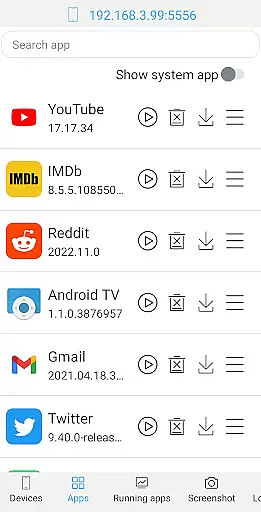
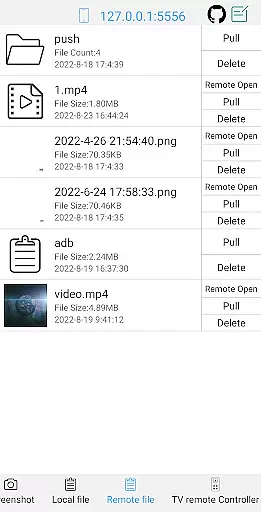
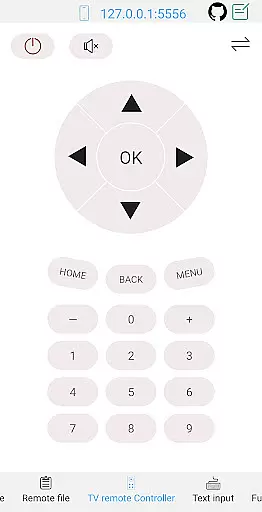
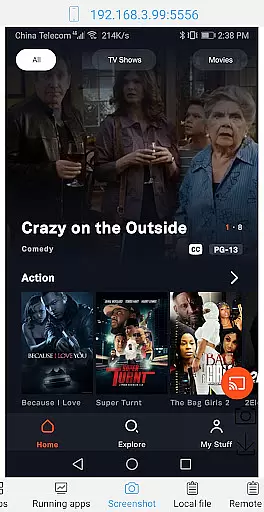
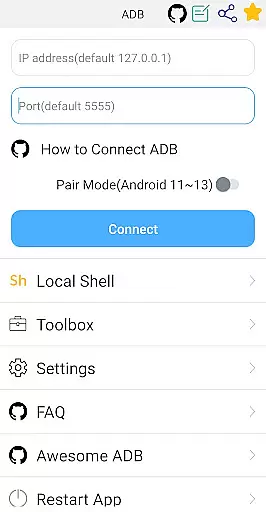

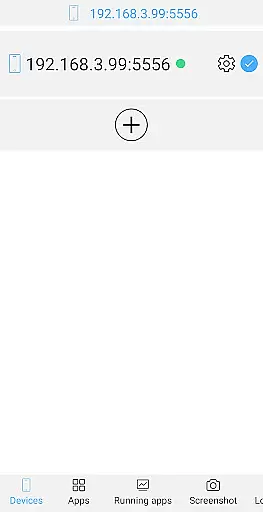
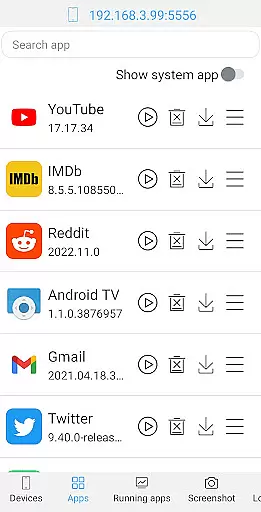
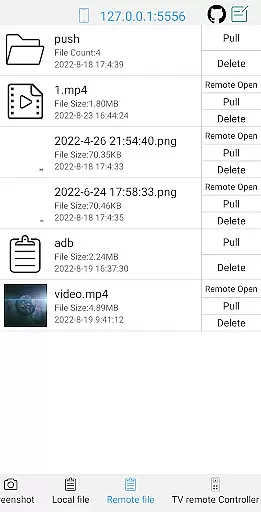
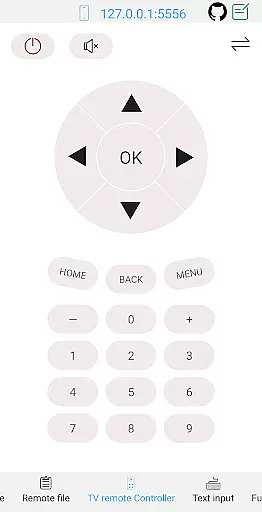
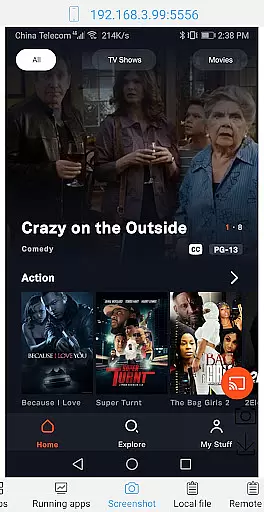
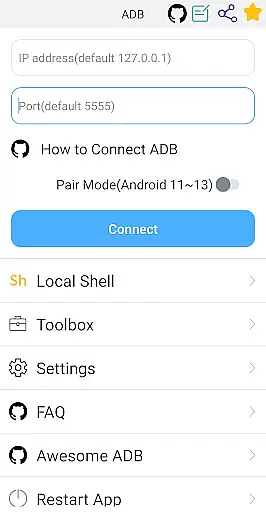
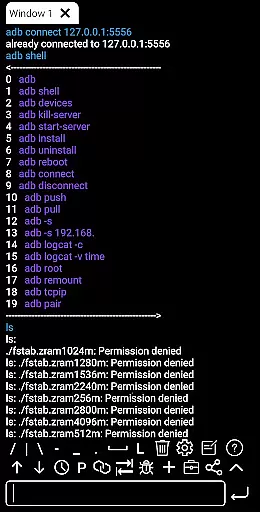
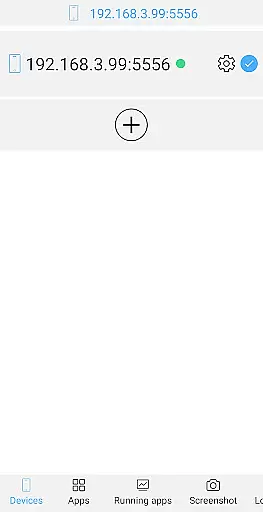
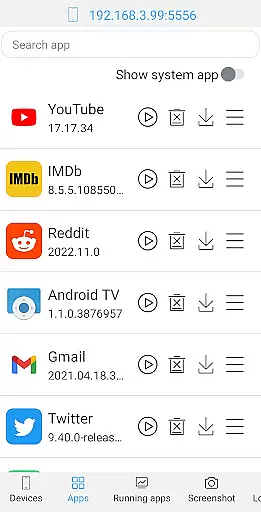
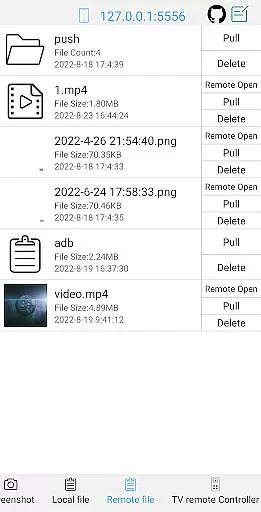
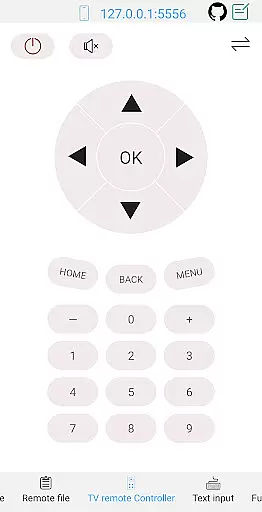
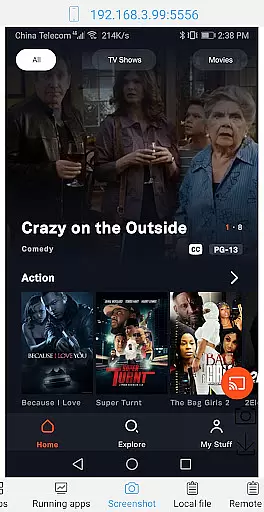
ADB Shell is a comprehensive and powerful toolbox application designed for Android device management. The app provides an extensive set of features to manage applications, including launching, uninstalling, downloading, force-stopping, clearing data, disabling, and enabling apps. It also supports device management tasks such as viewing running applications, taking screenshots, pushing and pulling files, installing APKs, and opening remote media files.
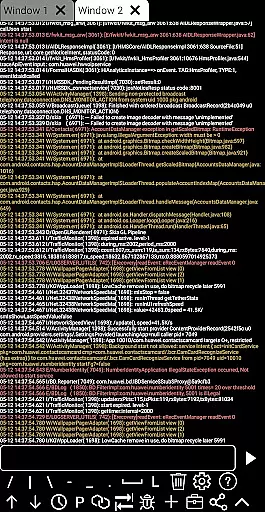
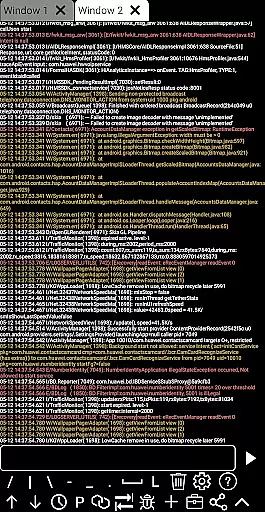
In addition to its robust toolbox capabilities, ADB Shell offers advanced shell features compatible with Android versions 4.X through Android 13. Users can leverage wireless pair mode, WiFi wireless ADB, local shell ADB, associative input, autosave output, command sharing, history tracking, fast copy commands, multi-window support, color text, background execution, recommended commands/files, prefab commands, and logcat functionality.
This versatile tool is particularly useful for developers and power users who require precise control over their Android devices. With its wide array of features, ADB Shell streamlines device management and enhances productivity by providing efficient solutions for various administrative tasks.
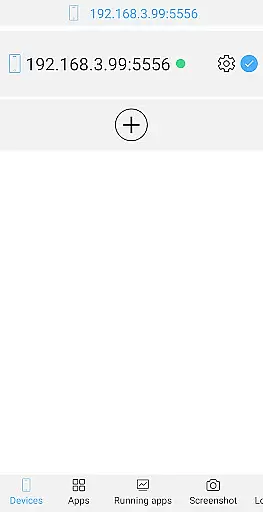
ADB Shell distinguishes itself through its comprehensive feature set that caters to both basic and advanced Android device management needs. The toolbox component offers essential functions like application management (launching, uninstalling, downloading, force-stopping, clearing data, disabling, and enabling), device monitoring (viewing running applications, system information, and prop details), and file operations (pushing, pulling, deleting files).
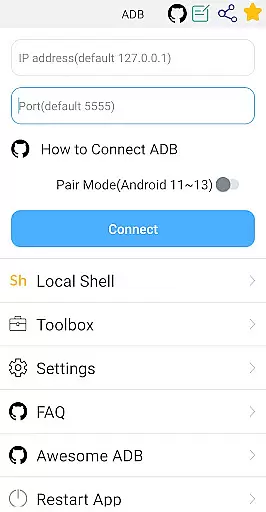
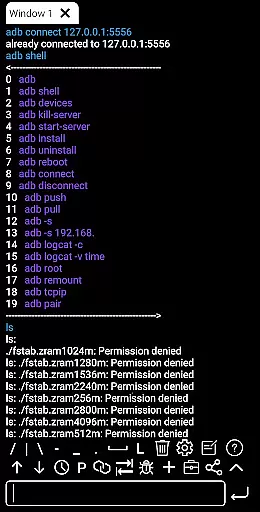
The shell features are equally impressive, supporting multiple Android versions from 4.X to 13. It includes modern connectivity options such as wireless pair mode (Android 11-13) and WiFi wireless ADB, alongside traditional local shell ADB. The interface enhances user experience with associative input, autosave output, command sharing, history tracking, fast copy commands, multi-window support, color-coded text display, background execution capability, recommended commands/files, prefab commands, and logcat functionality.
These features collectively provide users with unprecedented control over their Android devices. The combination of toolbox utilities and advanced shell capabilities makes ADB Shell an indispensable tool for developers, testers, and power users who need to efficiently manage and troubleshoot Android devices while maintaining optimal performance and security.
ADB Shell stands out for its precision and effectiveness in executing core functions, making it an indispensable tool for developers and tech enthusiasts. This application supports a wide array of functionalities ranging from app management to system monitoring, all designed with the utmost accuracy to ensure users can perform tasks such as launching, uninstalling, and managing applications without a hitch.
The toolbox feature is engineered to deliver reliable performance whether you're viewing running applications, taking screenshots, or managing files on your device. With support for pushing, pulling, and installing APKs, ADB Shell ensures that every file operation is executed flawlessly, providing users with a seamless experience.
Moreover, the shell capabilities of this app are robust, supporting Android versions from 4.X to 13. It offers advanced features like wireless pair mode, WiFi wireless ADB, and local shell ADB, which collectively enhance operational efficiency. These tools allow for effortless device management and debugging, affirming the app's role as a comprehensive solution for Android device control.
By integrating practical utilities such as command history, fast copy command, and multi-window support, ADB Shell not only simplifies complex processes but also significantly boosts productivity. Users benefit from an intuitive interface that facilitates easy navigation and execution of commands, ensuring they can maximize their workflow without unnecessary complications.
The hallmark of ADB Shell is its commitment to providing an interface that marries simplicity with intuitiveness, ensuring users of all skill levels can navigate its features with ease. The design philosophy centers around reducing complexity, allowing even those new to Android development to efficiently manage apps and devices without a steep learning curve.
Every function within the ADB Shell is accessible through a straightforward layout that emphasizes usability. Whether it's managing applications, monitoring system performance, or executing shell commands, the app provides clear pathways and instructions, minimizing the potential for user error and enhancing overall task efficiency.
Furthermore, the inclusion of associative input and prefab commands streamlines the command entry process, making it faster and more accurate. This thoughtful integration of features ensures that users can execute complex operations with minimal effort, maintaining focus on their primary objectives without getting bogged down by intricate controls.
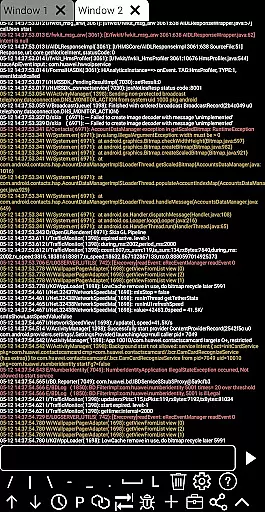
With additional supports like color text and background running, ADB Shell enhances the user experience by delivering not just functionality but also convenience. These attributes contribute to an environment where technology serves the user, adapting to individual preferences and workflows, thereby fostering a more productive and enjoyable interaction with Android devices.
Comprehensive toolbox
Advanced shell features
Wide Android version support
Wireless connectivity options
Efficient file management
Complex for beginners
Requires technical knowledge
Limited visual appeal
No built-in tutorials
Advanced features overwhelming

Learn the vast amount of system information about device and monitor it's state
 4.70
4.70
Canon PRINT is a companion app for your Canon printer.
4.60
eXtended Permission Manager - a small app to manage permissions and AppOps
4.50
A non-root local ADB shell client. READ BELOW!
3.40
The one-and-only remote control for PC, Mac, and Linux
4.70
Planner and Tracker for Stardew Valley
4.60
Mirror your screen to Fire TV - Super fast and simple
4.40
Fast Video Downloader, Movie Downloader, Torrent Downloader & Adblock Browser
4.70
Enjoy a smooth mobile reading experience!
3.60
Monitor car performance in real time and troubleshoot malfunctions.
4.80
WiFi Signal Strength Meter help you detect WiFi Signal Strength in real time.
4.80
HD Video player and downloader for all formats, fast & smooth 4K video playback.
4.60
Button mapper, mouse toggle, sleep timer and a lot of another features
4.50
VESC Tool can monitor and configure VESC-compatible devices over BLE and Wifi
4.20
MS-DOS in your pocket. Play old DOS games anywhere you are ;)
4.10
A simple app to back up and restore SMS & MMS messages and call logs.
4.10
Automate everything from settings to photos, SMS to speech. ADC2 prize winner.
4.10
Create your own custom widget with endless possibilities
3.90
Safely recover deleted photos, videos, and files with a single easy tap.
3.70


User Reviews