
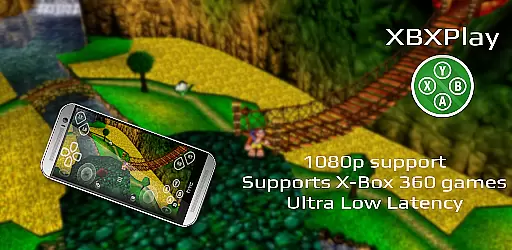
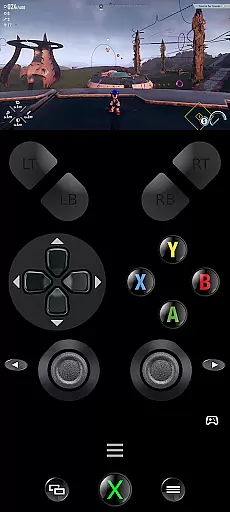
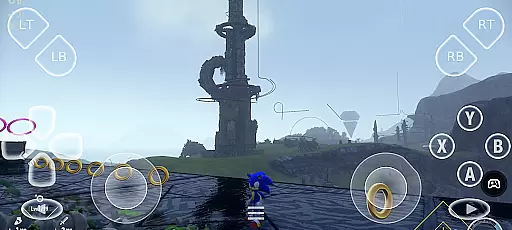
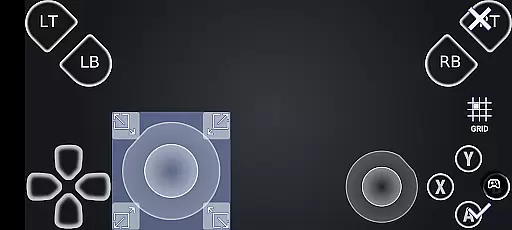
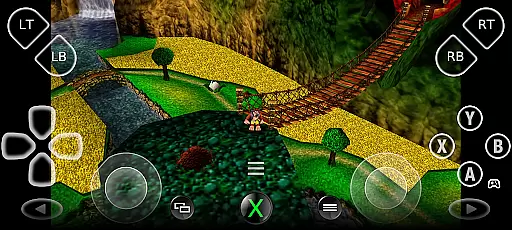
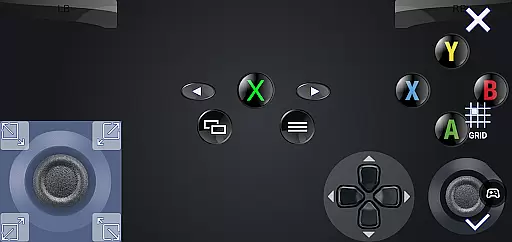
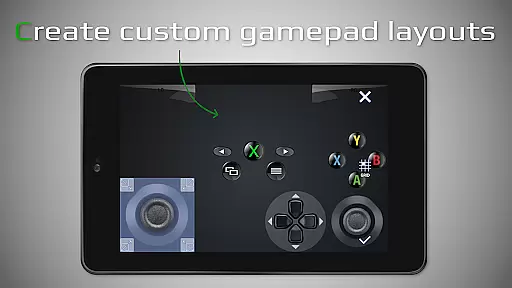
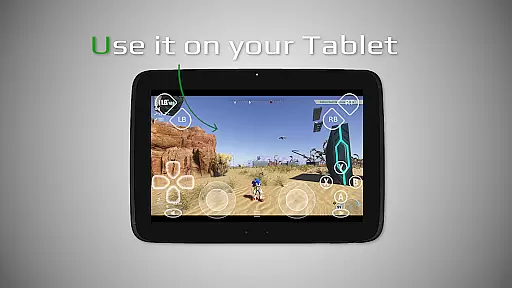
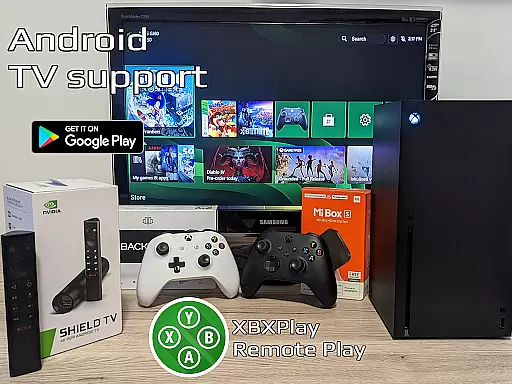
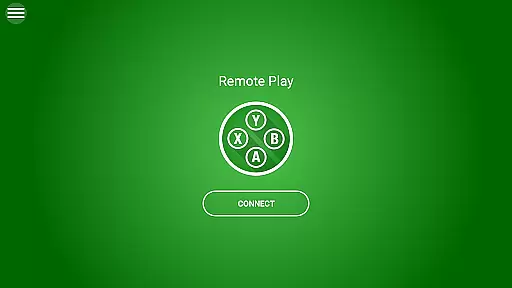
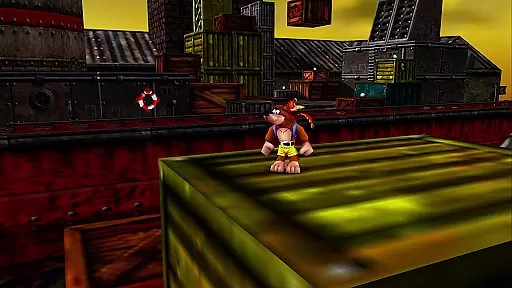
XBXPlay is a powerful remote control application designed specifically for X-Box Series X/S, X-Box One (X/S), and even X-Box 360 consoles. The app allows users to stream their favorite games in 1080p resolution while away from home, providing an optimized streaming experience with minimal latency. It supports third-party controllers, mobile data connections, and features customizable onscreen gamepad layouts that cater to individual gaming preferences.
One of the standout features of XBXPlay is its ability to support X-Box 360 games, which are not available in the official X-Box Remote Play app. Additionally, it offers advanced functionalities such as manual bitrate adjustments, fullscreen support without black bars, and gamepad button mapping. These capabilities make XBXPlay a versatile tool for gamers who want to enjoy their console experience remotely, whether through touch controls or physical gamepads connected via USB-OTG.
The app is particularly useful for users with stable high-speed internet connections and devices connected to 5GHz WiFi networks, ensuring minimal delays during gameplay. With additional features like Picture-In-Picture mode and Multi-Window support, XBXPlay provides a seamless and flexible gaming experience tailored to modern Android devices.
XBXPlay stands out with its comprehensive set of features designed to enhance the remote gaming experience. First and foremost, the app supports 1080p streaming, allowing users to enjoy high-definition gameplay on their mobile devices. This feature is complemented by the app's optimization for low-latency streaming, ensuring that even fast-paced games remain responsive and smooth.
Another key aspect of XBXPlay is its extensive compatibility with various gaming setups. Unlike the official X-Box Remote Play app, XBXPlay supports X-Box 360 games, broadening the range of playable titles. Users can also take advantage of customizable onscreen gamepad layouts, which can be tailored to fit specific games or personal preferences. Furthermore, the app includes native USB-OTG support, enabling the use of physical gamepads for those who prefer traditional controls over touch-based interfaces.
Additional notable features include Picture-In-Picture mode and Multi-Window support, both of which require Android 8.0 or newer and Android 7.0 or newer respectively. These functionalities allow users to multitask effectively while gaming, enhancing overall productivity and convenience. Overall, XBXPlay's innovative features and robust performance make it an excellent choice for gamers seeking a versatile remote play solution.
XBXPlay excels in delivering core functionalities with precision and effectiveness, ensuring a seamless remote gaming experience. The app supports 1080p streaming, which is crucial for maintaining the quality of gameplay when playing remotely. This high-definition support allows gamers to enjoy their favorite titles without compromising visual fidelity.
One of the standout features is the ability to adjust the bitrate manually. This functionality enables users to optimize their streaming experience based on their internet connection, ensuring minimal latency and maximum performance. Whether on a mobile data connection or a stable Wi-Fi network, players can tweak settings to achieve the best possible experience.
The inclusion of third-party controller support and customizable onscreen gamepad layouts further enhances the app's versatility. Gamers can tailor controls to fit their preferences, making gameplay more intuitive and enjoyable. These customization options ensure that every user can create a setup that feels natural and responsive.
Overall, XBXPlay's dedication to providing accurate and effective core functions makes it an invaluable tool for remote gaming. By focusing on low-latency streaming and supporting a wide range of devices and games, including Xbox 360 titles, the app delivers a comprehensive solution for gamers seeking flexibility and performance.
Achieving simplicity and intuitiveness in its interface, XBXPlay ensures that users can easily navigate and utilize its features without a steep learning curve. The app's design emphasizes ease of use, allowing gamers to focus on their gameplay rather than struggling with complex settings.
One key aspect is the full-screen support, which eliminates unnecessary distractions such as black bars. This feature provides an immersive experience, keeping players engaged with their games. Additionally, the picture-in-picture mode and multi-window support cater to multitasking needs, enabling users to manage other tasks while gaming.
The touch-optimized onscreen gamepad layout is another highlight, offering an intuitive control scheme for those without physical gamepads. Players can customize these layouts to suit different games, enhancing the adaptability of the app. Such thoughtful design choices contribute to a user-friendly environment.
By prioritizing interface simplicity and intuitiveness, XBXPlay ensures that both novice and experienced gamers can enjoy a hassle-free remote gaming experience. Its streamlined approach not only enhances usability but also enriches the overall enjoyment of gaming on the go.
Supports 1080p streaming
Customizable onscreen gamepad
Low latency optimization
X-Box 360 game compatibility
Picture-In-Picture mode
No microphone support
Requires stable internet
High device specs needed
Limited firmware compatibility
Third-party app risks

Easily install aab(Android App Bundle) files on your Android device with our app
 4.80
4.80
A convenient photo, video, and file recovery tool.
4.00
Just swipe the edge to do something!
4.40
Remote for Roku, Fire TV, Samsung TV, LG TV, Android TV, Chromecast and VIZIO TV
4.20
Family Locator, Share location, StayConnect with your family in real time
3.90
Quickly & easily calculate the spacing of handrail balusters
4.20
Effortlessly run ADB commands directly on your device without a PC.
4.20
PC precision for mobile gaming: dominate with keyboard and mouse!
4.30
Screen recorder with audio to record high-quality videos and take screenshots.
4.40
Support Fossify apps with a warm thank you!
5.00
Change your GPS location instantly. Simulate routes anywhere in the world.
4.90
Fast Video Downloader, Movie Downloader, Torrent Downloader & Adblock Browser
4.70
The Ultimate Flex Drivers Utility App - Convenient Tapping & Block Filters
4.70
Canon PRINT is a companion app for your Canon printer.
4.60 4.50
4.50
The Ultimate Bluetooth Keyboard & Mouse. Securely control your PC, Mac, and more
4.50
Pro Emulator is an easy to use game console emulator for a range of consoles.
4.40
pdf merge, word to pdf, jpg to pdf, edit pdf, convert to pdf and much more!
4.20
An open-source APK explorer for Android!
4.10


User Reviews