
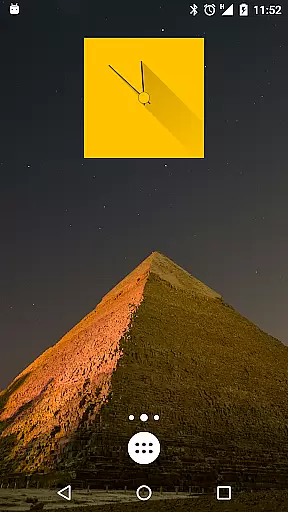
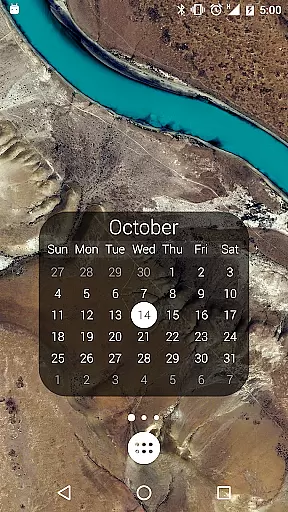
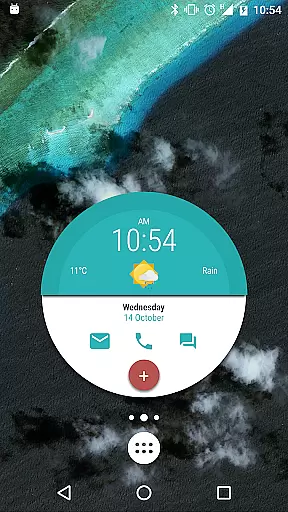
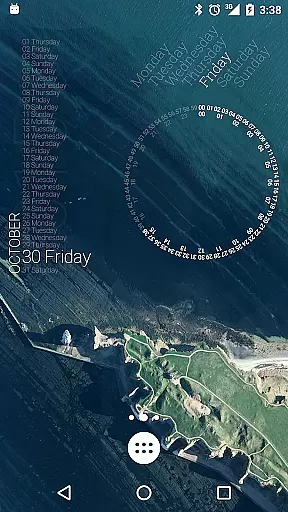
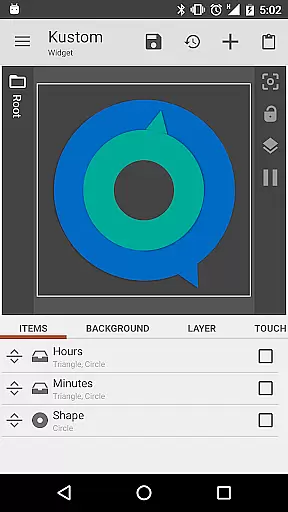
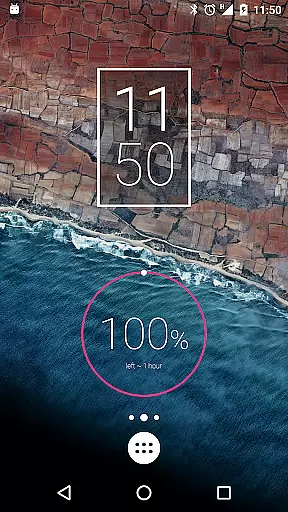
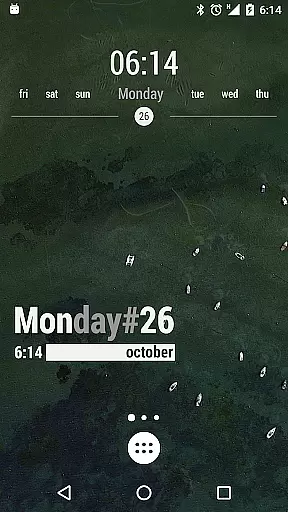
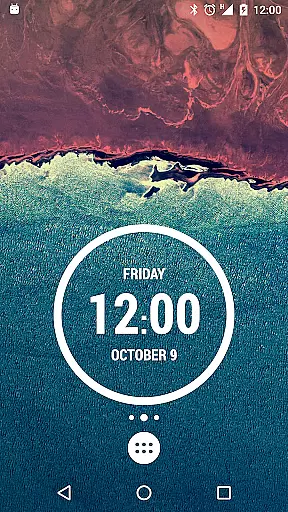
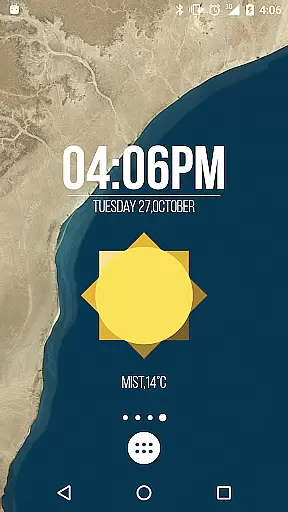
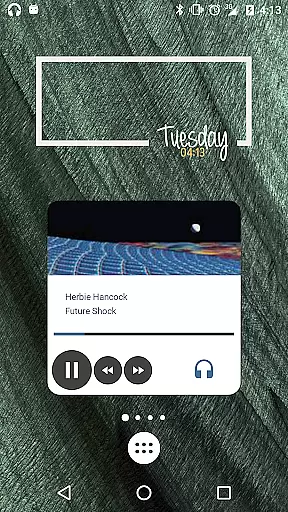
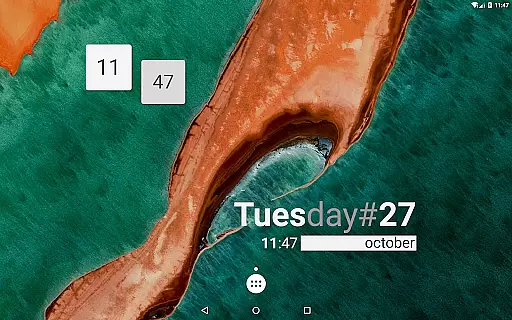
KWGT Kustom Widget Pro Key is a powerful tool that unlocks advanced features in the Kustom Widget app, allowing users to create highly customized Android launcher and lockscreen widgets. This pro key removes ads, supports external skin imports, and enables unique functionalities like Buzz Launcher import support.
The application empowers users to design sophisticated digital and analog clocks, weather widgets, battery meters, music players, and more. With its WYSIWYG editor, KWGT ensures real-time visualization while designing, making it easy to display necessary data without compromising device performance. Whether you're looking for aesthetic enhancements or functional utilities, this app provides limitless creative possibilities.
Perfect for tech-savvy individuals who want to personalize their devices, KWGT Pro Key offers tools such as custom fonts, 3D transformations, gradient effects, and touch-sensitive hotspots. It also integrates with Google Fitness, Tasker, and live content downloads, ensuring your widgets are both visually stunning and highly practical.
KWGT Kustom Widget Pro Key stands out with its extensive customization capabilities. The app allows users to create widgets using custom fonts, shapes, gradients, and advanced text effects like curved and skewed displays. These features ensure that every widget is unique and tailored to individual preferences.
One of the key highlights is its powerful programming language, which supports functions, conditionals, and global variables. This enables dynamic changes to widget backgrounds based on time, weather, location, or other factors. Additionally, the app supports SVG graphics, live maps, and native music utilities, displaying album art and song details with ease.
With over 50 data types available, including battery status, weather forecasts, sunrise/sunset times, and network information, KWGT Pro Key is an indispensable tool for creating feature-rich widgets. Its compatibility with Tasker and Zooper-like progress bars further enhances its versatility, making it ideal for both beginners and advanced users seeking complete control over their home screens.
KWGT Kustom Widget Pro Key is designed to enhance the functionality of the Kustom Widget app by providing users with advanced tools for creating highly customized widgets. The core functions include precise customization options that allow users to design unique digital and analog clocks, weather widgets, battery meters, and more.
The app ensures accuracy through its sophisticated WYSIWYG editor, enabling real-time previews of designs. This feature allows users to see exactly how their widget will look on their device before finalizing it, ensuring that all elements are perfectly aligned and visually appealing.
Effectiveness is further amplified by the support for complex programming languages within the app, allowing users to implement conditionals, global variables, and touch actions. These capabilities ensure that widgets not only display necessary data but also interact dynamically based on user inputs or environmental changes like time, location, and weather.
The interface of KWGT Kustom Widget Pro Key is crafted to offer simplicity and intuitiveness, making it accessible even to those who may not have extensive technical knowledge. With an easy-to-navigate design, users can quickly access a wide array of customization options ranging from text styles to image filters.
Despite the complexity of features available, the app maintains a straightforward layout where each tool and option is clearly labeled and easy to find. Users can effortlessly switch between different design elements such as shapes, fonts, and colors without feeling overwhelmed by the multitude of choices.
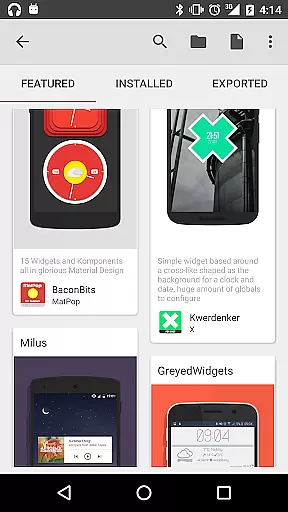
Additionally, the inclusion of pre-made skins and components helps new users get started quickly while still offering room for advanced personalization. This balance between ready-to-use templates and customizable features makes KWGT both powerful for experts and friendly for beginners.
Unlimited Customization
Battery Efficient
Dynamic Widgets
Tasker Integration
SVG Support
Requires Separate App
Complex for Beginners
Costly Pro Key
No Standalone Use
Limited Free Skins

A powerful, easy-to-use flight computer on your phone or tablet!
 3.80
3.80
Just one-tap to easy translate in any language after calls within seconds.
4.20
FV File Manager Pro, Fast and powerful file manager for Android
4.60
Universal TV remote control all TVs, Roku, LG, Samsung, Fire, Vizio, Sony, TCL.
4.40
App that Recover your pictures, videos or files after you delete them.
4.20
Detect hidden spy camera with advanced scanning {{ Premium version }}
4.00
Mirror your screen to Chromecast and Android TV - Super fast and simple
4.60
Button mapper, mouse toggle, sleep timer and a lot of another features
4.50
Fast VPN USA for any country. Super secure VPN for calls, streaming, games, TV.
4.40
Remote Play with FSR upscaling, low latency & full controller support
4.80
The Ultimate Flex Drivers Utility App - Convenient Tapping & Block Filters
4.70
HD Camera captures every special moment.
4.60
Keep track of your Palia friendships, tasks, and inventory with Palia Notebook
4.60
Forza Tuning Calculator App for Forza Horizon 5, Motorsport and Earlier Titles
4.40
pdf merge, word to pdf, jpg to pdf, edit pdf, convert to pdf and much more!
4.20
Screen Mirroring with sound for Samsung TV, LG TV, Sony TV, Smart TV and Browser
4.20
Automate everything from settings to photos, SMS to speech. ADC2 prize winner.
4.10
Family Locator, Share location, StayConnect with your family in real time
3.90
Undelete and recover your lost or deleted files with DiskDigger!
3.40


User Reviews