
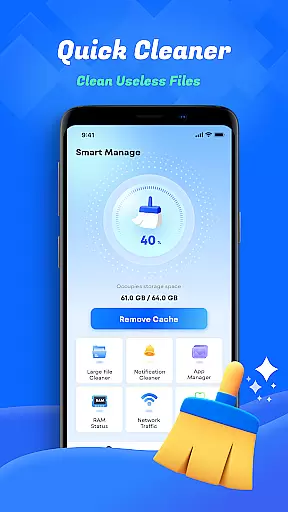
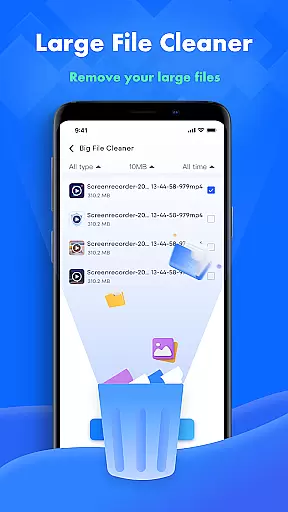
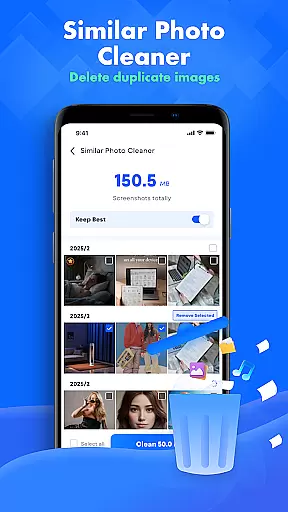
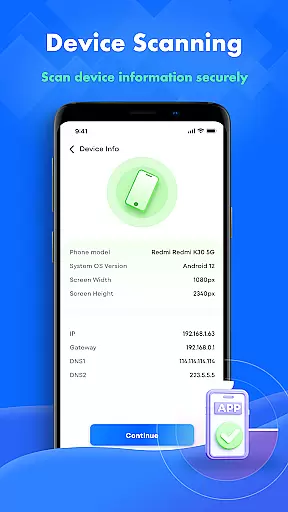
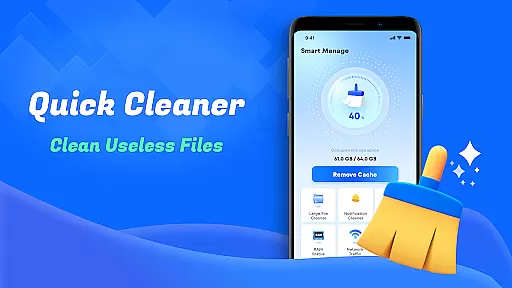
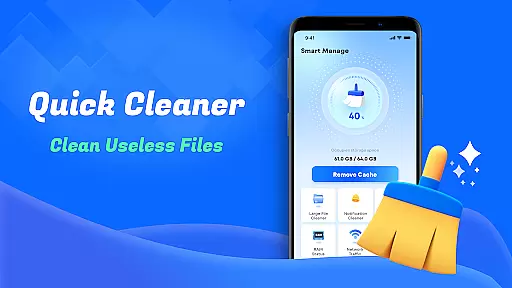
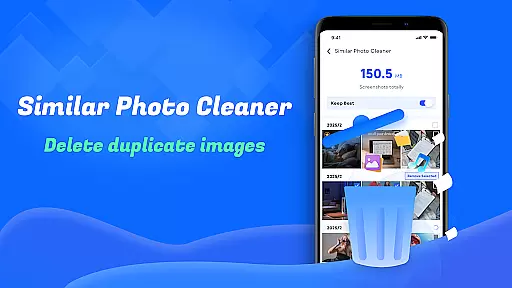
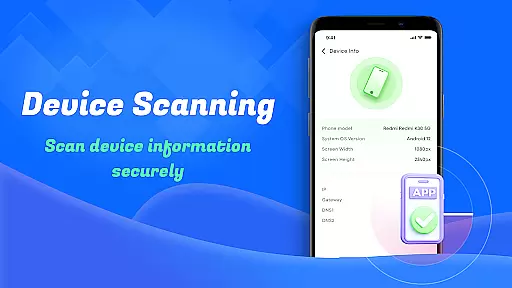
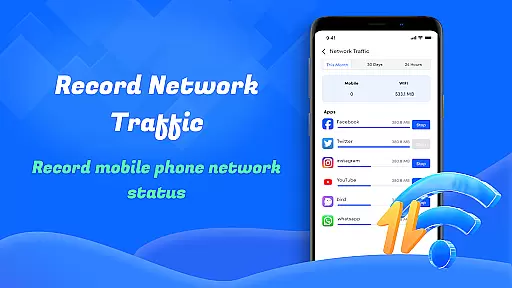
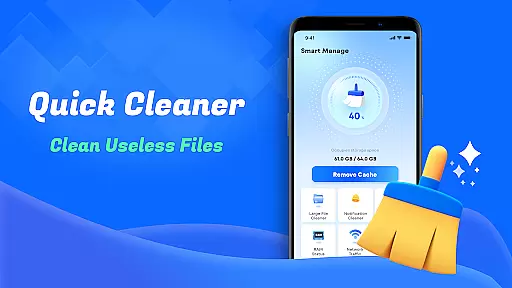
Smart Cleaner is a comprehensive phone cleaning tool designed to optimize device performance through its intuitive interface and powerful features. The app focuses on helping users efficiently manage their storage by providing multiple cleaning options.
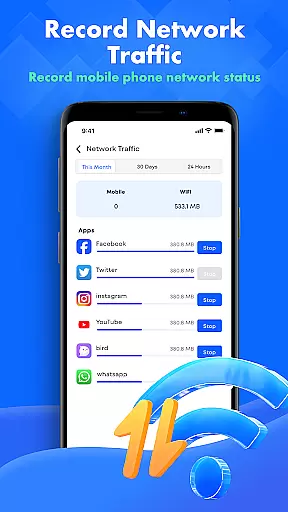
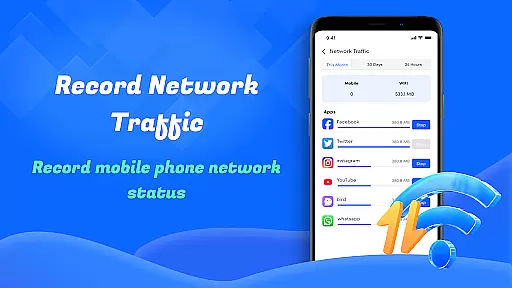
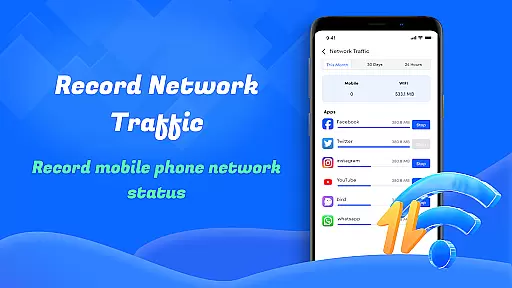
Key functionalities include unnecessary file cleanup, large file management, similar photo detection, and screenshot removal. Additionally, it offers device information monitoring and network usage analysis, making it an all-in-one solution for maintaining a clutter-free smartphone. These tools collectively ensure that users can maximize their device's efficiency while keeping their data organized.
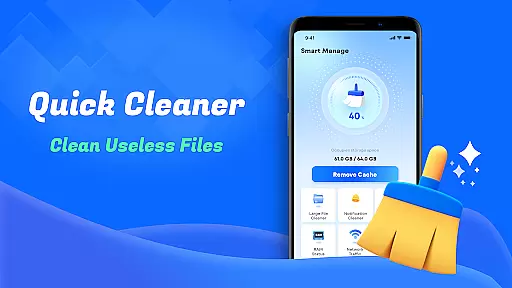
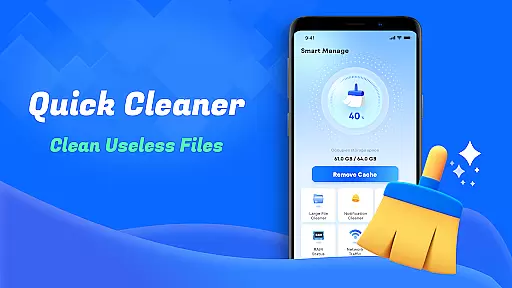
Smart Cleaner stands out with its diverse range of practical features tailored to enhance user experience. One notable feature is the Unnecessary Files Cleanup, which scans and removes redundant files, freeing up valuable space without requiring technical expertise.
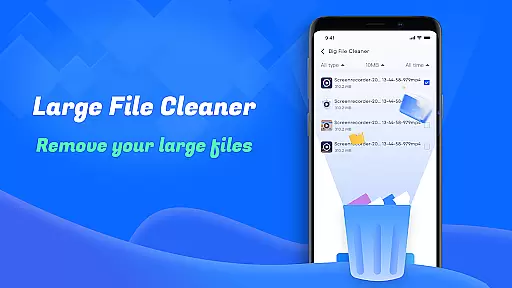
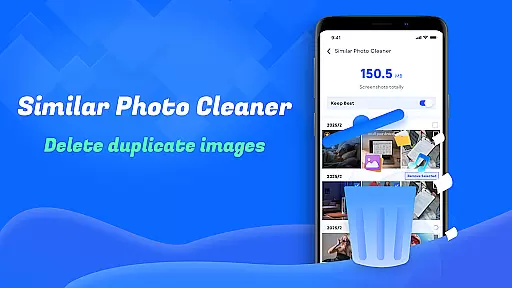
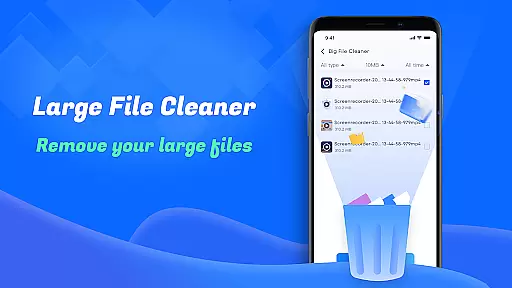
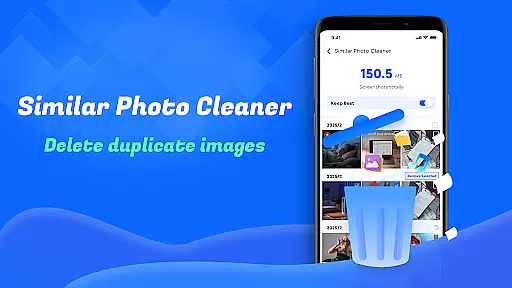
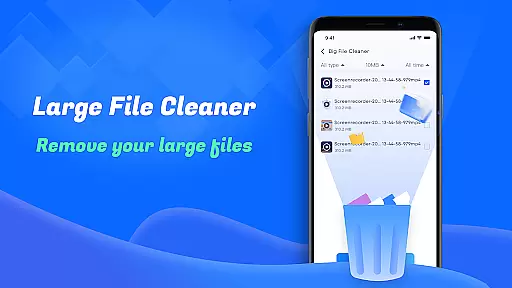
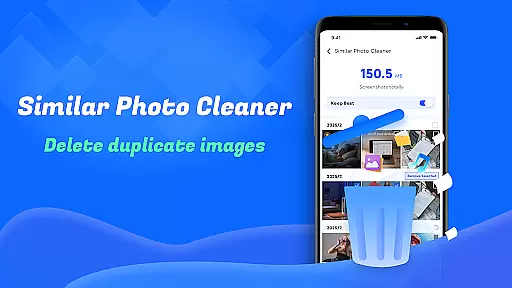
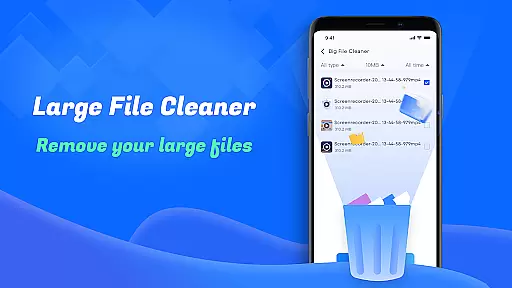
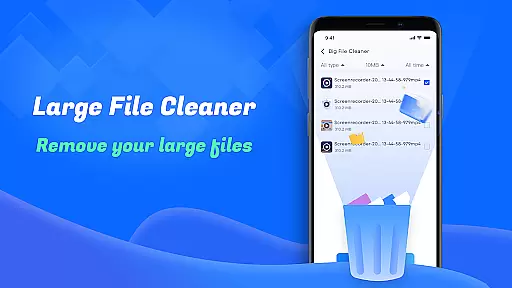
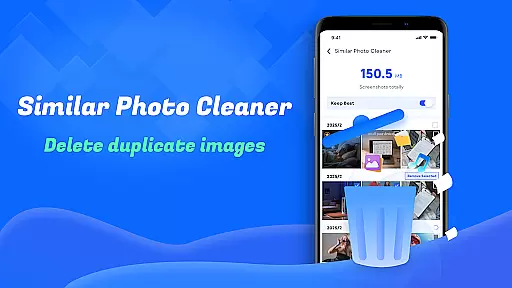
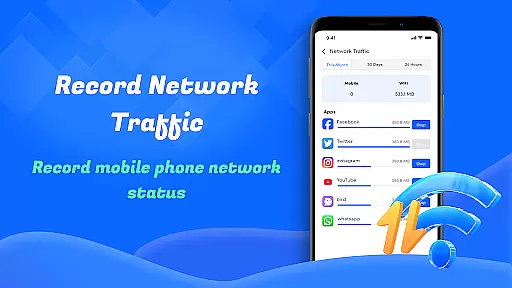
Another highlight is the Large File Cleanup tool, allowing users to identify and delete bulky files that consume significant storage. The Similar Photos functionality intelligently detects duplicate images, helping maintain a streamlined gallery. Furthermore, the app provides insights into device performance and network usage, empowering users to make informed decisions about their data management strategies.
Smart Cleaner stands out for its precision and efficiency in managing device storage. The app's unnecessary files cleanup feature meticulously scans your device to identify and remove junk files that accumulate over time.
The large file cleanup tool provides an effective way to locate sizable files that may be occupying valuable space. By presenting these files in an organized manner, users can make informed decisions about which items to delete.
With its similar photos detection capability, the app employs intelligent algorithms to find duplicate or near-identical images. This helps maintain a streamlined photo library without redundant copies.
All these core functions work seamlessly together, ensuring that each cleaning task is both thorough and efficient, ultimately enhancing the overall performance of your device.
The user interface of Smart Cleaner has been carefully designed to ensure ease of use for individuals of all technical backgrounds. Its straightforward layout allows users to initiate powerful cleaning functions with just a single click.
Each feature is clearly labeled and easily accessible from the main dashboard. Whether it's removing screenshots or monitoring network usage, the app maintains a logical flow that prevents confusion.
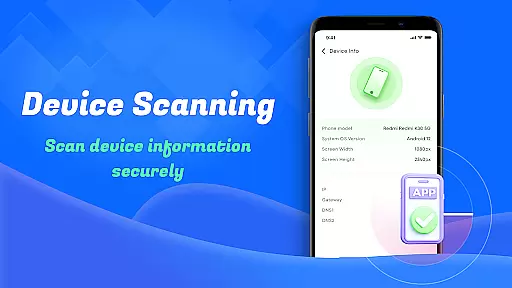
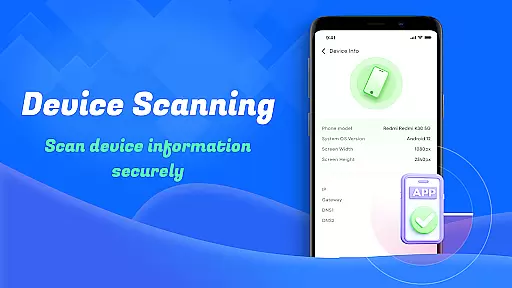
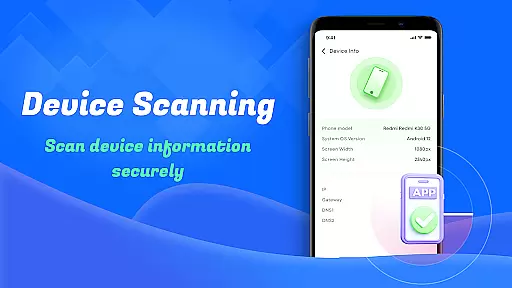
Device information checks are presented in a clear format, making it simple for users to understand their device's current status and performance metrics at a glance.
This intuitive design extends across all functionalities, creating a cohesive experience that minimizes learning time while maximizing productivity.
User-friendly interface
Effective storage optimization
Comprehensive cleaning options
Real-time task progress display
Reliable privacy policy compliance
Limited advanced customization
Occasional slow processing
Basic design aesthetics
No cloud backup integration
Frequent permission requests

 4.10
4.10 4.50
4.50
Transfer Files, APK from Phone to Watch & Install.
4.4
App that Recover your pictures, videos or files after you delete them.
4.20
An easy-to-use calculator designed to save time calculating and bending conduit
4.30
Signal Strength, Mobile, Wifi, Speed Test, Bad Signals, Cellular, 5G, LTE, 4G
4.20
The one-and-only remote control for PC, Mac, and Linux
4.70
WiFi Signal Strength Meter help you detect WiFi Signal Strength in real time.
4.80
Button mapper, mouse toggle, sleep timer and a lot of another features
4.50
Learn the vast amount of system information about device and monitor it's state
4.70
Fast Video Downloader, Movie Downloader, Torrent Downloader & Adblock Browser
4.70
Protect your device with antivirus, storage cleanup, and system monitoring
4.70
FV File Manager Pro, Fast and powerful file manager for Android
4.60
Mirror your screen to Chromecast and Android TV - Super fast and simple
4.60
Play your X-Box games remotely in 1080p with any controller and zero latency
4.60
Just swipe the edge to do something!
4.40
Quickly check the frequency of the Earth
4.30
Amateur Radio app for APRS: Track friends, exchange messages, get tactical info.
3.90
Smart and comfortable browsing experience.
3.80


User Reviews