


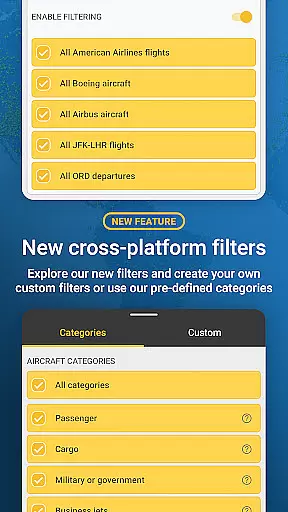
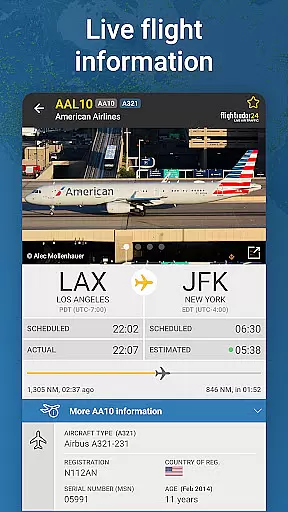
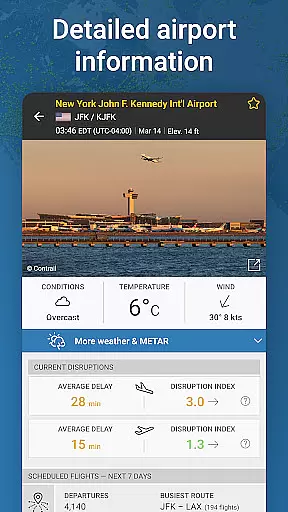
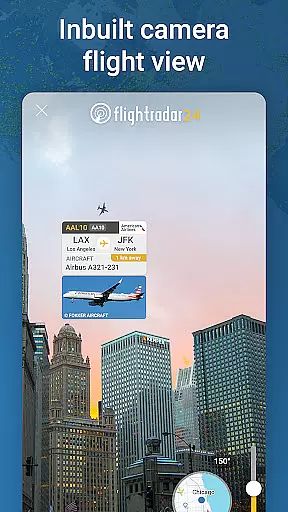
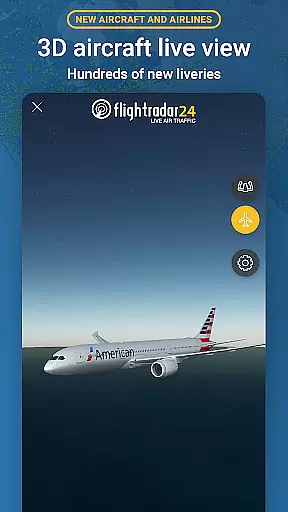
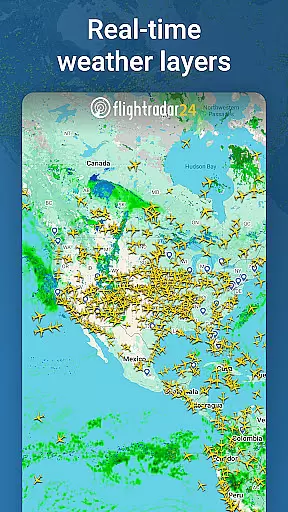


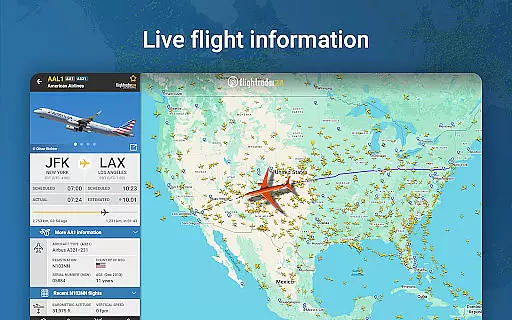
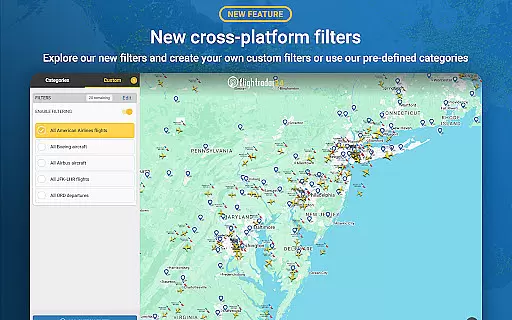
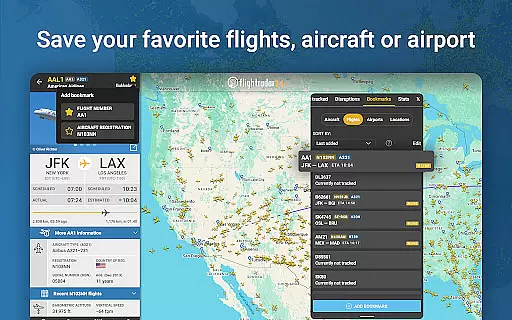
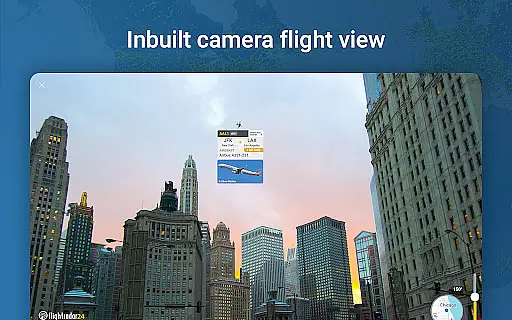


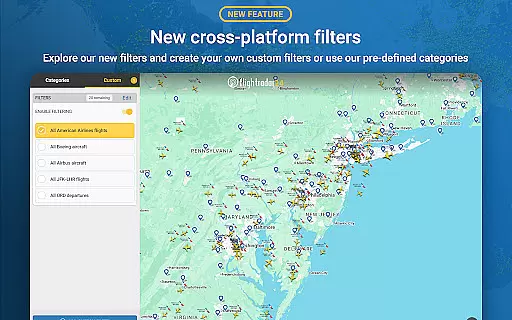
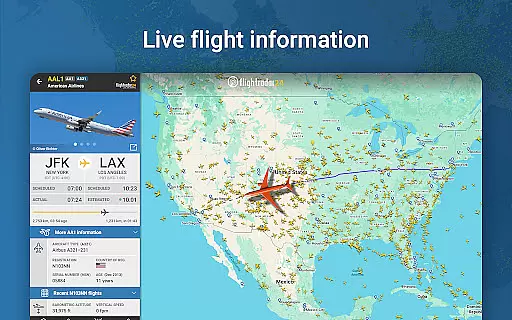
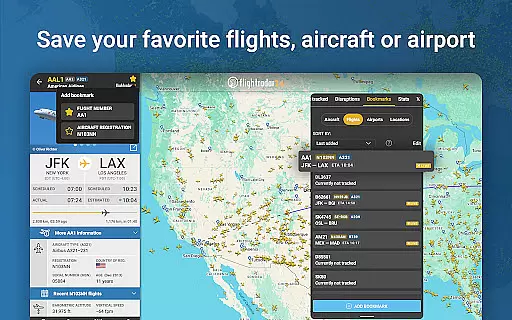
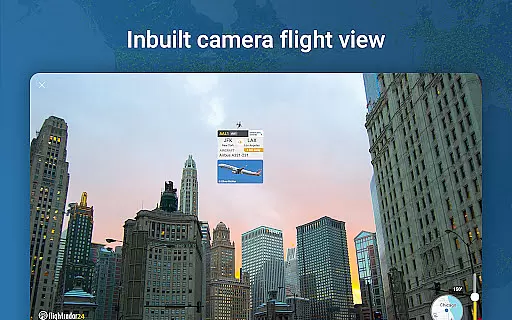
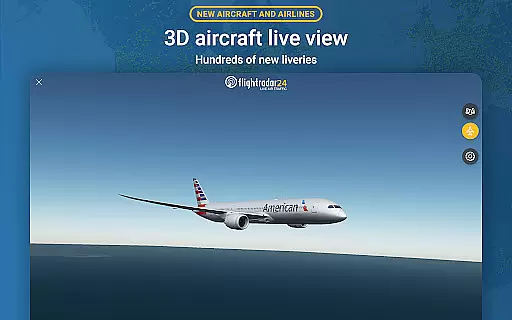
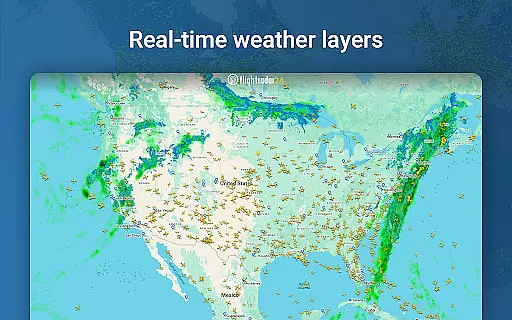


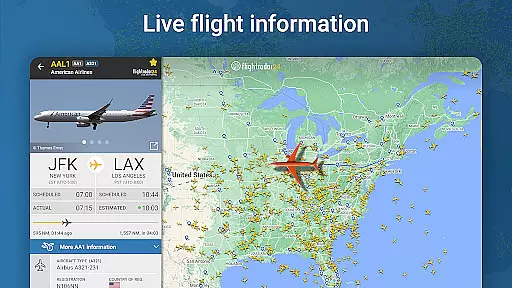
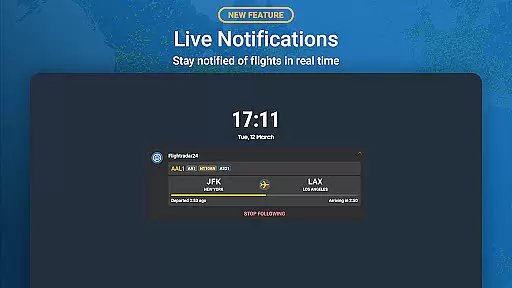
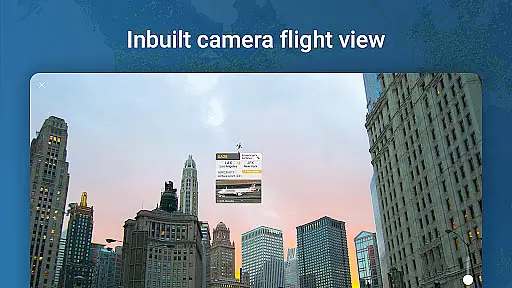
Flightradar24 Flight Tracker is the world's leading flight tracking app, serving as the top travel application in over 150 countries. This innovative tool transforms your mobile device into a real-time plane tracker, displaying global air traffic on a detailed map. By simply pointing your phone at the sky, you can identify overhead flights and access comprehensive flight information.
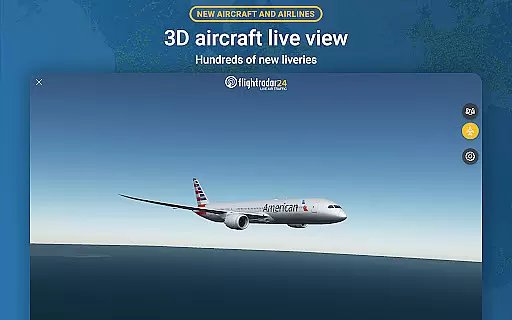
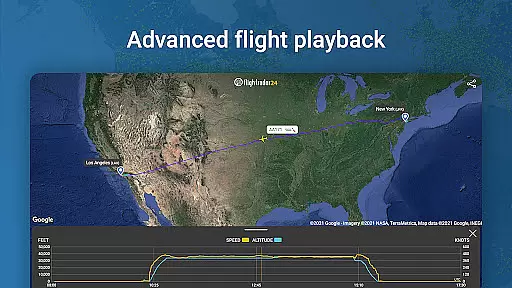
The app offers advanced features like 3D flight views, historical data playback, and detailed aircraft photos. It also provides essential flight details such as routes, estimated arrival times, and actual departure times. Whether you're an aviation enthusiast or a traveler monitoring your flight status, Flightradar24 delivers unparalleled value through its extensive tracking capabilities and user-friendly interface.
Flightradar24 stands out with its comprehensive feature set designed for both casual users and aviation professionals. The app's core functionality allows users to track flights worldwide in real-time, providing detailed information about each aircraft's speed, altitude, and route. Its unique augmented reality feature lets users point their devices at the sky to identify nearby planes and access specific flight details.
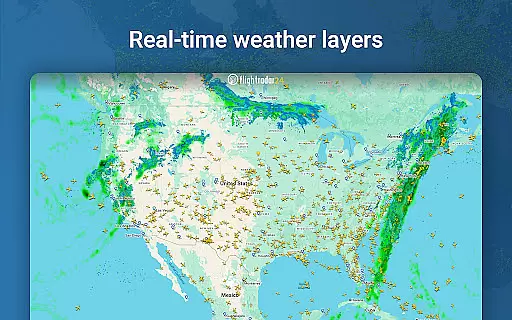
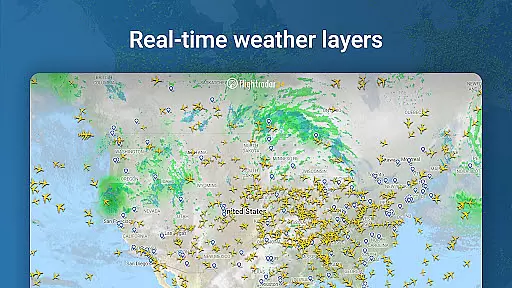
For advanced users, Flightradar24 offers premium subscription options - Silver and Gold. These tiers provide enhanced features including extended historical data (up to 365 days), detailed weather layers, and technical flight information like vertical speed and squawk codes. The app's integration with Wear OS enables smartwatch users to view nearby aircraft information directly from their wrists, making it exceptionally versatile across different devices.
Companion app integration is essential for wearable devices to function seamlessly with their primary applications. Flightradar24 Flight Tracker excels in this area by ensuring that its Wear OS version works in harmony with the main app on your phone or tablet.
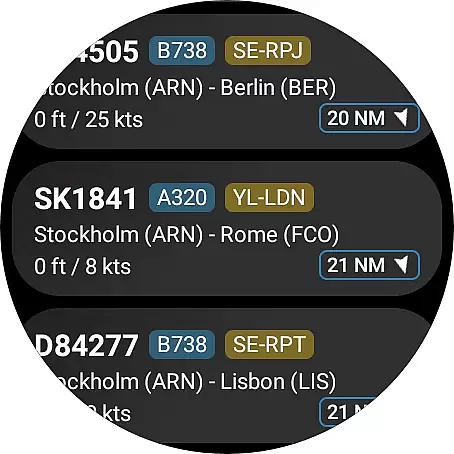
The integration allows users to view a list of nearby aircraft directly from their Wear OS device. This feature provides basic flight information without needing to take out your phone, offering convenience and quick access to data while maintaining mobility.
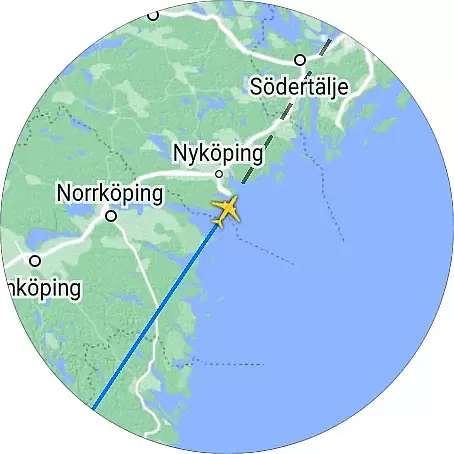
When you tap on an aircraft listing within the Wear OS app, it displays the aircraft's position on a map. This functionality mirrors the core experience of the main app but is tailored for the smaller screen and on-the-go nature of wearable technology.
This synchronization ensures that whether you're using your phone or smartwatch, the data remains consistent and up-to-date, providing a unified tracking experience across devices.
Device compatibility is crucial for apps designed to work across multiple platforms, including wearables. Flightradar24 Flight Tracker offers robust support for Wear OS, ensuring that users can enjoy flight tracking capabilities on their smartwatches.
The application is optimized to run smoothly on Wear OS devices, taking into account the limited processing power and battery life typical of wearable tech. This optimization ensures that users receive timely updates without compromising the performance of their watches.
Flightradar24 supports various Wear OS devices, making it accessible to a wide audience. Whether you own a popular brand or a lesser-known model, the app's broad compatibility means you're likely covered.
By focusing on compatibility, Flightradar24 guarantees that users won't miss out on flight details when they're away from their phones, enhancing the overall utility and appeal of the service for aviation enthusiasts who are always on the move.
Real-time flight tracking
Augmented reality feature
Comprehensive flight data
Premium subscription options
Wear OS compatibility
Basic features only in free version
Limited coverage in some areas
Premium subscription costs
Weather data requires paid plan
Some features need strong signal

Gym Log & Workout Tracker | Fitness Journal, Training & Weight Lifting Planner
 4.90
4.90
Wear Os Watch Face - Animated Snow Effect & Christmas Lights
4.2
Wear Os Watch Face - Animated Snow - Sesonal for Christmas & Winter
4.3
A heartwarming Christmas scene featuring a cute image of Santa and Rudolf
4.3
3 Complications. All shadow on/off. 30 Themes color palette...
4.0
Minimalistic design modern digital watch face.
4.5
Viewer for Wyze/Yi/Eufy/Arlo/ONVIF/RTSP/P2P IP cams w/ adv. features & DIY DVR
4.00
Fast and smart typing with Emojis, GIFs, and more
4.50
Fitbit is dedicated to helping people lead healthier, more active lives.
4.10
Retro digital watch face with customizable colors and a unique lighting effect
4.60
Real-time results, stats, schedules and player profiles for all leagues
4.60
Deck out your Wear OS Watch face with a beautifully decorated pine wreath!
4.50
Stylish, Energizing and Modern Watch Face crafted by Dominus Mathias.
4.50
Bold weather Digital watchface with forecast & optional animated background
4.40
Watch face for Wear OS.
4.20
Animated video-game inspired “secret agent” simulation, right on your wrist!
4.20
Analog watch face with 8 complications and expedition styling
4.5
A watch face that fuses motorsport precision with contemporary smartwatch design
4.1
Simple Analog-Digital Watchface For Wear OS 3.0 and Up Smartwatches
4.0


User Reviews