
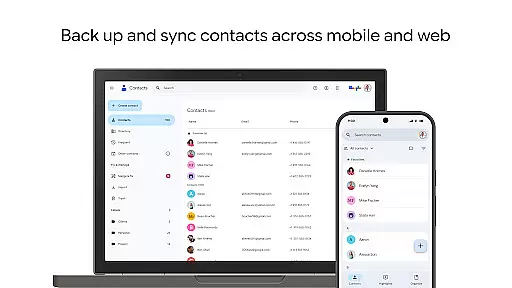
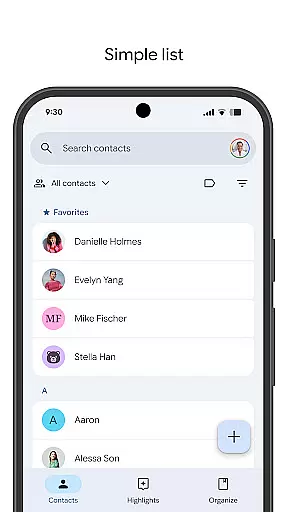
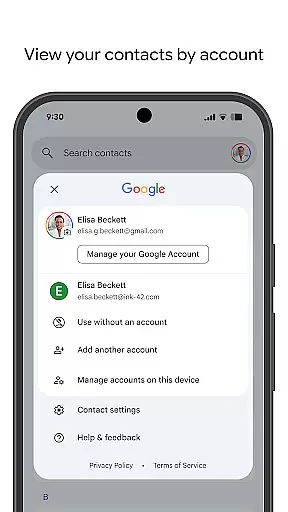
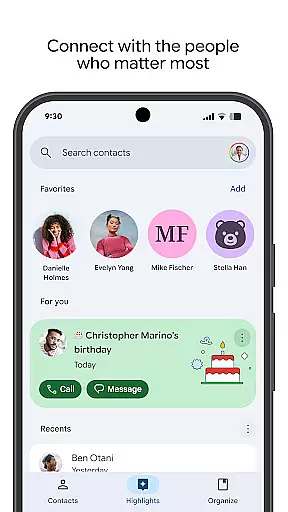
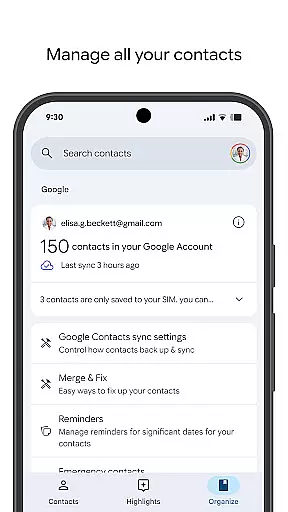
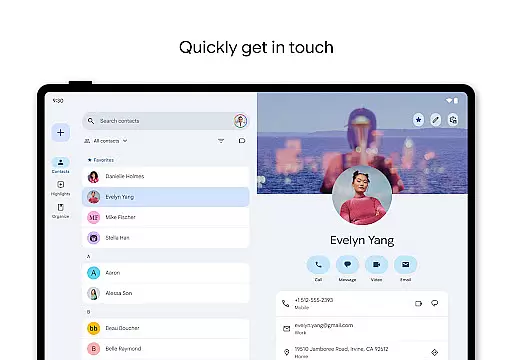
Contacts is a powerful Android Wear application designed to help users manage their contacts efficiently across multiple devices. The app allows you to back up and sync your contacts directly to your Google Account, ensuring they are always accessible and secure. With its intuitive interface, you can easily organize your contacts by different accounts such as work or personal, making it simple to maintain an updated and clutter-free contact list.
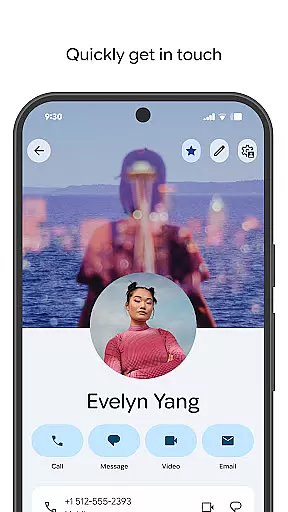
One of the standout features of Contacts is its ability to help you connect with the people who matter most. You can view important highlights like upcoming birthdays and anniversaries, set notifications for these special days, and access recently added or viewed contacts effortlessly. Whether you're using it on your phone or Wear OS, Contacts ensures that you have all the necessary information at your fingertips, enhancing both convenience and connectivity in your daily communications.
Contacts offers a comprehensive suite of features tailored to streamline contact management. Firstly, the app provides robust backup and sync capabilities, allowing you to store your contacts safely in your Google Account. This means you can access your contacts from any device where you're signed in, including recovering contacts deleted within the last 30 days from the Trash folder.
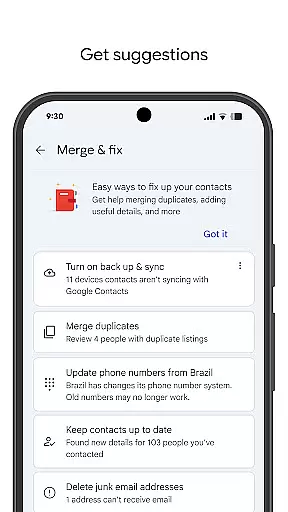
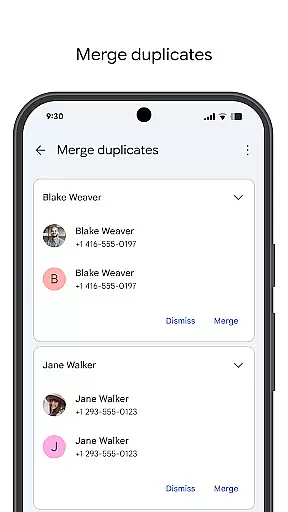
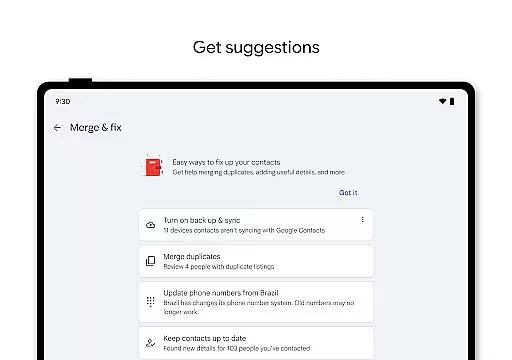
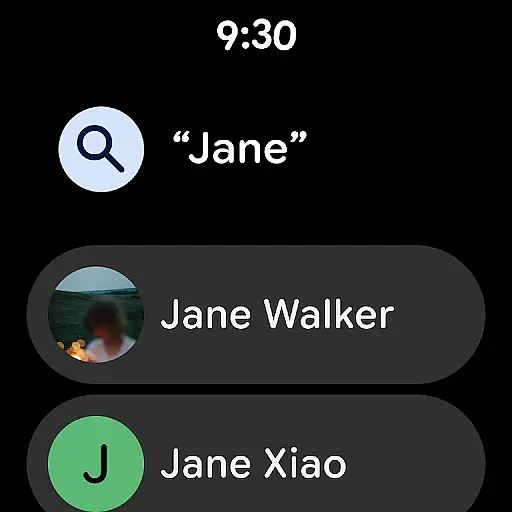
In addition to basic contact management, Contacts helps keep your contact list organized and up-to-date. It enables you to view contacts by specific accounts, add new entries, and edit existing details such as phone numbers, emails, and photos with ease. The app also includes intelligent tools to merge duplicate contacts and enrich them with useful information, ensuring your contact list remains accurate and relevant.
For those looking to foster stronger connections, Contacts offers unique functionalities like viewing highlights such as upcoming birthdays and anniversaries. You can set reminders so you never miss a special occasion, and quickly access frequently contacted individuals through recent additions or views. Available on both mobile and Wear OS, this app enhances accessibility with features like favorite contact tiles and individual contact complications, making it indispensable for modern communication needs.
Companion app integration is essential for a seamless user experience across multiple devices. The Contacts app excels in this area by providing robust synchronization capabilities between your smartphone and Wear OS devices. This ensures that all your important contact information remains consistent and up-to-date, regardless of the device you are using.
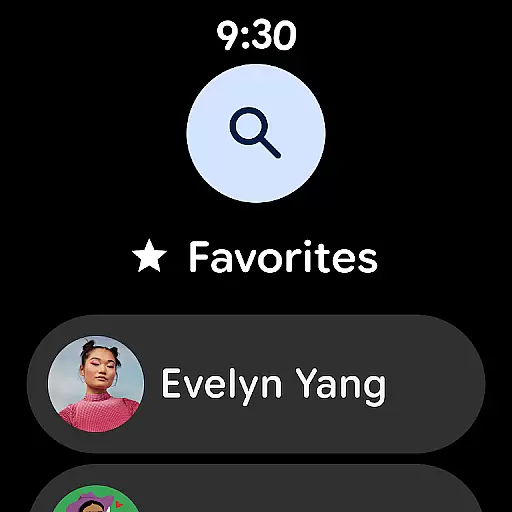
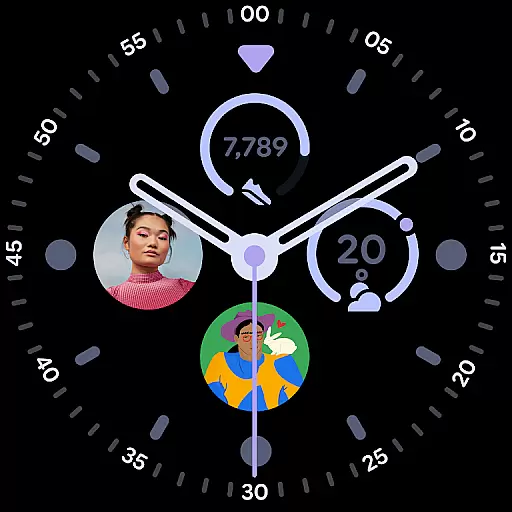
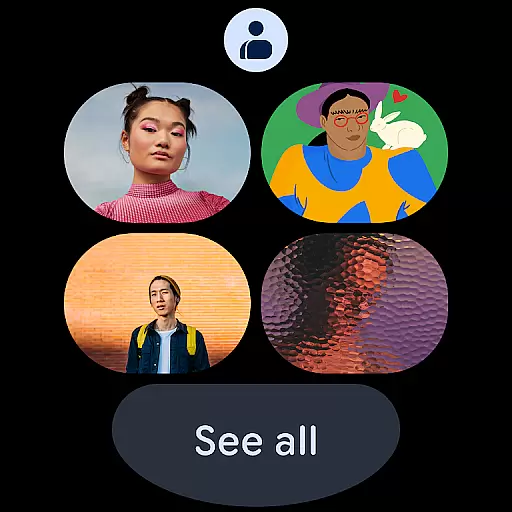
The app allows users to back up their contacts to their Google Account, making them accessible from any signed-in device. This feature extends to Wear OS, where users can access a favorite contacts tile, individual contact tiles, and contact complications. Such integration ensures that you are always connected with your key contacts, whether you're using your phone or smartwatch.
By maintaining a unified contact list, the app simplifies contact management. Users can easily add, edit, and organize their contacts on one device, and these changes will automatically reflect on all other linked devices. This interconnected ecosystem enhances productivity and convenience, allowing users to manage their social and professional networks effortlessly.
Ensuring compatibility with Wear OS and various devices is crucial for maximizing the utility of the Contacts app. This app supports a wide range of devices, providing users with the flexibility to access their contacts on both smartphones and Wear OS smartwatches. The comprehensive compatibility guarantees that users can rely on the app, regardless of their chosen device.
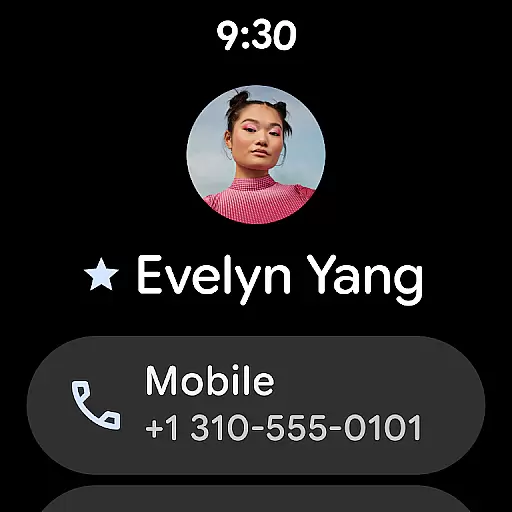
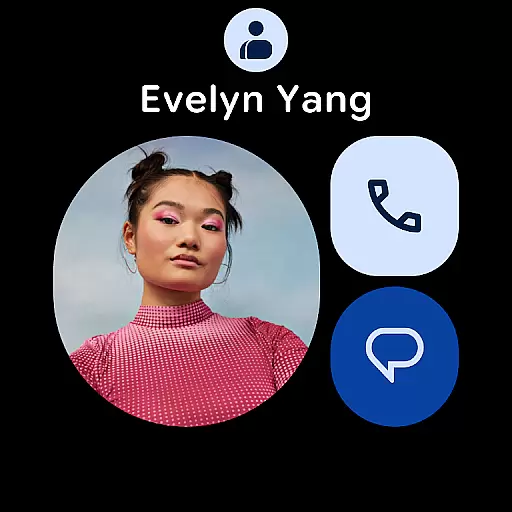
For Wear OS, the Contacts app offers specialized features such as a favorite contacts tile, individual contact tiles, and contact complications. These features are specifically designed to enhance the user experience on wearable devices, ensuring quick and easy access to important contacts. By tailoring functionalities to suit different form factors, the app delivers a versatile and reliable performance.
Moreover, the app's ability to recover deleted contacts within 30 days adds an extra layer of security and peace of mind. Whether you're managing contacts on your phone or smartwatch, the app provides a consistent and dependable service. This compatibility and reliability make the Contacts app an indispensable tool for anyone looking to streamline their contact management across multiple devices.
User-friendly interface
Robust backup solutions
Efficient organization tools
Smart suggestions
Cross-device compatibility
Limited offline functionality
Dependent on Google services
Occasional sync issues
No advanced customization
Basic design aesthetics

Precision analog watch face with 7 complications and style options
 4.0
4.0
Easy Voice Recorder is your everyday companion to record important moments.
4.70
Sleek, highly customizable watch face inspired by Galaxy Watch Circle Dashboard.
4.0
Stylish, Energizing and Modern Watch Face crafted by Dominus Mathias.
4.50
The most customizable hybrid watch face. For Wear OS 5.0, API 34+ and later
4.70
A realistic hybrid watch face with many customization options.
4.60
Your music, your playlists, and more—offline and unlimited.
4.20
From periods to pregnancy & perimenopause, Flo helps you track it all. Try now.
4.70
Download full tracks, listen to music offline, make unlimited playlists.
4.80
Period, ovulation & pregnancy tracker. Fertility insights & menstrual calendar.
4.90
WTW M17 is a premium and luxurious hybrid watch face
4.70
Ideal for surviving in the wasteland left after nuclear fallout
4.50
Digital watch face. For Wear OS devices.
4.40
Daily Weather forecast with 15 weather images for Day & Night plus Big Bold time
4.10
The #1 source of faces for your smartwatch!
4.00
Christmas and New Year - Themed Watchface
4.2
Wear Os Watch Face - Animated Snow - Sesonal for Christmas & Winter
4.2
Stylish digital watch face for Wear OS devices with customizable features
4.1
Fitness interactive virtual pet super fighter boy watch face
4.5


User Reviews