
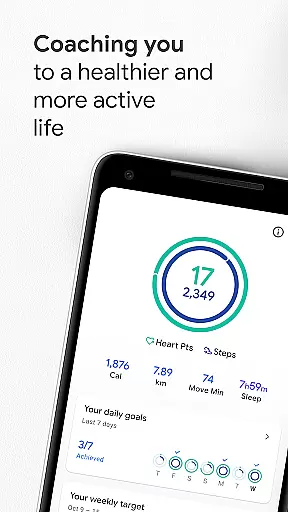
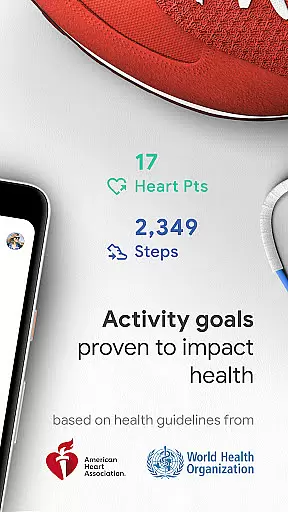
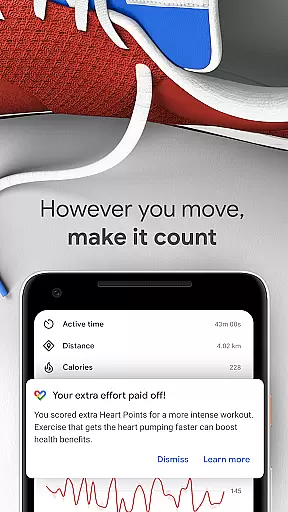
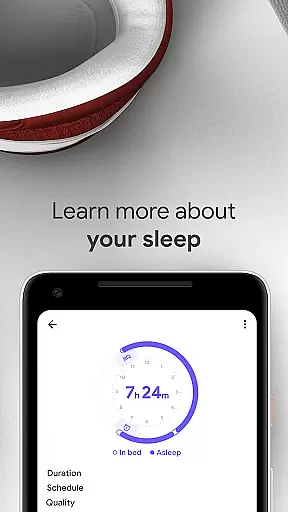
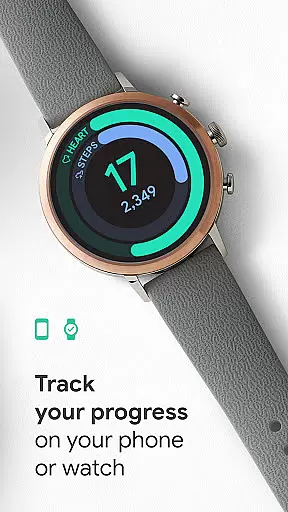
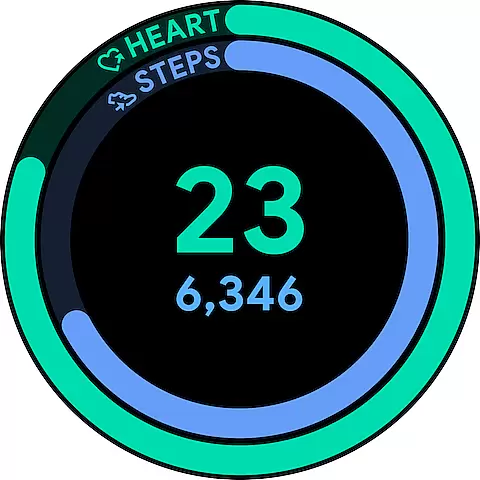
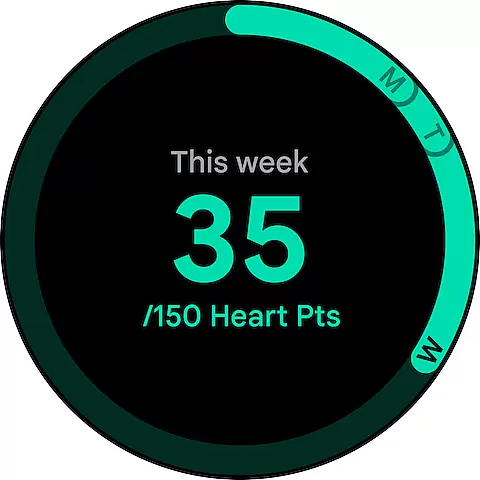
Google Fit is a comprehensive health and fitness tracking application designed to help users achieve a healthier and more active lifestyle. Developed in collaboration with the World Health Organization (WHO) and the American Heart Association (AHA), it introduces Heart Points - an innovative activity goal system that promotes better heart and mental health. By earning points for every minute of moderate to intense physical activity, users can work towards the recommended weekly target of 150 minutes.
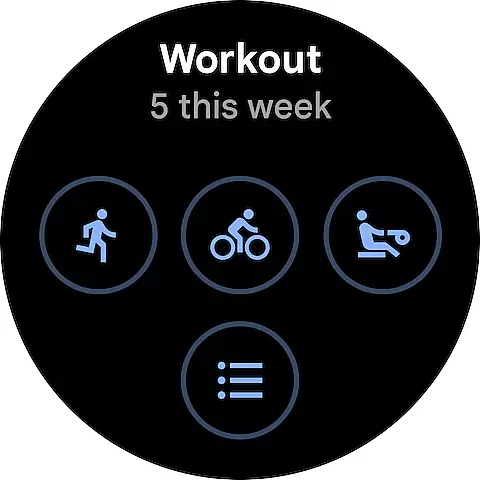
The app goes beyond basic step counting by tracking various workouts through your phone or Wear OS smartwatch, providing real-time stats for runs, walks, and bike rides. It automatically detects and records different types of physical activities throughout the day, ensuring all movements are accounted for. With integration capabilities for numerous third-party apps and devices, Google Fit creates a unified platform for managing all your health and wellness data.
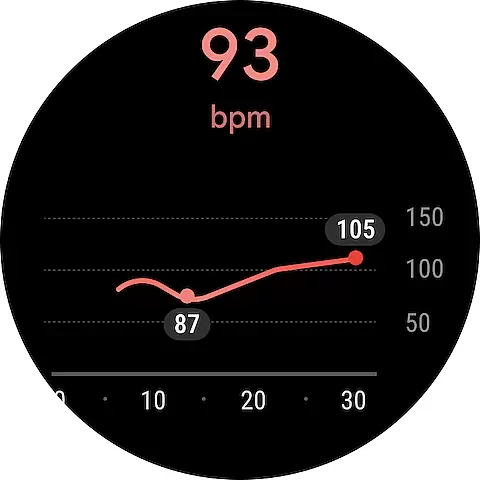
Whether you're monitoring daily goals, analyzing workout performance, or checking vital signs like heart rate and respiratory rate, Google Fit provides valuable insights to help you maintain optimal health. The app's user-friendly interface and customizable widgets make it easy to track progress and stay motivated on your journey toward better health.
One of Google Fit's standout features is its sophisticated activity tracking system that utilizes both Android phone sensors and Wear OS smartwatch technology. The app provides detailed real-time statistics during workouts, including speed, pace, route information, and heart rate monitoring. Its automatic activity detection function recognizes various exercises like walking, running, and cycling, seamlessly adding them to your fitness journal without manual input required.
The Heart Points system represents a significant innovation in fitness tracking. Unlike traditional step counters, this feature assigns value based on exercise intensity, encouraging users to engage in more vigorous activities. The app also includes guided breathing exercises and vital sign monitoring capabilities, allowing users to measure their heart rate and respiratory rate using just their phone's camera.
Google Fit excels in its extensive integration capabilities with third-party applications and devices. From popular fitness trackers to specialized workout apps, the platform consolidates data from multiple sources into a single, easy-to-navigate interface. The redesigned journal view provides quick access to activity history across all connected services, while customizable widgets and watch faces enable users to monitor their progress at a glance throughout the day.
Companion app integration is essential for wearable devices to function seamlessly with smartphones. Google Fit excels in this area by ensuring that your fitness data syncs effortlessly between your Android phone and Wear OS smartwatch. This synchronization allows users to track their workouts, monitor heart rate, and receive real-time insights regardless of which device they are using at the moment.
The application leverages the sensors on both platforms to provide comprehensive tracking capabilities. Whether you're going for a run with your phone or leaving it behind while relying solely on your smartwatch, Google Fit ensures all activities are recorded accurately. This dual-device support creates a cohesive ecosystem where users can switch between devices without losing any progress or missing out on important health metrics.
By integrating deeply with Wear OS, Google Fit offers an intuitive experience tailored specifically for smartwatches. Users benefit from quick access to their daily goals, instant exercise stats, and personalized recommendations directly from their wrist. This level of integration not only enhances convenience but also encourages consistent usage, leading to better long-term health outcomes.
Device compatibility is crucial for ensuring that applications like Google Fit work optimally across various hardware configurations. As a native Wear OS application, Google Fit supports a wide range of smartwatches running on this platform. This broad compatibility means that whether you own a high-end model or something more budget-friendly, you can expect reliable performance and accurate tracking of your fitness activities.
Google Fit takes advantage of the advanced sensors found in modern Wear OS devices to deliver precise measurements of speed, pace, distance, and even heart rate during workouts. The app's ability to adapt to different sensor capabilities ensures that users receive consistent feedback regardless of their specific device. Additionally, regular updates help maintain optimal functionality as new models enter the market.
Beyond just supporting existing devices, Google Fit actively works towards expanding its reach within the Wear OS ecosystem. By continuously improving integration features and addressing potential issues, the app remains a top choice for fitness enthusiasts who rely on their smartwatches for health monitoring. This commitment to compatibility reinforces user confidence in choosing Google Fit as their primary fitness companion.
User-friendly interface
Comprehensive health tracking
Real-time workout stats
Automatic activity detection
Extensive app integrations
Limited iOS functionality
Requires Google account
Battery consumption
Premium features locked
Occasional sync issues

Watch the sharpness of the sky on your wrist..
 3.70
3.70
Current temperature, weather hourly, weather radar by the weather forecast app
4.40
A heartwarming Christmas scene featuring a cute image of Santa and Rudolf
4.0
Digital, flexibly customizable watch face. For Wear OS 5.0, API 34+ and later.
5.00
Hyperlocal rain alerts by MyRadar using patent-pending technology, radar & more
4.80
Period, ovulation & pregnancy tracker. Fertility insights & menstrual calendar.
4.90
Bold weather Digital watchface with forecast & optional animated background
4.40
Start and succeed with PAP
4.10
Track airplanes and follow flights with our real-time flight tracker
4.50
WTW M17 is a premium and luxurious hybrid watch face
4.70
Walking app for weight loss: walk & step tracker, pedometer, indoor treadmill
4.60
Digital watch face with big numbers and many customization for Wear OS devices
4.40
Your music, your playlists, and more—offline and unlimited.
4.20
sleep, alarm, snoring, stress, healing, focus, sound therapy, circadian rhythm
4.10
A full-featured Amazon Alexa voice assistant that can show you things.
3.70
A watch face that fuses motorsport precision with contemporary smartwatch design
4.3
Stunning modern digital watch face with 7 complications and strong contrast
4.2
Simple Analog-Digital Watchface For Wear OS 3.0 and Up Smartwatches
4.4
Hybrid Vibrant Health Watch Face for Wear OS
4.1


User Reviews