

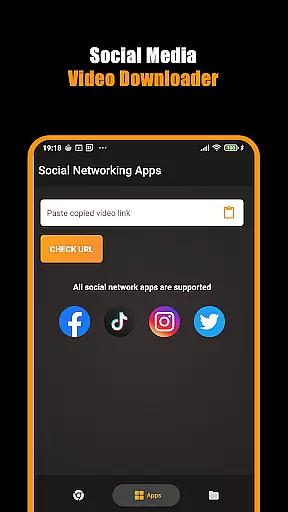
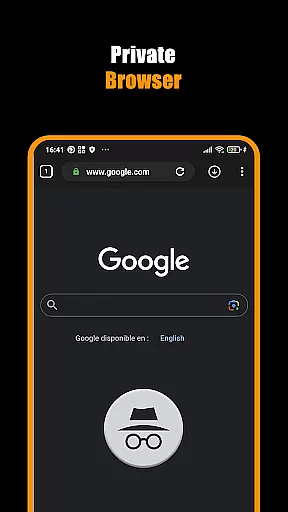
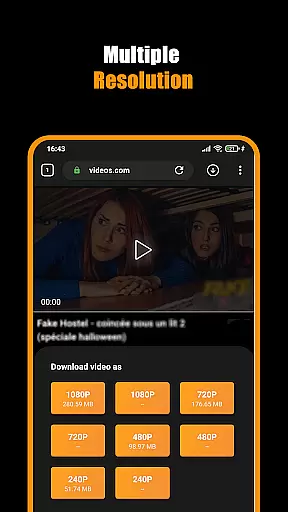
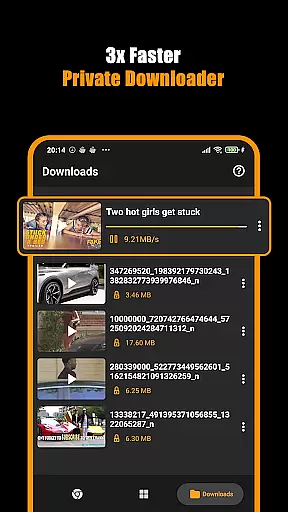

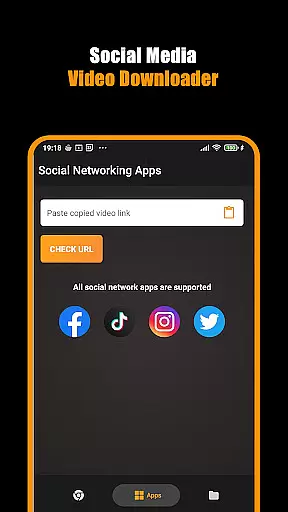
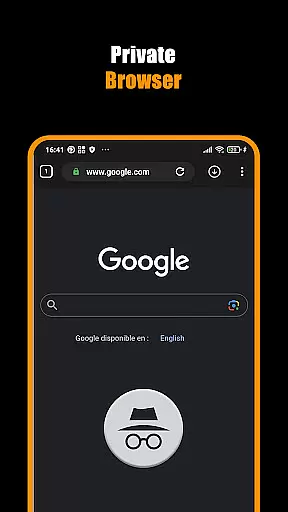
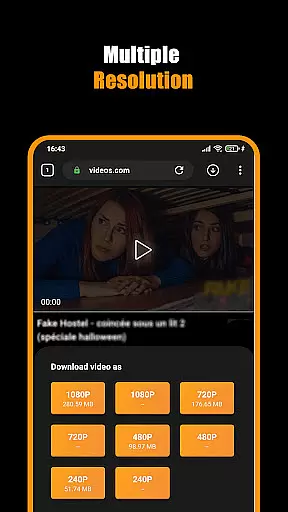
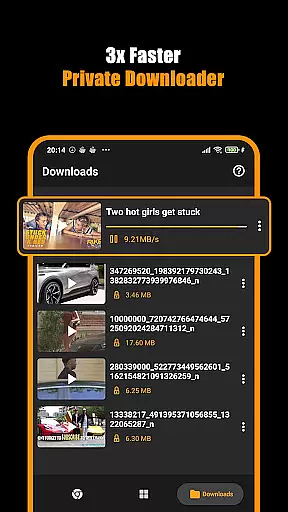

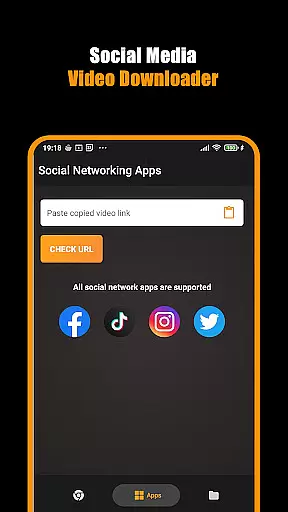
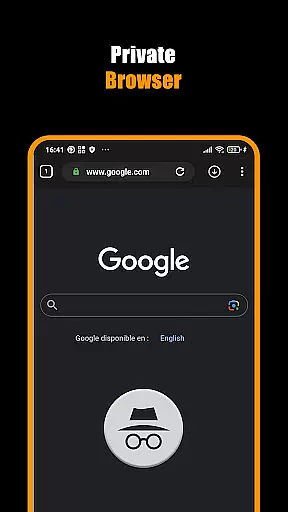
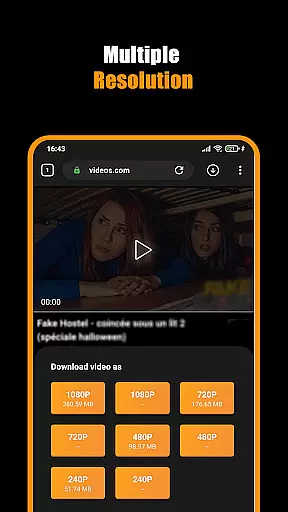
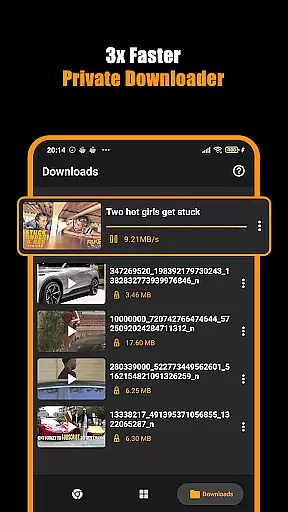

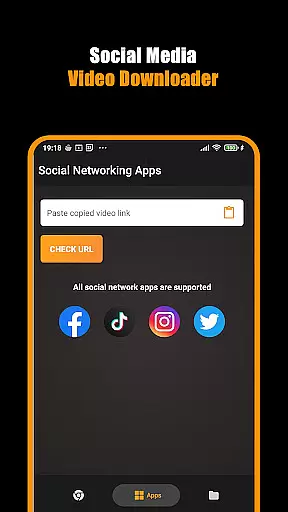
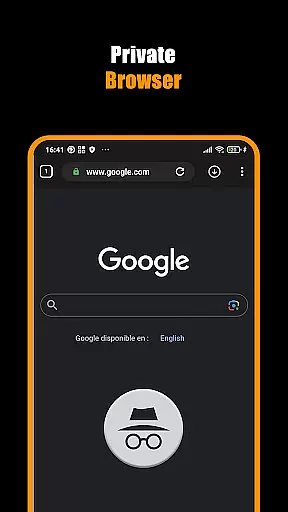
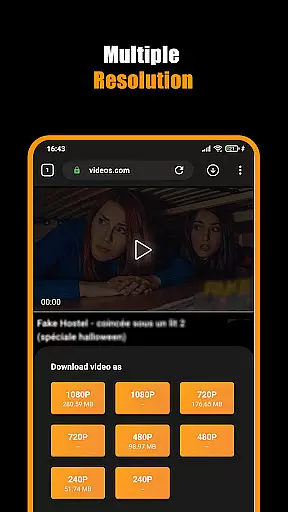
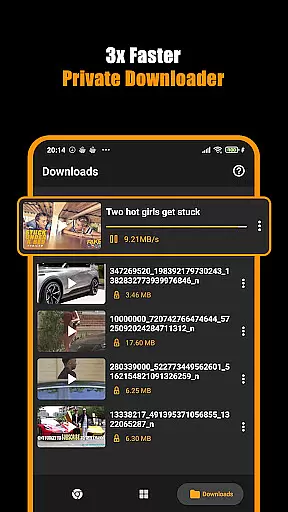

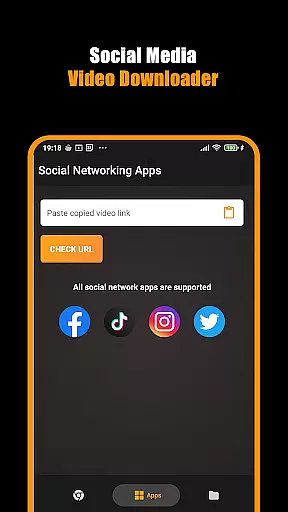
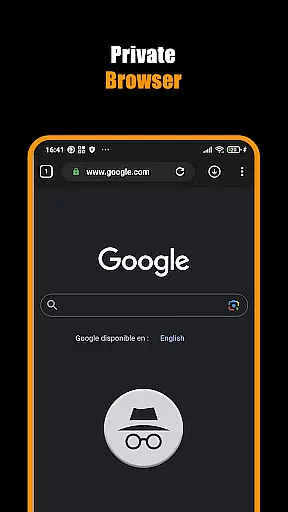
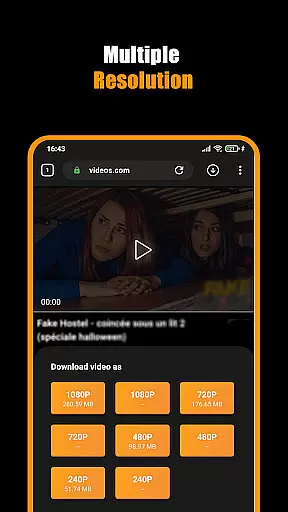
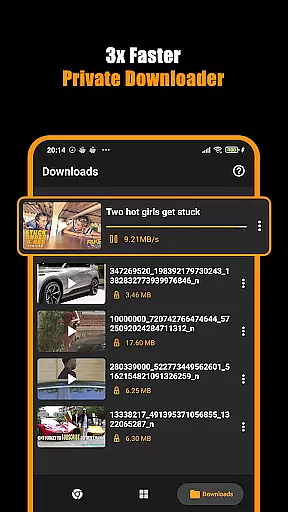
Hub Video Downloader is a versatile video downloading tool designed for users who want to save online videos directly to their devices. The app features a built-in private browser that allows users to browse the web securely while automatically detecting downloadable video content. With support for high-definition video downloads in 2K and 4K resolutions, it ensures premium quality for every saved file. Users can pause, resume, or cancel downloads at any time, offering flexibility for managing large files. Its automatic gallery storage functionality makes accessing downloaded videos effortless, creating a seamless experience for movie enthusiasts and casual viewers alike.
The app also emphasizes user privacy and convenience. It blocks intrusive trackers and clears all browsing data once the session ends, ensuring complete anonymity. Hub Video Downloader supports multitasking by enabling background downloads, which means users can continue using their devices without interruption. Whether you're saving short clips or full-length movies, this app provides an efficient solution for privately storing your favorite content while delivering excellent performance across various use cases.
Hub Video Downloader stands out with its robust set of features tailored for modern users. One key highlight is its automatic video detection system, which identifies downloadable media as soon as a webpage loads. This eliminates the need for manual searches and streamlines the download process significantly. Additionally, the app's support for multiple video qualities—including HD, 2K, and 4K—ensures that users can customize their downloads based on their device capabilities and personal preferences.
Another notable feature is the app's multitasking capability. Users can manage several downloads simultaneously, thanks to the pause, resume, and cancel options. Background downloading further enhances productivity by allowing other tasks to run uninterrupted. Privacy controls are equally impressive, with the built-in private browser blocking trackers and erasing all session data upon exit. These functionalities collectively make Hub Video Downloader a reliable choice for individuals seeking both convenience and security in a video downloader application.
Video format compatibility is a crucial feature for any video player and editor, ensuring that users can access their content in various formats without technical barriers. Hub Video Downloader supports an extensive range of video formats including HD, 2K, and 4K resolutions, making it versatile for different user needs.
The application's built-in browser automatically detects videos across websites, allowing users to download them effortlessly. Whether you're saving short clips or full-length movies, the app ensures that all popular video formats are supported, providing a seamless experience.
With this level of compatibility, users benefit from not having to convert files or worry about playback issues. The downloaded videos are stored directly in the device's gallery, ready for instant viewing or further editing, enhancing both convenience and efficiency.
This comprehensive support for multiple formats underlines the app's commitment to delivering a superior multimedia experience, catering to both casual viewers and professionals who require high-quality video handling.
AI-powered editing features represent the cutting edge of video processing technology, enabling users to enhance their videos with minimal effort. Hub Video Downloader incorporates advanced AI tools that assist in optimizing video quality, ensuring every frame looks its best.
These intelligent features include automatic resolution enhancement, color correction, and smart cropping, which collectively improve the visual appeal of downloaded videos. Users can transform standard clips into high-definition masterpieces with just a few taps, thanks to the app's intuitive interface.
The advantage of these AI capabilities is evident in the time saved and the professional-grade results achieved. Instead of requiring manual adjustments, the app streamlines the editing process, making it accessible even to those without prior video editing experience.
By integrating such sophisticated AI-powered tools, Hub Video Downloader sets itself apart as a leader in the Video Players & Editors category, offering users unprecedented control over their video content while maintaining ease of use.
User-friendly interface
High-definition downloads
Private browsing mode
Background download support
Automatic video detection
No YouTube support
Limited to non-copyrighted content
Requires stable internet
Occasional slow processing
Ads may appear

Create & edit videos with AI
 4.30
4.30
Fast video downloader & private browser. Save HD clips to watch offline.
4.40
AirMirror Receiver - Screen mirroring/cast web videos to Android TV by AirPlay.
4.40
Play and download HD videos from all sources — fast, simple, and all-in-one.
4.4
This app is an emulator of some specific IPTV boxes
3.50
LumaFusion: The Ultimate Storytelling Experience for Video Editing
4.10
A Simple app to download Video & Music from the Internet.
4.70
Powerful video player with advanced hardware acceleration and subtitle supports
4.20
Manage your YouTube channel on the go
4.40
Video Player - Unlimited features, 30 days money back guarantee.
4.60
VLC Remote lets you control your VLC Media Player on Mac, PC or Linux.
4.60
Browser + Remote for Roku to stream webvideos, online movies and livestreams
4.60
HD video maker with no watermark, no ads & vlog maker with music, PIP, text
4.50
Video Downloader, Multiple Resolution Options, Video Player
4.50
Fast & Private Video Downloader App. Save all videos easily from the Internet.
4.40
Powerful, professional, versatile teleprompter. Developed by an active film crew
4.00
IPTV Player - Watch live TV from m3m & m3u8 playlist, stream IPTV on mobile
3.30
Video player with powerful streaming playback and various convenient features.
2.10
The smartest M3U IPTV Player your playlists have ever seen.
4.1


User Reviews