
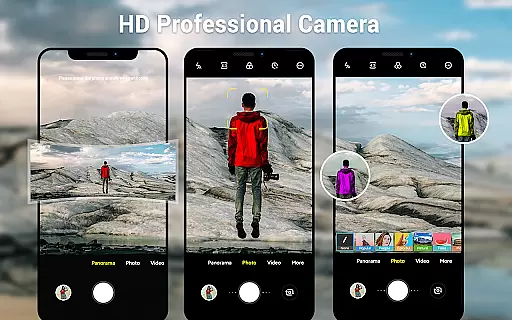
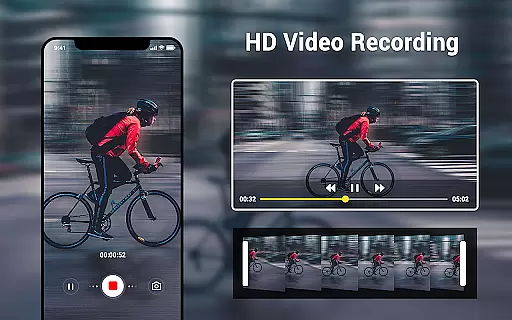
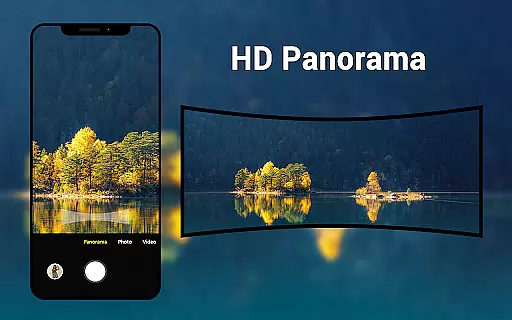
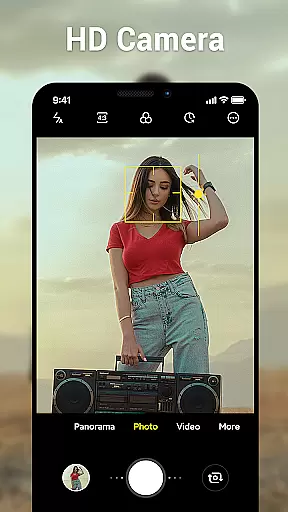
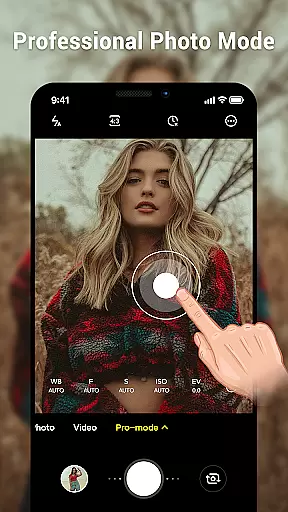
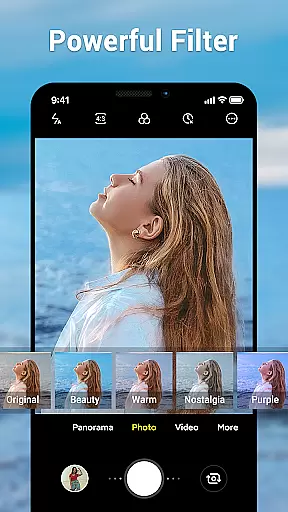
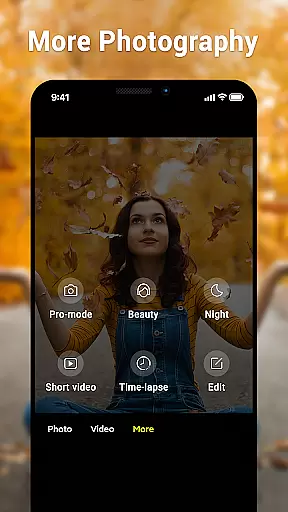
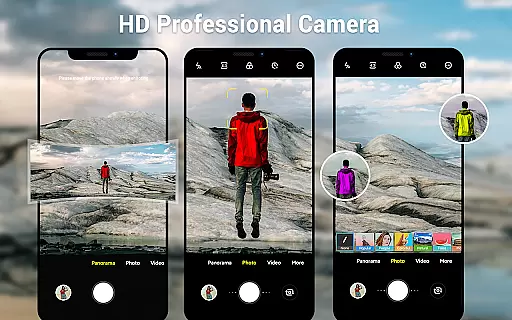
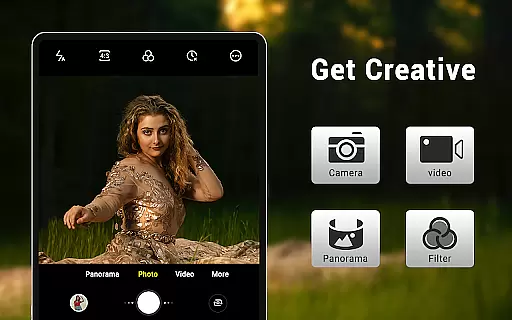
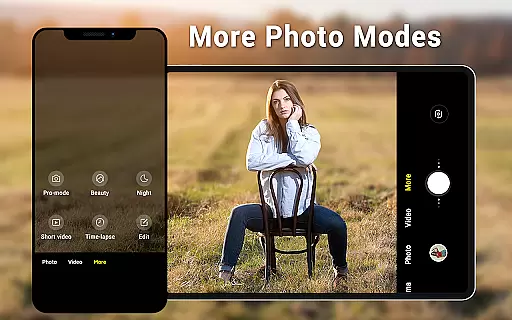
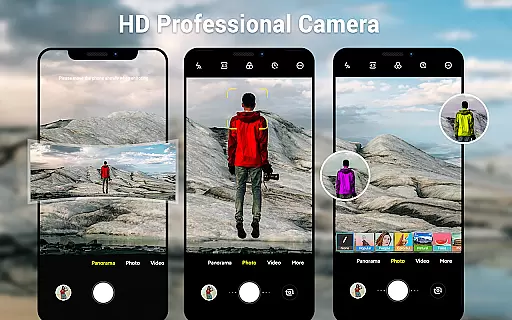
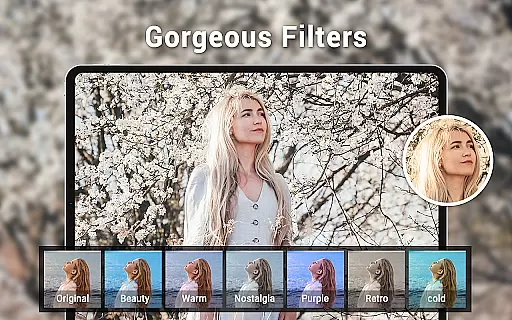
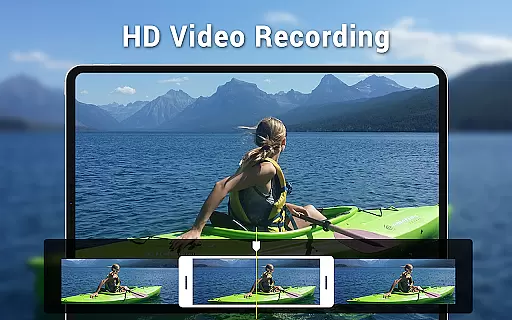
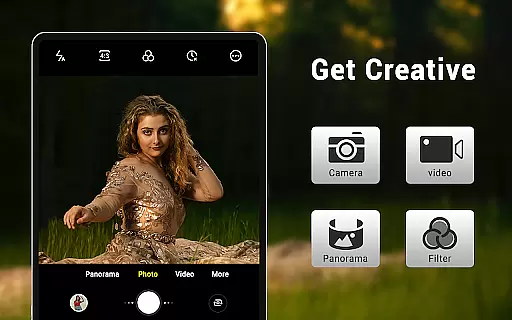
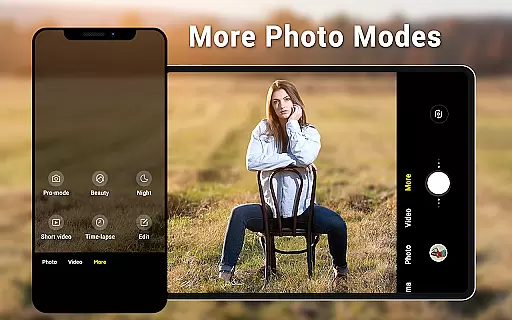
Camera for Android is a native system HD camera application designed to provide users with a simple and efficient way to capture high-quality photos and videos. The app supports multiple shooting modes including standard photo capture, video recording, and smart panorama features. With its intuitive interface optimized for both phones and tablets, users can easily access advanced settings such as white balance, exposure control, and screen mode adjustments.
The application stands out through its comprehensive feature set that utilizes the full capabilities of Android devices. Key functionalities include pinch-to-zoom, countdown timer, and location targeting, allowing users to customize their photography experience. Whether capturing wide-screen pictures or adjusting picture quality settings, this app ensures excellent results while maintaining ease of use. It's an ideal solution for users seeking a reliable camera app that delivers professional-grade tools without compromising on speed or simplicity.
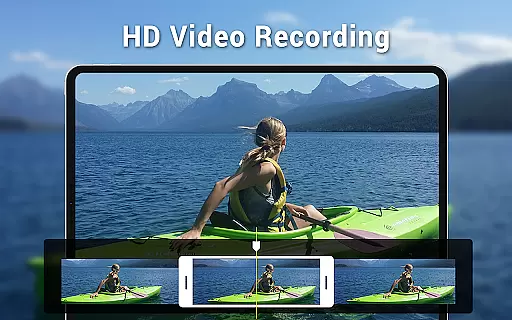
Camera for Android offers an impressive array of features that cater to both casual photographers and more advanced users. One of its standout characteristics is the inclusion of three distinct modes: standard camera, video recorder, and panorama shooting. Each mode is designed to maximize the photographic potential of your device, providing options like HD video recording and dynamic panorama creation that automatically stitches images together.
Beyond basic shooting capabilities, the app provides extensive customization options. Users can fine-tune their photography experience through various settings including white balance adjustment (Incandescent, Fluorescent, Auto, Daylight, Cloudy), screen mode selection (Action, Night, Sunset, Play), and exposure control. Additional practical features include a countdown timer, pinch-to-zoom functionality, and the ability to configure volume keys for specific actions. These robust features ensure that users have complete control over their photography while maintaining an intuitive user interface suitable for all device types.
Real-time capture and preview functionality is essential for ensuring that users can accurately frame and capture their desired shots without delay. The Camera for Android app excels in this area by providing a seamless experience that leverages the native capabilities of your device.
This application offers an intuitive interface that dynamically adjusts to your phone or tablet's screen size, ensuring that you always have the best viewfinder experience. With features like pinch-to-zoom and exposure settings, users can fine-tune their shots in real time, allowing for precise control over the final image.
The app supports various shooting modes including HD photo and video capture, panorama, and countdown timer, all of which benefit from the instantaneous preview feature. This ensures that whether you're snapping a quick photo or setting up a complex panoramic shot, you'll be able to see exactly what the result will look like before you take it.
By utilizing all the advantages of modern smartphone hardware, Camera for Android delivers a responsive and reliable photography tool that meets the needs of both casual snappers and more demanding users who require immediate feedback on their photographic efforts.
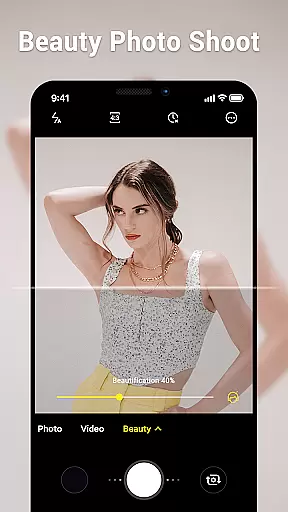
AI beauty and enhancement features are increasingly popular in photography apps, offering users the ability to refine and beautify images instantly. While Camera for Android focuses primarily on native system capabilities, it still provides several tools that allow for natural-looking enhancements.
Among its key features are white balance settings and picture quality adjustments, which help ensure that photos look their best under various lighting conditions. Options such as Incandescent, Fluorescent, Auto, Daylight, and Cloudy white balance presets enable users to capture true-to-life colors that enhance the natural beauty of the scene.
Although the app does not rely heavily on artificial intelligence, its smart panorama shooting and screen mode settings like Action, Night, Sunset, and Play contribute to producing well-balanced and aesthetically pleasing images. These features work together to create a more natural enhancement effect without over-processing the photo.
For those seeking authenticity in their photography, Camera for Android provides a solid foundation with its straightforward approach to image enhancement, focusing on delivering high-quality results through traditional camera settings rather than relying solely on AI-driven filters.
User-friendly interface
High-definition image quality
Comprehensive feature set
Optimized performance
Customizable settings
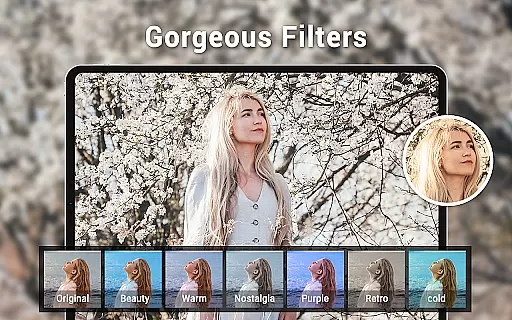
Limited creative filters
No built-in editing tools
Basic UI design
Occasional stability issues
Few social sharing options

How would you look like with a differently shaped nose, chin or lips?
 3.90
3.90
Safe & smart flight with Go Fly drone controller for 40+ drone camera, zone map
4.50
An interval timer to automate photo taking process for timelapse
2.90
Gallery Slideshow is slideshow maker app for slideshow from your gallery photos.
3.90
Movie camera, supports pro recording settings for filming. Try it and be amazed!
4.50
Luminar: Photo Editor - easy picture editing with AI
4.20
Astrophotography with your smartphone, photo live stacking and much more!
3.90
Unlock the full potential of your DJI drone with Litchi
4.50
Photo & Video Gallery app to manage albums and save WA Status easily.
4.70
Pro version: AR sun/moon tracker for any date. Tool for photographers & planners
4.90
Unblur, enhance & restore photos with powerful AI photo enhancer tools.
4.60
PhotoSync Bundle Add-On License. Enables all features and services in PhotoSync.
4.60
Create AI photos & videos with Enhancer; restore, fix, beautify, enhance photos
4.50
AI portrait generator and polaroid AI selfie, fun AI generated AI photo creator!
4.30
Natural Beauty, Selfie Retouch
4.30
Professional photography on your mobile phone
4.20
Turn photos into cartoons & avatars! - Photo Editor, Cartoon Face!
3.90
Pet Camera
3.70
Photo Album Watch Face shows your favorite pictures as a Watchface.
1.90


User Reviews