
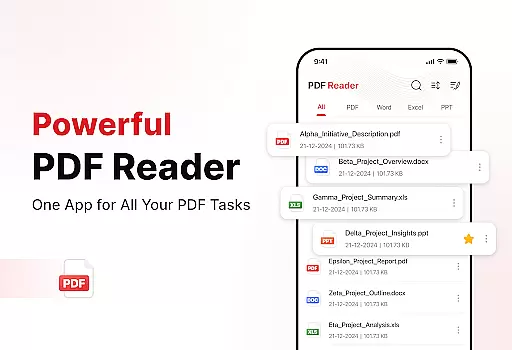
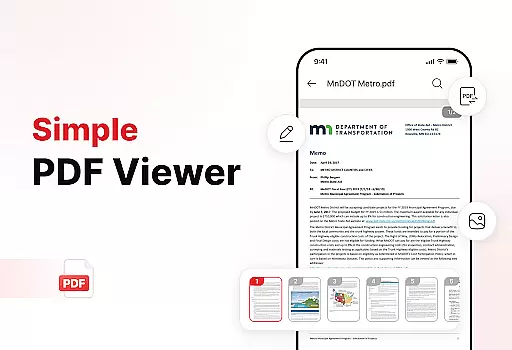
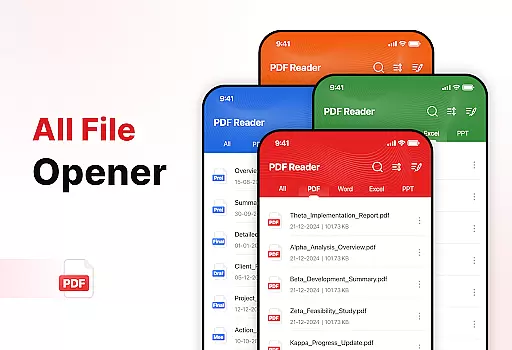
PDF Reader - Edit & View is a comprehensive document management solution designed to simplify how you handle, organize, and convert files. This productivity app offers versatile PDF reading capabilities, allowing users to open and read PDFs of any size without lag while providing easy navigation and zoom features for detailed viewing. The app supports multiple file formats including XLS, DOCX, and PPT, making it an essential tool for students, professionals, and anyone who frequently works with documents.
Beyond basic reading, the app includes powerful document conversion features. Users can scan physical documents and convert them into high-quality PDFs or transform images and screenshots into professional PDF files. With enhanced productivity tools like file sorting, bookmarking, and effortless sharing options, this app streamlines document management. Whether you need to sign PDFs digitally or quickly search for specific files, PDF Reader - Edit & View provides all necessary tools in one intuitive interface.
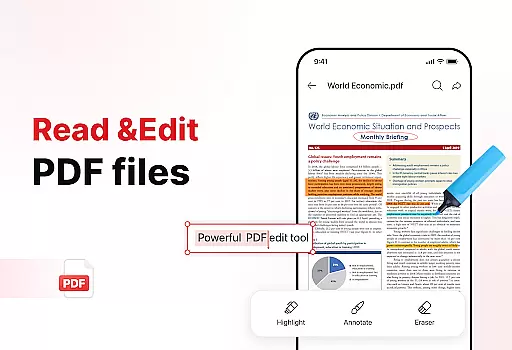
PDF Reader - Edit & View stands out with its robust feature set tailored for efficient document handling. The app's versatile PDF reader allows seamless navigation through large documents while maintaining optimal performance. Its zoom functionality enables users to focus on important details, and the highlighting feature helps mark critical information. Supporting multiple file formats like XLS, DOCX, and PPT makes this app exceptionally versatile for various document types.
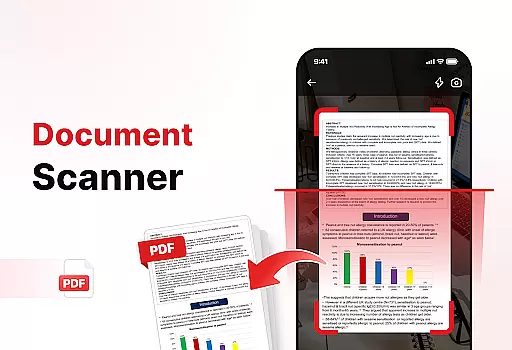
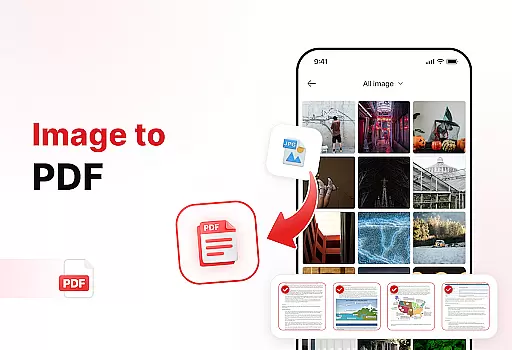
The document converter feature is particularly powerful, offering both document scanning and image-to-PDF conversion. Users can capture text, images, and diagrams from physical documents and convert them into high-quality PDFs. Similarly, transforming digital images and graphics into professional PDFs requires just a few taps. Additional productivity tools include advanced file sorting options, bookmark management for quick access, and beautiful digital signature capabilities that make document signing easy and professional.
What sets this app apart is its user-friendly design combined with these powerful features. The ability to organize files by name, date, or size, coupled with instant sharing options, significantly boosts productivity. Whether you're managing personal documents or collaborating with colleagues, PDF Reader - Edit & View provides all the necessary tools in one intuitive interface, saving time and enhancing efficiency.
Task management is a critical component of productivity applications, and PDF Reader - Edit & View excels in this area by offering users comprehensive tools to handle their document-related tasks efficiently. The app provides versatile features that allow users to organize, convert, and manage files with ease.
The application's functionality extends beyond simple PDF reading. It enables users to scan documents and images, converting them into high-quality PDFs. This feature not only enhances the user's ability to digitize paper documents but also streamlines the process of creating professional PDFs from various file formats such as XLS, DOCX, and PPT.
PDF Reader - Edit & View also offers advanced sorting options, allowing users to keep their files organized by name, date, or size. With the added ability to bookmark important pages and delete unnecessary files, users can maintain a clutter-free digital workspace. These capabilities ensure that users spend less time searching for documents and more time being productive.
Cross-device synchronization is essential for users who need consistent access to their documents across multiple devices. PDF Reader - Edit & View ensures reliable synchronization, enabling users to seamlessly transition between their phone, tablet, and computer without losing any data or progress.
The app supports effortless sharing of PDFs and other files, which means that users can quickly send documents to colleagues, friends, or family from any device. This feature is particularly beneficial for professionals who collaborate on documents with team members located in different places.
In addition to reliable synchronization, the app allows users to add signatures to PDFs, making it an ideal tool for signing contracts or agreements on the go. Users can also search for specific files quickly, ensuring that they can retrieve important documents regardless of the device they are using. This level of reliability and convenience makes PDF Reader - Edit & View an indispensable tool for anyone looking to boost their productivity.
User-friendly interface
Multi-format support
Powerful conversion tools
Advanced organization features
Effortless sharing options
Limited free features
Occasional performance lags
Subscription required
No OCR functionality
Ads in free version

AI Video AI Image Private LLM AI Browser Llama Gemma Ollama Connect LLM Studio
 4.1
4.1
Auto-shutoff Alarm with Sunrise, Sunset & Fixed Options.
3.50
Android Wallet Password Manager
4.80
A lightweight JSON & XML files creator, editor and viewer (Premium Version)
4.40
Enjoy classic gameplay with customizable features and retro-style graphics.
4.30
Secure, open-source, SPICE and SSH Remote Desktop for QEMU KVM virtual machines
4.00
Best Tool for the professionals Electrician, Electrical contractors, etc.
4.90
A beautiful digital clock with autostart and many other functions
4.70
Understand anything with a personalized AI research assistant
4.80
Multilingual translator for text, voice, and image translation!
4.90
We're working to become the best machining app on the market! www.cncdirt.com
4.80
Stay on top of your to-dos with Google Tasks, part of Google Workspace.
4.60
A simple Whisper AI keyboard for reliable speech transcription and rewording
4.60
Docker, Kubernetes management over Portainer Mobile
4.40
Automates browsing any website and notifies you of important changes or events
4.30
Total remote control for your Android device, PC and cloud services (IFTTT)!
4.20
Experience real multitasking on your Android!
4.00
⏰ Finally a timer app which can run multiple timers simultaneously on your watch
3.90
The upgraded version of Name Wheel with AI and the power to add your own wheels.
4.2


User Reviews