
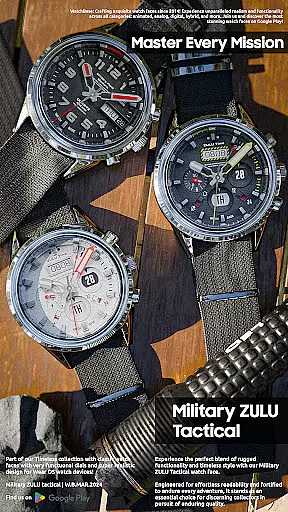
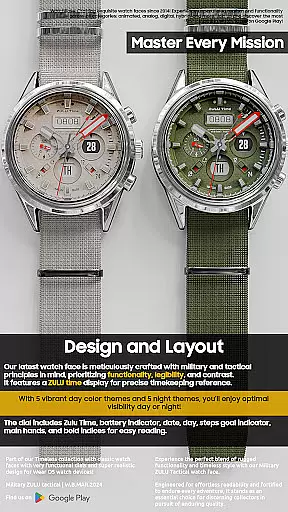
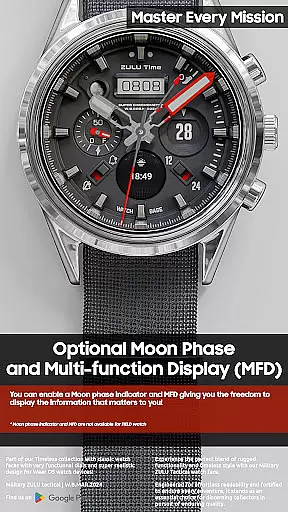
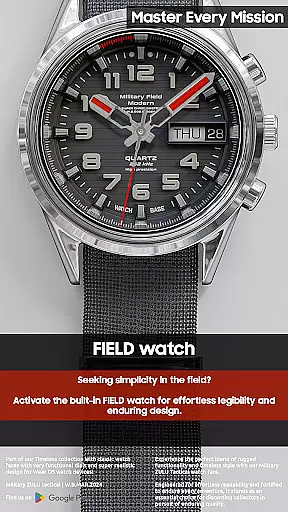
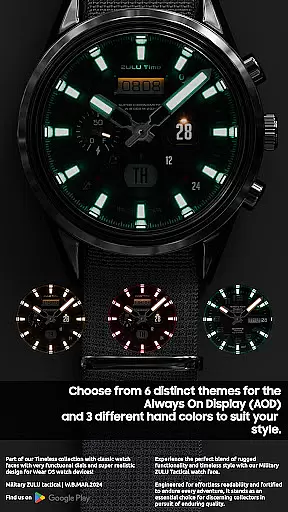
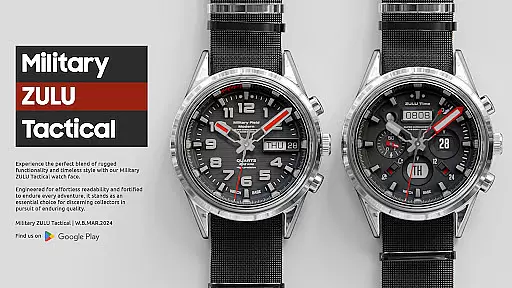
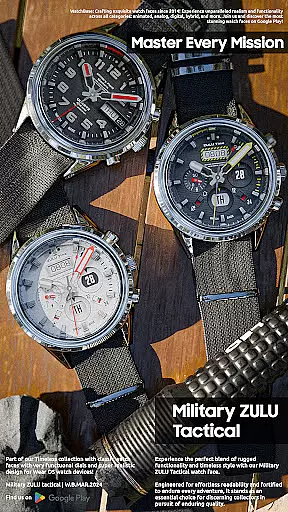
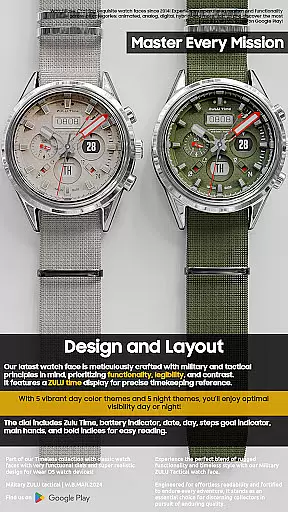
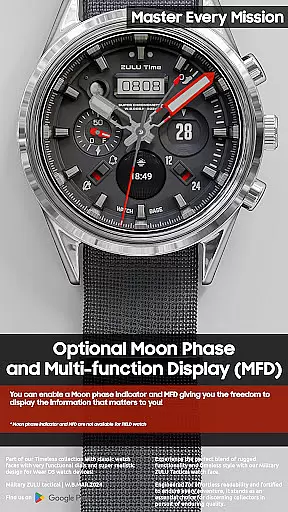
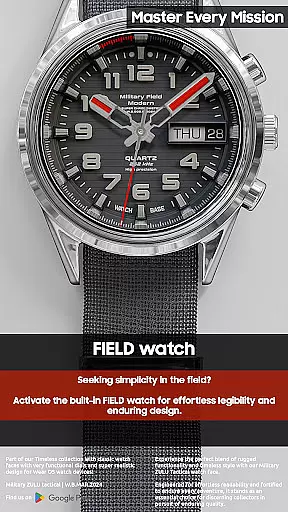
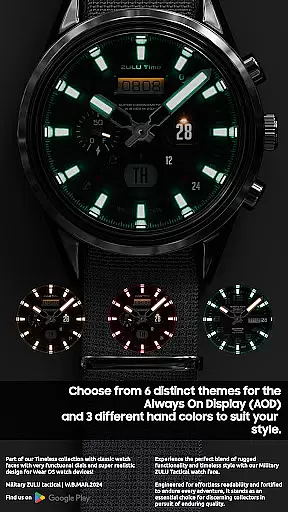
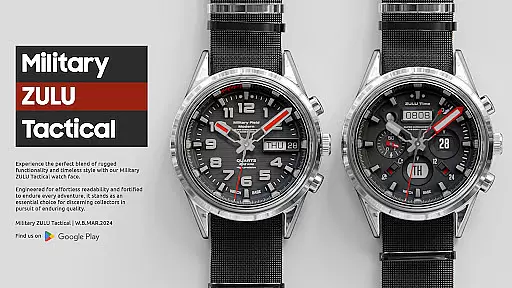
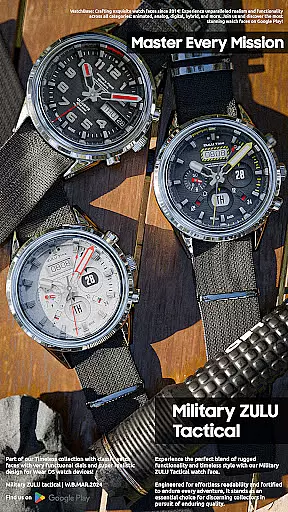
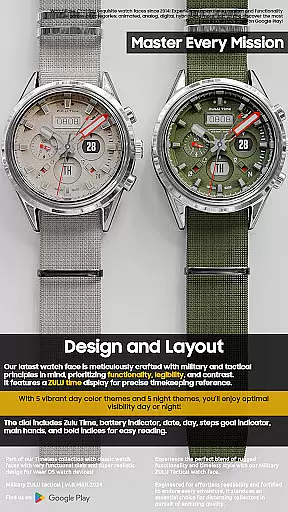
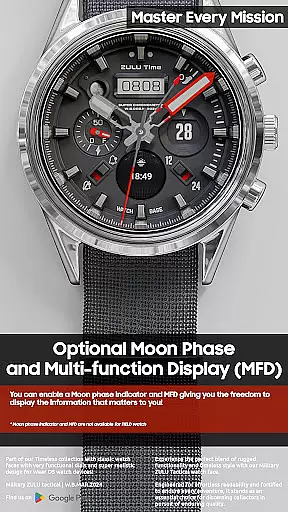
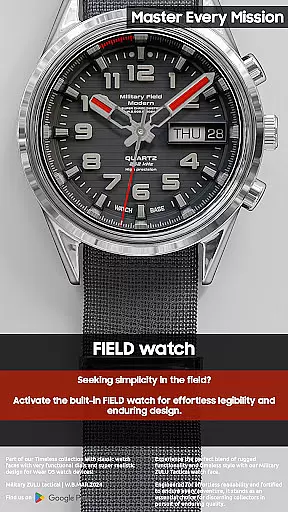
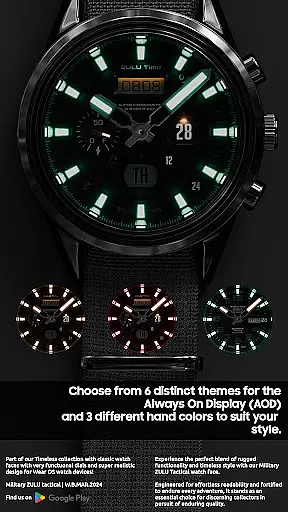
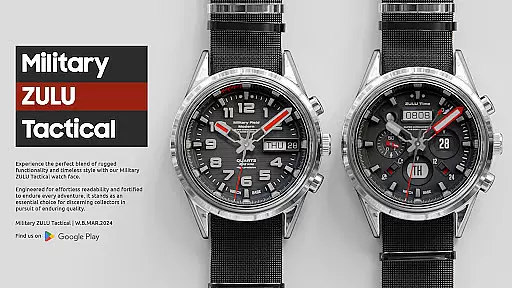
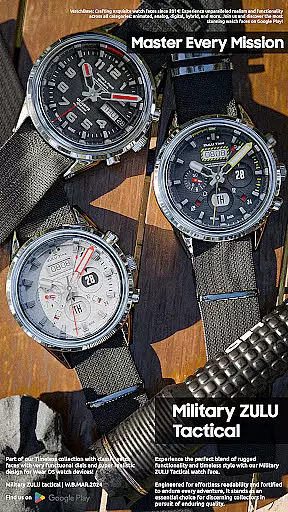
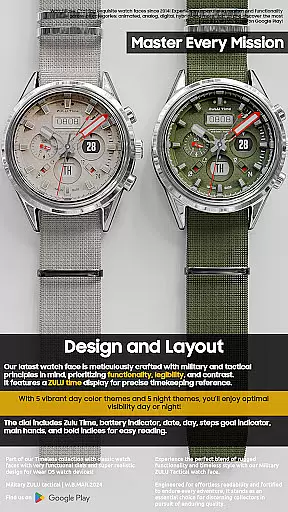
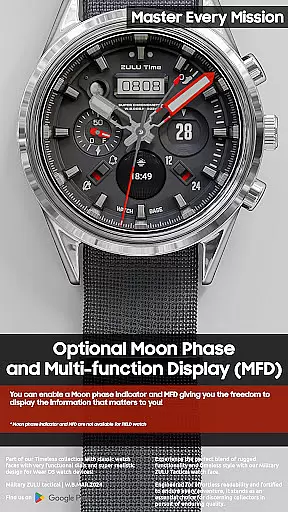
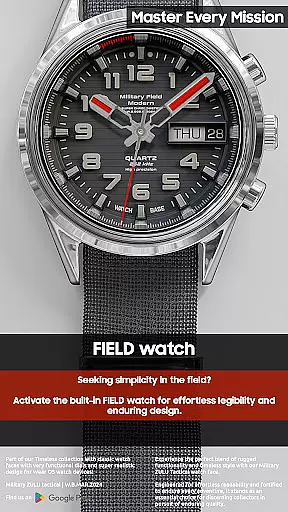
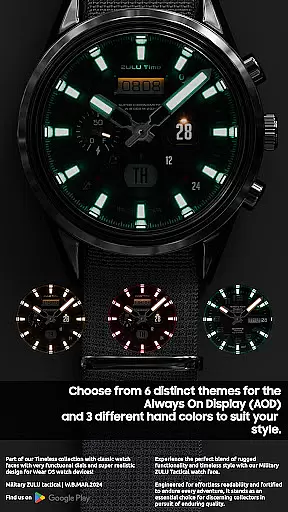
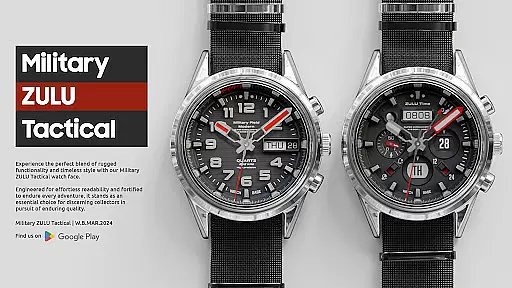
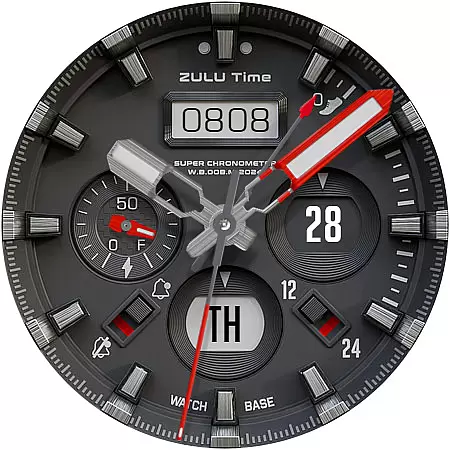
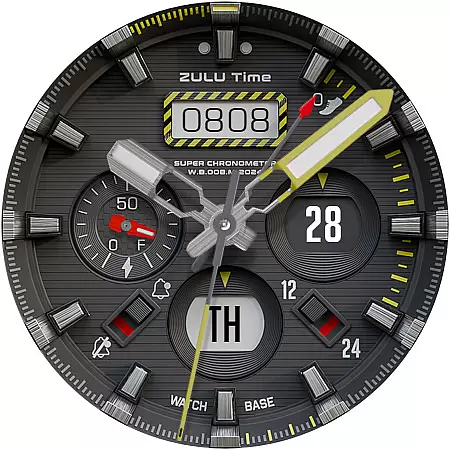
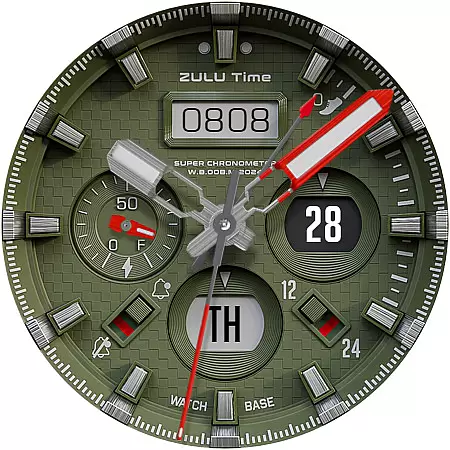
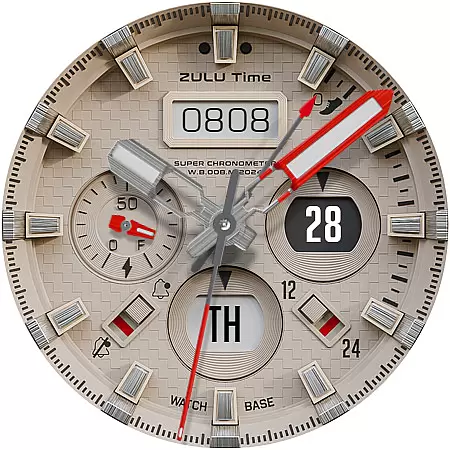
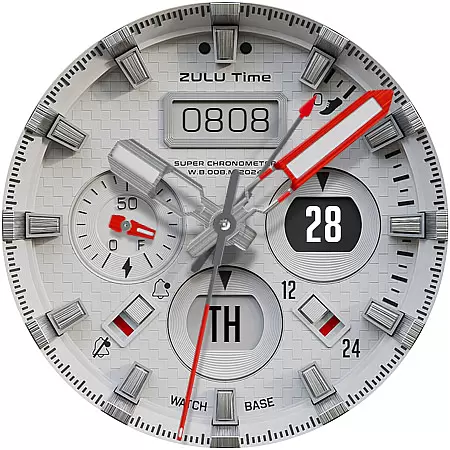
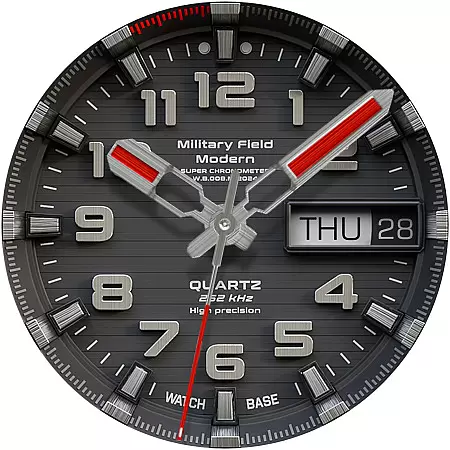
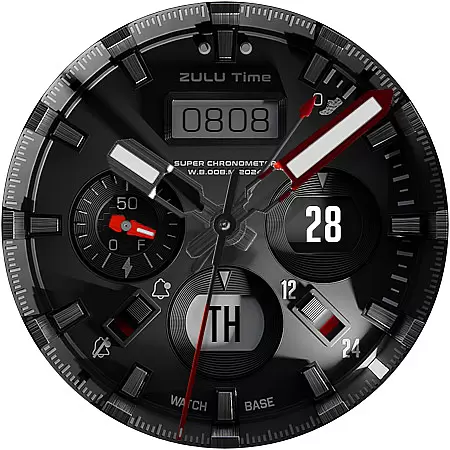
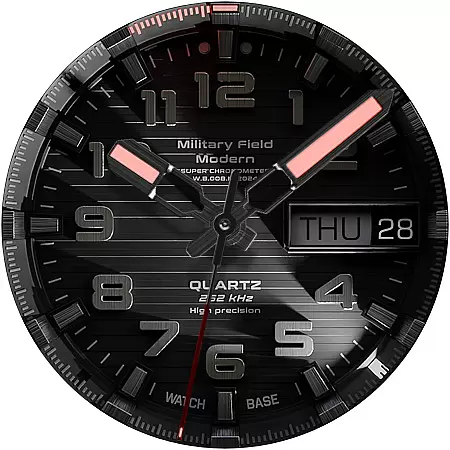
Military ZULU Tactical watch is a premium Wear OS watch face that combines military-inspired design with advanced functionality. Featuring a tactical layout, it offers users both style and utility with options like ZULU time, MFD display, and moon-phase indicator.
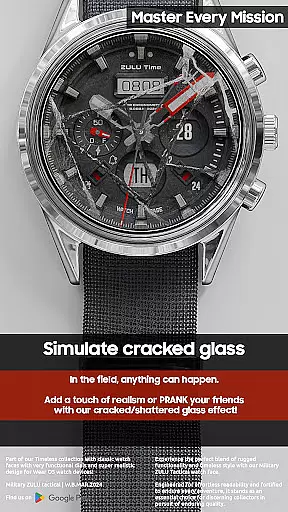
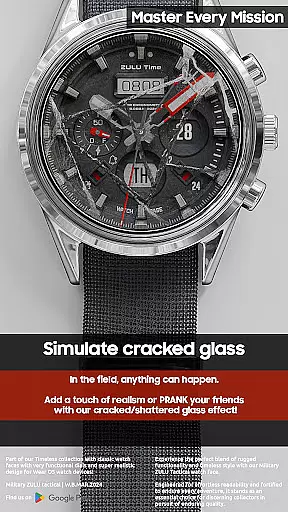
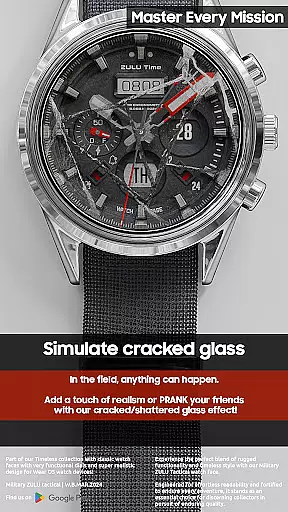
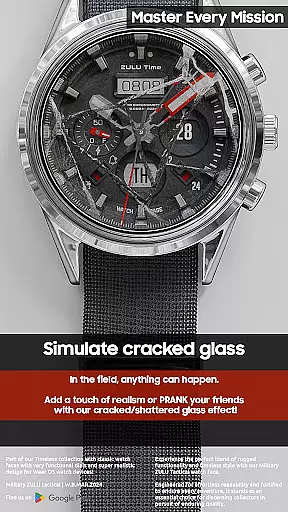
Designed for realism, this watch face includes customizable features such as cracked glass pranks, multiple dial colors, and various Always On Display modes. Whether you need practical tools like battery indicators or want to prank your friends, this app provides a versatile experience tailored to your needs.
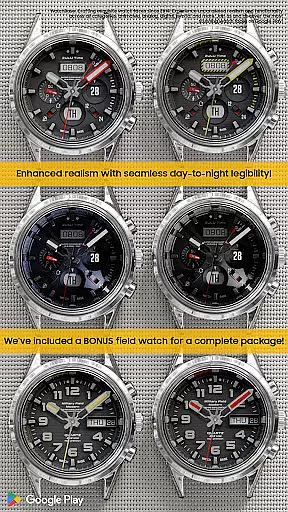
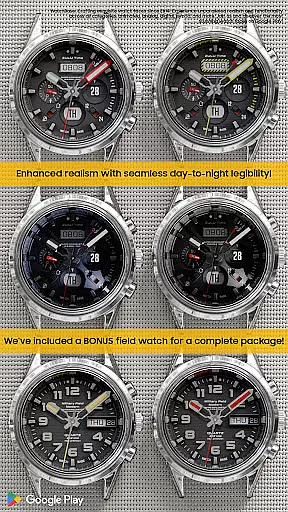
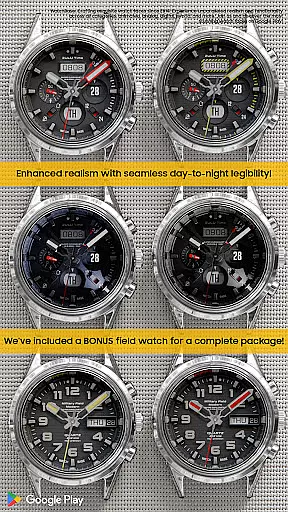
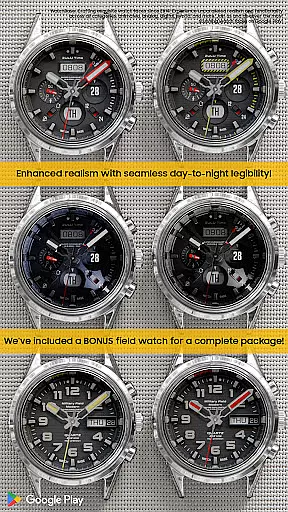
This watch face stands out with its comprehensive feature set. The Military-Tactical design includes ZULU timekeeping, FIELD watch options, and a hidden prank feature for added fun. Users can enjoy 10 different main dial color combinations and six Always On Display modes.
The Multi-Function Display (MFD) allows customization of information shown on the watch face, while additional indicators include day, date, battery status, steps goal, moon phase, and notifications. With realistic LED night modes and 12/24 hour format options, it caters to diverse user preferences.
Companion app integration is a crucial feature for Android Wear applications like Military ZULU Tactical watch. This functionality allows users to seamlessly sync and manage their watch face settings directly from their smartphone.
The companion app simplifies the installation process by providing clear instructions and direct links for downloading. Once installed, users can access advanced customization options, ensuring their wearable device perfectly matches their personal style.
This integration enhances user experience by enabling real-time updates and synchronization of preferences across devices. Users can modify color combinations, adjust display modes, and set up prank features with minimal effort.
Moreover, the companion app serves as a support hub, offering troubleshooting guides and customer assistance. This comprehensive approach to device management demonstrates the developer's commitment to providing a reliable and user-friendly product.
Wear OS and device compatibility are essential considerations for any Android Wear application. The Military ZULU Tactical watch face demonstrates excellent adaptability across various smartwatch models and operating system versions.
This application supports multiple Wear OS devices, ensuring consistent performance regardless of the user's hardware choice. The developers have optimized the watch face to maintain its tactical design elements and functional features on different screen sizes and resolutions.
Compatibility extends beyond mere technical requirements. The application maintains its core functionalities, including ZULU time display, MFD indicators, and realistic illumination modes, while adapting to various device capabilities.
Regular updates and thorough testing ensure that the watch face remains compatible with new Wear OS versions and devices. This commitment to broad compatibility makes the Military ZULU Tactical watch face a reliable choice for users seeking a versatile and future-proof wearable experience.
Highly customizable
Realistic design
Versatile prank feature
Multiple display options
Comprehensive indicators
Complex setup process
Potential sync issues
Additional companion app required
Limited FIELD watch features
Not all features available in every mode

Analog watch face with 8 complications and expedition styling
 4.3
4.3
Elegant animated Christmas tree with multiple customization options
4.20
Digital watch face. For Wear OS devices.
4.40
Structured watch face with seven complications and modular UI elements
3.90
The most customizable hybrid watch face. For Wear OS 5.0, API 34+ and later
4.70
Daily Weather forecast with 15 weather images for Day & Night plus Big Bold time
4.10
Your local weather forecast, storm tracker, radar maps & live weather news
3.40
Control your Samsung Smart TVs, appliances, and SmartThings-compatible devices
4.60
From periods to pregnancy & perimenopause, Flo helps you track it all. Try now.
4.70
Retro digital watch face with customizable colors and a unique lighting effect
4.60
Bold weather Digital watchface with forecast & optional animated background
4.40
A white realistic classic analog watch face with many customization options.
4.40
Bold, Modern Hybrid Watch Face for Wear OS. 10 Colors, Rich Info Display.
4.30
Find EV charging stations
4.30
Animated Watch Face and Customizable with 24 Backgrounds. Perfect for Christmas!
3.90
Want to take charge of your health? Let Google Fit help you reach your goals.
3.50
Watch face designed for Thanksgiving Day. 7 Background Styles included.
3.20
Christmas and New Year - Themed Watchface
4.0
Wear Os Watch Face - Animated Snow - Sesonal for Christmas & Winter
4.2


User Reviews