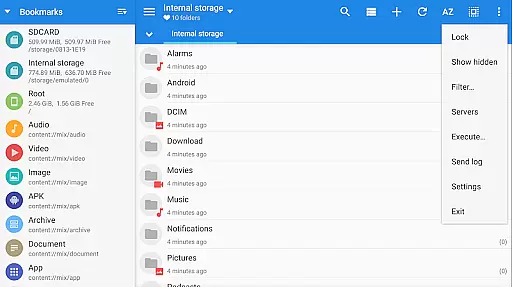
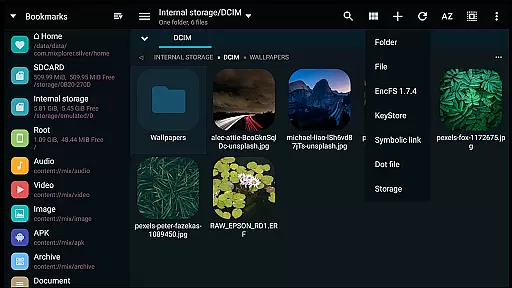
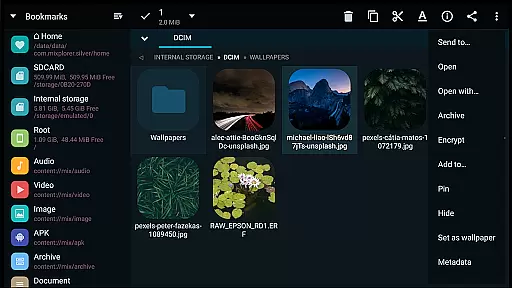
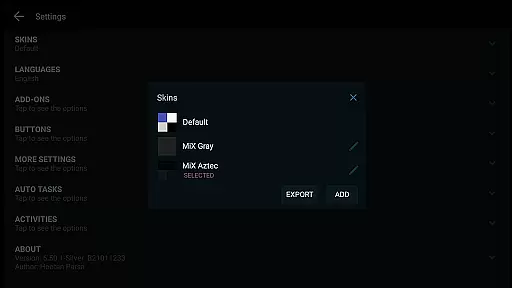
MiXplorer Silver is a comprehensive file management solution that combines the powerful MiXplorer file manager with essential add-ons like Archiver, Image viewer, Tagger, and PDF reader. Designed to support the ongoing development of MiXplorer, this paid app offers an all-in-one productivity tool for Android users. The app provides extensive customization options, allowing users to personalize their experience through theming, menu sorting, and action button management.
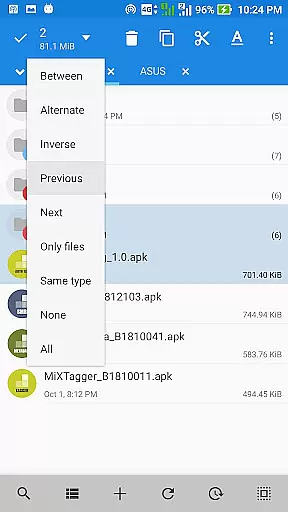
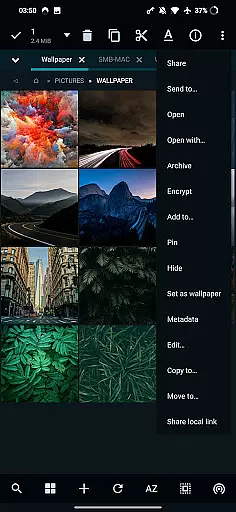
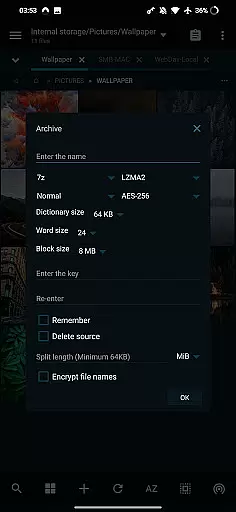
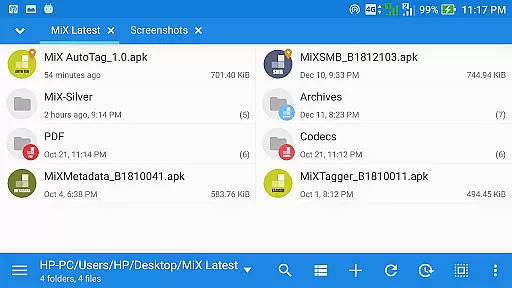
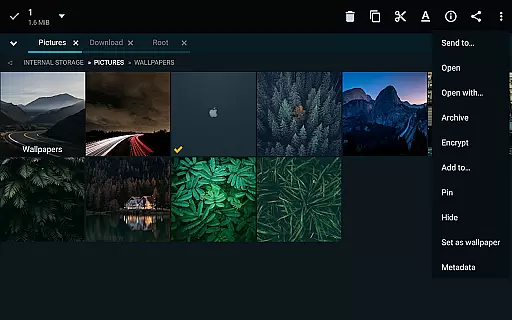
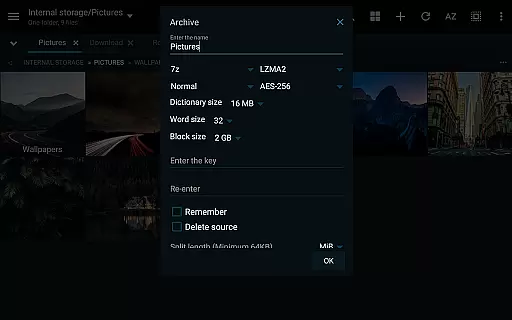
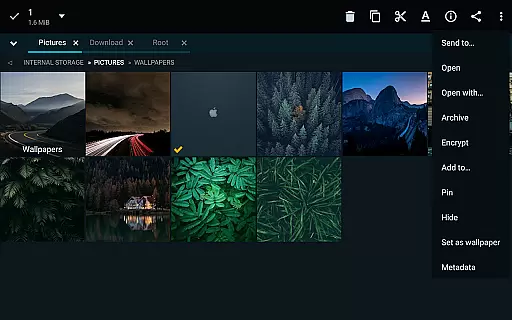
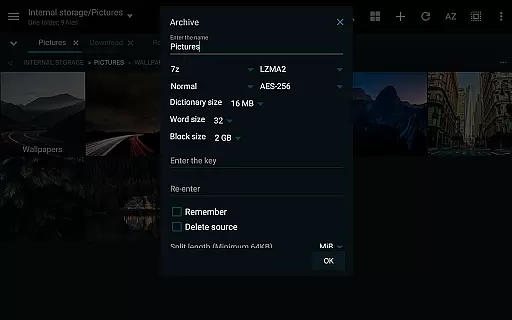
One of the standout features of MiXplorer Silver is its advanced file handling capabilities. It supports unlimited tabbed browsing, dual panels in landscape mode, and drag-and-drop functionality between panels. Users can perform multitasking operations such as copying, moving, and managing files across various cloud storage services. Additionally, the app includes robust tools for file compression and extraction, supporting numerous formats including 7z, Zip, RAR, and many others.
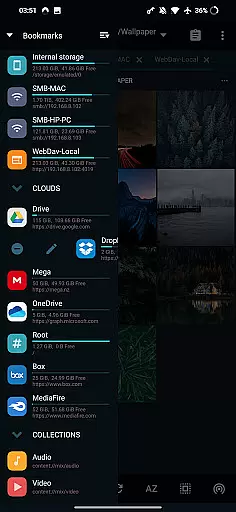
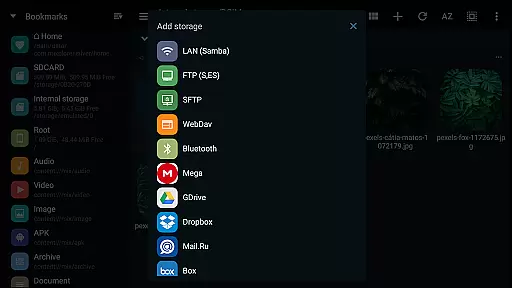
The app's versatility extends to its cloud integration, offering seamless access to popular services like Google Drive, Dropbox, and OneDrive. With built-in servers for FTP, HTTP, and WebDAV, along with client support for SAMBA and SFTP, MiXplorer Silver ensures secure and efficient file transfers. Its rich feature set also includes media playback, text editing, and root access for advanced operations, making it an indispensable tool for both casual users and power users alike.
MiXplorer Silver distinguishes itself through its extensive feature set tailored for productivity enthusiasts. The app's theming capabilities allow users to customize every visual aspect, from menu options to color schemes, ensuring a personalized user experience. Its unique tabbed browsing system supports unlimited tabs and dual panels in landscape mode, enabling efficient file navigation and management. The drag-and-drop functionality between panels streamlines file organization, while the task management system allows users to queue multiple file operations.
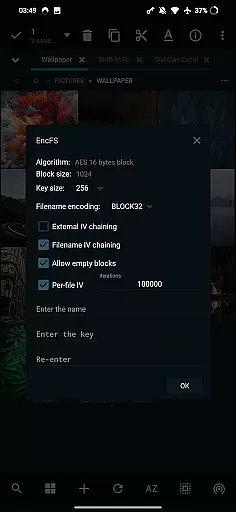
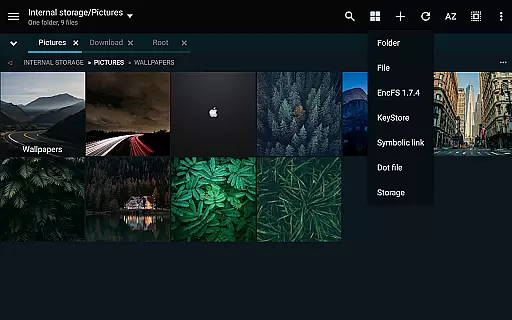
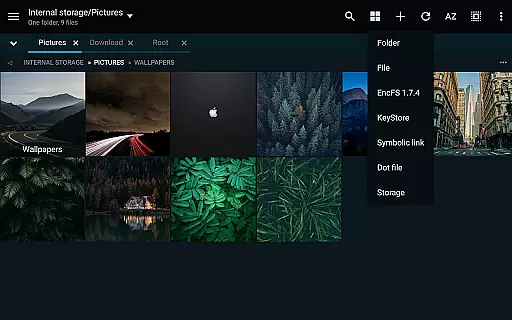
The application's file handling prowess extends to its comprehensive support for various archive formats. Users can create, modify, and extract files from over 20 different compression formats, including industry standards like 7z, Zip, and RAR. The built-in cloud storage integration covers major providers and webdav-compatible services, creating a unified interface for managing remote files. Advanced users will appreciate the root access capabilities and EncFS volume support for enhanced security.
Additional productivity features include a versatile media player with extended codec support, a code editor for on-the-go programming, and specialized viewers for PDF, EPub, and various image formats. The app's server capabilities transform any device into a personal file server, supporting FTP, HTTP, and WebDAV protocols. These features, combined with its customizable interface and extensive format support, make MiXplorer Silver a complete solution for mobile file management.
In the realm of file management, MiXplorer Silver excels with its robust core task management capabilities. This feature allows users to handle multiple operations such as copying, moving, and other file manipulations simultaneously through an intuitive task creation system.
Users can easily create and manage tasks, ensuring that complex file operations are executed smoothly and efficiently. The ability to multitask is crucial for productivity, allowing seamless transitions between different activities without losing track of ongoing processes.
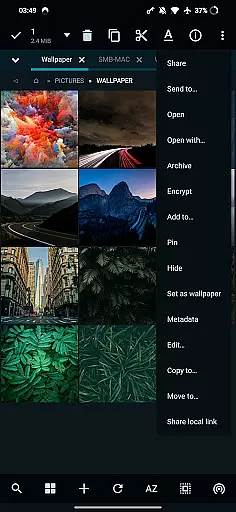
The app's design emphasizes user control, providing options to sort, enable, or disable menu actions and buttons. This customization empowers users to tailor their experience according to specific needs, enhancing overall workflow efficiency.
With unlimited tabbed browsing and dual-panel support in landscape mode, MiXplorer Silver offers a versatile environment where drag-and-drop functionality between panels streamlines task management further, making it an indispensable tool for power users seeking optimal performance.
Cross-device synchronization is a pivotal feature in MiXplorer Silver, ensuring that preferences, bookmarks, and customized skins are reliably synced across all your devices. This capability allows users to maintain consistency in their file management experience regardless of the device they use.
The app supports exporting and importing all preferences and bookmarks, which means you can effortlessly transfer your setup from one device to another. This function not only saves time but also ensures that your personalized settings and essential data are always at hand, no matter where you access your files.
MiXplorer Silver integrates cloud storage services like Google Drive, Dropbox, and OneDrive, among others, facilitating seamless access to your files from any location. This integration enhances the reliability of cross-device operations by leveraging trusted cloud platforms for data backup and retrieval.
By supporting various cloud providers and offering webdav compatibility, MiXplorer Silver guarantees that your data remains accessible and up-to-date across multiple devices, reinforcing its position as a reliable productivity tool for both personal and professional use.
Highly customizable interface
Extensive file format support
Advanced cloud integration
Powerful archiving tools
Root access capabilities
Paid application only
Steep learning curve
Resource intensive
No iOS version
Complex interface

Auto-shutoff Alarm with Sunrise, Sunset & Fixed Options.
 3.50
3.50
All in one sketching tool. Technical and General drawing. Online Maps support.
3.70
Planet Free VPN - The best Fast Unlimited and Secure VPN Without Logs
4.50
The upgraded version of Name Wheel with AI and the power to add your own wheels.
4.5
We're working to become the best machining app on the market! www.cncdirt.com
4.80
App lock - lock apps with fingerprint, password, pin or pattern, protect privacy
4.70
Scientific calculator for Android - looks and operates like the real thing!
4.90
Ultimate Virtual AI Character for immersive Roleplay Chat. Perfect Companion
3.90
Set up, print, and get support—in one place
4.20
Multilingual translator for text, voice, and image translation!
4.90
Best Tool for the professionals Electrician, Electrical contractors, etc.
4.90
Mind Map and brainstorm, note taking and idea collection
4.80
Scan paperwork into PDF/JPG, generate your own e-signature and send fax or email
4.70
Secure, fast, open-source, Remote Desktop Client for Windows and Linux with SSH
4.60
Lightweight PDF, Word, Excel reader.
4.60
Create and edit presentations with Google Slides, part of Google Workspace.
4.00
Secure, open-source, SPICE and SSH Remote Desktop for QEMU KVM virtual machines
4.00
Smart PDF reader & editor to view, organize and manage PDF documents easily.
3.70
AI Video AI Image Private LLM AI Browser Llama Gemma Ollama Connect LLM Studio
4.1


User Reviews