
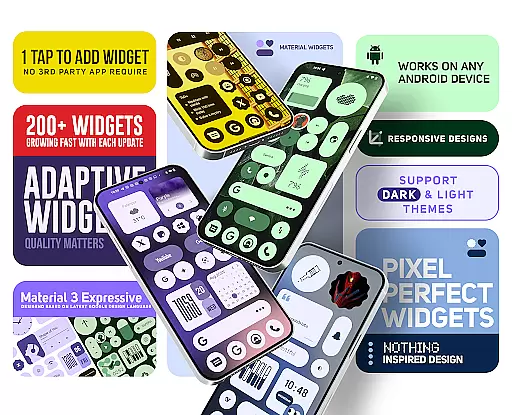
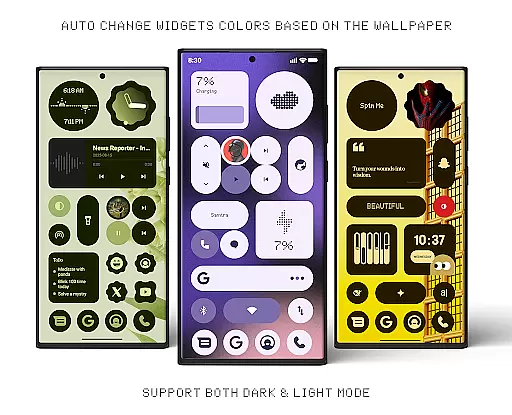
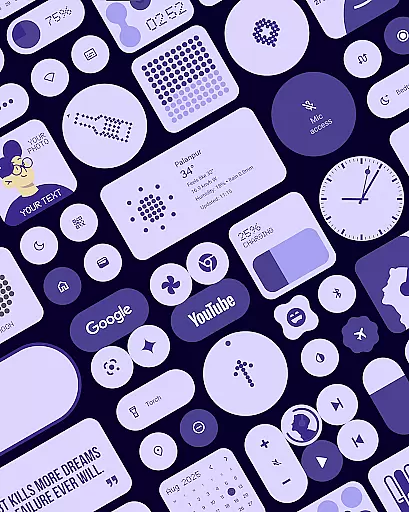
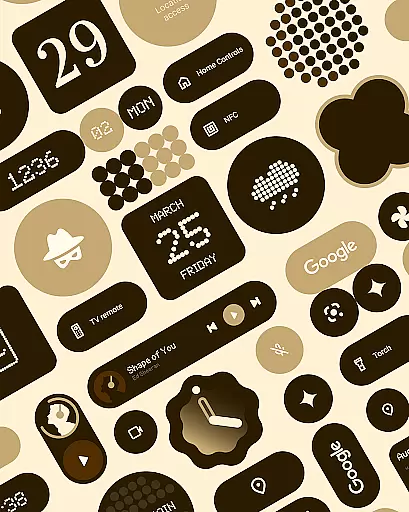
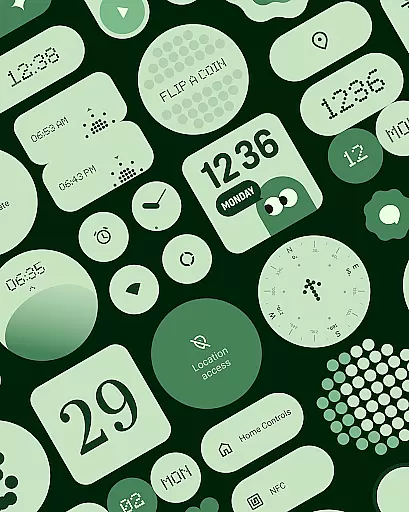
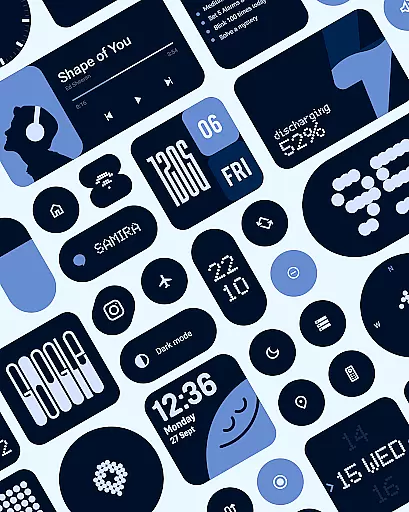
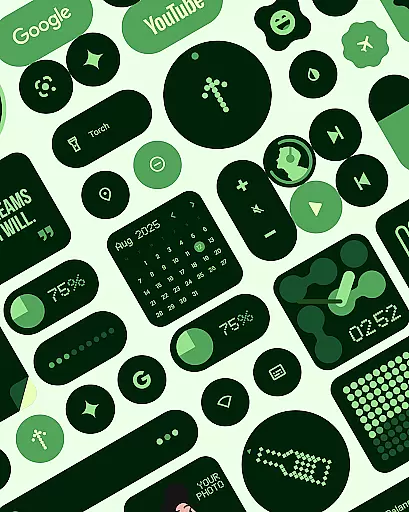
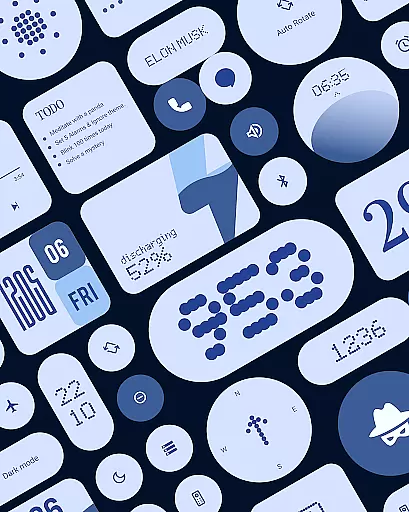
Material Widgets is a personalization app that brings Google's Material 3 design to your home screen. With over 200 widgets, it offers dynamic theming that adapts to your wallpaper and system colors, ensuring a fresh and personalized experience.
The app provides a variety of widget types including clocks, calendars, weather, and quick settings, all designed with modern shapes and bold typography. These widgets are fully resizable, giving users control over their home screen layout while maintaining visual harmony.
Whether you want to track your steps, check the weather, or organize your tasks, Material Widgets allows you to create a functional yet stylish home screen. Its native functionality means no extra apps are needed, making setup quick and easy.
One of the standout features of Material Widgets is its seamless integration with your device's existing system. It doesn't require third-party apps like KWGT, allowing for a streamlined experience where widgets can be added with just a tap.
The widgets themselves are crafted following Google’s Material 3 guidelines, featuring expressive designs that dynamically adjust to both light and dark modes. This ensures that whether you're using a clock, calendar, or battery indicator, each element feels cohesive with your device’s overall aesthetic.
Additionally, the app includes over 100 wallpapers specifically designed to complement the widgets. This combination of customizable widgets and matching wallpapers allows users to create a home screen that is not only functional but also visually stunning.
Material Widgets offers an extensive range of customization options that allow users to tailor their home screens with over 200 widgets. These widgets include clocks, calendars, weather indicators, and more, all designed with Googleu2019s Material 3 expressive design guidelines.
Each widget dynamically adapts its colors to match the user's wallpaper and system settings, ensuring a seamless transition between dark and light modes. This feature provides a fresh and personalized experience, making every home screen unique to its owner.
The pack also includes resizable widgets that scale beautifully from compact sizes to full-screen layouts. This flexibility gives users complete control over their home screen setup, allowing for a personalized layout that fits individual preferences and needs.
Theme compatibility in Material Widgets ensures that every widget matches the user's system colors and themes. By adapting to the device's native settings, these widgets provide a cohesive look that enhances the overall aesthetic of the home screen.
With no need for third-party apps like KWGT, Material Widgets work natively, offering a streamlined experience. Users can simply tap to add widgets, enjoying a perfectly styled home screen within seconds, while maintaining theme consistency across their devices.
Included in the package are 100+ Material You-inspired wallpapers that pair seamlessly with the widgets. This combination of adaptive widgets and matching wallpapers allows users to create a harmonious and visually appealing home screen environment.
Dynamic theming
Native functionality
Wide widget variety
Resizable options
Regular updates
Limited customization
No iOS support
Design inconsistencies
Occasional bugs
Learning curve

Classic analogue watch face. For wear os devices.
 4.60
4.60
A light in the dark, a unique style and an andless cutomization!
4.30
Capture moments that pass like a storm, second by second.
4.3
Unique Android Launcher
4.60
Icons made of colorful linear lines
4.60
HappyLighting is a Bluetooth lamp control software.
3.40
Handcrafted pixel art icons, widgets & wallpapers
4.60
Create unique, fun emojis with Funny Emoji Maker! Unlimited creativity!
4.00
A minimalist productivity launcher. One-hand-friendly. Zero ads.
4.70
Vertically oriented rectangular icons
4.70
A launcher for Samsung Good Lock and Good Guardians modules without ads
4.70
400+ Beautifully crafted widgets inspired by NOTHING.
4.70
Choose your keyboard with RGB colors effect, themes, fonts, emojis.
4.60
300+ widgets inspired by Material You and Material 3 expressive design.
4.60
Try creating your own keyboard with "Keyboard theme for android" app now!
4.50
Yandex Browser — stylish and secure, with voice search and data compression
4.40
Unleash Your Creativity and Connect with Loved Ones with Lockscreen Drawing!
4.20 4.10
4.10
Modern Glass Icon Pack with glossy icons, clean minimal theme & aesthetic style
4.4


User Reviews