
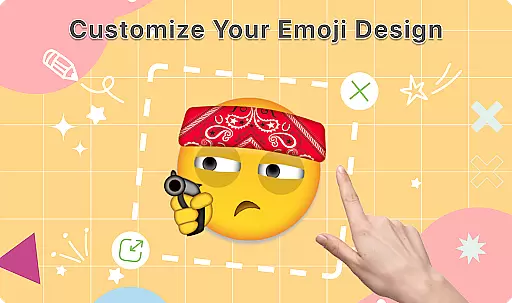
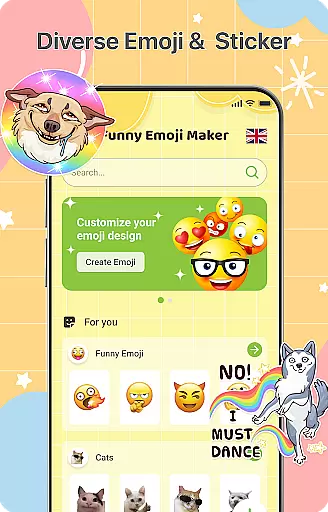
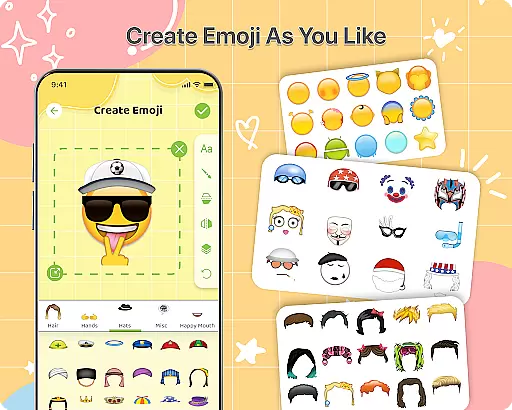
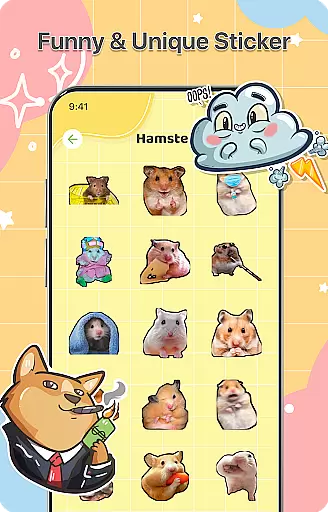
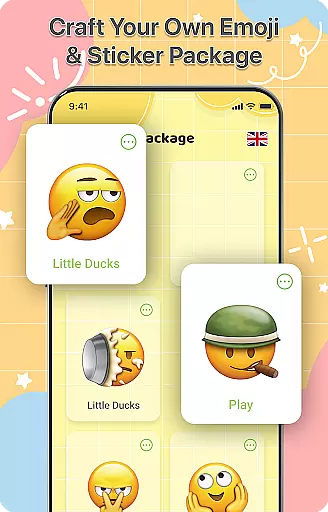
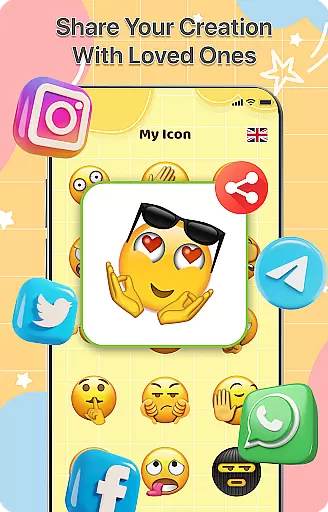
DIY Emoji is a creative personalization app that allows users to design their own unique emojis. With over 500 accessories including eyes, mouths, hats, and glasses, the app provides endless customization possibilities. Users can draw details, add text with various fonts and colors, and layer elements for perfect emoji designs.
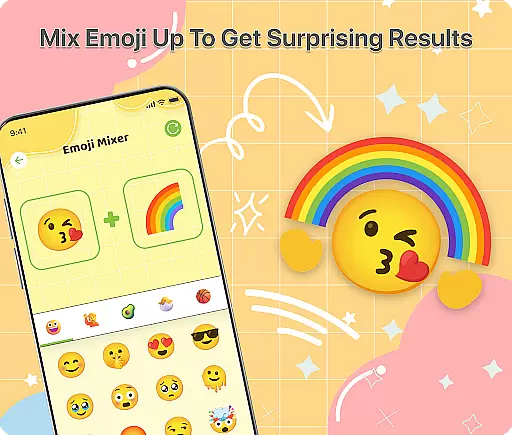
The app also features an innovative Emoji Mixer that lets users combine any two emojis for quirky and funny combinations. The built-in Emoji Library helps users store and manage all their creations, while frequent updates ensure a growing collection of accessories and emotes. Whether you want to express yourself uniquely or simply have fun creating, DIY Emoji makes it easy and enjoyable.
This app is particularly useful for enhancing chat conversations with personalized emoticons. From casual texting to professional communication, these custom emojis can add a touch of personality and humor to any dialogue, making your messages stand out.
DIY Emoji offers a rich set of features designed to maximize creativity and user engagement. The Emoji Maker tool includes a vast selection of customizable elements such as eyes, mouths, hats, glasses, and more. Users can flip these elements for unique effects, draw fine details with specialized tools, and add text with cool fonts and colors. Layering options allow for precise control over the final design.
In addition to the Emoji Maker, the Emoji Mixer feature enables users to blend any two emojis into new, funny combinations. This opens up unlimited creative possibilities and encourages experimentation. The Emoji Library provides a convenient way to store and manage all created emojis, with quick search functionality for easy access.
Frequent updates are another key aspect of DIY Emoji. New accessories and emotes are added regularly, keeping the content fresh and engaging. These updates ensure that users always have something new to explore and incorporate into their emoji designs, maintaining long-term interest and satisfaction.
Customization is at the heart of DIY Emoji, offering users a vast array of options to express their creativity. With over 500 accessories including eyes, mouths, hats, and glasses, the app allows for extensive personalization.
The app's interface supports layering elements, flipping items for unique effects, and drawing details with specialized tools. This flexibility ensures that each emoji can be as unique as its creator, providing endless possibilities for customization.
Users benefit from the ability to add text with various fonts and colors, enhancing the personal touch to their emojis. Such depth in customization empowers users to craft emojis that truly represent their personality and mood.
DIY Emoji ensures seamless theme compatibility across different platforms and devices. Whether you're using iOS or Android, the emojis created will maintain their quality and appearance, ensuring uniformity in digital communication.
This compatibility extends to various messaging apps, allowing users to incorporate their custom emojis into chats without loss of visual fidelity. The app's design prioritizes integration with existing systems, making it versatile and user-friendly.
By focusing on theme compatibility, DIY Emoji enhances user experience, letting creators share their personalized emojis widely. This feature guarantees that no matter where the emojis are used, they will look as intended, preserving the creator's original vision.
User-friendly interface
Extensive customization options
Frequent content updates
Variety of creative tools
Easy sharing capabilities
Limited free accessories
Some features require purchase
Occasional bugs reported
Ads may interrupt workflow
Learning curve for beginners

Beautiful realistic hybrid watch face with numerous customization options.
 4.50
4.50
Ninja Turtles Cowabunga SE watch face for Wear OS
4.50
Realistic animated snow on your wrist, with 10 images landscapes to choose from
4.00
Transform your phone with Launcher iOS 26 - Smooth & elegant iOS experience
4.50
Themes - Widget & Wallpaper: Customize home screen, icon changer w unique themes
4.30
Personalize your phone with stunning HD and 4K wallpapers!
4.70
Shimeji adds cute animated characters to your screen, lively and fun.
4.70
Transform your device in a game console
4.40
Fast SMS & group chat - use GIFs and emojis from your home screen launcher.
4.50
Enjoy a variety of amazing live wallpapers and colorful EDGE lighting borders!
4.80
Customizable Glass widgets. Over 360+ stunning widgets and more!
4.70
300+ Stunning and well-designed widgets inspired by NOTHING.
4.70
350+ widgets with a premium glass-style finish, perfect for home & lock screens.
4.70
A retro cartoon style watch face and a punch right in the face of the copyright
4.60
Over 28,000 high quality icons to bring color & homogeneity to your phone.
4.60
Customize your home screen with stunning themes, blur, widgets & icons.
4.60
Yandex Browser — stylish and secure, with voice search and data compression
4.40
App Icon Changer & Shortcut Creator. Customize your icons without any watermarks
4.30 3.50
3.50


User Reviews