
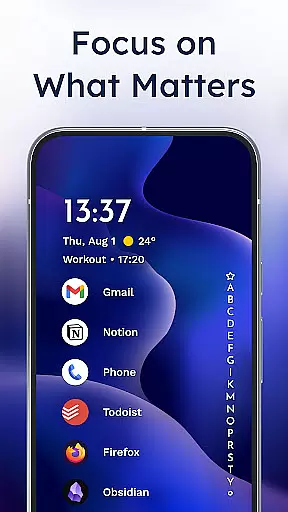
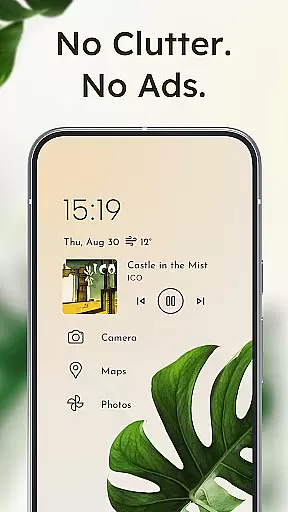
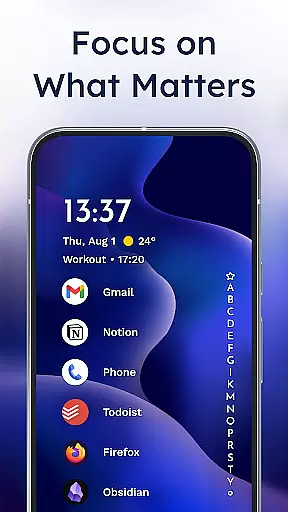
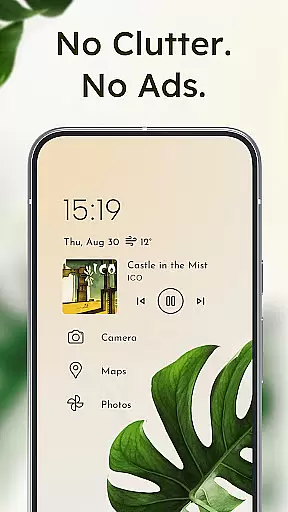
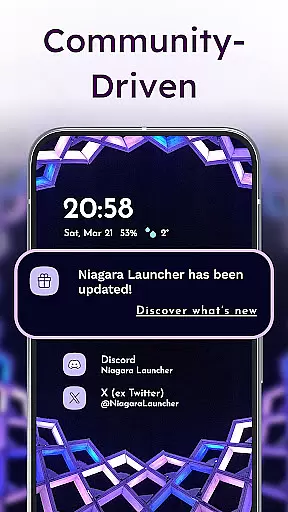
Niagara Launcher is a minimalist home screen replacement designed to optimize one-handed use on modern smartphones. Unlike traditional launchers with rigid grid layouts, Niagara offers an adaptive list interface that dynamically adjusts to display essential information such as media controls, messages, and calendar events when needed.
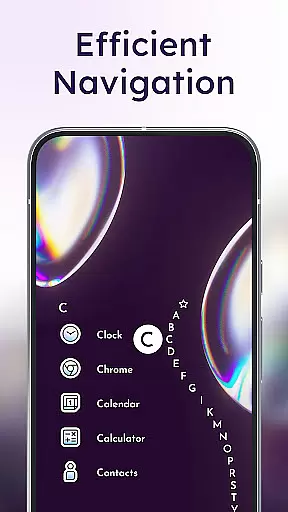
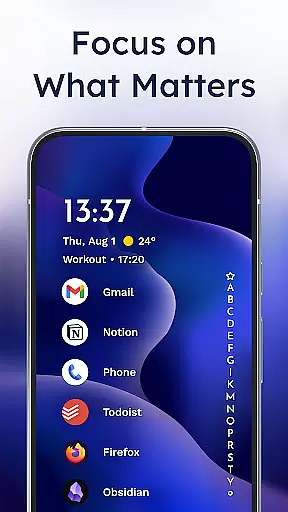
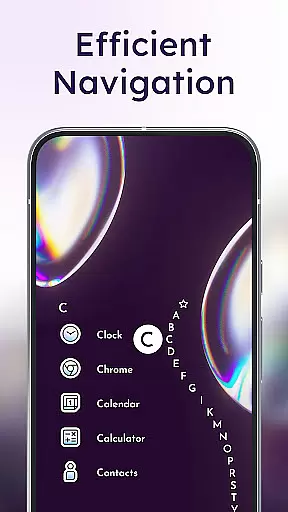
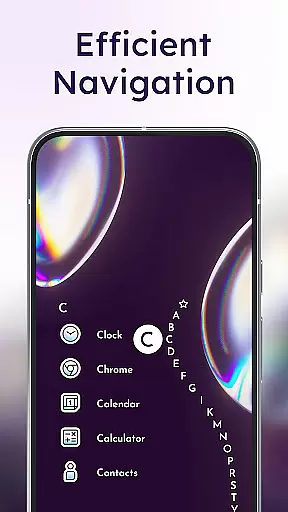
The launcher's unique wave alphabet navigation allows users to efficiently access all their apps without needing an app drawer. Key features include embedded notifications that let users read and respond directly from the home screen, Material You theming for personalized aesthetics, and a lightweight design that runs smoothly even on older devices. With active development and strong community support, Niagara Launcher provides both functionality and customization options while maintaining an ad-free experience.
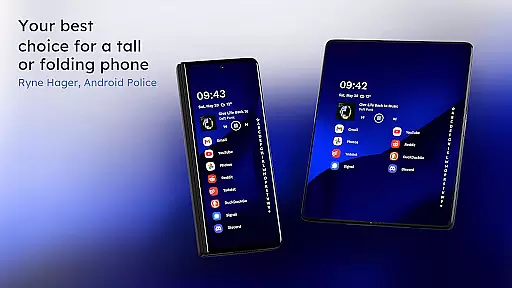
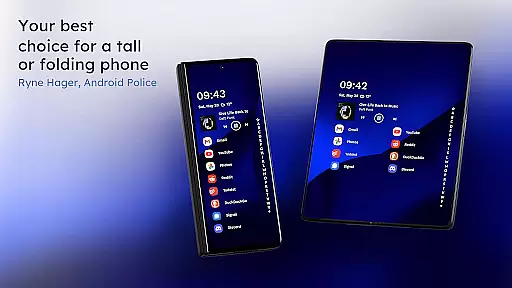
Niagara Launcher stands out through its innovative approach to home screen organization. The adaptive list layout automatically prioritizes frequently used apps and important notifications, creating a clutter-free interface that helps users focus on what matters most. Its signature wave alphabet navigation creates a satisfying one-handed usage experience by categorizing apps in an easily scrollable vertical list.
Productivity-focused features include embedded notifications that allow direct interaction with messages and app alerts right from the home screen. The launcher also embraces Google's Material You design language, enabling automatic color theming based on user-selected wallpapers. Advanced customization options let users personalize their experience with custom fonts, icon packs, and widgets while maintaining the app's core philosophy of simplicity and efficiency.
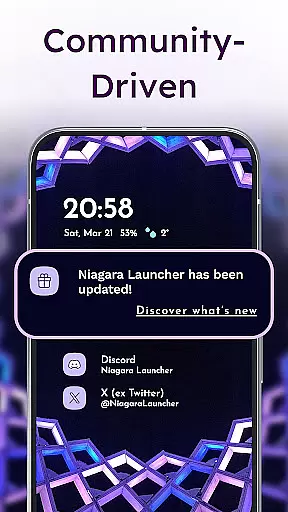
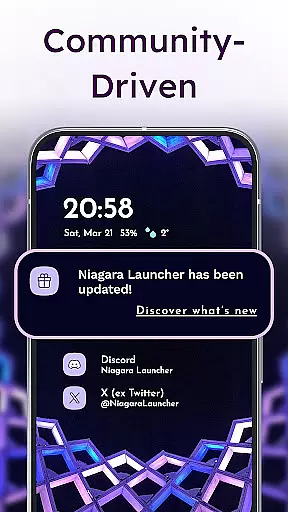
Notably, Niagara Launcher maintains exceptional performance through its lightweight architecture, requiring minimal storage space and system resources. The developers have also created a supportive community across multiple platforms including Twitter, Discord, and Telegram, ensuring users can provide feedback and receive support.
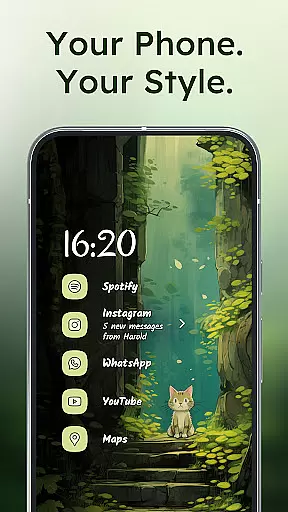
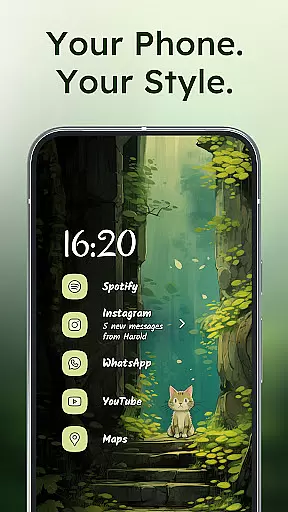
Niagara Launcher offers an impressive range of customization options that allow users to tailor their home screen experience. The launcher supports Material You Theming, which automatically adapts the interface colors based on the user's wallpaper choice, creating a personalized and visually cohesive look.
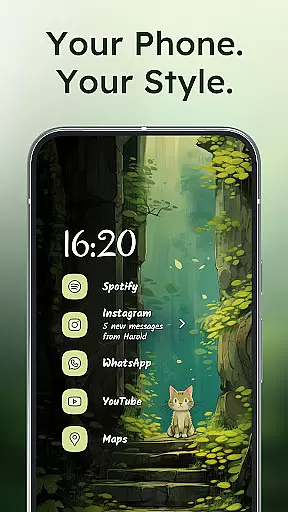
Users can further personalize their setup with integrated icon packs, custom fonts, and unique wallpapers. This flexibility ensures that each user's home screen is not only functional but also reflects their personal style and preferences.
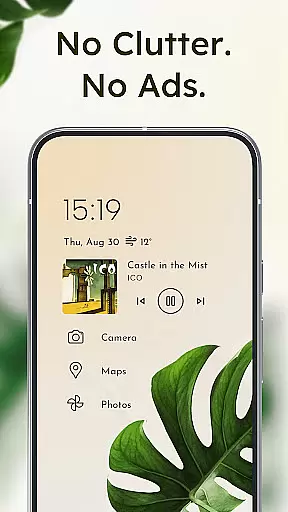
The adaptive list feature provides dynamic space for essential elements like media controls, messages, or calendar events to appear when needed. This intelligent adaptation creates a clutter-free environment while maintaining quick access to important information.
With its active development community and regular updates, Niagara Launcher continues to expand its customization capabilities, ensuring users have access to the latest personalization features and options.
Theme compatibility is at the core of Niagara Launcher's design philosophy, offering seamless integration with various visual styles. The launcher has adopted Google's Material You design system, bringing this modern theming approach to all Android versions, not just the latest ones.
This backward-compatible implementation allows users to enjoy consistent theming across different devices and Android versions. When users change their wallpaper, the system intelligently adjusts colors throughout the interface, maintaining visual harmony between apps and system elements.
The launcher's theming engine works in tandem with customizable icons and fonts, creating a unified visual experience that extends beyond basic color changes. This comprehensive approach to theming ensures that all interface elements work together cohesively.
For users who prefer manual control, Niagara Launcher provides options to fine-tune theme elements while still maintaining compatibility with system-wide theming standards, striking a balance between automation and user control.
One-handed usability
Adaptive interface
Lightweight performance
Material You support
Active development
Limited widget support
No native themes
Basic animations
Fewer customization
Learning curve

Themes - Widget & Wallpaper: Customize home screen, icon changer w unique themes
 4.30
4.30
Transfer your live wallpapers from Windows to Android using Wallpaper Engine!
4.00
Turn text & photos into stunning AI videos, art, and creative visual stories.
4.50 4.10
4.10
Nothing Icon pack with more than 3750+ highly crafted icons.
4.70
Vibrant Adaptive Icons with Material You and Enhanced Monet Colors.
4.50
Custom edge gestures for volume control, brightness, apps, and shortcuts.
4.3
One 8 icons glass color version
4.80
Struggling to find apps? Use this app to locate and open any app on your phone!
2.20
Gun Chase - Let the chase begin.
4.80
300+ Stunning and well-designed widgets inspired by NOTHING.
4.70
3D, live, and moving wallpapers & themes in 4K and HD for your device.
4.50
Customizable screen pets that play, climb, and keep you company.
4.50
Aesthetic Widgets, HD Wallpapers, Themes in Mico Widget for Home and Lock Screen
4.50 4.50
4.50 4.50
4.50
Interactive Miniature Painting Catalogue
3.30
⭐ OneUI inspired Fluffy Icon Pack – Soft. Stylish. Standout. ⭐
4.2
Modern Glass Icon Pack with glossy icons, clean minimal theme & aesthetic style
4.2


User Reviews