
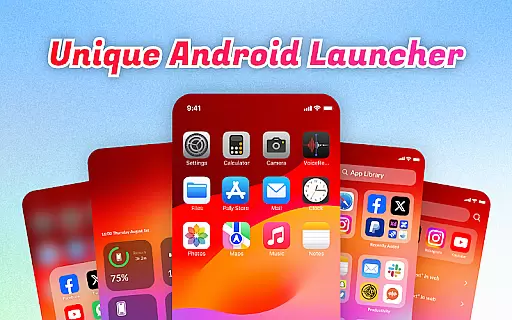
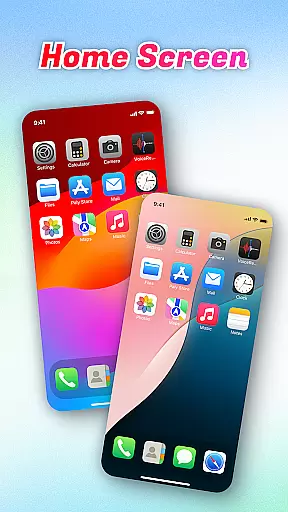
OS Launcher Theme is a personalization app that enhances your smartphone experience through an intuitive interface and practical features. The app offers categorized app organization, quick access tools, and essential device monitoring functions.
Key features include App Library for organized app management, Quick Center for instant access to frequently used settings, and built-in utilities like QR Scanner and Battery Info. These tools help users streamline their daily routines while maintaining optimal device performance.
Ideal for those seeking better device organization and control, this app provides both aesthetic and functional improvements to your mobile experience.
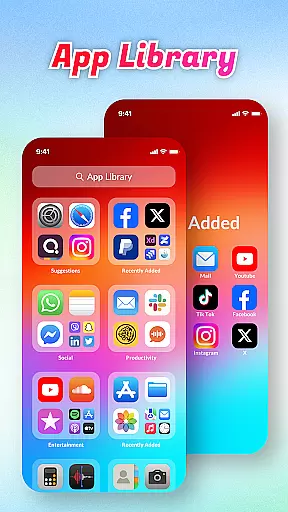
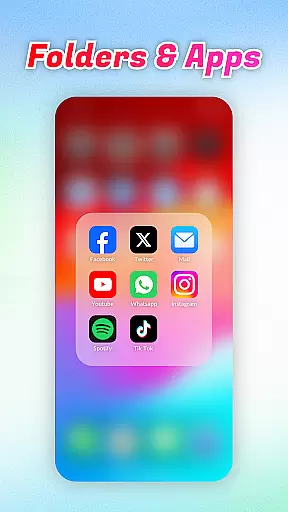
OS Launcher Theme stands out with its comprehensive feature set designed to optimize device usage. The App Library automatically sorts apps into categories, eliminating clutter and making navigation effortless.
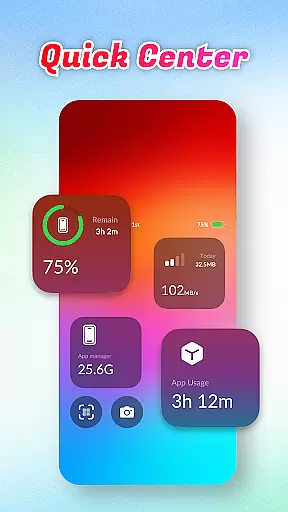
The Quick Center provides a convenient control hub accessible with a simple swipe. Users can toggle flashlight, adjust settings, and access other essential functions without navigating through multiple menus. Additionally, the built-in QR Scanner and Data Usage tracker offer practical solutions for everyday tasks.
These features collectively create a more efficient and visually appealing home screen experience while giving users greater control over their device's performance and organization.
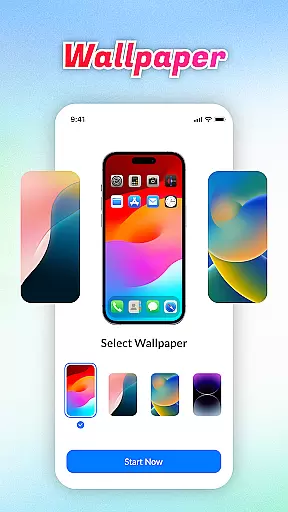
OS Launcher Theme offers a diverse range of customization options that cater to individual preferences and needs.
The App Library feature automatically sorts apps into categories, reducing clutter and personalizing the user's home screen layout. With Quick Center, users can access frequently used settings like flashlight and Wi-Fi with a single swipe, enhancing convenience and personal workflow.
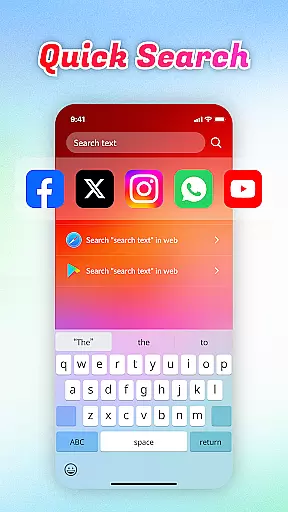
Quick Search allows for rapid keyword searches, making app navigation swift and intuitive. The inclusion of a built-in QR Scanner further adds to the utility by eliminating the need to switch between apps for scanning purposes.
Battery Info and Data Usage widgets empower users to monitor their device's health and manage usage effectively, ensuring optimal performance tailored to each user's habits.
Theme compatibility is a crucial aspect of OS Launcher Theme, ensuring that visual elements and functional widgets integrate seamlessly with various devices and operating systems.
This launcher theme supports a consistent look and feel across different screens, adapting its interface to maintain usability and aesthetic appeal. Users will find that the design elements, from icons to interactive panels, are crafted to offer both beauty and functionality without compromising the native experience of their device.
Moreover, features such as Battery Info and Data Usage not only blend well visually but also provide essential information in an easily digestible format.
The App Manager helps keep storage use in check while maintaining a cohesive appearance throughout the device, ensuring that even as users customize their experience, the integrity and compatibility of their chosen themes remain intact.
User-friendly interface
Efficient app organization
Comprehensive utility tools
Quick access controls
Device monitoring features
Limited customization options
Potential battery drain
Occasional app crashes
Ads in free version
Learning curve for new users

Stunningly Different look with Line Icons and Neon Colors
 4.60
4.60
Only for Wear OS devices!
4.90
Glass style colourful icons with a One UI look and feel
4.60
Fingerprint Lock Screen & Live Animations with 4K Wallpapers as Live Wallpaper
4.40
Adult video chat, dating, making friends, random matching
4.20
Wallpaper HD 4K Live - Thousands of high-quality Anime backgrounds for you.
4.80
300+ widgets inspired by Material You and Material 3 expressive design.
4.60
Your home screen, just the way you like it.
4.30
Transform your phone with stunning video wallpapers and a unique, personal touch
3.80
Vertically oriented rectangular icons
4.70
Shimeji adds cute animated characters to your screen, lively and fun.
4.70
A retro cartoon style watch face and a punch right in the face of the copyright
4.60
Bring adorable pets to life on your screen. Playful, interactive and full of fun
4.60
Transform your phone with Launcher iOS 26 - Smooth & elegant iOS experience
4.50
Color phone with cool effects for call screen, flash alert & ringtones music
4.50
App Icon Changer & Shortcut Creator. Customize your icons without any watermarks
4.30
Realistic animated snow on your wrist, with 10 images landscapes to choose from
4.00
Design your screen with unique, vibrant clocks
3.80
Struggling to find apps? Use this app to locate and open any app on your phone!
2.20


User Reviews