
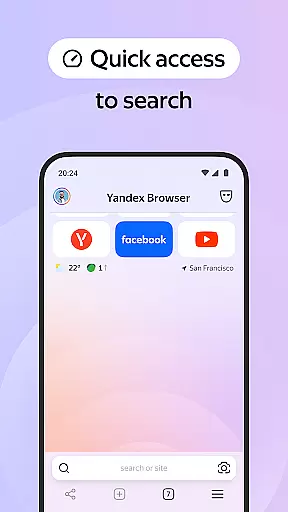
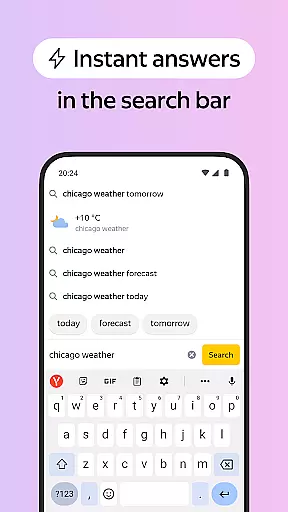

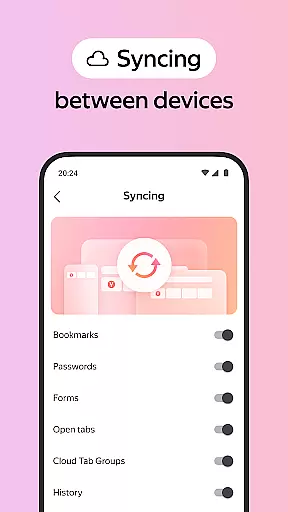
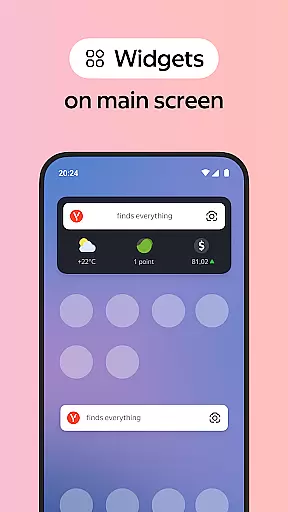

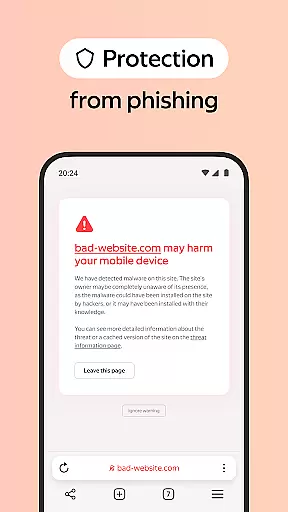
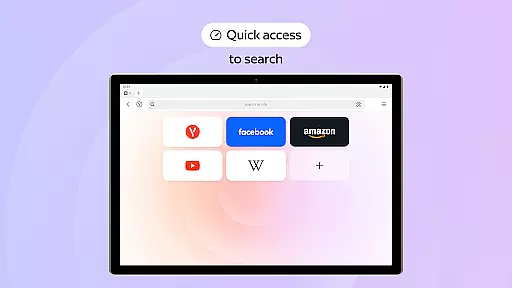


Yandex Browser with Protect is a stylish and secure mobile browser that offers advanced features for an optimal browsing experience. The app provides robust security through its Protect system, safeguarding users' personal data on public Wi-Fi networks while blocking harmful or fraudulent pages. With integrated ad-blocking capabilities, it effectively removes annoying ads from websites.
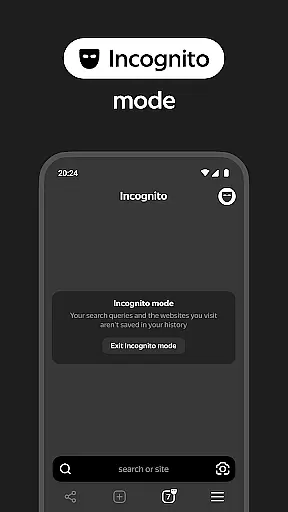
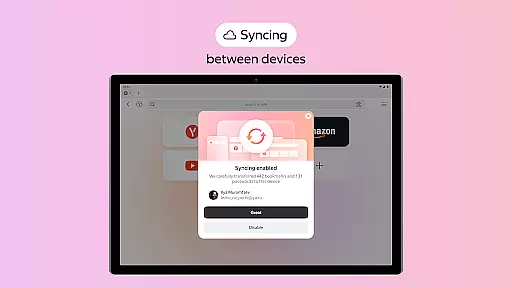
The browser also includes practical features like Reader Mode, which declutters web pages by hiding unnecessary interface elements, and Incognito Mode for private browsing sessions where passwords, search queries, and history aren't saved. Additionally, users can customize their browsing experience with various backgrounds and sync bookmarks across devices via a Yandex account.
This application is particularly useful for those who prioritize both aesthetics and security in their online activities. Whether you're accessing sensitive information over public networks or simply looking to enhance your daily browsing routine, Yandex Browser ensures a seamless blend of style, privacy, and protection.
Yandex Browser stands out with its comprehensive feature set designed to improve user experience. One notable feature is the voice search functionality, allowing users to perform searches hands-free. Additionally, the browser compresses data to help reduce mobile data usage, making it efficient for users with limited data plans.
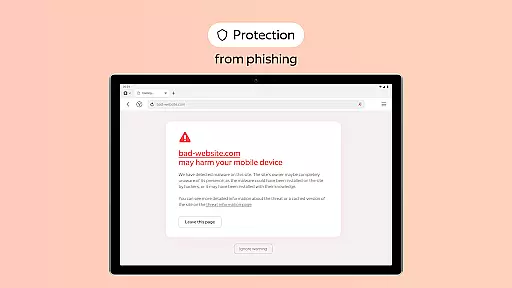
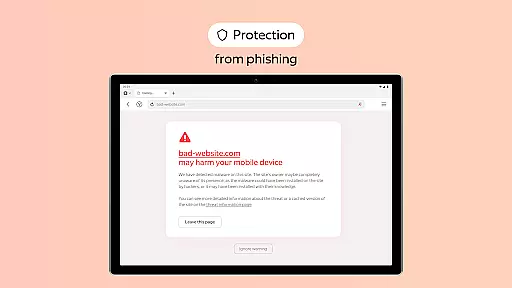
The Protect system actively secures users' personal information when connected to public Wi-Fi networks. It also warns against visiting potentially harmful sites, ensuring a safer browsing environment. Integration with third-party ad blockers enhances this security by removing intrusive advertisements from web pages.
For convenience, Yandex Browser offers Reader Mode, which simplifies articles by displaying only essential text and images. Users can browse privately using Incognito Mode, preventing the storage of sensitive information such as passwords and browsing history. Furthermore, extensive customization options allow users to personalize their interface with different wallpapers, catering to individual styles and moods.
Customization is a key feature of any modern browser, and Yandex Browser excels in this area. The application offers a wide range of customization options that allow users to tailor their browsing experience according to their preferences.
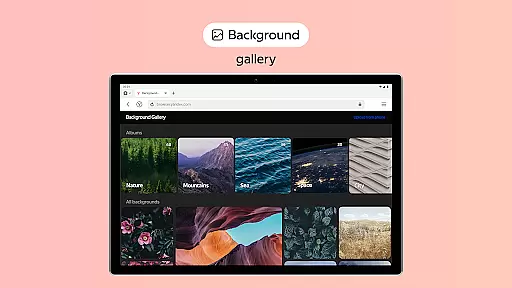
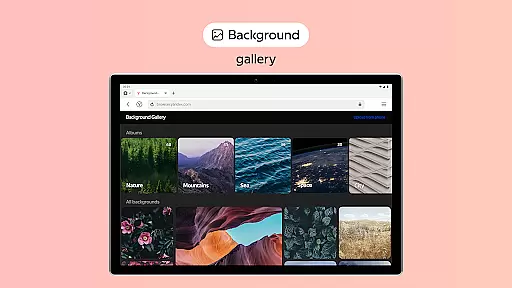
One of the standout features is the wallpaper library, which provides an extensive selection of backgrounds. These backgrounds can be changed to match different moods or styles, giving users a personalized touch every time they open the browser. This level of personalization ensures that users feel more connected to their browsing environment.
In addition to visual customizations, Yandex Browser also supports various third-party apps for ad blocking. This integration allows users to eliminate annoying ads on websites, further enhancing their browsing experience by decluttering the interface and focusing on relevant content.
Overall, the ability to customize the browser not only improves user satisfaction but also makes daily browsing tasks more enjoyable and efficient. With these options, Yandex Browser stands out as a versatile tool that caters to individual tastes and needs.
Theme compatibility is crucial for ensuring a seamless and visually appealing browsing experience. Yandex Browser addresses this by offering robust support for various themes, allowing users to maintain a consistent look and feel across their devices.
The browser's theme system is designed to be flexible and adaptive, accommodating a wide array of visual styles. Whether you prefer a dark mode for reduced eye strain or vibrant themes that reflect your personality, Yandex Browser has you covered. This flexibility ensures that users can find a theme that suits their aesthetic preferences without compromising functionality.
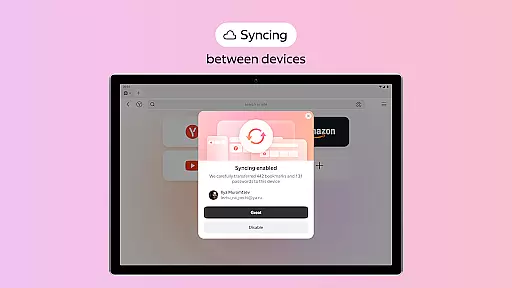
Moreover, the synchronization feature enables users to access their customized themes and other settings across multiple devices. By logging into their Yandex account, users can enjoy a uniform browsing experience regardless of the device they are using. This cross-device consistency enhances usability and convenience.
Ultimately, Yandex Browseru2019s commitment to theme compatibility underscores its dedication to providing a personalized and cohesive user experience. Users benefit from enhanced visual comfort and streamlined interactions, making their browsing sessions both productive and enjoyable.
Strong security features
Efficient ad blocking
Voice search capability
Data compression technology
Customizable interface
Limited third-party extensions
Privacy concerns with syncing
Occasional performance lags
Region-specific services
Interface complexity for new users

Customizable Glass widgets. Over 360+ stunning widgets and more!
 4.70
4.70
Ultra realistic gold analog watch face with lots of customization options.
4.50
Customizable flower power digital watch face for Wear OS watches.
4.00
Make your phone look simple & luxury, like iDevice
4.60
Unique Android Launcher
4.60
AI-powered Copilot. Personalized keyboard with gifs, stickers & themes
4.40
Unique Fonts, typefaces and stylish text. Fonts for Instagram, Whatsapp & others
4.20
Customize phone with anime themes, 3D icons, aesthetic widgets & wallpapers
4.80
Custom ringtones songs, music ringtones for Android phones
4.60
Add cute Shimeji pets to screen, interact with them and relax with cute motions
4.60
Zip lock screen with magic wallpaper to decorate your phone with fun zipper lock
4.60
Stylish Pink Cute Hippo keyboard with 10000+ customized keyboard themes!
4.60 4.50
4.50
Color phone with cool effects for call screen, flash alert & ringtones music
4.50
Themes - Widget & Wallpaper: Customize home screen, icon changer w unique themes
4.30
Organize and manage your photos and videos effortlessly with Photo Gallery
4.20
Design your screen with unique, vibrant clocks
3.80
Interactive Miniature Painting Catalogue
3.30
Adorable pets roam and play right on your phone screen!
3.30


User Reviews