
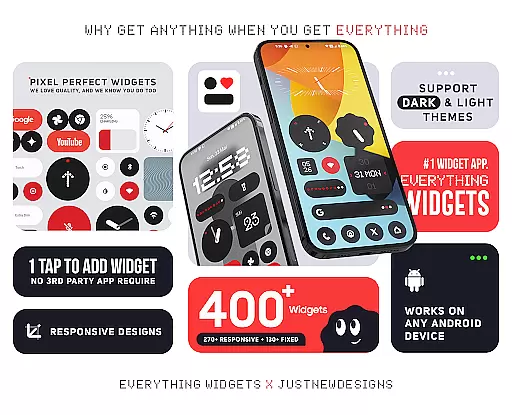
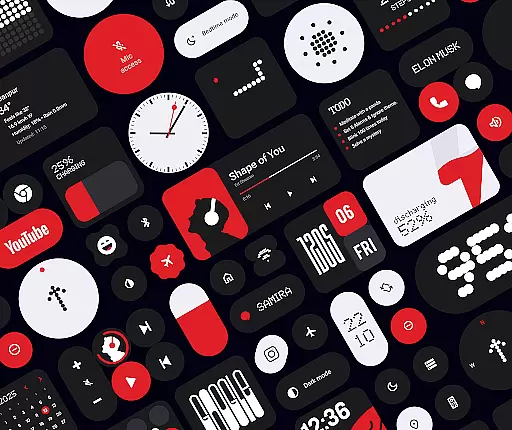
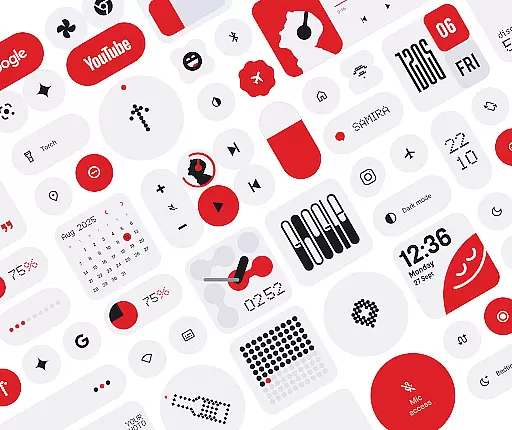
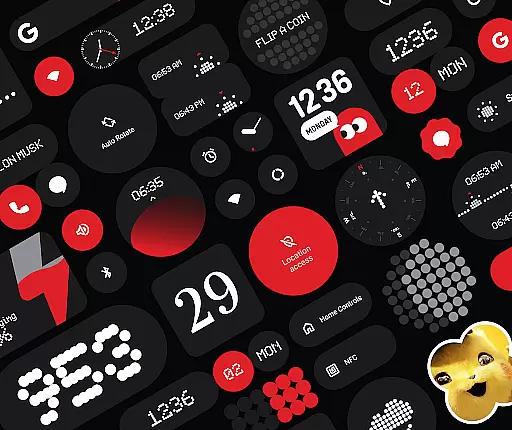
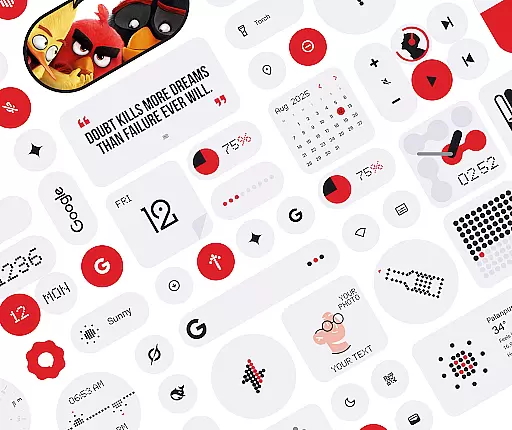
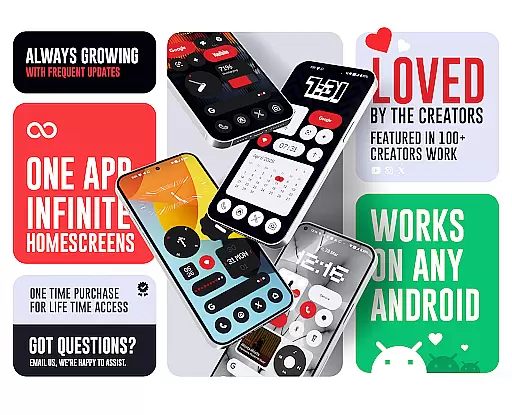
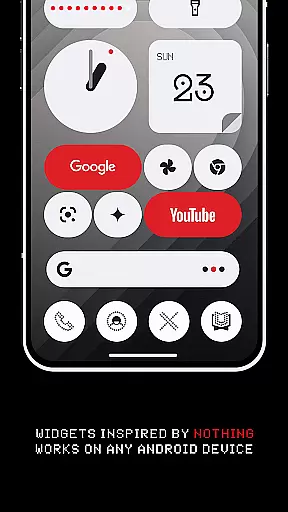
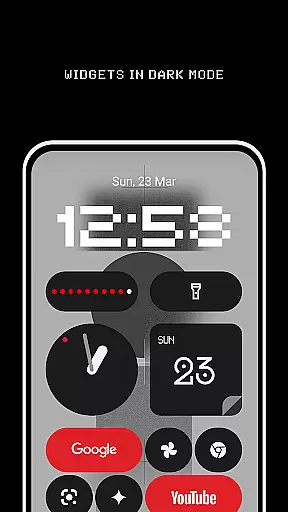
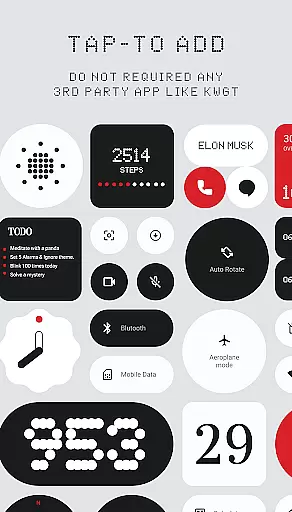
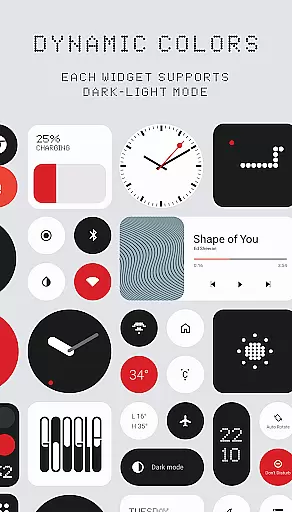
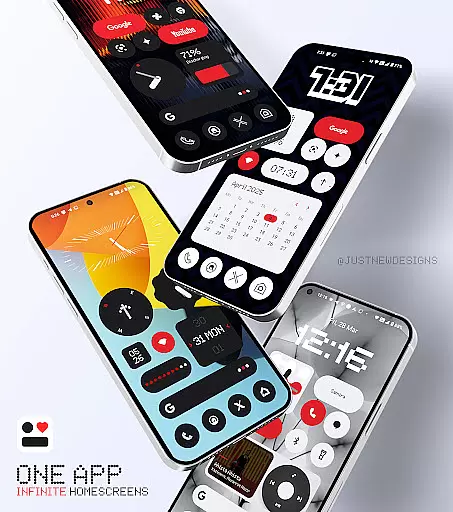
Everything Widgets is a comprehensive widget pack designed to enhance your Android home screen with over 400 beautifully crafted widgets. Inspired by the Nothing OS aesthetic, these widgets offer both functionality and style without requiring any third-party apps.
The app provides a diverse range of widgets including clocks, calendars, weather indicators, and battery monitors, all fully resizable for optimal customization. With additional features like quick settings toggles, photo displays, and productivity tools, Everything Widgets ensures your home screen is not only visually appealing but also highly practical.
Whether you're looking to monitor device performance, stay organized, or simply personalize your space, Everything Widgets offers an all-in-one solution that caters to various user needs while maintaining a sleek design language.
One of the standout features of Everything Widgets is its native compatibility with Android devices, eliminating the need for additional apps like KWGT. This seamless integration allows users to effortlessly add and customize widgets directly from their home screens.
The widget collection includes elegant clock designs, minimalist battery indicators, and responsive weather updates. Users can also access quick settings for WiFi and Bluetooth, view step counts with the pedometer widget, and enjoy playful elements such as the Snake game widget. Each widget is crafted to combine utility with aesthetics.
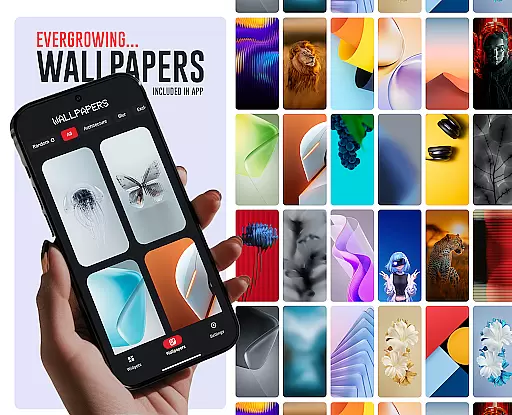
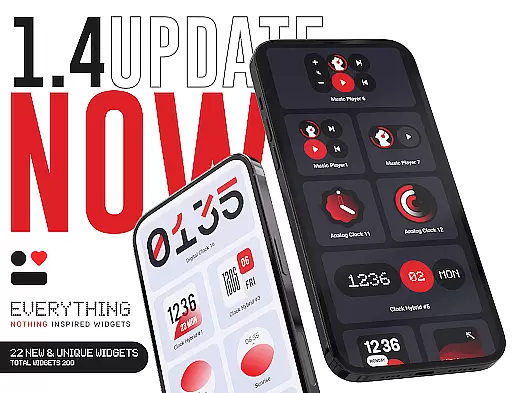
Additionally, the app offers matching wallpapers to complement the widgets, ensuring a cohesive look across your device. Regular updates promise new widget additions, focusing on quality and creativity to continually enhance user experience.
Customization is at the heart of Everything Widgets, offering users an extensive array of options to personalize their home screens. With over 400 widgets available, this app ensures that every user can find something that resonates with their personal style and functional needs.
The app includes a diverse selection of widget types, ranging from elegant Clock & Calendar Widgets to useful Utility Widgets like a compass and calculator. This diversity allows users to tailor their smartphone experience precisely how they want it, enhancing both aesthetics and usability.
Everything Widgets stands out by providing fully resizable widgets, which means you can adjust them to fit perfectly on any home screen layout. Whether you prefer small and discreet or large and informative widgets, the choice is yours, ensuring your device truly reflects your personality and workflow.
Theme compatibility is a crucial aspect of Everything Widgets, ensuring that all widgets blend seamlessly with various Android themes. This feature guarantees that no matter what theme you choose for your device, the widgets will maintain visual consistency and enhance your overall home screen aesthetic.
In addition to its vast widget library, Everything Widgets offers 100+ matching wallpapers, including exclusive designs inspired by the Nothing OS aesthetic. These wallpapers complement the widgets, creating a cohesive look that transforms your device into a personalized work of art.
By focusing on quality and design harmony, Everything Widgets ensures that each element, from Clock Widgets to Photo Widgets, aligns perfectly with your chosen theme. This meticulous attention to detail provides users with a polished and professional appearance, elevating their smartphone experience to new heights.
User-friendly interface
Versatile widget options
No third-party apps needed
Fully resizable widgets
Regular updates
Limited to Android
Some features basic
Designs niche appeal
Occasional bugs
Refund policy strict

Only for Wear OS devices!
 4.90
4.90
Beautiful realistic hybrid watch face with numerous customization options.
4.50
Glass style colourful icons with a One UI look and feel
4.60
Wear Os Watch Face - Seasonal - Animated Snow Effect - 9 Animals
4.20
Prank your friends with realistic broken screen and cracked HD effects!
4.1
Make your phone look simple & luxury, like iDevice
4.60
Ultimate widget creator. Design custom widgets for a truly unique home screen!
3.90
Customize phone with anime themes, 3D icons, aesthetic widgets & wallpapers
4.80
Cool custom fonts & keyboard themes! Symbols & font changer for Instagram
4.50
Wallpaper HD 4K Live - Thousands of high-quality Anime backgrounds for you.
4.80
100+ Stylish Fonts, Emojis, Symbols keyboard for Instagram & TikTok!
4.80
Shimeji adds cute animated characters to your screen, lively and fun.
4.70
Ultra realistic gold analog watch face with lots of customization options.
4.50
Transform your phone with Launcher iOS 26 - Smooth & elegant iOS experience
4.50 4.50
4.50
Organize and manage your photos and videos effortlessly with Photo Gallery
4.20
More than 3000+ themes and 9000+ wallpapers for everybody!
4.10 4.10
4.10
Crystal-clear, square icon provides a sleek and sophisticated visual upgrade
4.00


User Reviews