
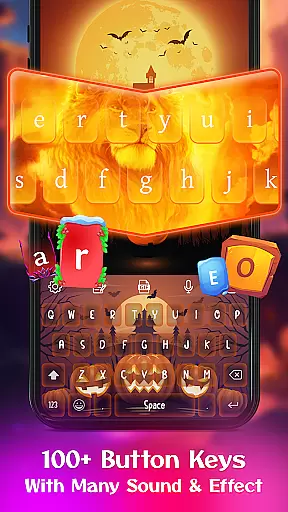
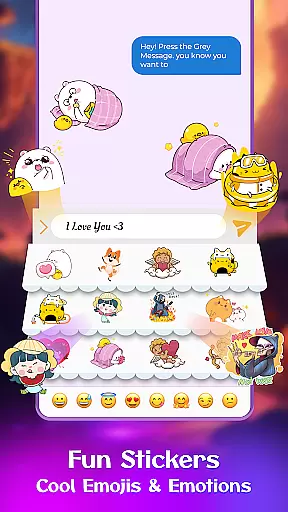
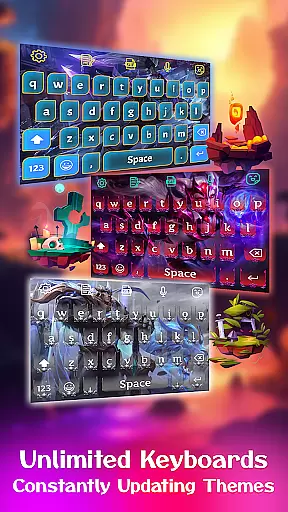
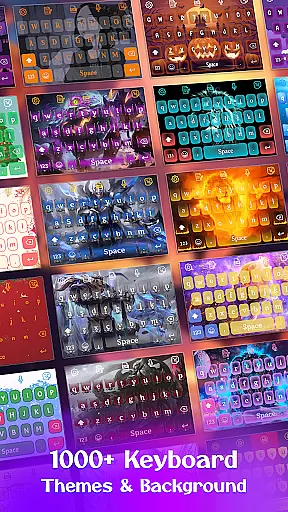
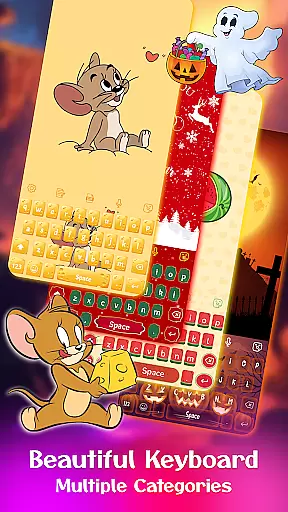
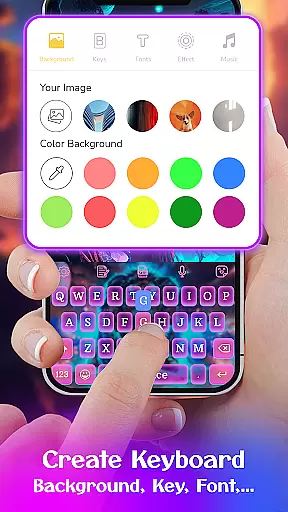
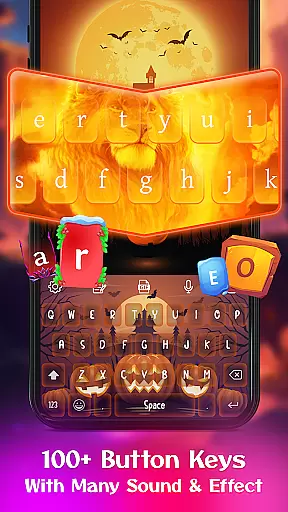
Keyboard Maker is a feature-rich keyboard application designed to enhance your typing experience on Android devices. With support for 150+ languages and advanced features like smart autocorrect, word prediction, and voice input, it ensures fast and accurate typing.
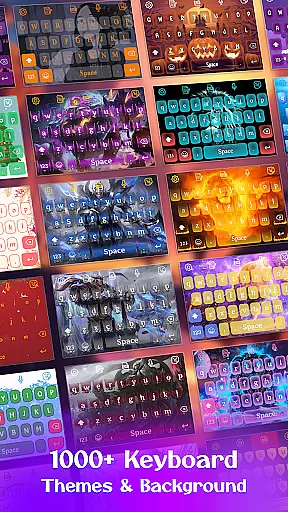
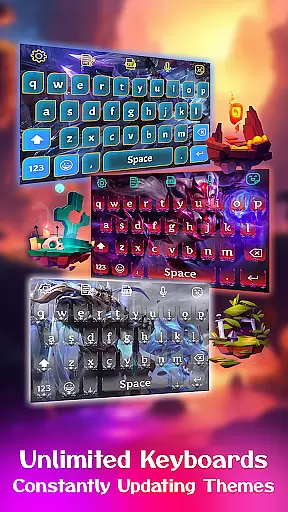
The app offers extensive customization options including 500+ free themes, custom fonts, and the ability to set personal photos as keyboard backgrounds. Whether you prefer colorful designs, anime themes, or unique LED styles, Keyboard Maker allows you to create a personalized typing environment.
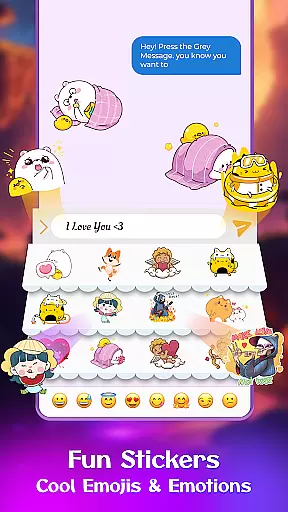
Users can also enjoy an enriched communication experience with thousands of emojis, GIFs, and stickers. The app's DIY approach empowers users to design their own keyboard layout while maintaining privacy and security.
Keyboard Maker stands out with its comprehensive feature set tailored for both functionality and personalization. The app supports various typing methods including gesture typing and QUERTY keyboard layouts, making it suitable for different user preferences.
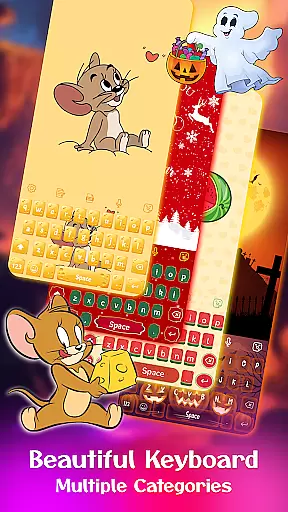
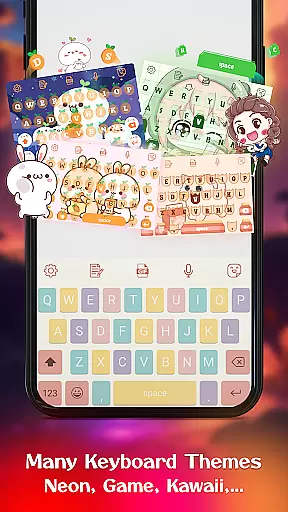
One of the key highlights is its extensive theme collection. Users can choose from simple, colorful, LED, anime, love, and cute themes, or create custom designs. The DIY feature lets users set personal photos as keyboard backgrounds, offering a truly unique experience.
Additional features include smart autocorrect, word prediction, voice typing, multi-language support, clipboard functionality, and adjustable keyboard layouts. These capabilities ensure an optimal balance between usability and customization, catering to diverse user needs.
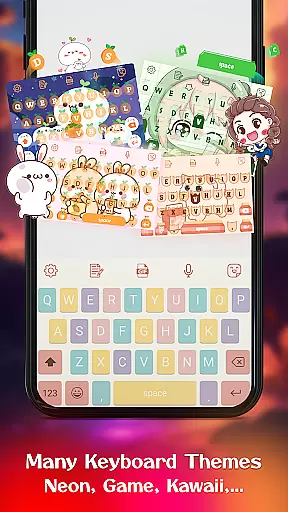
Customization is at the heart of Keyboard Maker, offering users a vast array of options to tailor their typing experience. This app provides an extensive selection of themes, ranging from simple and colorful designs to more specialized ones like LED, Neon, and Anime themes. Each theme brings its unique style, allowing users to express their personality through their keyboard's appearance.
Beyond just visual aesthetics, Keyboard Maker supports functional customization as well. Users can adjust keyboard layouts, enable features such as auto-capitalization, and even set up gesture typing for a seamless input process. The inclusion of a number row option and the ability to resize the keyboard layout cater to diverse user preferences and device types, ensuring comfort and efficiency in every typing session.
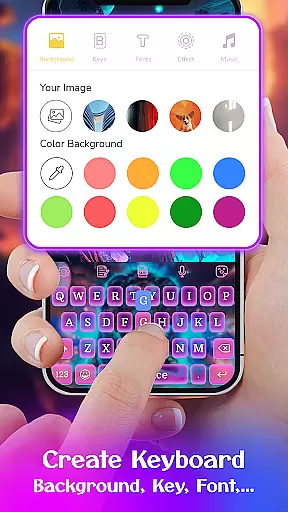
The true power of customization shines with the DIY feature, where users become designers. They have the freedom to create entirely personalized keyboard themes using their own images from the gallery. This level of personalization not only enhances user engagement but also ensures that each keyboard is a reflection of its owneru2019s unique taste and style.
Theme compatibility in Keyboard Maker ensures that all customizations, regardless of complexity, integrate smoothly with the app's core functionalities. Whether you choose a pre-designed theme or craft your own, the application guarantees that visual elements do not hinder the typing experience. Instead, they enhance it by providing an intuitive interface that remains consistent across different devices and Android versions.
Moreover, Keyboard Maker offers support for multiple languages, including Hindi, English, and Russian keyboards, which means that theme compatibility extends to various linguistic landscapes. This inclusivity allows users worldwide to enjoy a personalized yet fully functional keyboard irrespective of their language preference.
With regular updates and a library boasting over 500 free themes, Keyboard Maker maintains high standards of quality assurance. Users can switch between themes effortlessly, knowing that each one has been optimized for performance and aesthetic appeal. This commitment to compatibility and variety ensures that whether you're texting, working, or gaming, your keyboard will always be both a tool and an extension of your personal flair.
Highly customizable
Supports 150+ languages
Extensive theme collection
Smart typing features
User-friendly interface
May use more storage
Some features need premium
Occasional lags possible
Ads in free version
Learning curve for new users

Vertically oriented rectangular icons
 4.70
4.70
Customizable flower power digital watch face for Wear OS watches.
4.00
Realistic animated snow on your wrist, with 10 images landscapes to choose from
4.00
Aesthetic Widgets, HD Wallpapers, Themes in Mico Widget for Home and Lock Screen
4.50 4.50
4.50 3.50
3.50
Vibrant Adaptive Icons with Material You and Enhanced Monet Colors.
4.50
Choose your keyboard with RGB colors effect, themes, fonts, emojis.
4.60
Your go to Weather App & Home Screen. Get your weather at a swipe of a finger!
3.80
Gun Chase - Let the chase begin.
4.80
400+ Beautifully crafted widgets inspired by NOTHING.
4.70
Classic analogue watch face. For wear os devices.
4.60
Make your phone look simple & luxury, like iDevice
4.60
Transform your device in a game console
4.40 4.10
4.10
Design your screen with unique, vibrant clocks
3.80
Interactive Miniature Painting Catalogue
3.30
Struggling to find apps? Use this app to locate and open any app on your phone!
2.20
Custom edge gestures for volume control, brightness, apps, and shortcuts.
4.4


User Reviews