
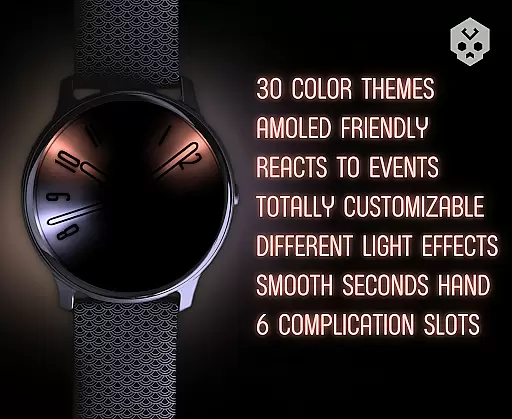
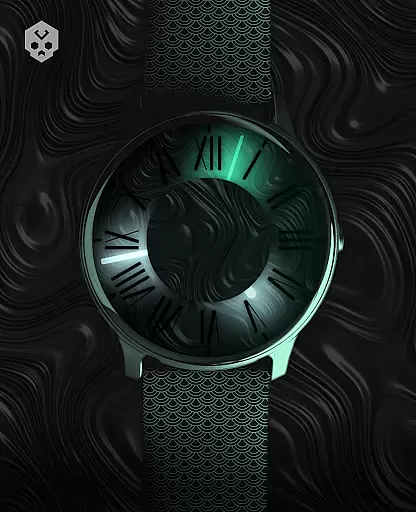
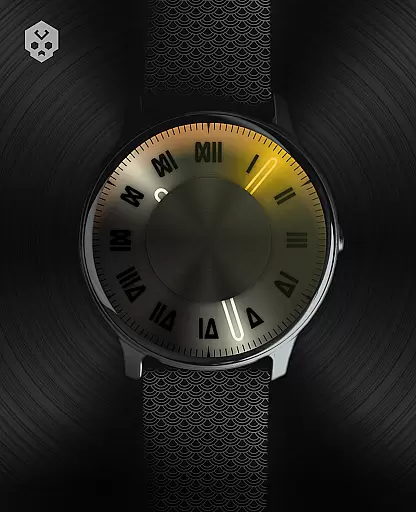

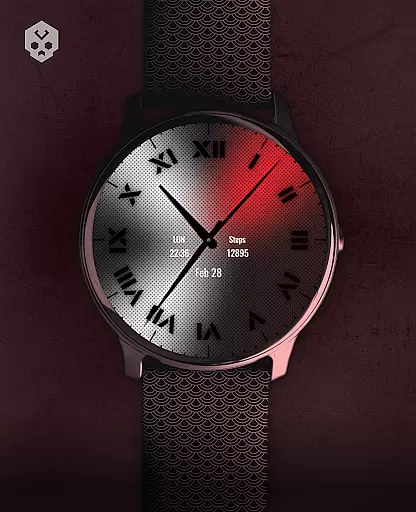
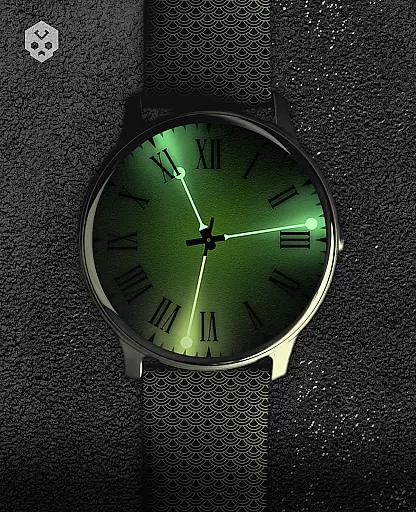
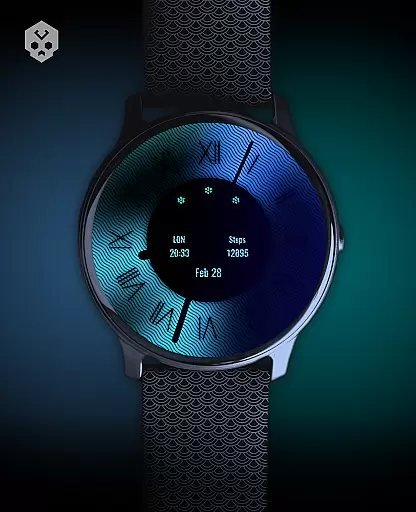
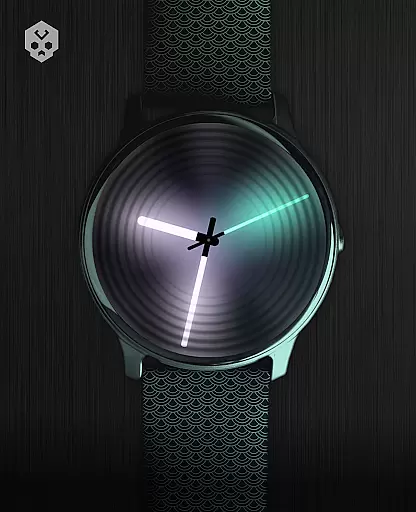
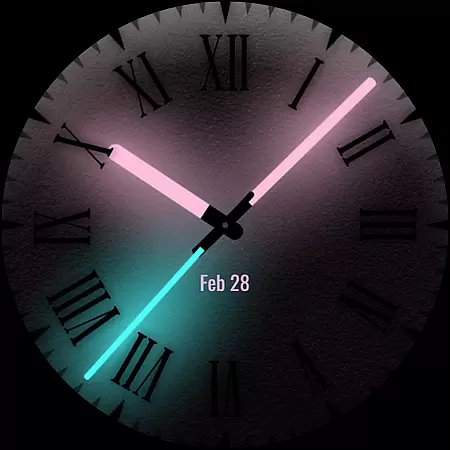
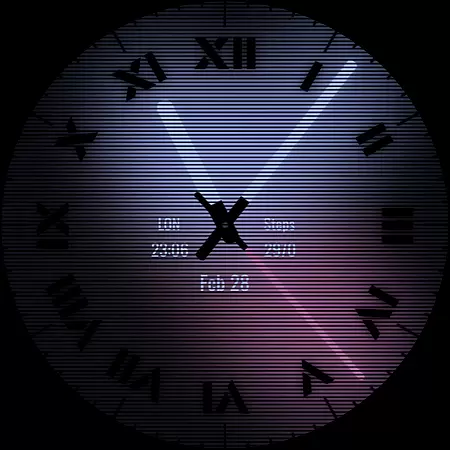
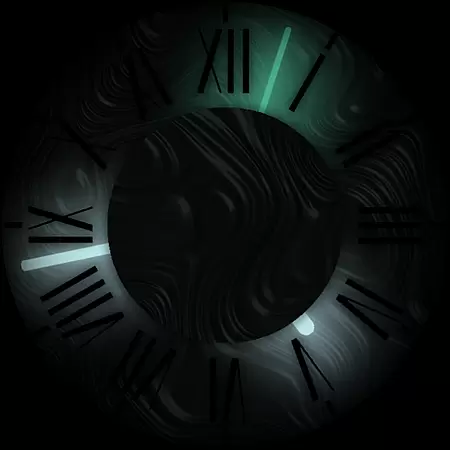

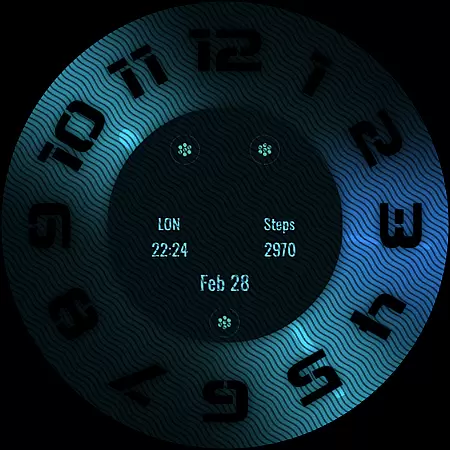
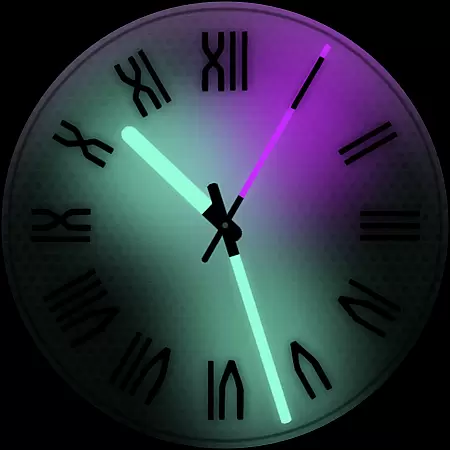
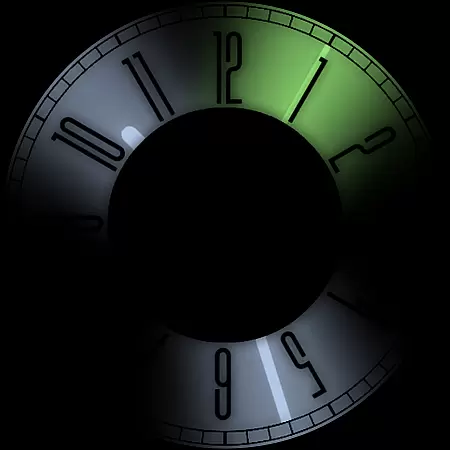
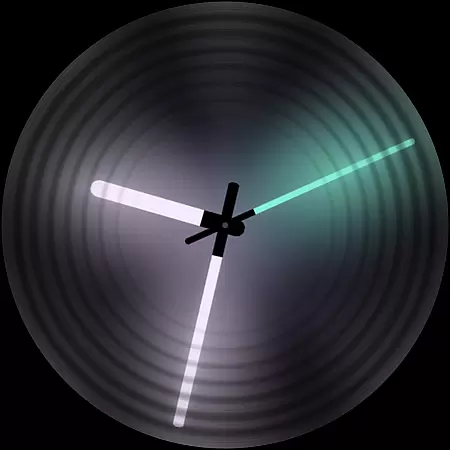
Dark Metal Saber Watch Face is a highly customizable Wear OS watch face designed for users who value both style and functionality. This native standalone app supports numerous smartwatches including Samsung, Mobvoi Ticwatch, Fossil, Oppo, and Xiaomi models.
The watch face offers 30 color schemes, customizable clock hands, indices, decorators, overlays, backlighting, logos, and backgrounds. It also reacts to low battery, notifications, and charging, with five different sizes of complications available. The companion app ensures easy installation and management.
Ideal for those seeking a unique and stylish watch face, this app provides a personalized experience that enhances the visual appeal and usability of your smartwatch.
Dark Metal Saber Watch Face stands out with its extensive customization options. Users can choose from 30 color schemes and modify clock hands, indices, decorators, overlays, backlighting, logos, and backgrounds to suit their preferences.
This watch face is reactive, changing appearance based on low battery levels, incoming notifications, and charging status. With five different sizes of complications, it allows for detailed personalization. The companion app simplifies the installation process and offers an easy uninstallation option.
Designed for compatibility with various Wear OS devices, this watch face ensures a seamless user experience across multiple brands, making it a versatile choice for smartwatch enthusiasts.
Customization is at the heart of Dark Metal Saber Watch Face, offering users an extensive range of personalization possibilities. With over 30 color schemes and numerous customizable elements such as clock hands, index decorators, overlays, and more, this watch face ensures that your smartwatch reflects your unique style.
The level of detail provided allows for adjustments in backlighting, logo display, and even reacts dynamically to low battery or notifications. This flexibility means you can tailor the appearance and functionality to suit both your aesthetic preferences and practical needs.
By providing five different sizes of complicationsu2014widgets that display information like weather or fitness statsu2014the app enhances usability without compromising on design. Such comprehensive customization not only makes your wearable device stand out but also improves user engagement by allowing full control over how data is presented on your wrist.
Dark Metal Saber Watch Face stands out with its seamless integration across various Wear OS devices, ensuring consistent performance regardless of brand or model specifics. As a native standalone application, it supports Samsung, Mobvoi Ticwatch, Fossil, Oppo, Xiaomi watches among others, making it versatile for tech enthusiasts who value cross-device functionality.
This compatibility extends beyond mere installation; each theme element has been meticulously crafted to maintain visual integrity and operational efficiency on any supported smartwatch screen size or resolution. Whether you're using an older model or the latest release from these brands, expect uniformity in experience without sacrificing quality.
Moreover, easy uninstallation through companion apps adds another layer of convenience for users wanting temporary changes or testing new designs frequently. By prioritizing broad system support alongside intuitive management features, this watch face guarantees both accessibility and reliability within diverse digital ecosystems.
Highly customizable
Wide device compatibility
Reactive features
Stylish design
Easy-to-use companion app
Paid application
Requires Wear OS
Complex setup
Limited free options
Account syncing issues

Customizable Glass widgets. Over 360+ stunning widgets and more!
 4.70
4.70
Adult video chat, dating, making friends, random matching
4.20
Want to make your phone more special than ever?
4.60
Unique Fonts, typefaces and stylish text. Fonts for Instagram, Whatsapp & others
4.20 3.50
3.50
Nothing Icon pack with more than 3750+ highly crafted icons.
4.70
Vibrant Adaptive Icons with Material You and Enhanced Monet Colors.
4.50
Choose your keyboard with RGB colors effect, themes, fonts, emojis.
4.60
Handcrafted pixel art icons, widgets & wallpapers
4.60
Enjoy a variety of amazing live wallpapers and colorful EDGE lighting borders!
4.80
A launcher for Samsung Good Lock and Good Guardians modules without ads
4.70
300+ Beautifully crafted widgets inspired by OneUI.
4.60
300+ widgets inspired by Material You and Material 3 expressive design.
4.60
Customizable screen pets that play, climb, and keep you company.
4.50 4.50
4.50
Art & Emoji Keyboard with Cool Fonts, Cute Themes and Custom Designs.
4.40
Yandex Browser — stylish and secure, with voice search and data compression
4.40
Unleash Your Creativity and Connect with Loved Ones with Lockscreen Drawing!
4.20
⭐ OneUI inspired Fluffy Icon Pack – Soft. Stylish. Standout. ⭐
4.4


User Reviews