
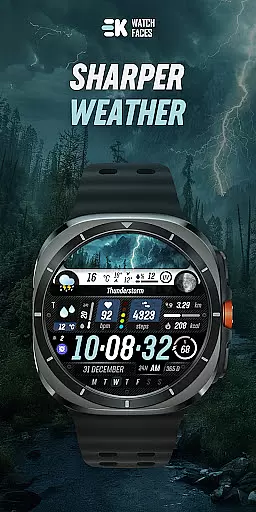
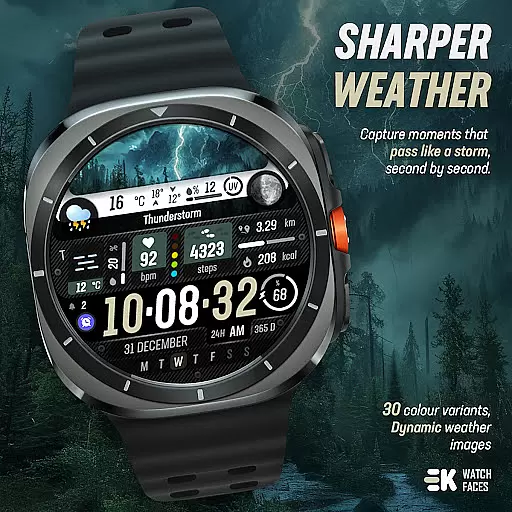
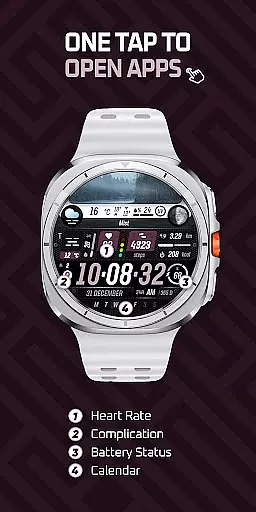
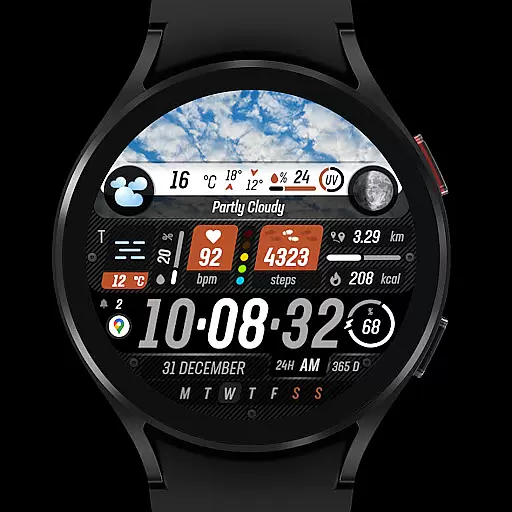
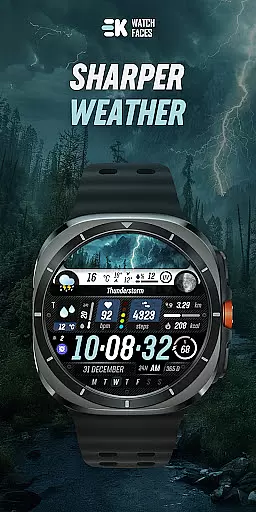
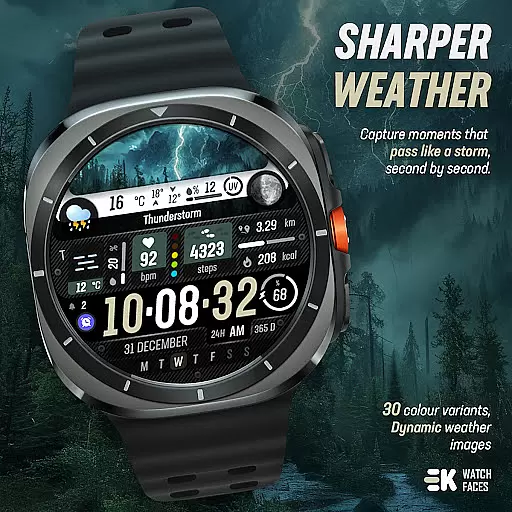
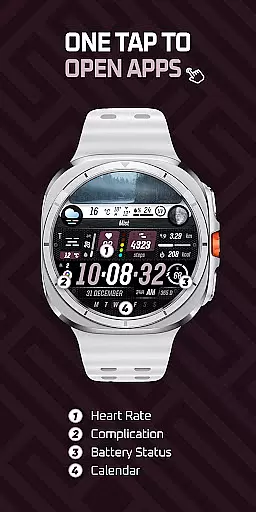
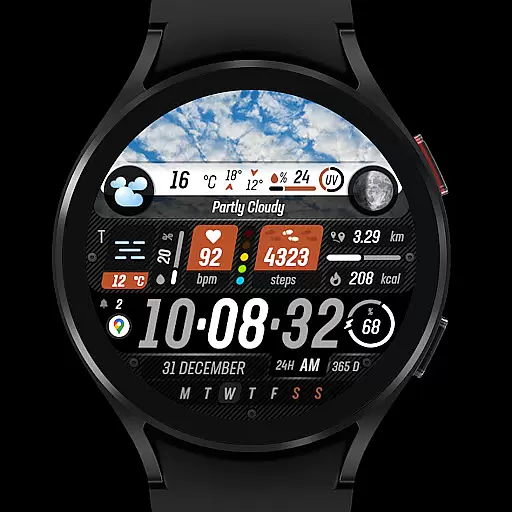
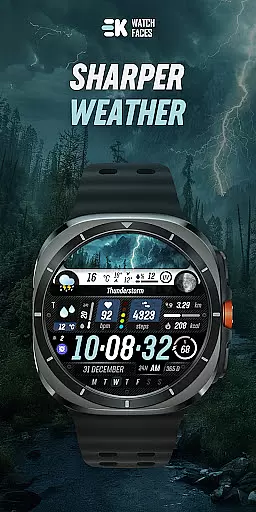
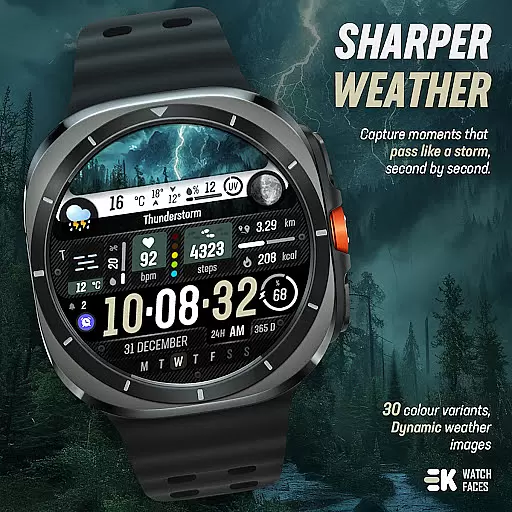
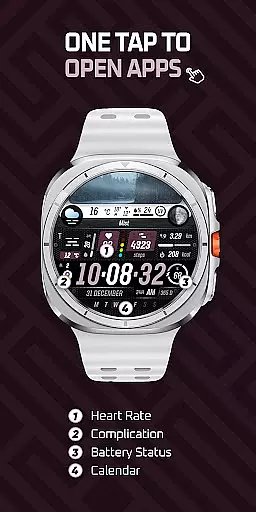
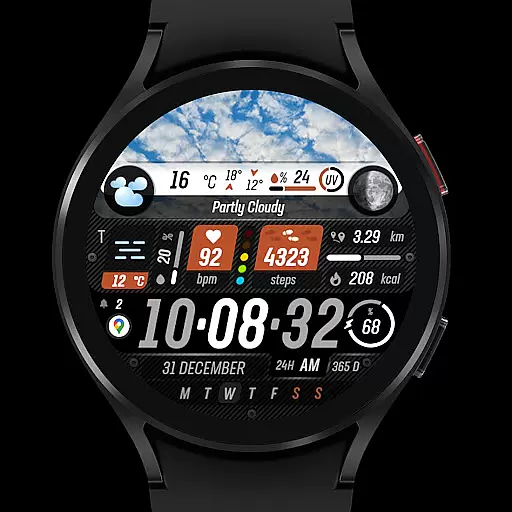
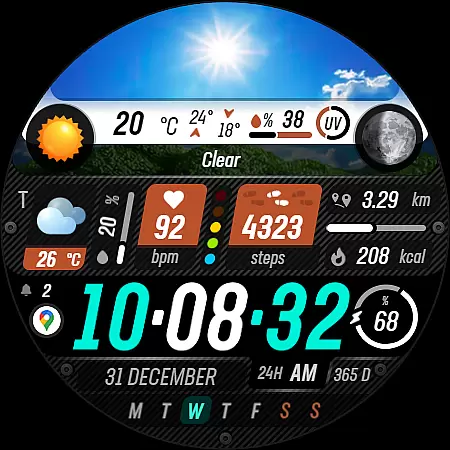
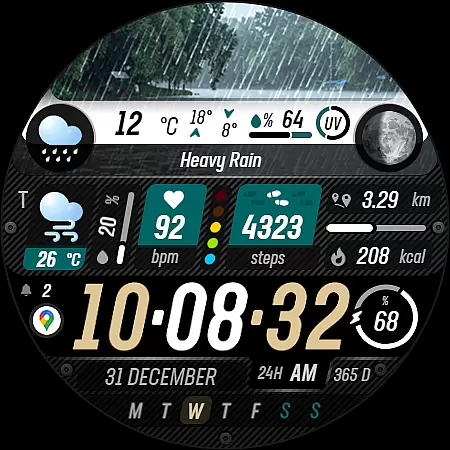
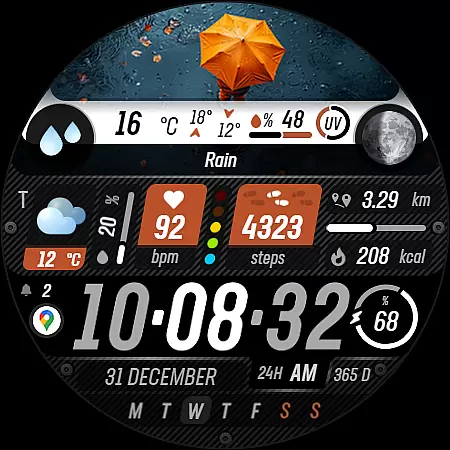
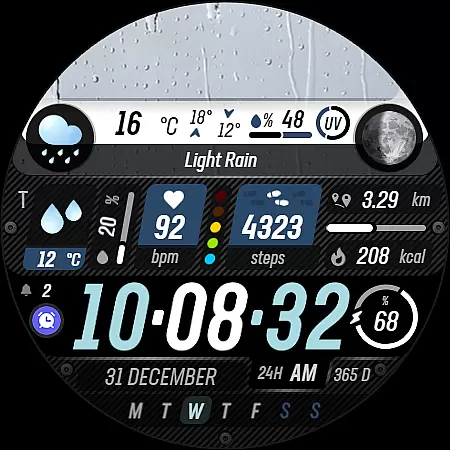
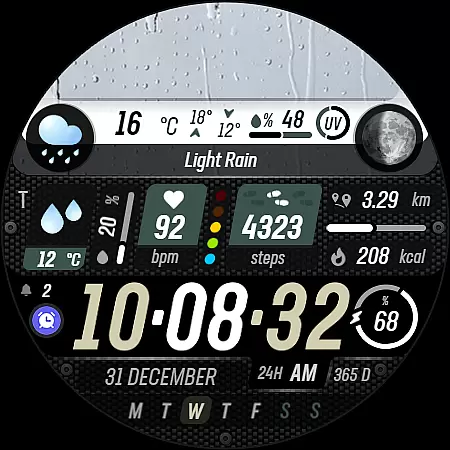
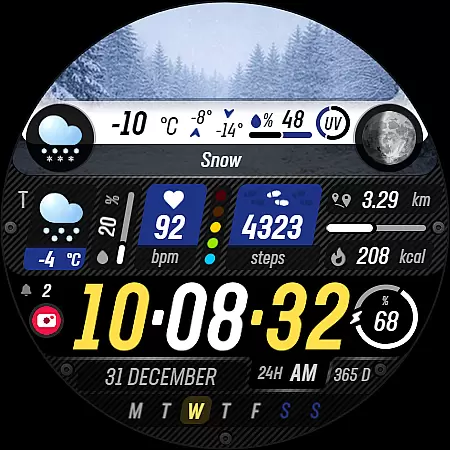
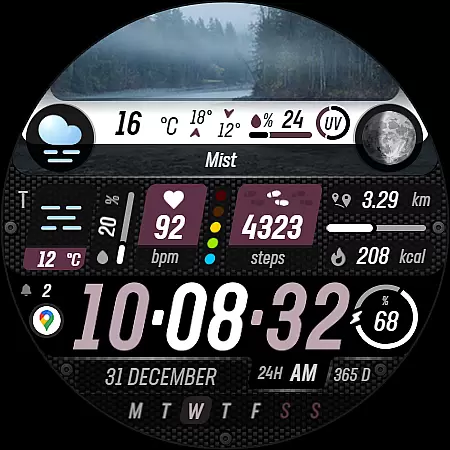
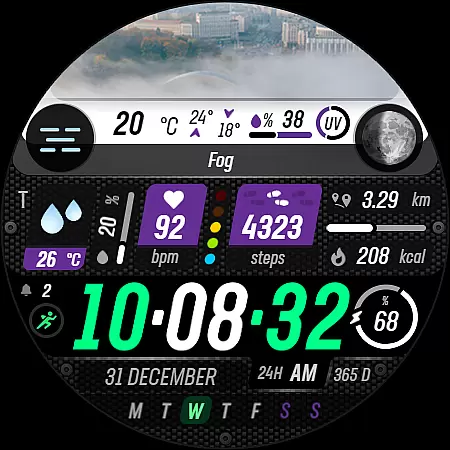
Sharper Weather is a feature-rich watch face designed exclusively for Wear OS devices, offering users an enhanced and personalized timekeeping experience. With its unique weather-based design elements and comprehensive health tracking features, this app transforms your smartwatch into a functional fashion statement.
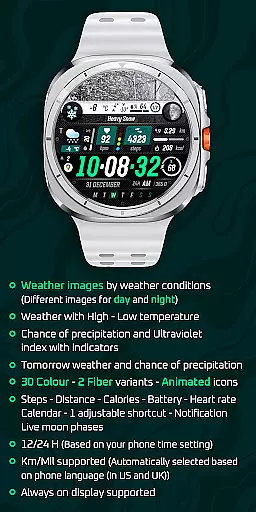
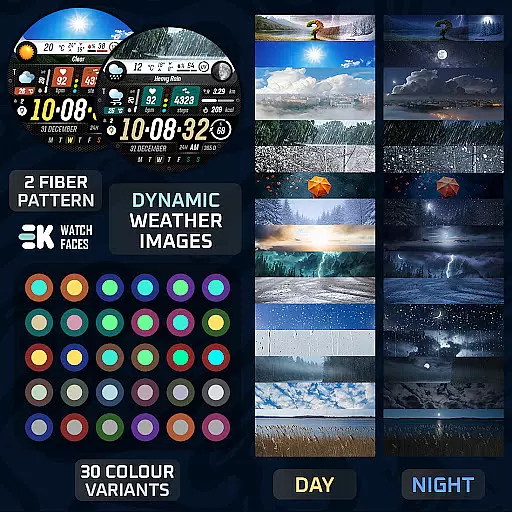
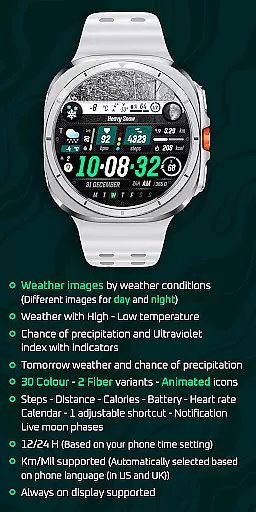
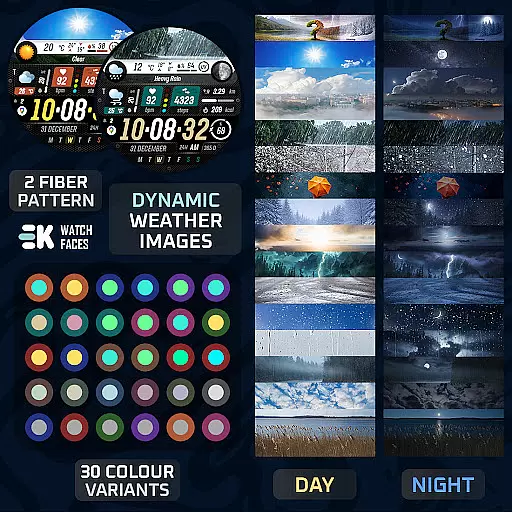
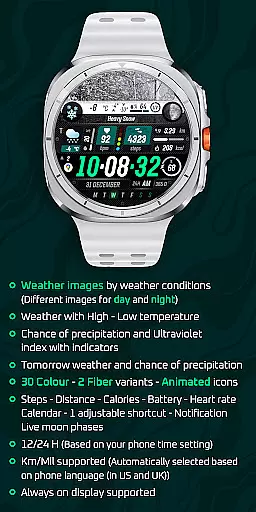
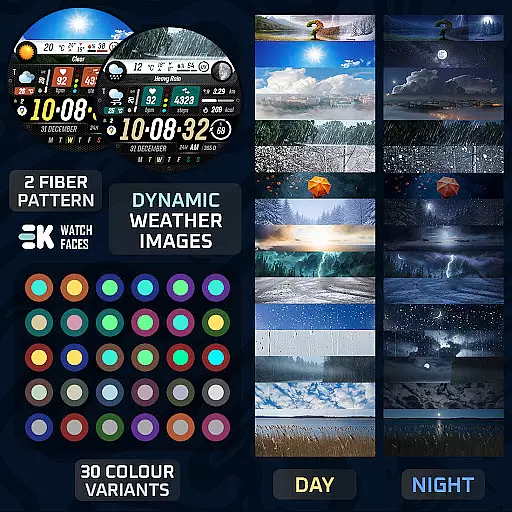
The watch face provides dynamic weather images that change based on current conditions and time of day, along with essential weather information including high-low temperatures, precipitation chances, and UV index indicators. Its customization options include 30 color variations, animated icons, and multiple display metrics such as steps, distance, calories burned, battery status, heart rate, and calendar notifications.
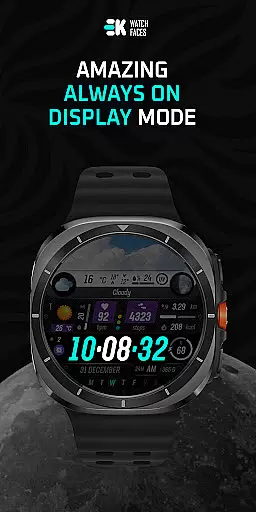
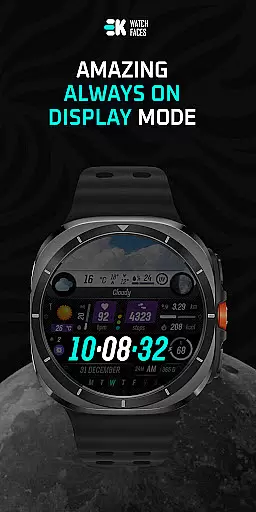
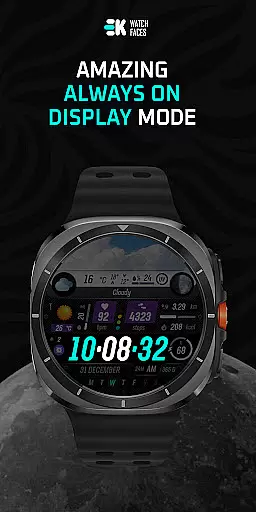
Ideal for tech-savvy professionals and fitness enthusiasts who want both style and substance on their wrists, Sharper Weather ensures you stay informed about weather conditions while tracking your daily activities. The always-on display feature makes it particularly useful for quick time checks without waking the watch.
Sharper Weather stands out with its comprehensive set of features tailored for Wear OS users. The application automatically adjusts its appearance based on real-time weather data, displaying different images for various weather conditions and times of day. This dynamic functionality extends to showing high and low temperatures alongside precipitation probabilities and UV index indicators.
Users can choose from 30 color variations and two fiber variants, allowing for extensive personalization. The watch face incorporates animated icons and supports multiple display metrics including step count, distance traveled, calories burned, battery level, heart rate monitoring, and calendar events. It also features an adjustable shortcut and live moon phase tracking.
Notably, the application maintains compatibility with both 12-hour and 24-hour time formats, automatically adjusting based on the user's phone settings. Distance measurements are intelligently displayed in either kilometers or miles based on the device's language settings. For optimal performance, users must manually enable sensor permissions and complication data access.
Sharper Weather - Watch Face offers an extensive range of customization options that allow users to tailor their Wear OS experience according to personal preferences. With 30 color choices and 2 fiber variants, the watch face can be adjusted to match individual style or mood.
In addition to aesthetic customizations, the application provides animated icons and supports both 12/24-hour time formats based on the phone's settings. Users can also choose between Km/Mil units, which are automatically selected based on the phone language setting, ensuring a seamless integration with the user's regional preferences.
The inclusion of adjustable shortcuts and various display features such as weather conditions, steps, distance, calories, battery status, heart rate, calendar, and live moon phases makes this app highly versatile. This level of personalization ensures that each user can create a unique and functional interface that suits their lifestyle.
By offering these diverse customization options, Sharper Weather - Watch Face not only enhances the visual appeal but also improves the practicality of the smartwatch, making it an ideal choice for those who seek both form and function in their wearable technology.
Theme compatibility is a crucial aspect of any watch face application, and Sharper Weather - Watch Face excels in this area by providing a cohesive experience across different devices. The app is specifically built for Wear OS 5+ devices (API 34+), ensuring that all features are fully supported and optimized for performance.
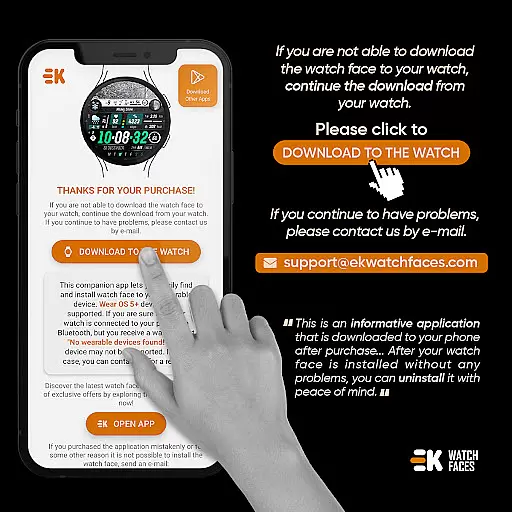
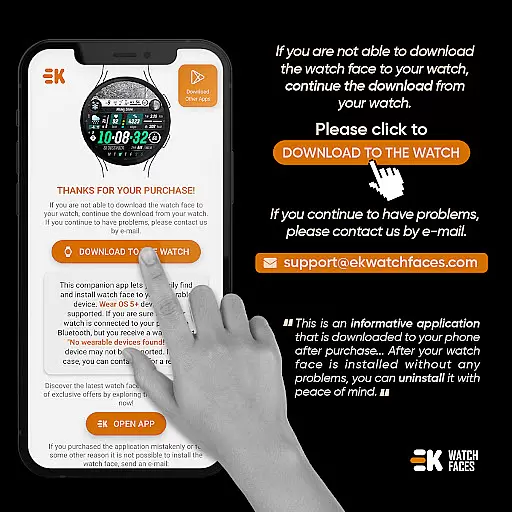
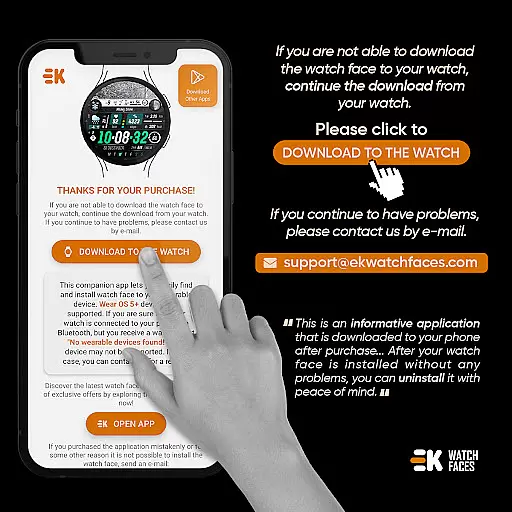
Users can enjoy consistent functionality whether they access the watch face through their phone app or directly on their smartwatch. The developer has taken care to ensure that the installation process is straightforward, with clear instructions provided for connecting the watch to the phone and downloading the app.
Moreover, the app supports always-on display, a feature that enhances usability without compromising the device's battery life. By manually enabling sensors and receiving complication data permissions, users can take full advantage of the app's capabilities, knowing that it will work harmoniously with their device's existing settings.
This attention to theme compatibility means that users can expect a smooth and integrated experience, free from common issues like synchronization errors or payment loops during installation. Such reliability builds trust and satisfaction among users who rely on their smartwatches for both fashion and utility.
Real-time weather updates
Extensive customization options
Comprehensive health tracking
Always-on display support
Automatic unit conversion
Complex installation process
Limited to Wear OS 5+
Potential sync issues
Requires manual permissions
No standalone functionality

Wear Os Watch Face - Seasonal - Animated Snow Effect - 9 Animals
 4.20
4.20
Sparkle your screen with Glitter Wallpapers For Girls and Cute Backgrounds!
4.80
Unique Android Launcher
4.60
Personalize your phone with stunning HD and 4K wallpapers!
4.70
Interactive Miniature Painting Catalogue
3.30
Unique Fonts, typefaces and stylish text. Fonts for Instagram, Whatsapp & others
4.20
Zip lock screen with magic wallpaper to decorate your phone with fun zipper lock
4.60
One 8 icons glass color version
4.80
Cool custom fonts & keyboard themes! Symbols & font changer for Instagram
4.50
Ultimate Gallery Lock App - Hide Pictures, Videos and Lock Apps Instantly!
4.60
Choose your keyboard with RGB colors effect, themes, fonts, emojis.
4.60
3D, live, and moving wallpapers & themes in 4K and HD for your device.
4.50 4.50
4.50 4.50
4.50
200+ Material Inspired Widgets
4.50
App Icon Changer & Shortcut Creator. Customize your icons without any watermarks
4.30
Adult video chat, dating, making friends, random matching
4.20 4.10
4.10
Emoji Maker app - Design custom emojis and effortlessly blend them with Mixer
3.80


User Reviews