
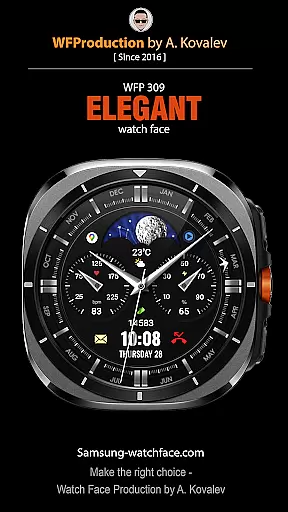
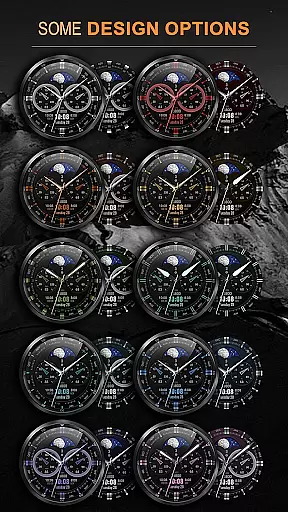

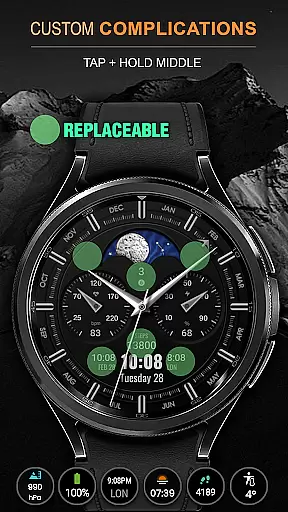
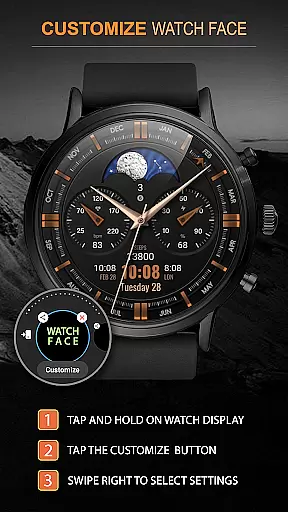
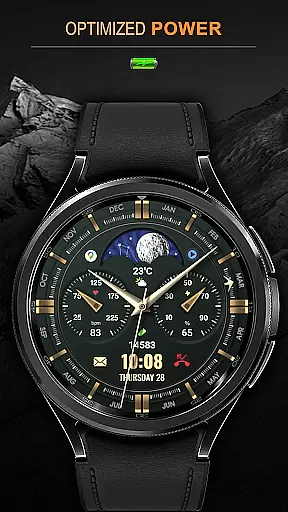
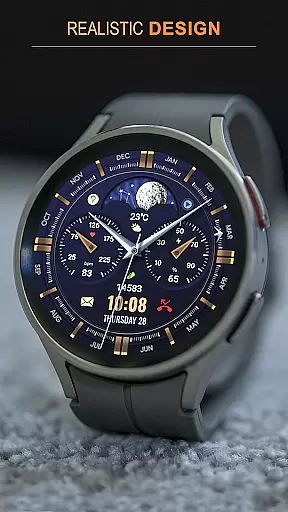
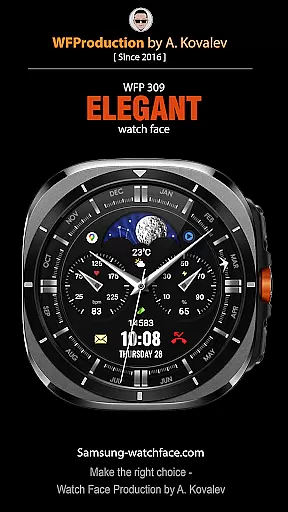
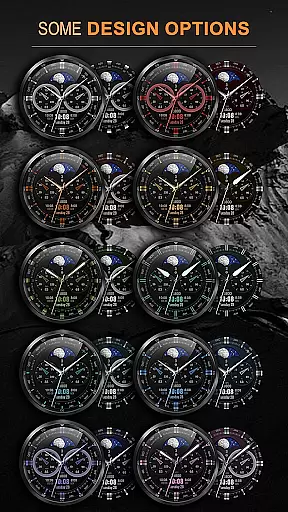

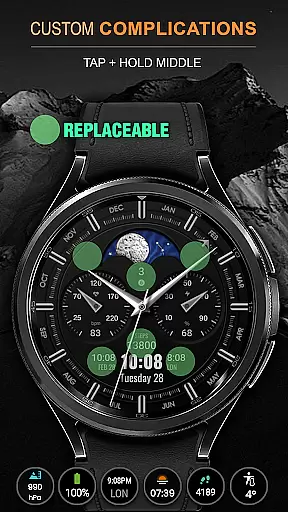
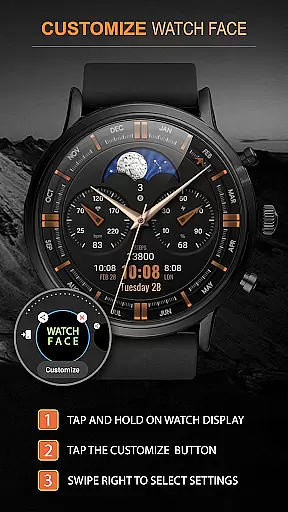
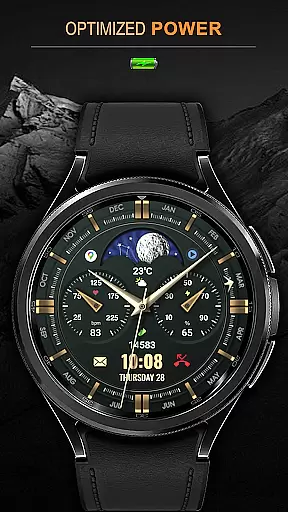
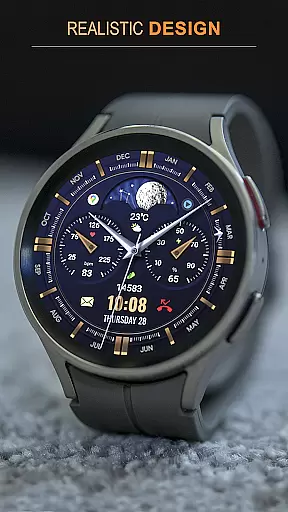
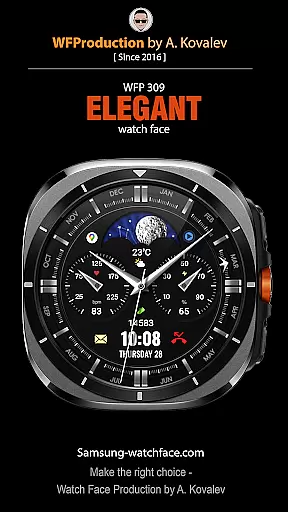
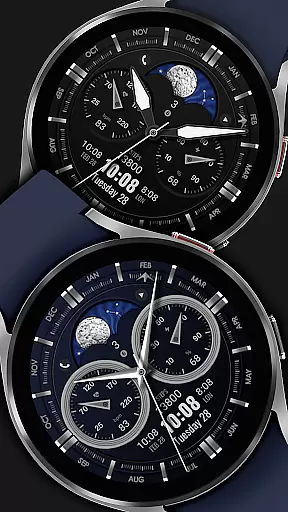
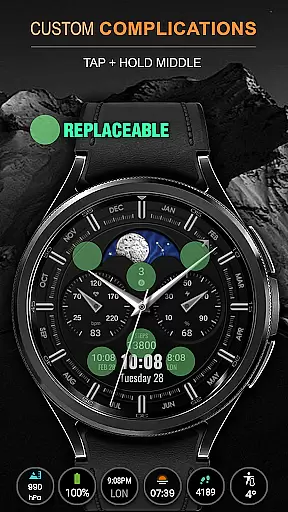
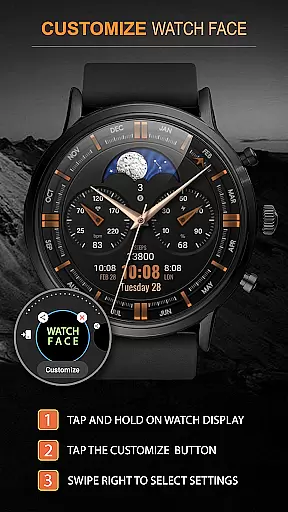
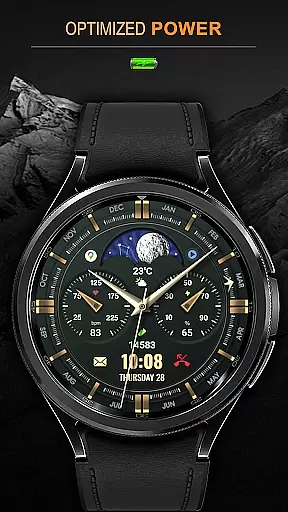
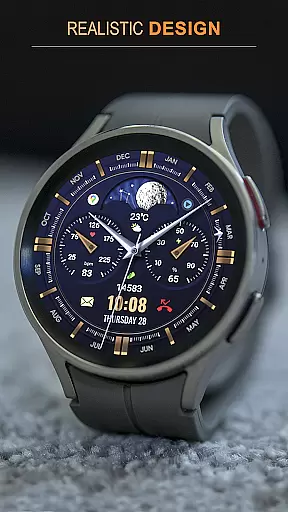
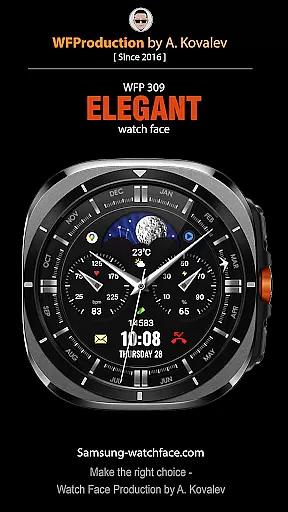
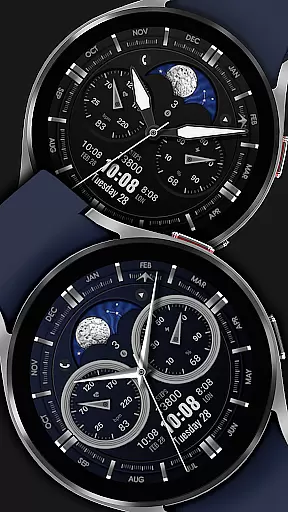
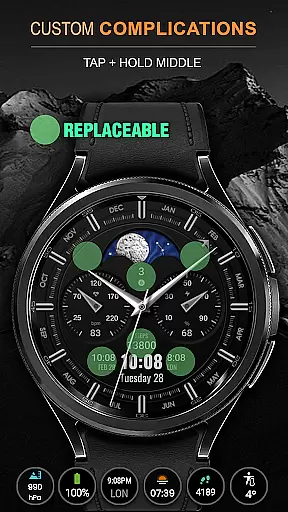
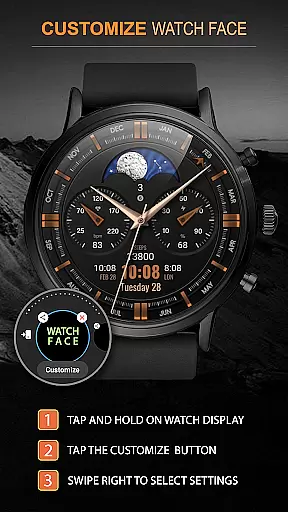
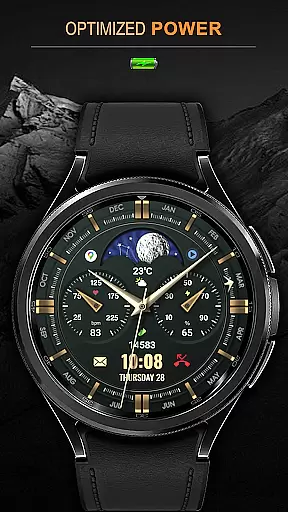
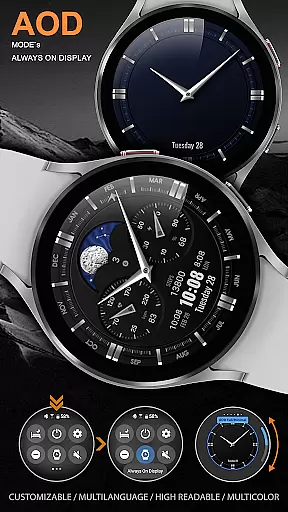
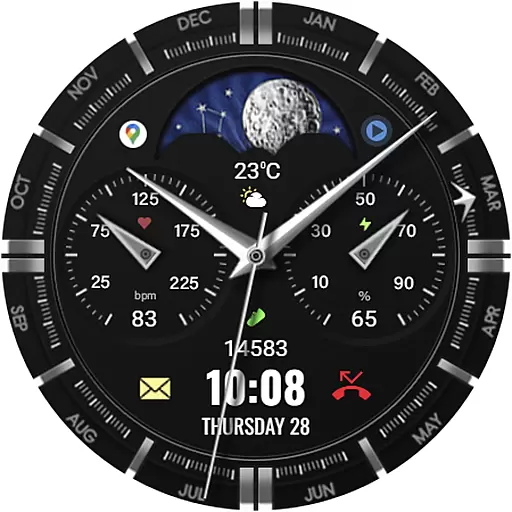
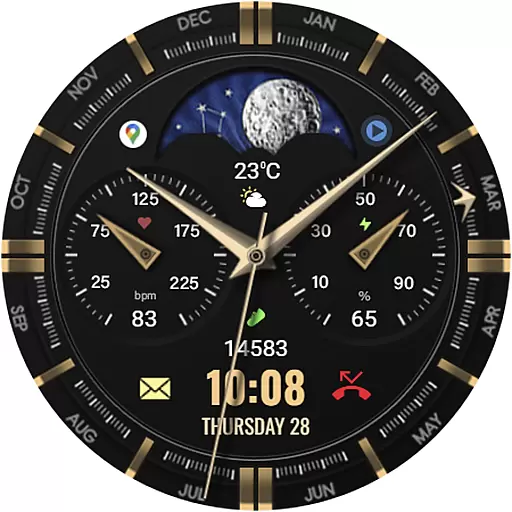
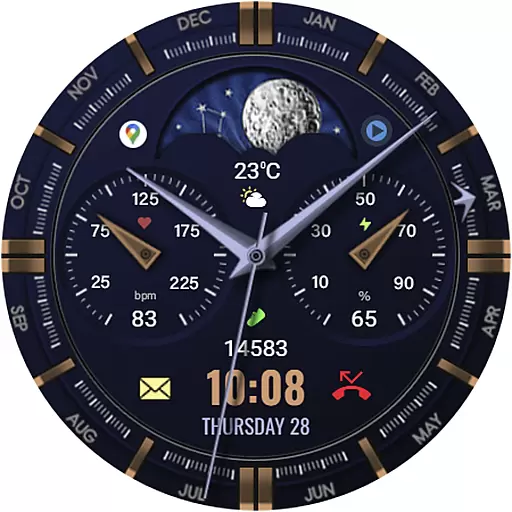
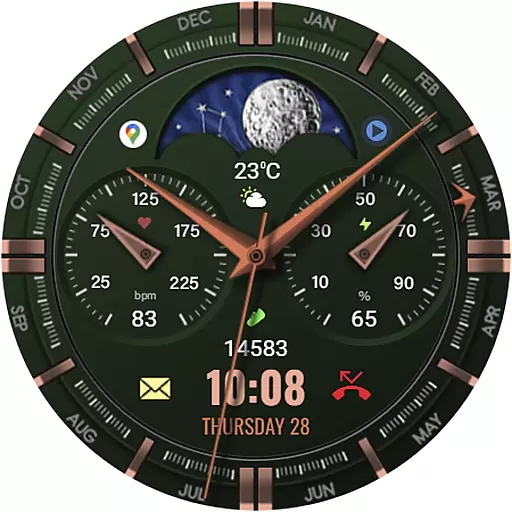
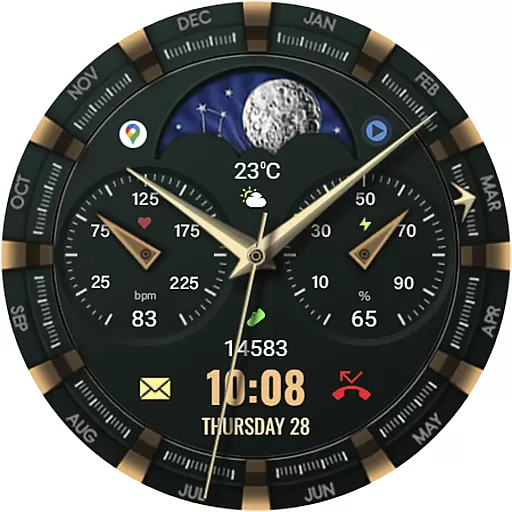
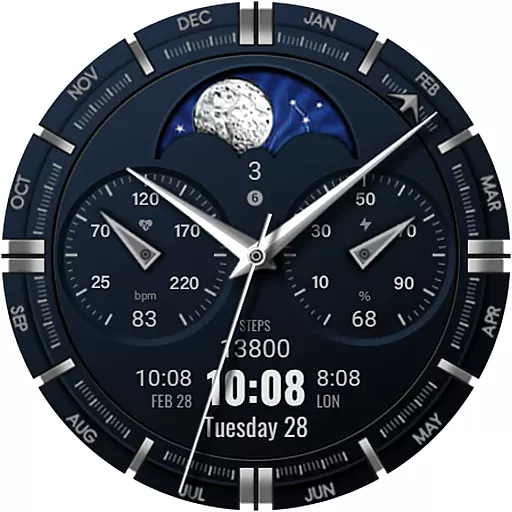
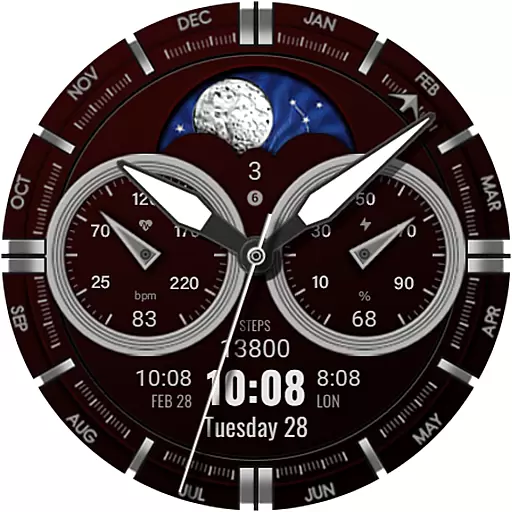
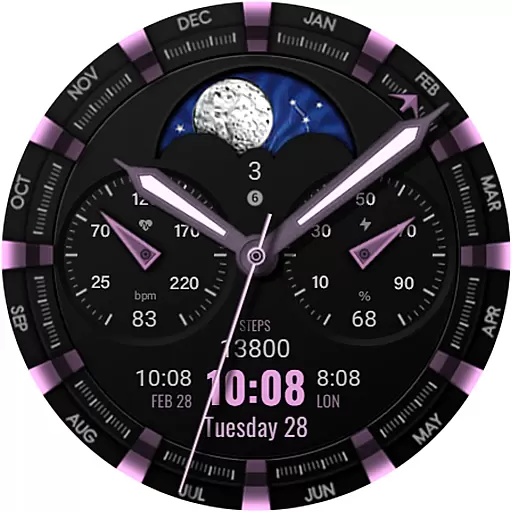
WFP 309 Elegant watch face is a sophisticated personalization tool designed for users of WearOS 4 devices, requiring API Level 30+. This beautifully crafted watch face brings an animated tourbillon to your wrist, combining classic aesthetics with modern technology. It offers extensive customization options including 30 color combinations, multiple widget configurations, and high-resolution display elements. The watch face supports both 12/24 hour time formats and provides weather information in Fahrenheit or Celsius. With its optimized performance and low battery consumption, this app ensures both functionality and efficiency while allowing users to express their unique style.
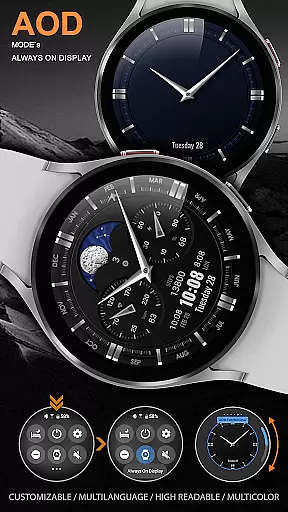
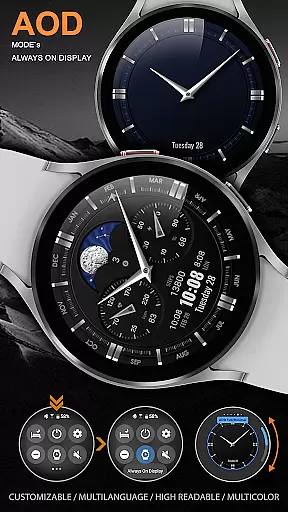
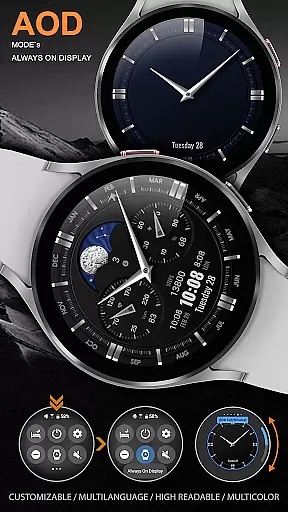
This application stands out through its attention to detail and user-centric features. The customizable Always-On Display (AOD) mode, available in both full and minimal versions, enables users to maintain access to essential information while preserving battery life. Additionally, the watch face includes practical widgets for phone charge status, calorie tracking, and floor counting. Whether you're looking to enhance your productivity or simply want a stylish timepiece, WFP 309 Elegant watch face delivers a premium smartwatch experience that caters to various preferences and needs.
The WFP 309 Elegant watch face distinguishes itself through an array of advanced features designed to provide users with both aesthetic appeal and functional utility. One of its standout characteristics is the inclusion of five complications and widgets, which allow for personalized data display directly on the watch face. These widgets can show information such as weather, fitness metrics, and more, making it a versatile companion for daily activities. Furthermore, the app offers 30 distinct color combinations, giving users the freedom to tailor the appearance to their liking.
Performance optimization is another key aspect of this watch face. Engineered for high resolution and minimal battery consumption, it maintains visual clarity without compromising device longevity. Users can choose between different types of hands, bezel indexes, and even select displays for day/night cycles or moon phases. The multilingual support and customizable AOD mode further enhance accessibility and convenience. With options like custom application shortcuts and flexible time format settings, WFP 309 Elegant watch face empowers users to create a truly personalized smartwatch experience that aligns with their lifestyle and preferences.
When it comes to personalizing your smartwatch, the WFP 309 Elegant watch face offers an impressive array of customization options. With support for 5 complications and widgets, users can tailor their watch face to display the information most important to them. Whether you're tracking your fitness goals or need quick access to weather updates, this feature ensures that your watch face is as functional as it is stylish.
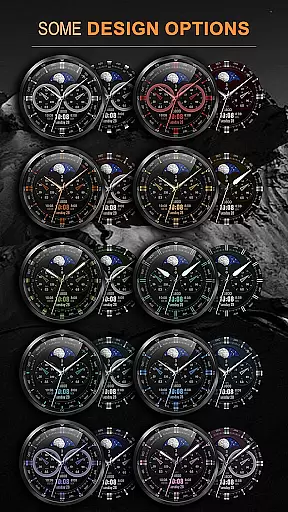
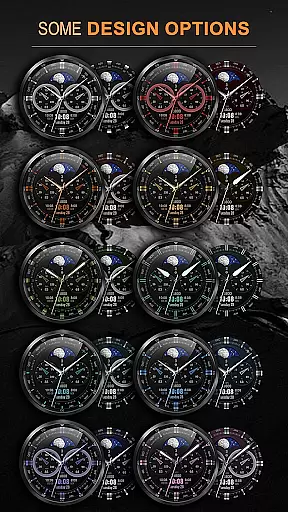
In addition to complications, the watch face provides 30 color combinations, allowing users to match their device with personal style or mood. High resolution and optimization guarantee that colors and details remain sharp and vibrant, regardless of the chosen combination. The ability to switch between a 12 or 24-hour time format, along with options for Fahrenheit or Celsius temperature displays, further enhances the user's control over their watch face appearance and functionality.
The WFP 309 takes personalization a step further by offering choices in design elements such as hands, bezel indexes, and AOD modes. Users can select from 4 types of hands and 6 types of bezel indexes to achieve a look that feels uniquely theirs. Customizable AOD mode adds another layer of personal touch, enabling users to maintain functionality while conserving battery life. These features collectively ensure that each user enjoys a bespoke experience tailored to their preferences.
Theme compatibility is crucial for ensuring that your personalized watch face not only looks great but also functions seamlessly across different devices and settings. The WFP 309 Elegant watch face excels in this area by providing extensive support for various display options, including Day/Night or Moon phases. This flexibility allows users to enjoy a visually appealing and informative watch face, regardless of the time of day or their current activity.
Moreover, the watch face supports multilingual settings, making it accessible to a global audience. Whether you prefer your interface in English, Spanish, or any other supported language, the WFP 309 adapts to provide a localized experience without compromising on style or functionality. This inclusivity broadens the appeal of the watch face, catering to diverse user bases around the world.
For those looking to maximize utility without sacrificing aesthetics, the WFP 309 offers custom application shortcuts and widget support. These features enable quick access to frequently used apps and information, streamlining daily tasks and enhancing productivity. By combining robust theme compatibility with practical functionalities, the WFP 309 ensures that users enjoy a cohesive and efficient smartwatch experience tailored to their individual needs.
Highly customizable
Low battery usage
Beautiful design
Multiple widgets
Optimized performance
Requires WearOS 4
API level 30+
Premium features cost
Limited device support
Complex setup

Wear Os Watch Face - Seasonal - Animated Snow Effect - 9 Animals
 4.20
4.20
Prank your friends with realistic broken screen and cracked HD effects!
4.1
Make your phone look simple & luxury, like iDevice
4.60
A launcher for Samsung Good Lock and Good Guardians modules without ads
4.70
Shimeji adds cute animated characters to your screen, lively and fun.
4.70
Want to make your phone more special than ever?
4.60 4.50
4.50
Customize your home screen with stunning themes, blur, widgets & icons.
4.60
Install amazing sticker packs: endless styles, always cool.
4.70
Gun Chase - Let the chase begin.
4.80
A Colorful and Minimal icon pack in an Outline Style - Over 13,600 icons!
4.70
A retro cartoon style watch face and a punch right in the face of the copyright
4.60
Icons made of colorful linear lines
4.60
Beautiful realistic hybrid watch face with numerous customization options.
4.50
Art & Emoji Keyboard with Cool Fonts, Cute Themes and Custom Designs.
4.40
Create unique, fun emojis with Funny Emoji Maker! Unlimited creativity!
4.00
Design your screen with unique, vibrant clocks
3.80
Transform your phone with stunning video wallpapers and a unique, personal touch
3.80
Interactive Miniature Painting Catalogue
3.30


User Reviews