
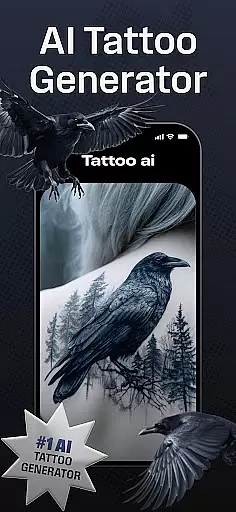
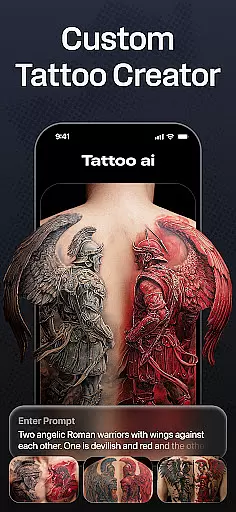
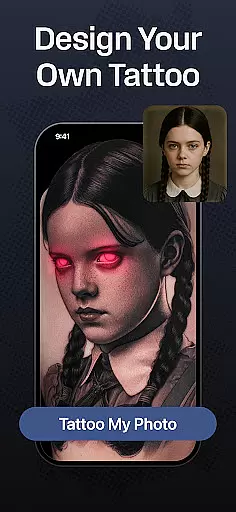
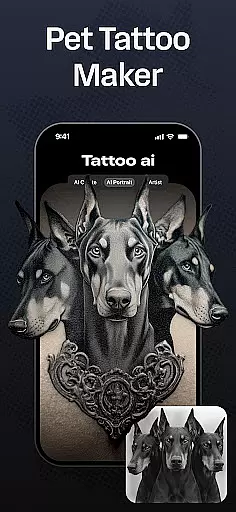
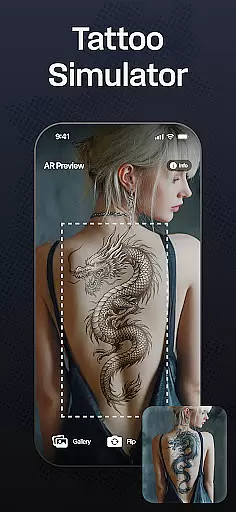
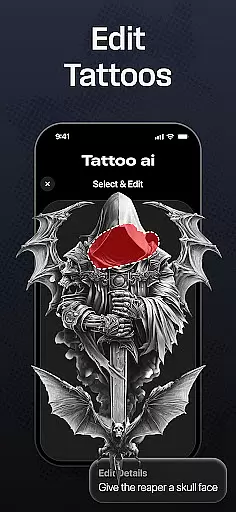
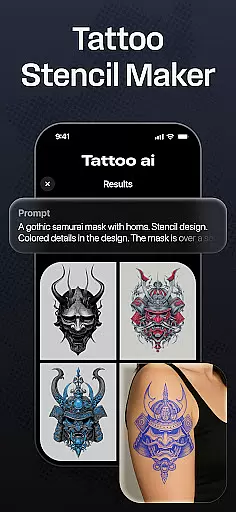
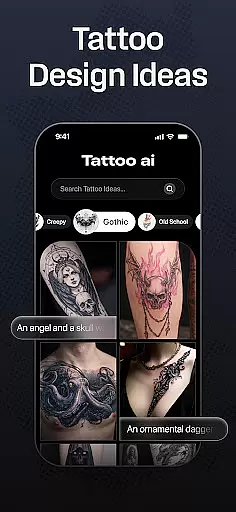
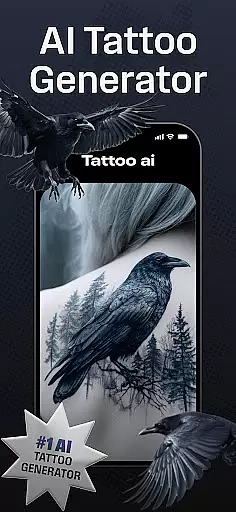
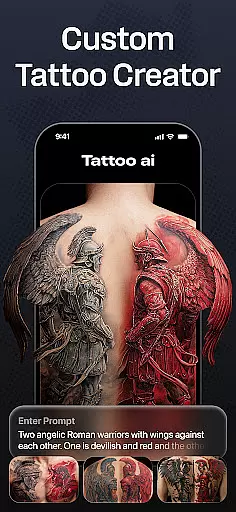
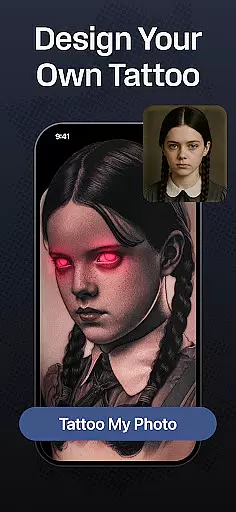
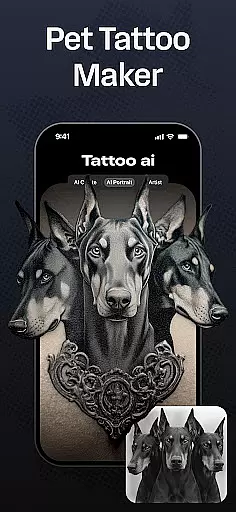
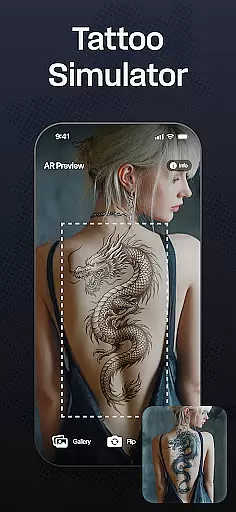
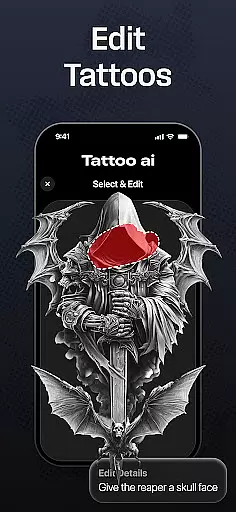
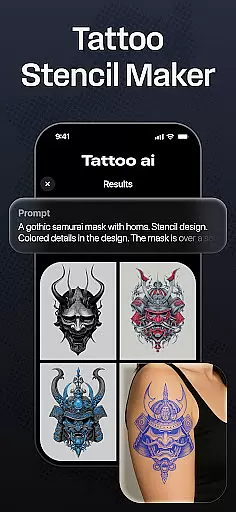
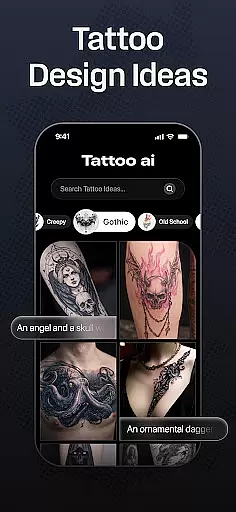
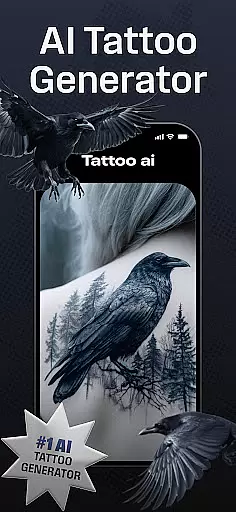
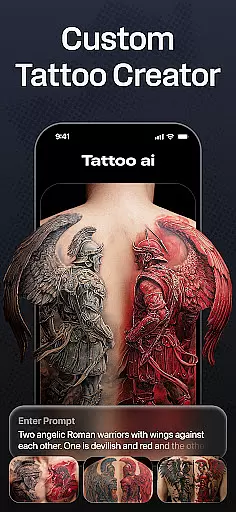
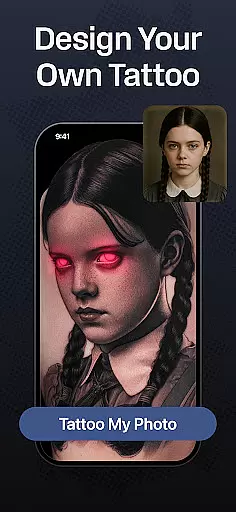
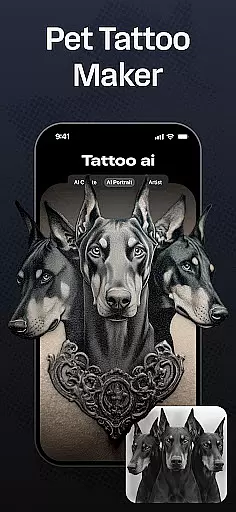
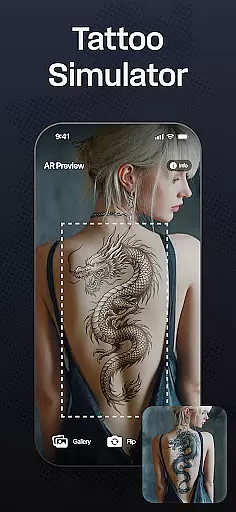
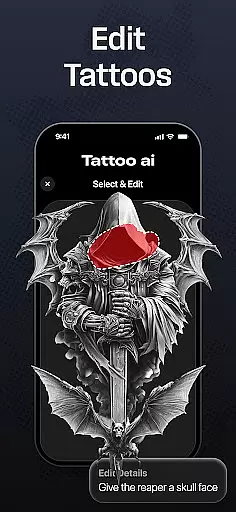
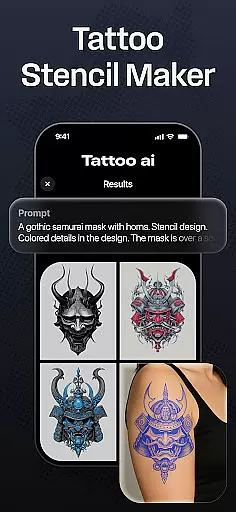
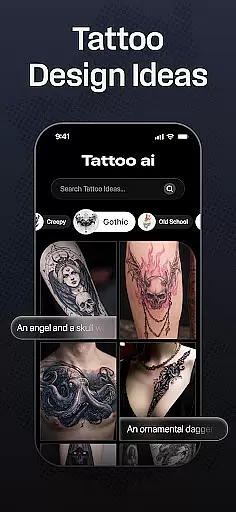
Tattoo AI is a revolutionary app in the Art & Design category, designed to assist both tattoo enthusiasts and professional artists in creating unique, personalized tattoos. The app's standout feature is its advanced AI tattoo generator, which allows users to input their ideas or themes and receive tailor-made designs that match their preferences. Whether you're looking for black & white classics, intricate Japanese art, or bold gaming-inspired designs, Tattoo AI covers a wide range of styles.
One of the key strengths of Tattoo AI is its full-body customization tool, enabling users to visualize how a tattoo will look on different parts of their body before making any commitments. Additionally, the app offers text-based tattoo options, allowing users to transform meaningful quotes into beautifully designed tattoos. With high-quality tattoo stencils and easy sharing features, Tattoo AI bridges the gap between digital design and real-world application, making it an essential tool for anyone serious about tattoos.
Tattoo AI stands out with its diverse set of features tailored to both tattoo novices and professionals. At the core of the app is the AI tattoo generator, which uses cutting-edge algorithms to create custom designs based on user inputs. This feature eliminates the need for time-consuming brainstorming sessions and provides endless inspiration for those struggling to find the perfect design. The app also includes an extensive library of styles, ranging from traditional black & white to vibrant Japanese and tribal patterns, ensuring there's something for everyone.
Another notable feature is the ability to generate text-based tattoos. Users can input their favorite quotes or phrases, choosing from customizable fonts and styles to create deeply personal designs. The full-body customization tool adds another layer of practicality, allowing users to preview how a tattoo will look on various body parts. For tattoo artists, the app offers high-quality tattoo stencil exports, streamlining the process of bringing digital designs to life. These comprehensive features make Tattoo AI an indispensable tool for modern tattoo creation.
In the realm of digital tattoo design, having access to comprehensive creative tools is essential. Tattoo AI stands out by offering an extensive suite of features that cater to both tattoo enthusiasts and professional artists. At the core of this app is the advanced AI tattoo generator, which allows users to effortlessly create unique designs by simply inputting their ideas or themes.
The app doesn't stop at basic generation; it provides diverse style options ranging from classic black & white to intricate Japanese art and bold tribal patterns. This ensures that no matter your aesthetic preference, Tattoo AI has a solution tailored for you. Additionally, the ability to generate text-based tattoos with customizable fonts adds another layer of personalization, making each piece truly one-of-a-kind.
For those who appreciate precision in their work, the high-quality tattoo stencils feature is invaluable. It transforms digital concepts into tangible templates ready for inking, bridging the gap between imagination and reality seamlessly. With these robust tools at your disposal, Tattoo AI empowers users to explore endless artistic possibilities while maintaining complete control over every detail of their creations.
Flexibility in design and format is crucial when creating tattoos that must fit specific body parts and sizes. Tattoo AI excels in providing canvas/format flexibility, allowing users to visualize their designs on various body areas with remarkable ease. This feature helps ensure that whether you're planning a small ankle tattoo or a full sleeve, the app can accommodate your needs.
The app's full-body customization tool lets users experiment with different placements and scales, ensuring that the final design looks just right before any ink is applied. By simulating how a tattoo will appear on different parts of the body, Tattoo AI aids in making informed decisions about size, orientation, and placement. This level of detail not only enhances user confidence but also significantly reduces the risk of post-tattoo regrets.
Moreover, Tattoo AI supports saving and sharing your designs, enabling collaboration with friends or professional tattoo artists. This interactive process allows for feedback and adjustments, refining the design until it perfectly matches your vision. With such adaptable formatting options, Tattoo AI ensures that every user can achieve their desired outcome, regardless of complexity or scale.
User-friendly interface
Wide style variety
Advanced AI technology
Custom text tattoos
Full-body previews
Limited free designs
Premium subscription required
Occasional AI inaccuracies
High system requirements
Learning curve for new users

Pose and morph realistic male and female models! 3D poser app
 3.00
3.00
Art of Combination Wear OS Watch faces
4.1
Sketch, plan, take notes and illustrate on an infinite canvas.
4.20
Draw anime & manga drawing, art with templates to create stunning picture!
4.50
Paint with oils and sketch with natural tools on a realistic virtual canvas.
3.80
Design unique, funny and adorable cat stickers that reflect your own style!
3.80
Turn your drawings into flipbook-style animations with simple creative tools
4.60
Mobile pixel art editor. Simple. Fast. Portable.
4.80
Share the joy of painting with ibis Paint! Drawing anime and manga art.
4.50
Novices can also easily complete diamond painting masters
4.70
Create neon drawing with magic doodle and fun doodle art effects!
4.50
Create color palette from Image, RGB & RYB Color wheel harmonies, Color Scheme
4.50
Draw Trace image sketch by, AR art projector app, Easy to trace any image.
4.50
Photo blender app to create overlay photos & double exposure.
4.40
Customizable Outlined Fonts. Watch Face Format. Battery friendly Digital Clock.
4.20
Digital Drawing: Draw & Paint
4.10
Art of Combination Wear OS Watch faces (for Wear OS 5+ devices)
3.90
Your homescreen as an elegant glass with customized blur, lighting, and visuals.
3.70
Sketch, trace and master AR drawing with awesome anime art!
3.30


User Reviews