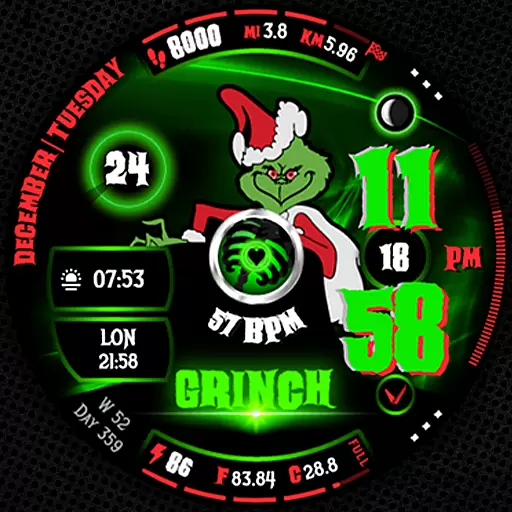
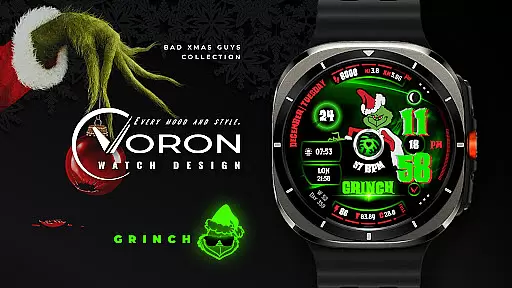
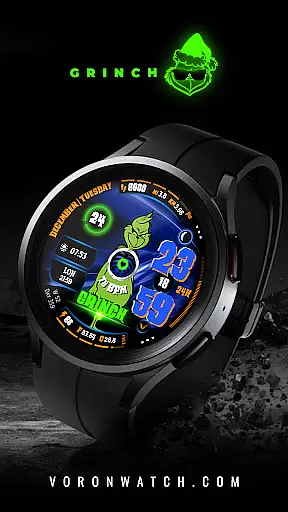
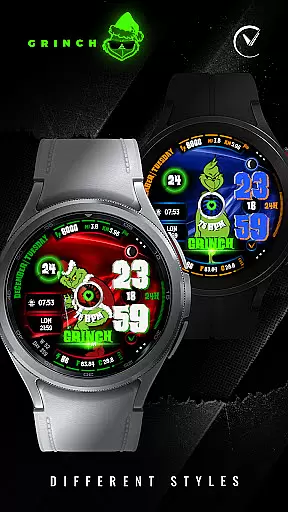
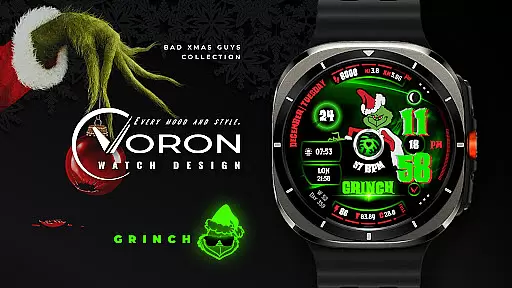
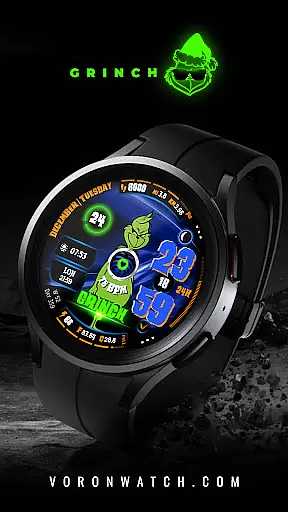
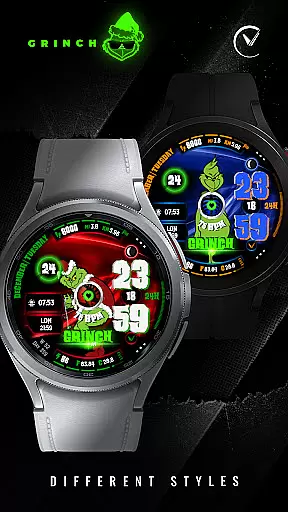
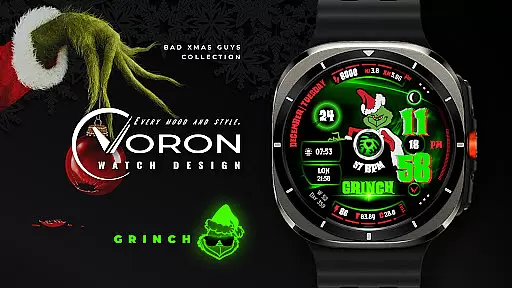
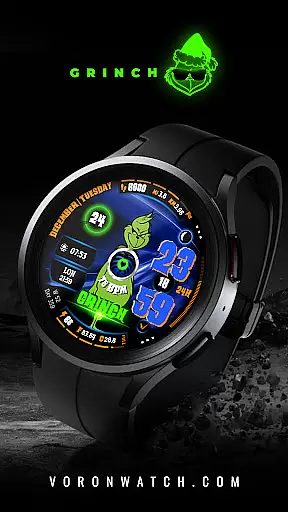
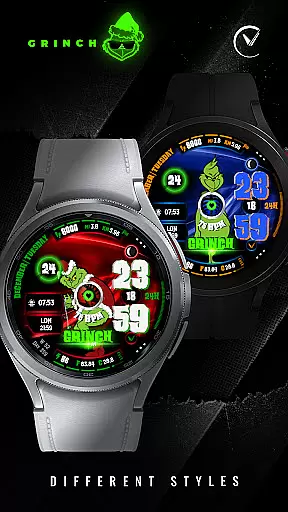
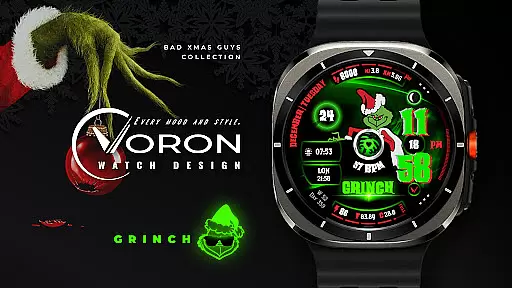
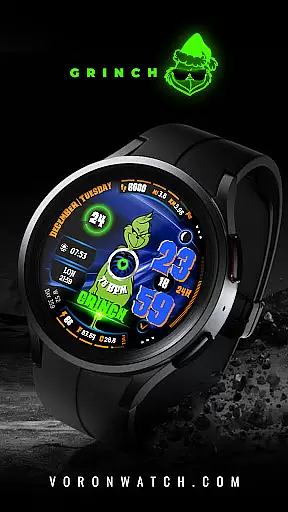
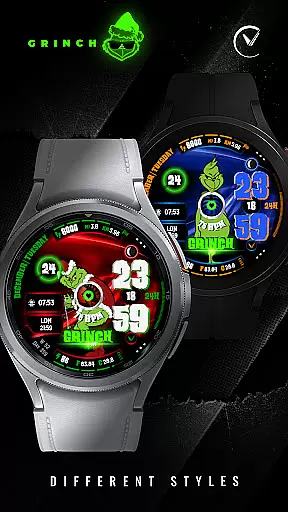
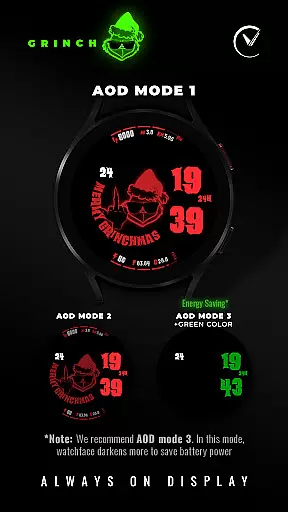
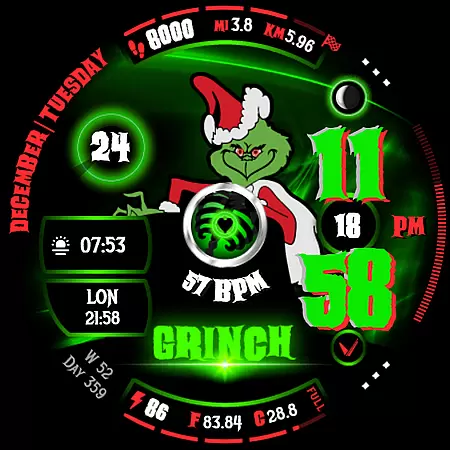
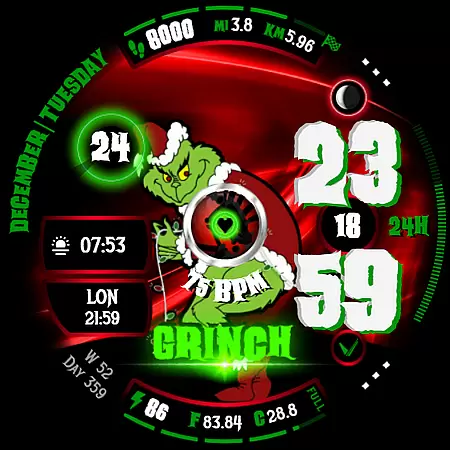
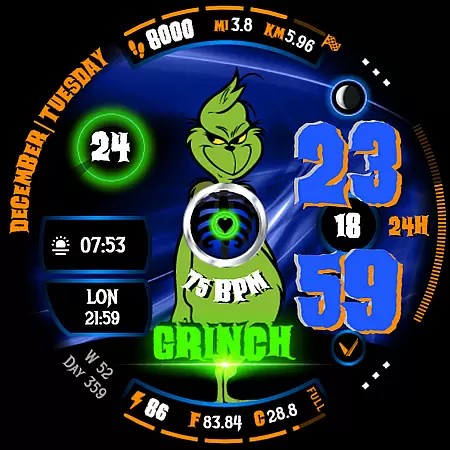
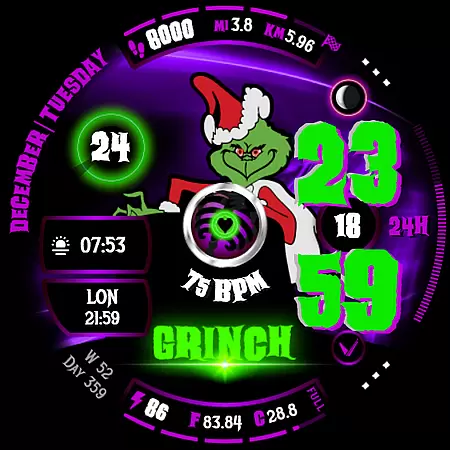
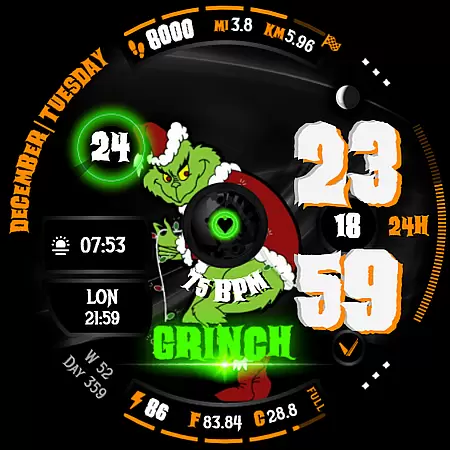
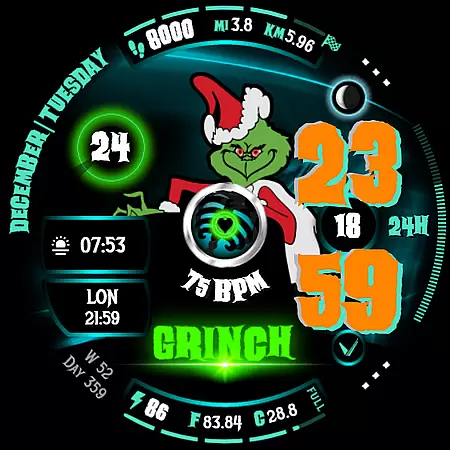
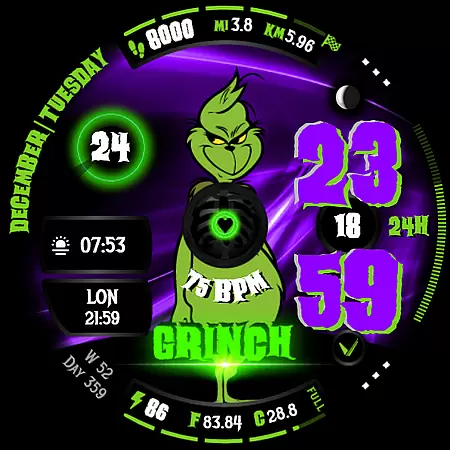
GRINCH Christmas Watch Face is a festive digital watch face designed exclusively for Wear OS 4+ devices. This unique timepiece features the mischievous Grinch character, bringing a touch of Christmas spirit to your smartwatch. The watch face offers extensive customization options including multiple Grinch characters, various color schemes for time display, and diverse background choices.
Users can enjoy advanced functionalities such as AOD modes, complications, and shortcuts. The watch face also displays practical information like date, heart rate, battery status, and more. With its engaging X-ray animation revealing the Grinch's black heart and gyro effect, this watch face combines fun with functionality. Perfect for those who want to add a playful yet informative element to their holiday season.
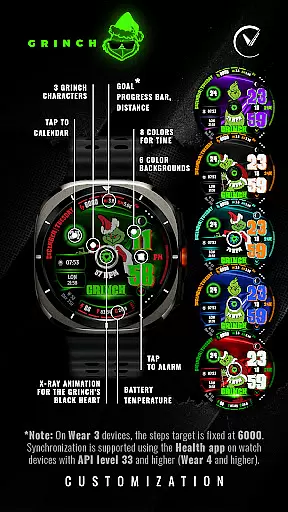
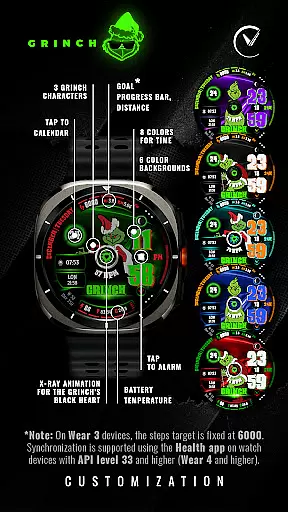
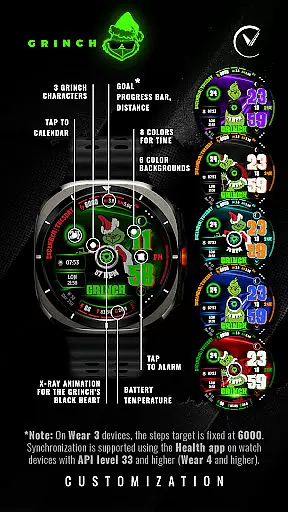
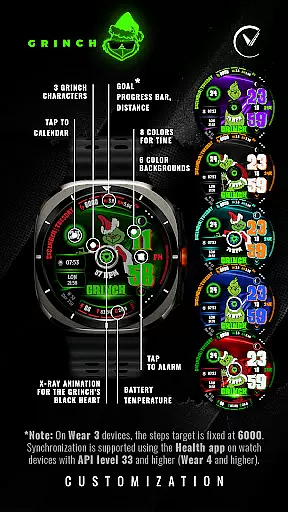
This Christmas-themed watch face stands out with its rich feature set tailored for Wear OS users. It includes three distinct Grinch character designs and allows users to choose from eight different colors for time display. The customization extends to six selectable background colors, creating a personalized look that suits individual preferences.
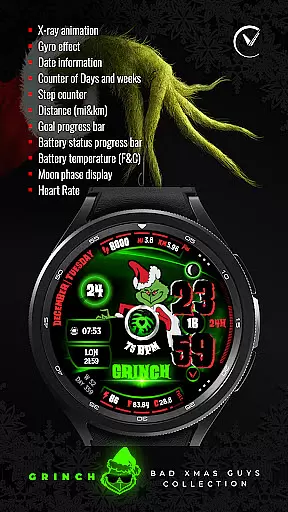
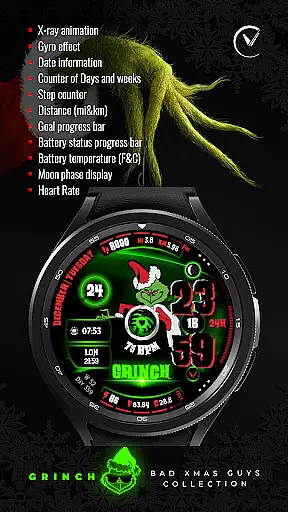
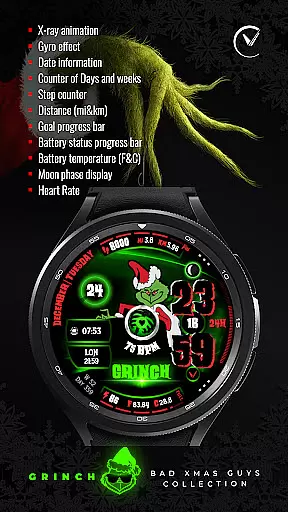
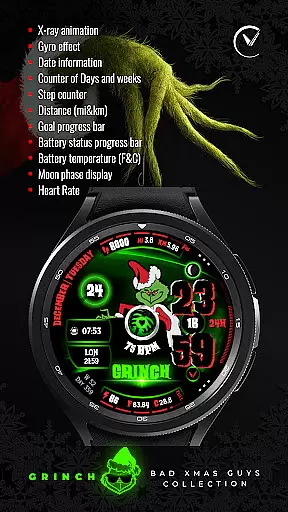
Beyond aesthetics, GRINCH Christmas Watch Face delivers essential information through its comprehensive feature suite. Users can view date details, track progress toward daily goals, monitor battery temperature, and even observe moon phases. The inclusion of heart rate monitoring and distance tracking (in miles and kilometers) makes it a practical tool for health-conscious individuals during the holiday season.
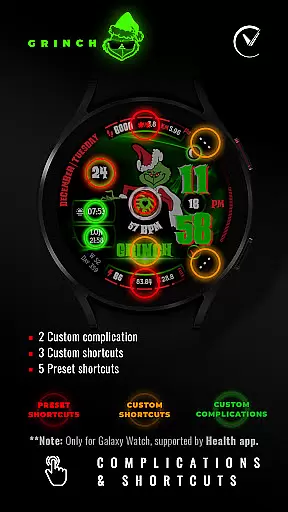
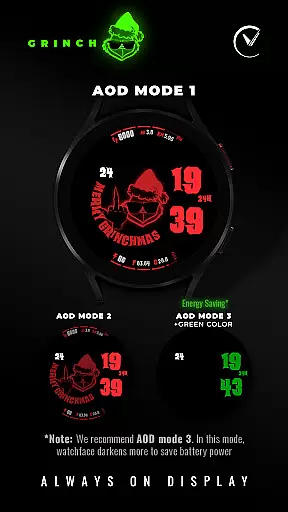
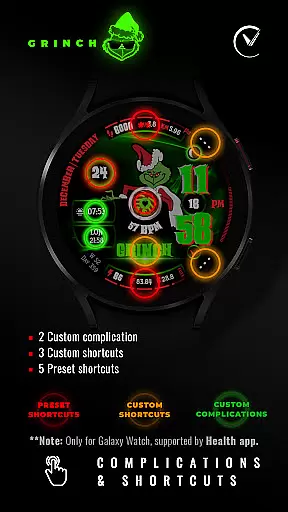
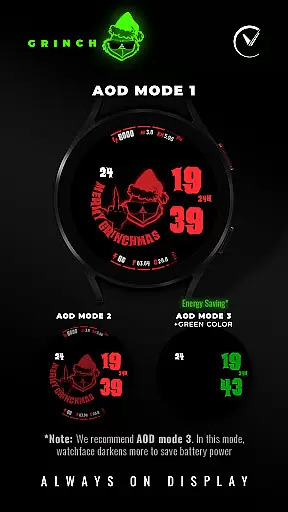
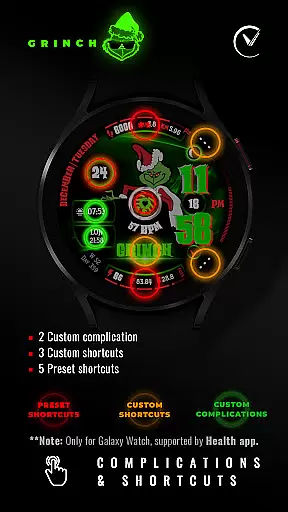
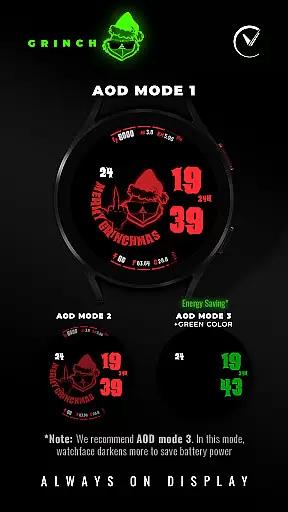
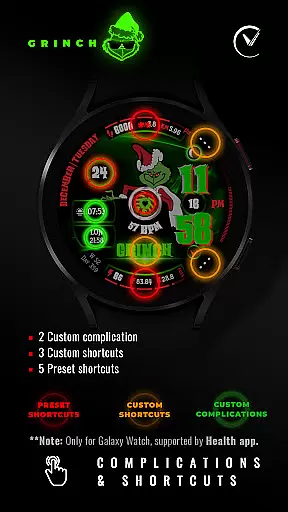
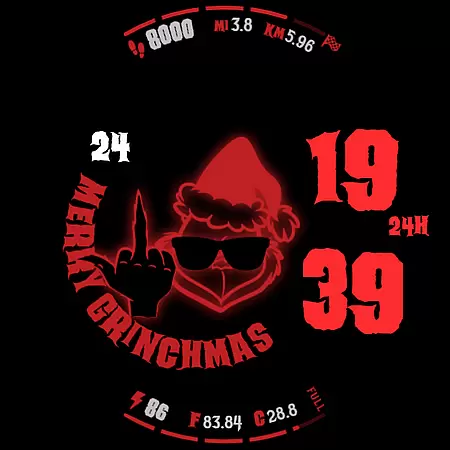
Advanced technical features include two custom complications, three custom shortcuts, and five preset shortcuts for quick access to frequently used functions. The watch face supports Always-On Display (AOD) in three modes - Low, Middle, and Max - optimizing battery consumption while maintaining visibility. These sophisticated capabilities make it a versatile choice for Wear OS users seeking both style and substance in their digital watch faces.
For GRINCH Christmas Watch Face, companion app integration is essential for a seamless wearable experience. This feature allows users to easily sync and manage their watch face settings directly from their smartphone. The dedicated mobile application serves as a control center, enabling users to customize the Grinch characters, choose from 8 different time colors, and select among 6 background colors.
The companion app also provides access to advanced customization options such as colored personalization and AOD modes with varying levels of detail. Users can configure two custom complications and set up to three custom shortcuts, ensuring that the most used features are just a tap away. With this level of integration, users can enjoy a personalized and optimized wearable experience tailored to their preferences.
By leveraging the capabilities of the companion app, wearers of the GRINCH Christmas Watch Face can receive timely updates and notifications about new features or promotions. Subscribing to the newsletter within the app keeps users informed about the latest offerings from VoronWatch. This interconnected ecosystem not only enhances usability but also fosters a community around the product, keeping users engaged and excited about their Wear OS device.
GRINCH Christmas Watch Face is designed exclusively for Wear OS 4+ (API 33+) devices, ensuring that it takes full advantage of the platform's latest features and optimizations. Compatibility with this operating system version means that users will benefit from improved performance, security enhancements, and access to modern APIs that enable unique functionalities like x-ray animations for the Grinch's black heart and gyro effects.
Device compatibility extends beyond just the operating system; it includes optimization for various hardware specifications found in Wear OS devices. Whether it's displaying date information, counting days and weeks in the year, tracking distance in miles and kilometers, showing goal progress bars, indicating battery status, presenting battery temperature in Fahrenheit and Celsius, exhibiting moon phase displays, or monitoring heart rate, the watch face integrates smoothly with supported sensors and components.
It's important to note that while GRINCH offers a rich set of features, some may not be available on all devices due to hardware limitations. To ensure the best experience, users should verify their device's compatibility and enable all necessary permissions through the settings menu. By doing so, they guarantee that they can fully utilize the festive digital watch face, enjoying every interaction with their smartwatch during the holiday season.
Unique Christmas theme
Extensive customization
Health tracking features
Vibrant color options
Engaging animations
Limited device compatibility
Complex setup process
Feature availability varies
Requires permissions
Battery intensive

Watch the sharpness of the sky on your wrist..
 3.70
3.70
Christmas - Festive - Christmas Village - Winter - Christmas lights
5.00
an Analog Watch Face for winter season with freeze winter background for Wear OS
4.3
Digital watch face with big numbers and many customization for Wear OS devices
4.40
Connect to your Bluelink equipped Hyundai vehicle from your smartphone.
4.50
A modern hybrid informative watch face for Wear OS designed by BALLOZI
4.80
Premium hybrid watch face with many customizations for Wear OS devices.
4.40
Want to take charge of your health? Let Google Fit help you reach your goals.
3.50
Control your Samsung Smart TVs, appliances, and SmartThings-compatible devices
4.60
Period, ovulation & pregnancy tracker. Fertility insights & menstrual calendar.
4.90
Hybrid watch face for Wear OS with customizable complications by Matteo Dini MD
4.70
Current temperature, weather hourly, weather radar by the weather forecast app
4.40
Locate your family members by GPS phone location tracker everywhere and anytime
4.30
Wear Os Watch Face - Animated Snow Effect & Magic Spark - 6 Scenes
4.10
sleep, alarm, snoring, stress, healing, focus, sound therapy, circadian rhythm
4.10
Animated Watch Face and Customizable with 24 Backgrounds. Perfect for Christmas!
3.90
Wear Os Watch Face - Animated Snow Effect & Christmas Lights
4.1
Precision analog watch face with 7 complications and style options
4.4
Analog watch face with 8 complications and expedition styling
4.4


User Reviews