
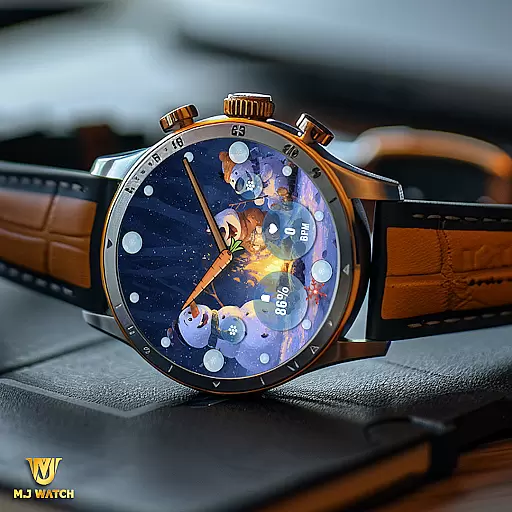
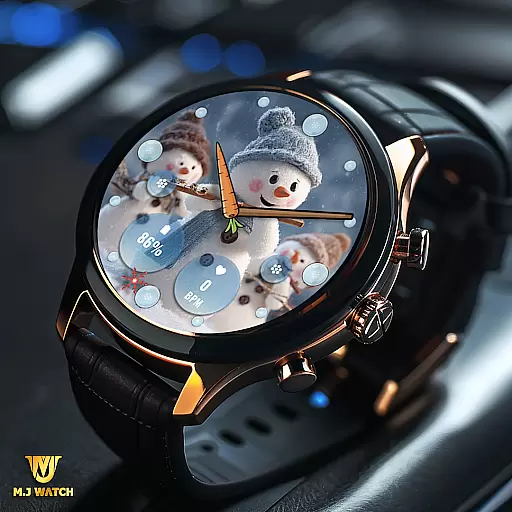
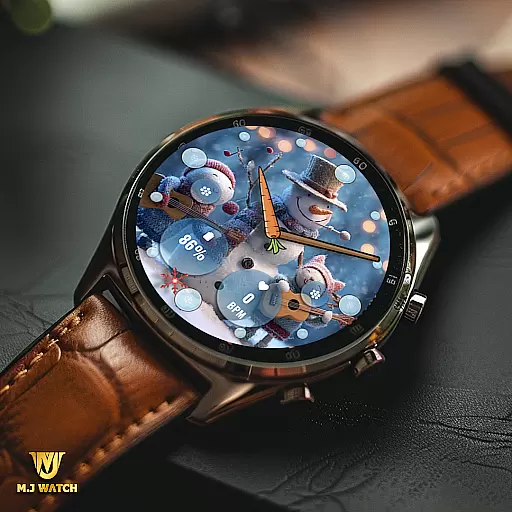
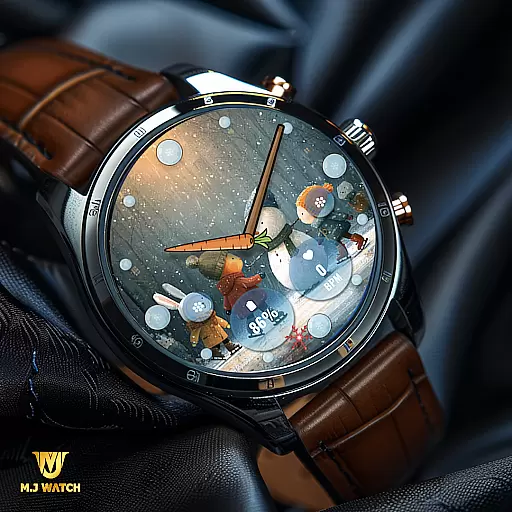
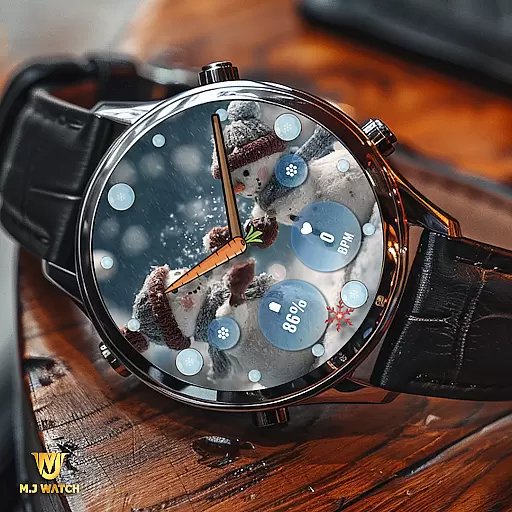
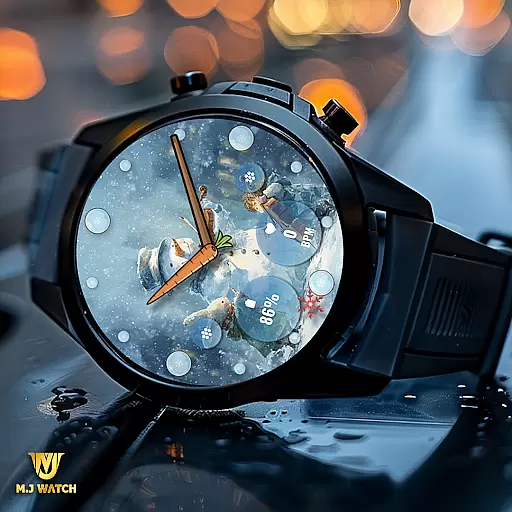
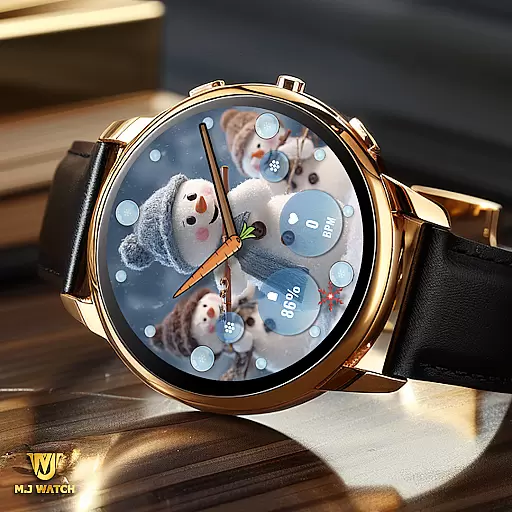
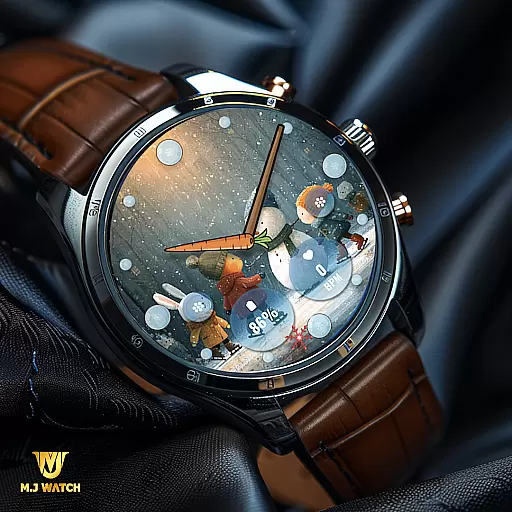
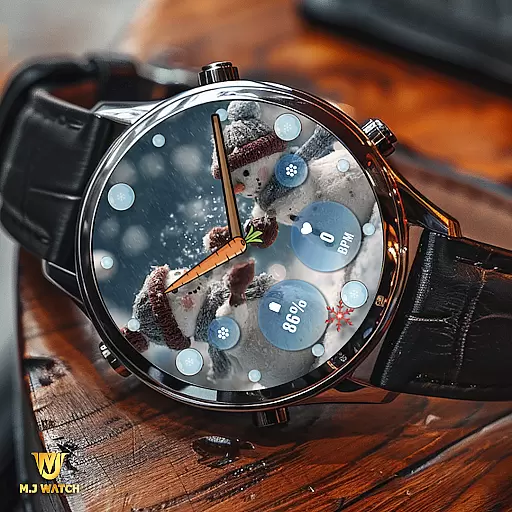
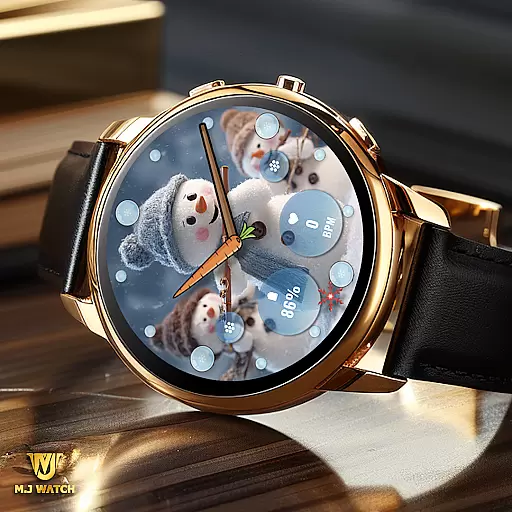
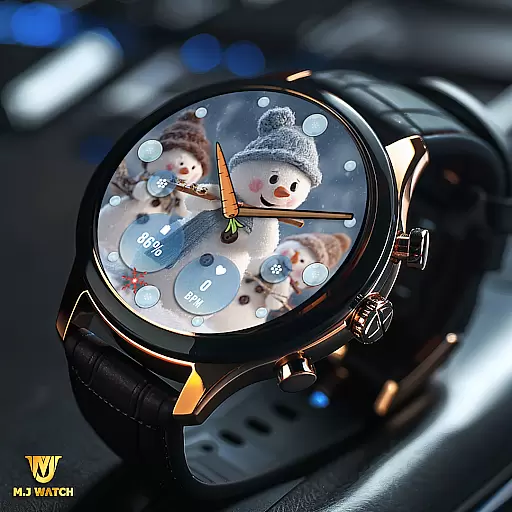
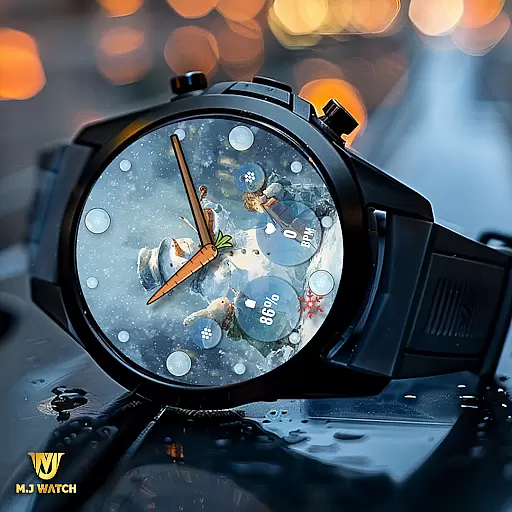
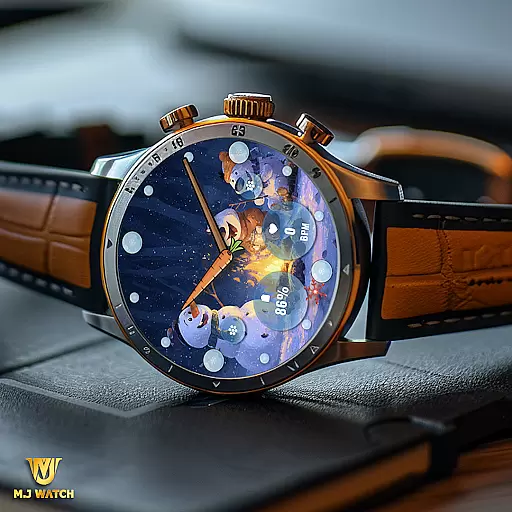
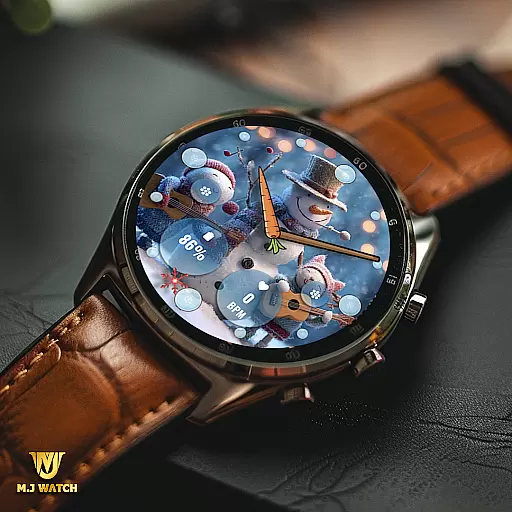
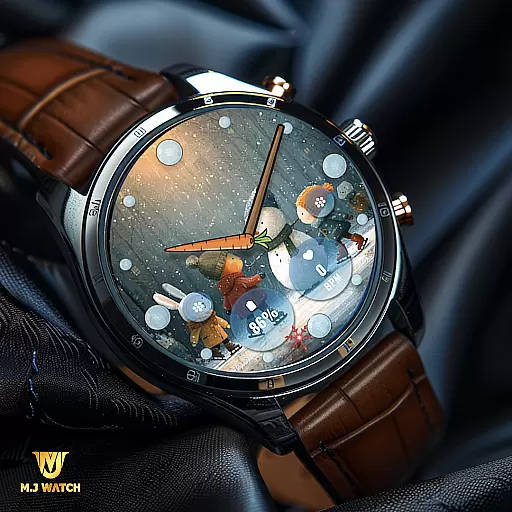
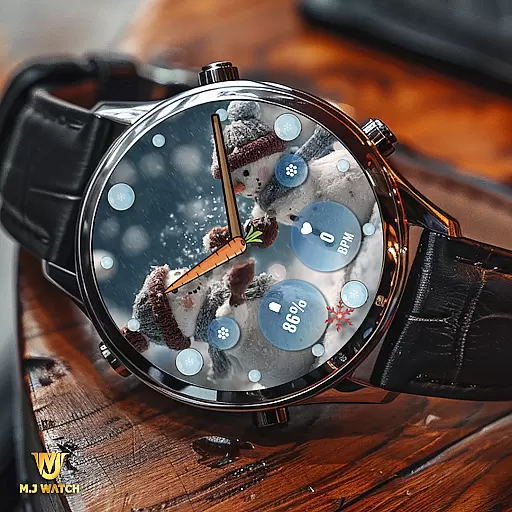
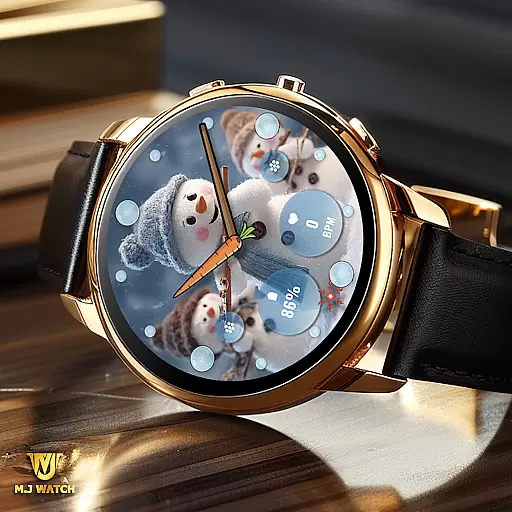
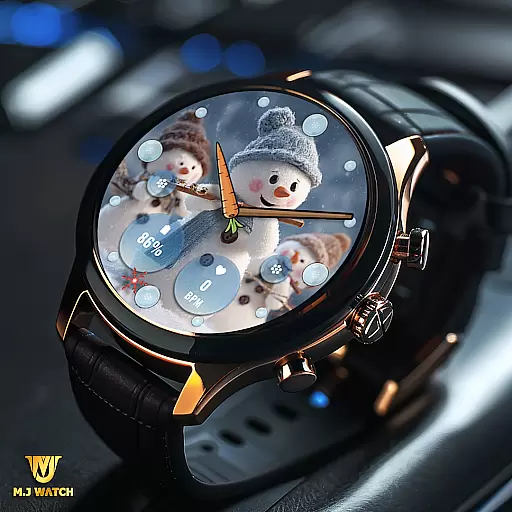
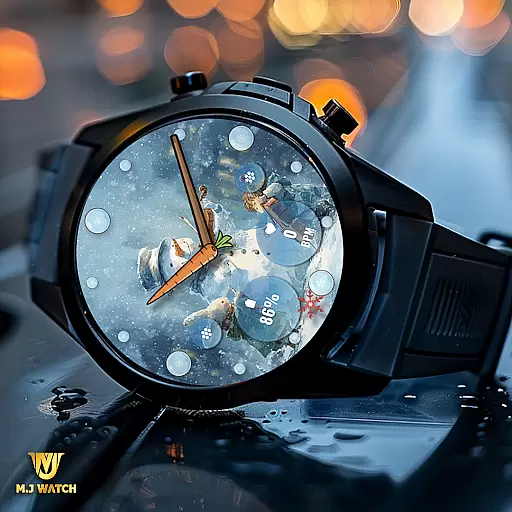
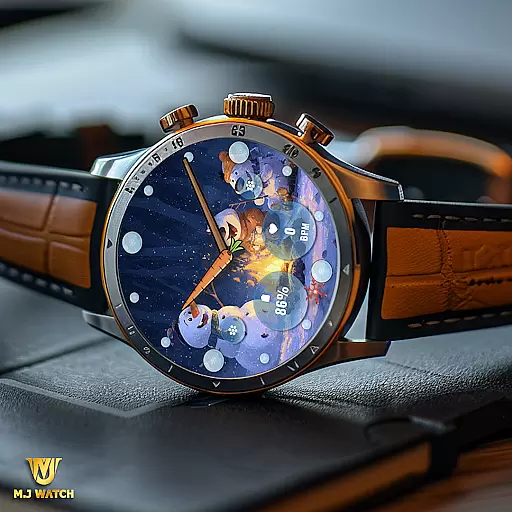
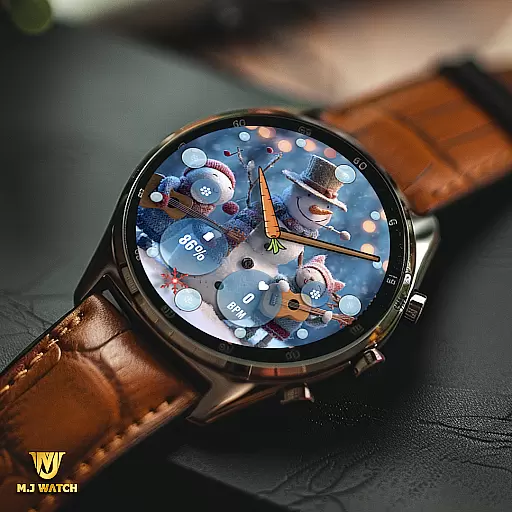
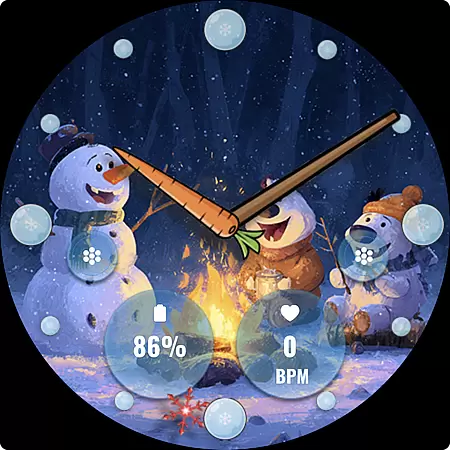
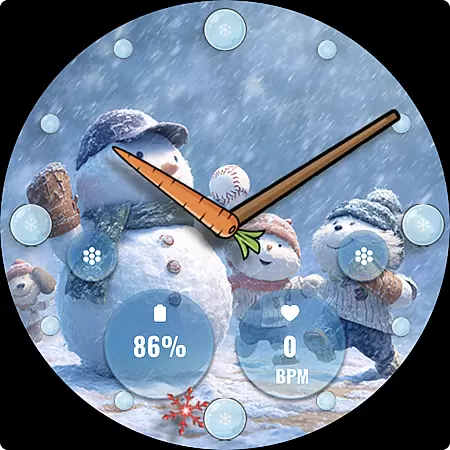
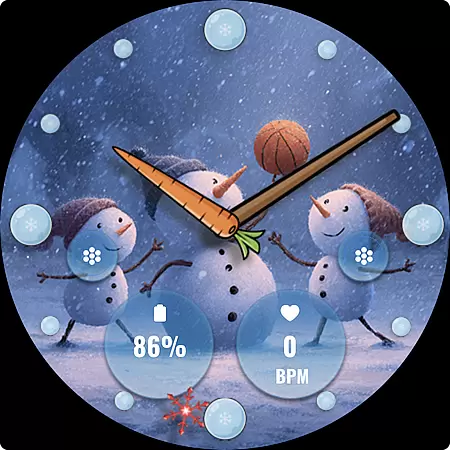
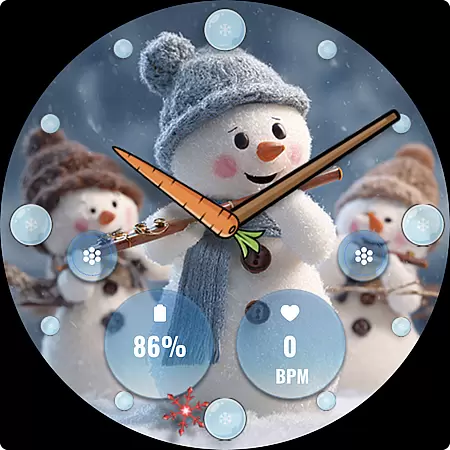
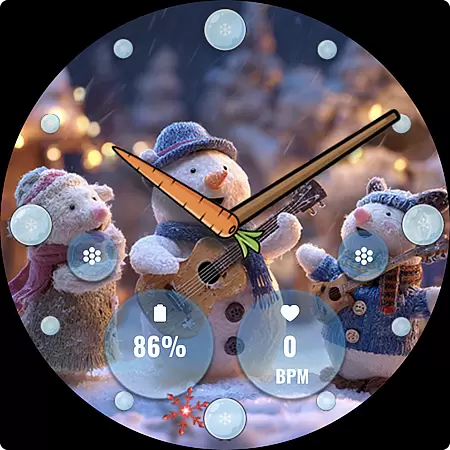
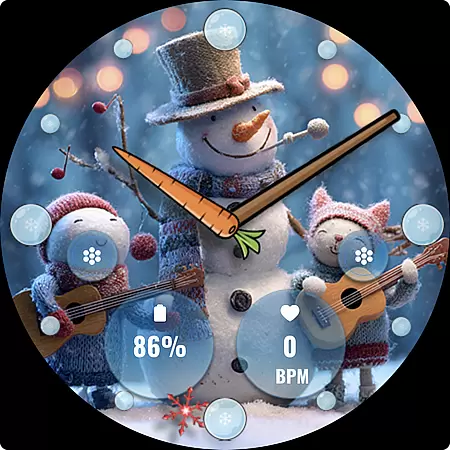
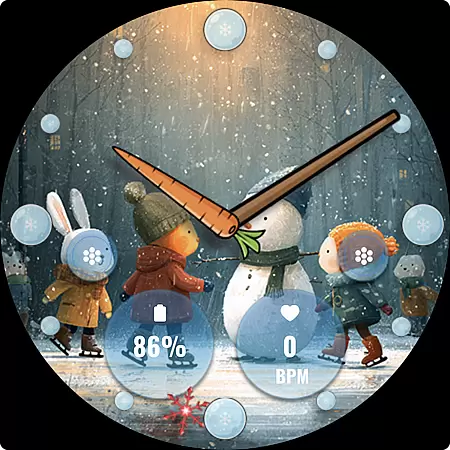
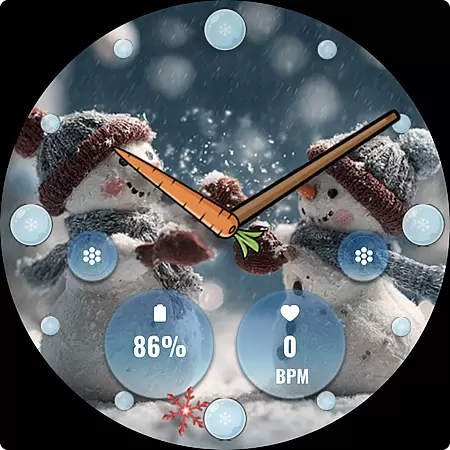
FLW105 Snowman Freeze Winter is a specially designed watch face for Wear OS devices, offering users an immersive winter-themed experience. The interface features a stunning freeze ice background with 10 unique winter images that include charming snowman illustrations. This analog watch face displays hour, minute, and second hands while providing practical functionalities through customizable complications and shortcuts.
Users can personalize their watch face by selecting the information they want to display via two custom complications. Additionally, two custom shortcuts allow quick access to frequently used functions. With its visually appealing design and customizable options, FLW105 enhances both the aesthetics and usability of your smartwatch during the winter season.
FLW105 Snowman Freeze Winter stands out with its rich set of features tailored for Wear OS users. The primary highlight is its analog watch display, which includes hour, minute, and second hands for precise timekeeping. Users can further enhance functionality by utilizing two custom complications, enabling them to choose what information is displayed on their watch face.
Customization extends to two dedicated shortcuts that provide instant access to preferred applications or features. To modify either the displayed image or the complications, users simply need to press and hold the watch face, then select 'Customize.' This intuitive process ensures that personalizing your watch face is straightforward and user-friendly, making FLW105 not only beautiful but also highly practical.
For FLW105 Snowman Freeze Winter, seamless companion app integration is crucial for an enhanced user experience. This watch face connects effortlessly with its companion app on your smartphone, allowing users to customize and control various features directly from their handheld device.
The companion app provides a user-friendly interface where you can adjust settings such as complications and shortcuts. With just a few taps, you have the power to personalize what information is displayed and which shortcuts are most accessible, ensuring that your wearable device meets your specific needs.
By leveraging the capabilities of the companion app, users benefit from real-time updates and synchronization. Any changes made in the app are immediately reflected on the watch face, providing a dynamic and responsive experience. This ensures that your Wear OS device always displays the most current and relevant information.
Overall, the integration between FLW105 and its companion app offers a streamlined and efficient way to manage your smartwatch settings, making it easier than ever to tailor your wearable technology to fit your lifestyle.
FLW105 Snowman Freeze Winter boasts extensive compatibility with a wide range of Wear OS devices, ensuring that users across different hardware platforms can enjoy this festive watch face. The design takes full advantage of Wear OS capabilities, offering a consistent and optimized experience regardless of the specific device you own.
This compatibility extends to various screen sizes and resolutions, maintaining the visual integrity of the freeze ice background and analog watch hands. Whether you have a round or square watch face, the intricate details of the snowman pictures and other design elements remain sharp and visually appealing.
Users benefit from the assurance that all features, including custom complications and shortcuts, function smoothly across supported devices. This universality not only broadens the potential user base but also enhances user satisfaction by delivering a reliable performance irrespective of the device specifics.
Ultimately, the robust compatibility of FLW105 with multiple Wear OS devices underscores its versatility and commitment to providing a high-quality, adaptable experience for all users seeking to celebrate the winter season on their smartwatches.
Visually appealing winter theme
Fully customizable complications
Two convenient shortcuts
Easy customization process
Compatible with Wear OS
Limited to Wear OS devices
Only seasonal appeal
No digital time option
Customization requires steps
Battery consumption may increase

Highly customizable hybrid watch face for Wear OS, perfect for everyday use.
 4.60
4.60
Christmas is near, let's count together the days left until Santa comes
4.2
Analog watch face with 8 complications and expedition styling
4.5
Stunning modern digital watch face with 7 complications and strong contrast
4.4
Easy Voice Recorder is your everyday companion to record important moments.
4.70
Hyperlocal rain alerts by MyRadar using patent-pending technology, radar & more
4.80
Stylish, Energizing and Modern Watch Face crafted by Dominus Mathias.
4.50
Animated video-game inspired “secret agent” simulation, right on your wrist!
4.20
Your music, your playlists, and more—offline and unlimited.
4.20
The most customizable minimal watch face. For Wear OS 5.0, API 34+ and later
4.70
Monitor health with the stress test and pulse checker in the heart rate app.
4.60
Deck out your Wear OS Watch face with a beautifully decorated pine wreath!
4.50
Let's celebrate Thanksgiving - Wear Os watch face
4.20
Your local weather forecast, storm tracker, radar maps & live weather news
3.40
Watch face designed for Thanksgiving Day. 7 Background Styles included.
3.20
Wear Os Watch Face - Animated Snow Effect & Christmas Lights
4.3
Simple Analog-Digital Watchface For Wear OS 3.0 and Up Smartwatches
4.1
Minimalistic design modern digital watch face.
4.1
Hybrid Vibrant Health Watch Face for Wear OS
4.5


User Reviews