
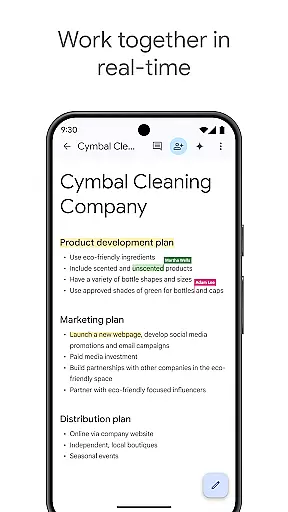
Google Docs is a powerful productivity application that allows users to create, edit, and collaborate on documents directly from their Android devices. The app's core functionality revolves around real-time collaboration, enabling teams to work together seamlessly regardless of location. With its intuitive interface, users can easily share documents, leave comments, assign action items, and make live edits that everyone can see instantly.
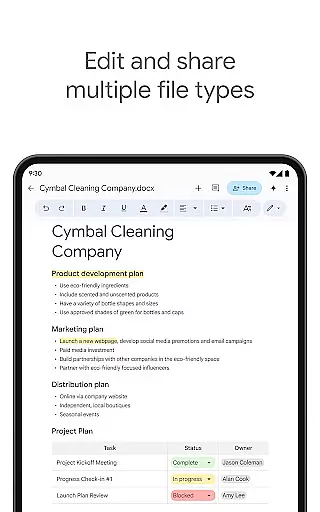
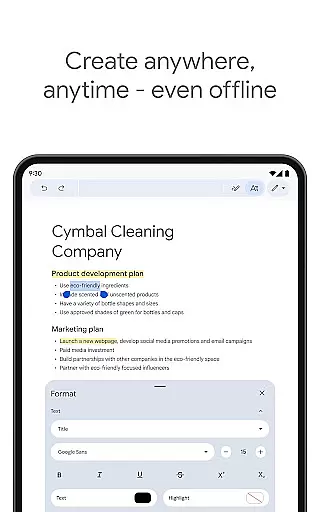
One of the standout features is its robust offline mode, which lets users capture ideas and complete tasks even without an internet connection. The app also supports multiple file formats, including Microsoft Word documents, making it versatile for both personal and professional use. Whether you're drafting reports, creating meeting notes, or working on creative projects, Google Docs provides a comprehensive solution for document management and team collaboration.
Google Docs stands out with its comprehensive feature set designed to enhance productivity. The real-time collaboration tools are particularly impressive, allowing multiple users to edit documents simultaneously while seeing each other's changes instantly. This feature is complemented by integrated commenting and action item assignment capabilities, streamlining team workflows.
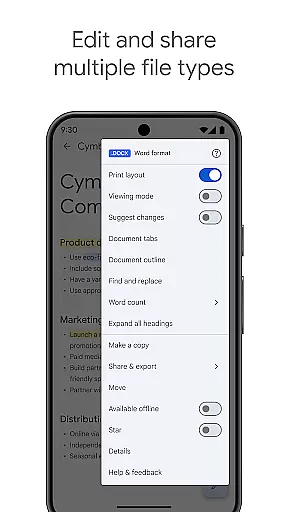
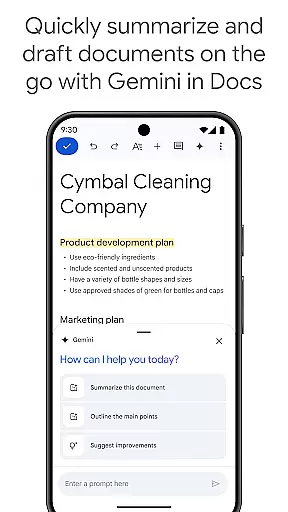
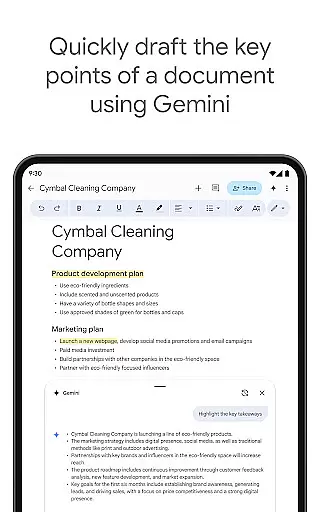
The app's versatility extends to its file compatibility, supporting various document formats including DOCX files. Users can seamlessly import, export, and convert files between different formats. For Google Workspace subscribers, advanced AI-powered features become available, such as Gemini integration for content generation and writing suggestions. The inclusion of professional templates and customizable options further enhances document creation capabilities, while offline mode ensures productivity isn't limited by connectivity issues.
Google Docs excels in core task management by offering a comprehensive suite of tools designed to streamline document creation and collaboration. The app allows users to create, edit, and collaborate on documents in real time, ensuring that teams can work together efficiently regardless of their physical location.
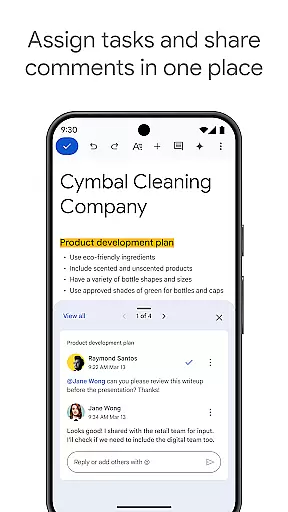
The ability to share documents with team members and edit content collaboratively ensures that projects move forward smoothly. Users can leave comments and assign action items directly within the document, promoting clear communication and accountability among collaborators.
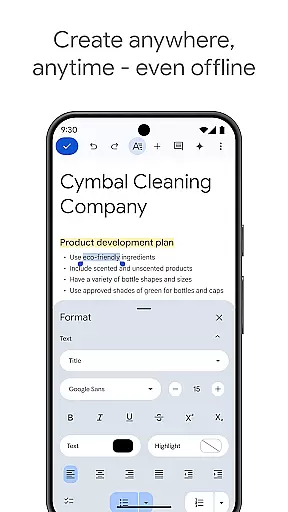
With features like offline mode, users can capture ideas and make edits even without an internet connection, making it ideal for professionals on the go. This flexibility ensures that productivity is not hindered by connectivity issues, allowing users to focus on their tasks at hand.
Cross-device synchronization is a standout feature of Google Docs, providing users with reliable access to their documents across multiple devices. Whether working from a phone, tablet, or computer, users can seamlessly transition between devices without losing any progress or formatting in their documents.
This synchronization extends to various file types, including Microsoft Word files, which can be opened and edited directly within Google Docs. The frictionless collaboration experience ensures that teams using different applications can still work together effectively, enhancing overall productivity.
For Google Workspace paid subscribers, additional features powered by AI further enhance the reliability of cross-device use. These include AI-powered suggestions to improve writing and the ability to create unique images to customize documents, ensuring that users have access to advanced tools no matter where they are working from.
User-friendly interface
Real-time collaboration
Offline functionality
Cross-platform support
Seamless integration
Limited formatting options
Requires internet
Basic templates only
No advanced features
Privacy concerns

Take control of your clipboard with Clipper!
 3.90
3.90
Mega cloud explorer plugin for Solid Explorer
3.80
8 custom complications. Custom Time Fonts. Beautiful color schemes. A++ Design.
5.00
Android Wallet Password Manager
4.80
Pwnagotchi companion app
4.20
Fill, sign & send docs, forms, agreements & contracts via electronic signature.
4.50
Font maker keyboard with your own handwriting
4.10
A beautiful digital clock with autostart and many other functions
4.70
Simple notepad & memo. Take notes, to-do list, shopping list with reminders.
4.80
Native client for Forgejo and Gitea
5.00
Understand anything with a personalized AI research assistant
4.80
The long-awaited modern gallery app for your Nextcloud server
4.70
Make apps & sites with natural language prompts
4.10
Intelligent AI Assistant
4.10
All in one sketching tool. Technical and General drawing. Online Maps support.
3.70
Smart PDF reader & editor to view, organize and manage PDF documents easily.
3.70
Remotely view listen control and record cameras.
3.70
Auto-shutoff Alarm with Sunrise, Sunset & Fixed Options.
3.50
Ads Free App! Editor, Hide File, Copy, Move, Delete and Rename.. all facility av
1.70


User Reviews