

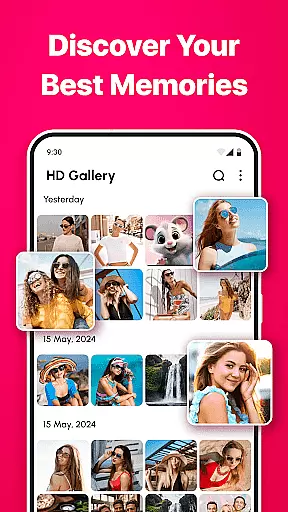
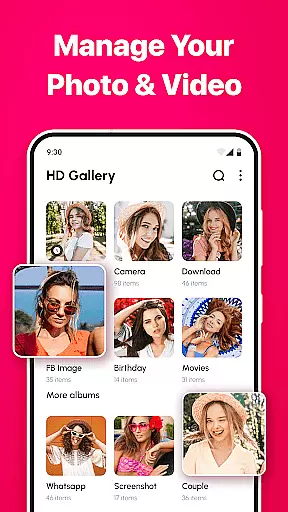
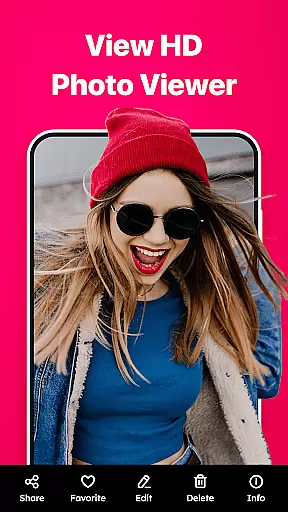

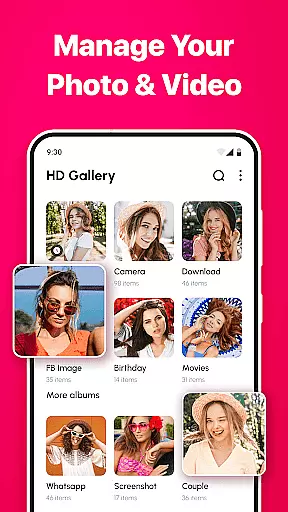
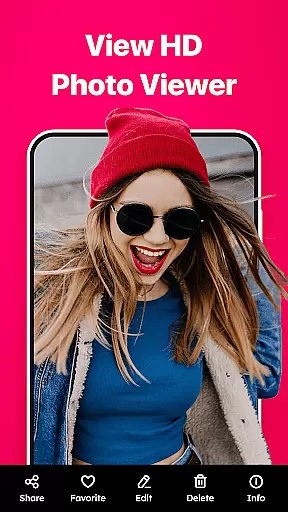
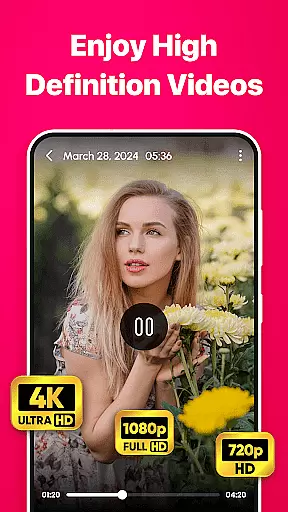

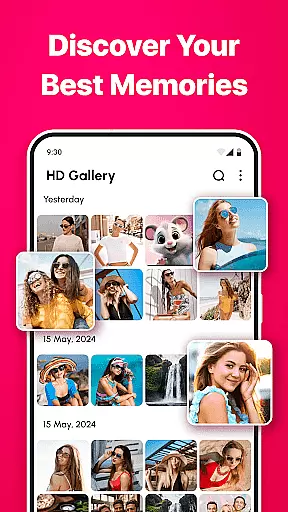
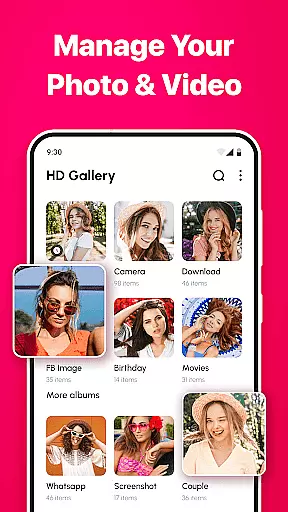
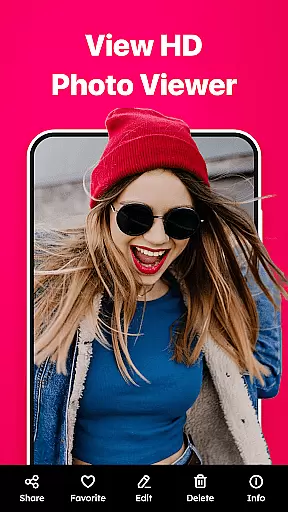

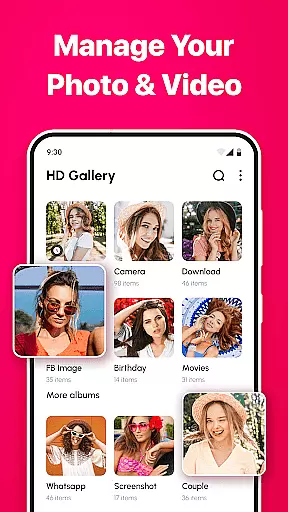
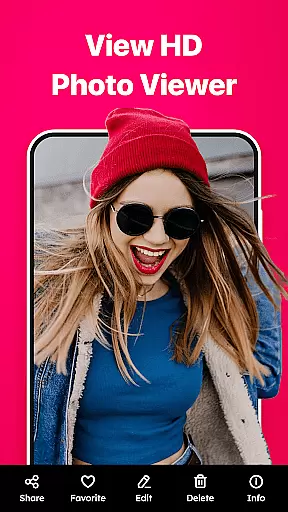
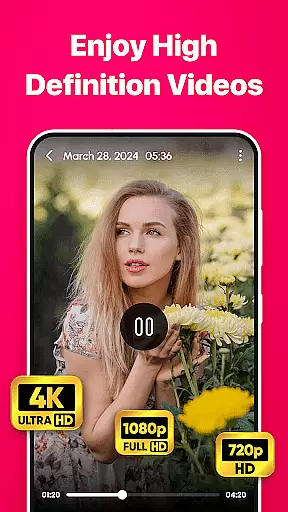
Gallery - photo gallery, album is a comprehensive photo and video management app designed to help users organize, view, and share their cherished moments with ease. The app offers an intuitive interface that supports fluid gestures for swiping, editing, and zooming through media files.
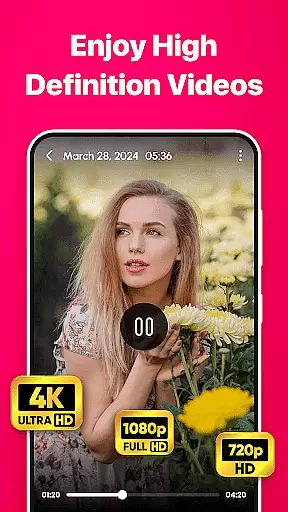
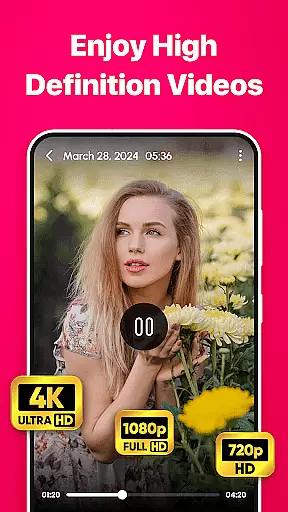
With support for various file formats including JPEG, PNG, GIF, and RAW, Gallery provides a centralized platform for managing all types of visual content. Its customizable layouts and advanced search functionalities allow users to tailor their experience while quickly accessing desired media. Additionally, the inclusion of photo editing tools enhances the ability to perfect images before sharing them via social media or messaging apps.
Gallery - photo gallery, album stands out with its robust feature set tailored for both casual photographers and professionals. The app's user-friendly interface ensures seamless navigation through photos and videos using simple swipe gestures and zoom controls.
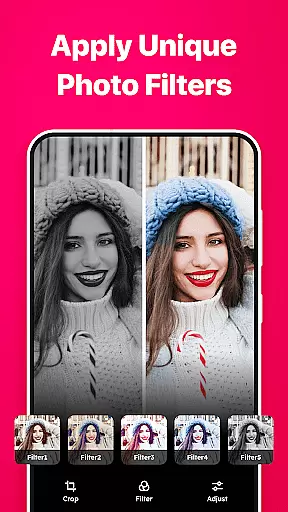
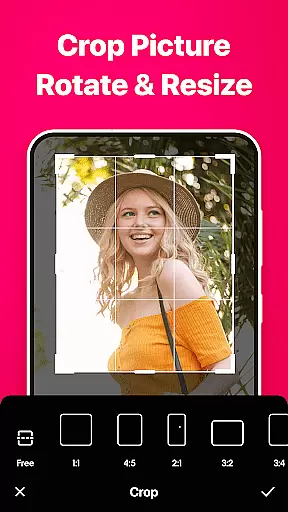
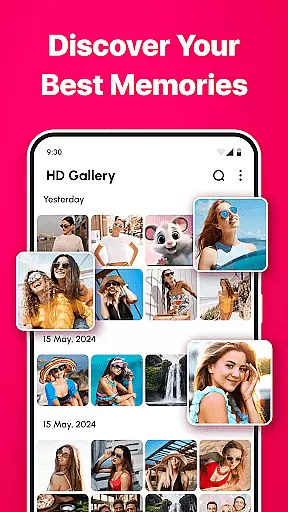
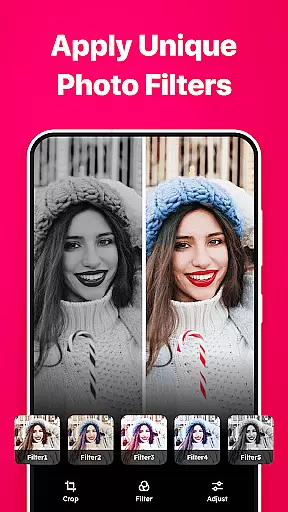
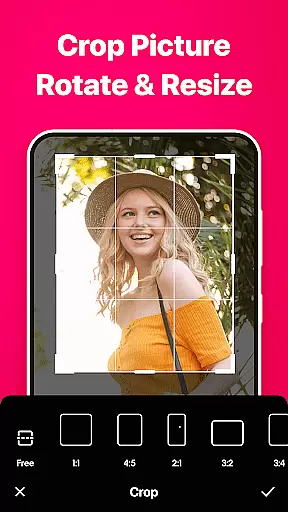
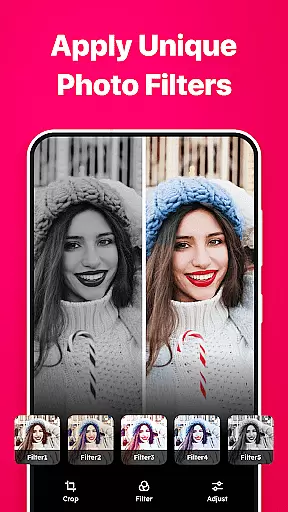
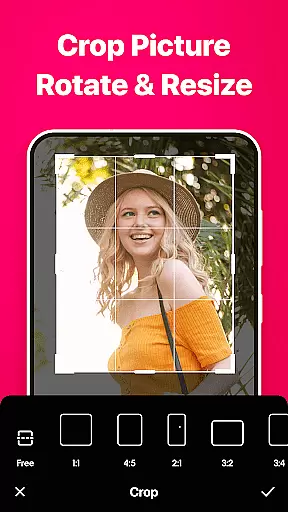
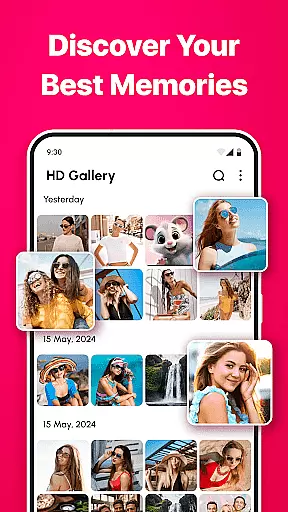
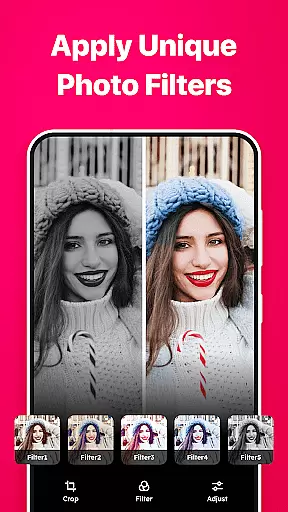
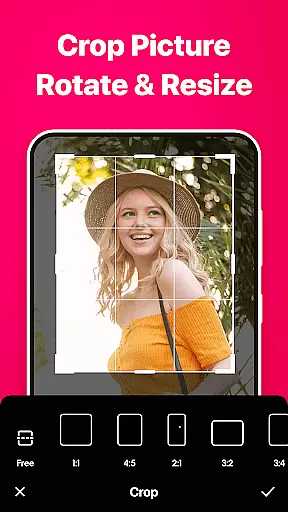
One of the key highlights is the wide-ranging file format support, accommodating everything from common JPEGs to professional-grade RAW files. Users can also personalize their viewing experience with customizable grid layouts and switch between light and dark themes based on preference. Advanced search and filter options make it easy to locate specific memories, while built-in editing tools offer functionalities like cropping, rotating, and adjusting brightness and contrast.
Furthermore, the app allows marking favorite moments for quick access and enables effortless sharing across multiple platforms. These features collectively ensure that Gallery not only manages but also enhances how users interact with their digital memories.
Real-time capture and preview functionality is essential for any photography app, allowing users to see exactly what the camera sees before taking a shot. Gallery - photo gallery, album app offers an intuitive interface that ensures you can frame your photos perfectly.
The app supports various file formats such as JPEG, PNG, GIF, and RAW, providing flexibility in capturing images in different qualities and styles. This versatility means that whether you're snapping quick shots or setting up for professional-grade photography, the real-time preview will adapt to your needs.
With advanced features like gesture controls for zooming and editing directly within the viewfinder, users can adjust their shots on-the-fly. The responsive design makes photo management seamless, letting you swipe through galleries effortlessly after capture.
This immediate feedback loop enhances the user experience by making it easier to take high-quality photos without needing extensive post-processing. By offering both casual photographers and professionals these powerful tools, Gallery - photo gallery, album app ensures every moment captured is one worth keeping.
AI beauty and enhancement features are becoming increasingly popular in photography apps, aiming to improve image quality while maintaining natural aesthetics. Gallery - photo gallery, album app incorporates sophisticated AI algorithms that enhance photos with subtlety and precision.
These enhancements include adjustments to brightness, contrast, filters, and even skin tone corrections, all designed to make your subjects look their best without appearing overly processed. The built-in editing tools allow for cropping, rotating, and applying various effects that keep the original essence of the photo intact.
One standout feature is the ability to mark favorite moments, ensuring your cherished memories are always just a tap away. With customizable layouts and themes, including light and dark modes, users can tailor their gallery experience to suit their mood or preference.
By focusing on natural-looking enhancements, Gallery - photo gallery, album app provides a balanced approach to photo editing. Whether sharing via social media or enjoying privately, users can trust that their photos will reflect genuine experiences enhanced tastefully by advanced AI technology.
User-friendly interface
Wide file format support
Customizable layouts
Built-in editing tools
Easy sharing options
Limited iOS compatibility
Occasional bugs reported
No cloud backup by default
Ads in free version
Advanced tools need subscription

Safe & smart flight with Go Fly drone controller for 40+ drone camera, zone map
 4.50
4.50
Cut and paste photo editor & eraser to customize photos easy and swap faces fun
4.50
Create collages easily! Nice pic collage maker & background eraser for Instagram
4.50
USB Storage Access for Photos, Videos, Music and Documents
3.80
See your baby AI baby face generator AI baby maker Face generator babymaker fun!
4.70
AI Photo Editor with 100+ Filters, Effects! Remove BG, Retouch & Photo Enhancer.
4.80
Collage your moments in one tap: 1000+ layouts, filters, stickers, and texts.
4.90
Professional camera app that brings DSLR manual photography controls to Android.
4.20
The original Rarevision VHS look seen everywhere!
4.70
A must-have app for landscape photographers
4.60
Easily create custom gifts, cards, photo books & more on the Shutterfly app!
4.60
PhotoSync Bundle Add-On License. Enables all features and services in PhotoSync.
4.60
Transform photos into videos! Create realistic or anime-style images easily!
4.50
AI-powered video creator by MiniMax - Where ideas meet cinema
4.20
Perfect photos with body shaping, BG changer and object remover.
3.70
Create amazing frames with up to five photos. Rounded corners, effects and more!
3.60
Superimpose one photo on top of another using the original Superimpose app!
3.20
An interval timer to automate photo taking process for timelapse
2.90
Long exposure camera with computational photography
2.60


User Reviews