
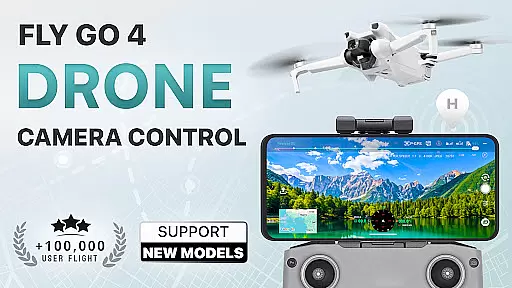
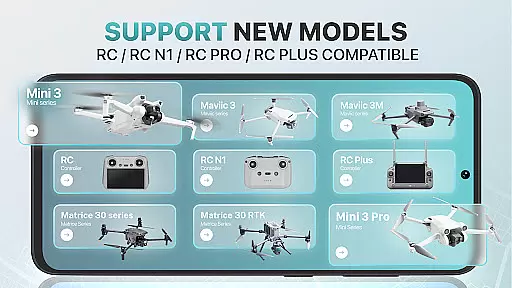
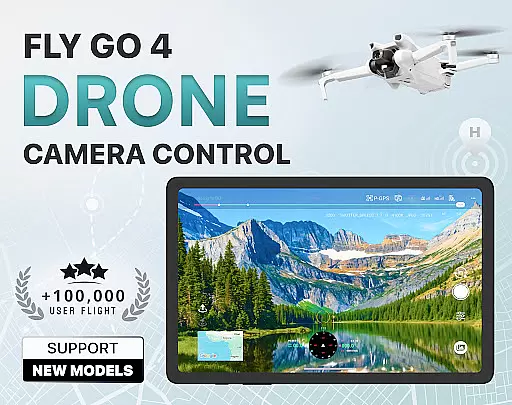
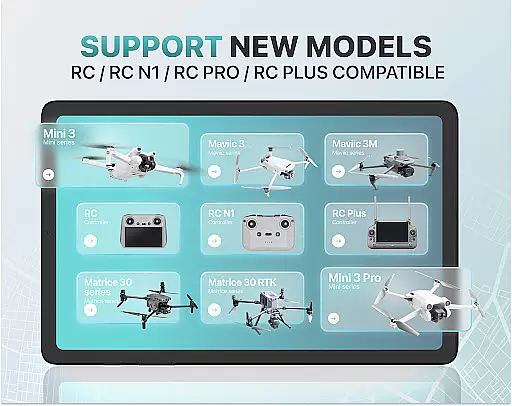
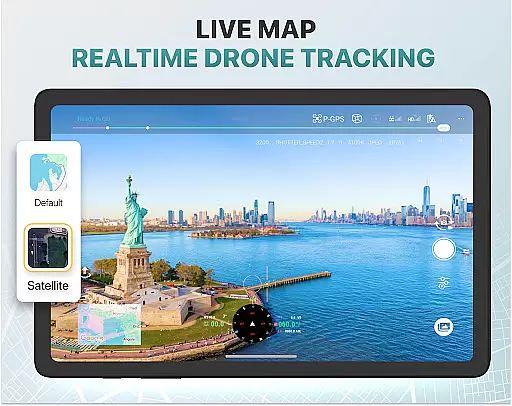
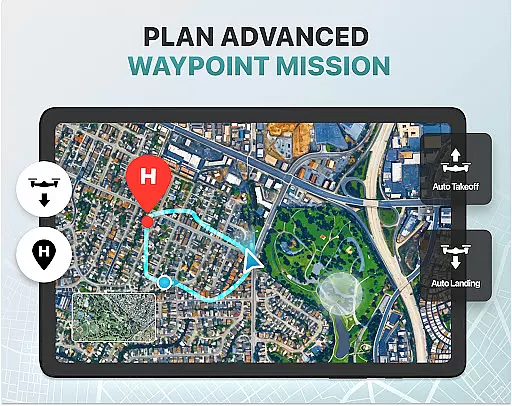
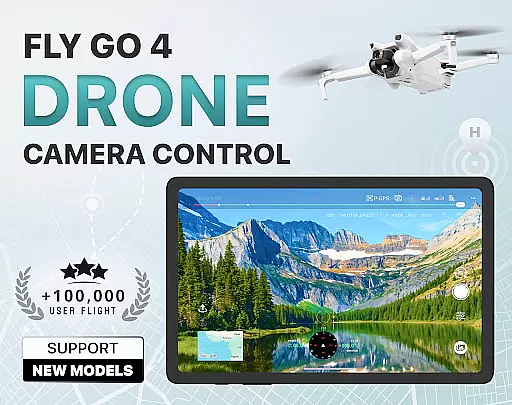
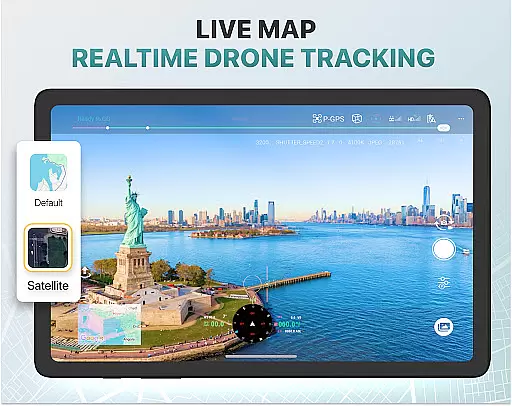
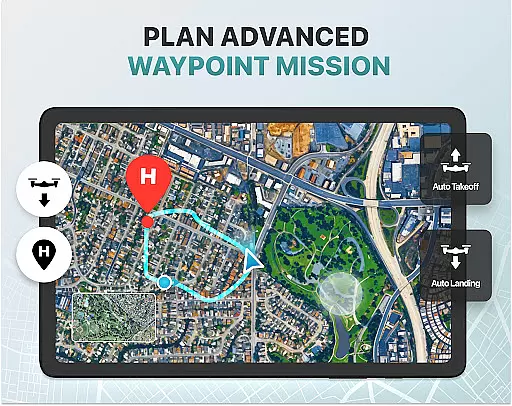
Fly Go 4 Drone Camera Control is a comprehensive photography app designed to enhance your drone flying experience. This app provides seamless control over various drone models, including popular ones like DJI Mini 3 and Matrice 350 RTK. With its intuitive interface, users can easily capture panoramic images and videos directly from their phone screens.
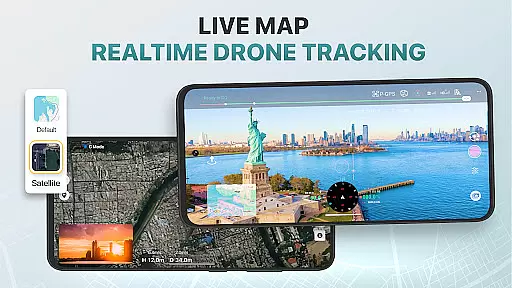
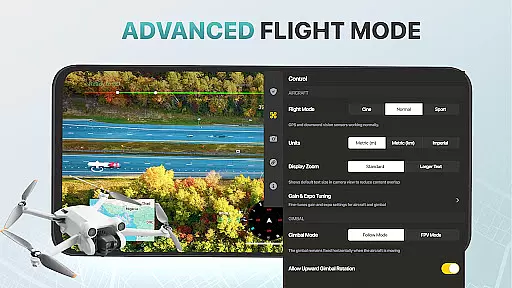
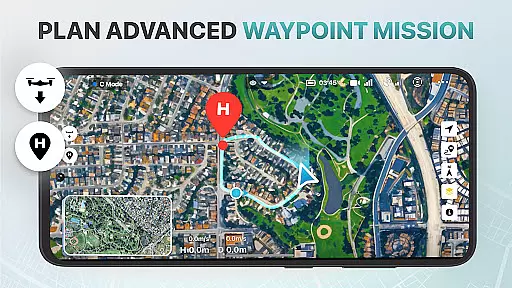
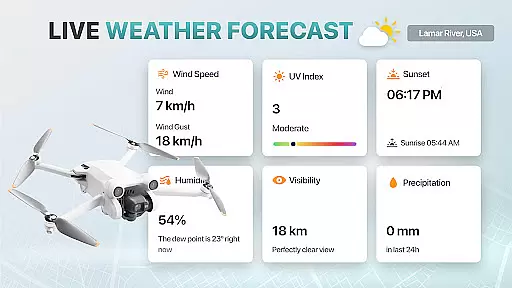
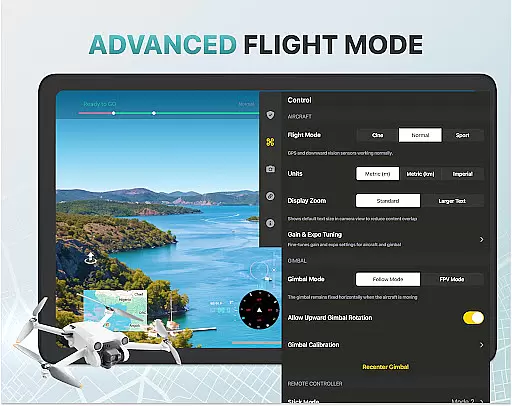
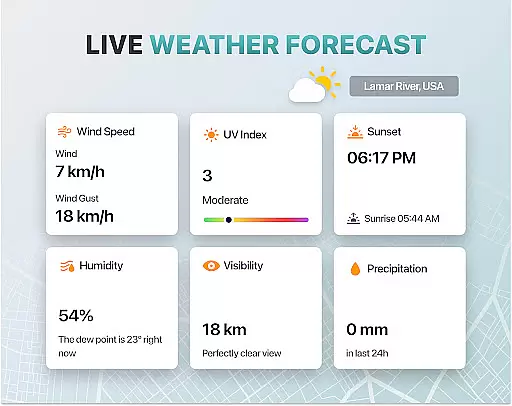
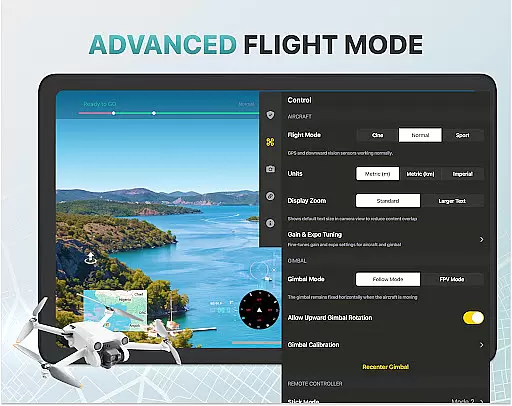
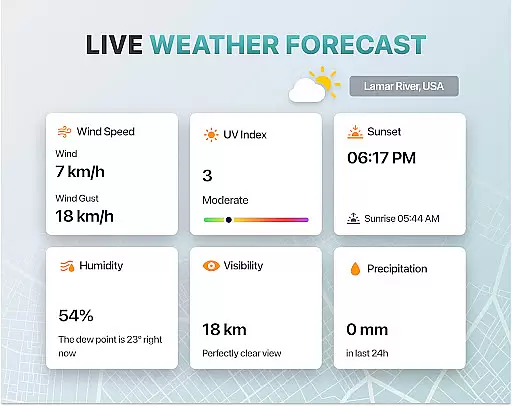
One of the standout features is the real-time weather updates, ensuring you always fly in optimal conditions. Additionally, the app includes no-fly zone alerts and detailed maps, keeping you informed about restricted areas. Whether you're a beginner or an experienced pilot, Fly Go 4 offers tutorials and advanced flight modes that cater to all skill levels, making it an essential tool for aerial photography enthusiasts.
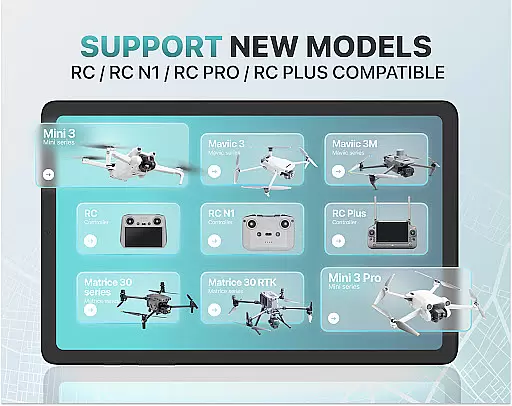
The Fly Go 4 Drone Camera Control app boasts a variety of sophisticated features tailored for drone photography. Users can enjoy real-time camera feeds with minimal lag, allowing for precise control and stunning aerial footage. The app supports extensive drone model compatibility, including Matrice 350 RTK and DJI Mavic 3 Enterprise Series, ensuring broad usability.
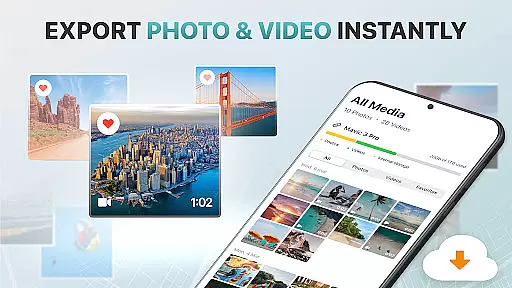
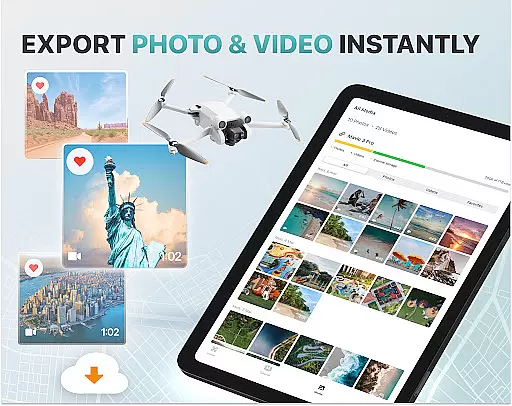
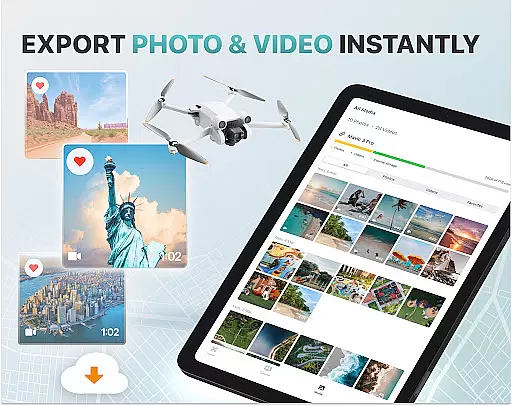
Advanced functionalities such as gimbal direction adjustment and exposure graphs provide detailed camera settings control. The smart media export feature simplifies transferring high-quality footage to your device. Moreover, safety features like find my drone and home point functionality ensure peace of mind during flights. These robust capabilities make Fly Go 4 an indispensable tool for both amateur and professional drone pilots.
Real-time capture and preview functionality is essential for drone photography, allowing users to see exactly what their drone's camera is capturing. The Go Fly Drone Controller Pro app excels in this area by providing a seamless live video feed directly to your phone screen.
This feature ensures that every shot can be perfectly framed and captured without guesswork. With lag-free transmission, the app enables precise control over your drone's camera settings, ensuring professional-quality footage every time.
Users benefit from enhanced gimbal direction adjustment and an on-screen exposure graph, which provide detailed control over camera positioning and settings. This level of precision empowers both amateur and professional photographers to capture stunning aerial imagery with confidence.
While primarily focused on real-time capture, the Go Fly Drone Controller Pro also incorporates AI beauty and enhancement features to elevate the quality of captured images and videos. These enhancements are applied naturally, ensuring that the final output remains authentic while benefiting from improved clarity and vibrancy.
The app supports various high-quality file formats, making sharing and editing captured footage a breeze. Whether you're capturing panoramic images or detailed videos, the smart media export function ensures that files retain their enhanced quality during transfer to your device.
By leveraging advanced algorithms, the app provides natural-looking enhancements without over-processing. This balance ensures that your aerial photography stands out with vibrant colors and sharp details, all while maintaining the original essence of the captured scene.
User-friendly interface
Wide drone compatibility
Real-time weather updates
Comprehensive tutorials
Advanced camera controls
Premium subscription required
Limited free trial period
No iOS support
Occasional connectivity issues
Complex for beginners

Effortlessly organize, view and share your photos & videos with Gallery app!
 4.40
4.40
Photo Album Watch Face shows your favorite pictures as a Watchface.
1.90
All-in-One Editor & AI Photo Enhancer, Beautify & Retouch, Collage, Cartoonify
4.20
Create AI Photos, Improve and restore quality of blurry, old or damaged pics.
4.20
The #1 app for B&W film developing featuring an advanced darkroom timer.
4.10
Amazing Photo Effects - The most fun you can have with your photos!
4.70
RAW video capture with advanced controls
4.40
Enhance, upscale, and transform your images — on your device, without limits
4.70
Unlock the full potential of your DJI drone with Litchi
4.50
AI Photo Editor with 100+ Filters, Effects! Remove BG, Retouch & Photo Enhancer.
4.80
Gallery show photo, video, slideshow, is perfect 3D effect private photo albums.
4.80
Android Native system HD camera app. Never been so simple and faster.
4.70
Add Watermark - Sign your pictures with a text or logo. Effective, quick, easy!
4.50
Create collages easily! Nice pic collage maker & background eraser for Instagram
4.50
Edit like a pro with Hypic. Apply filters, AI effects, & magic touch.
4.40
Shooting photos and records video easily and efficient with professional Camera
4.30
Natural Beauty, Selfie Retouch
4.30
Hair color changer, AI haircut app, fun hair editor and buzz cut filter for all!
3.80
Remote control of the phone camera from your Wear OS smartwatch
3.70


User Reviews