
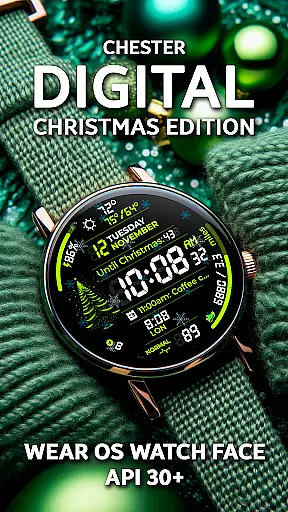
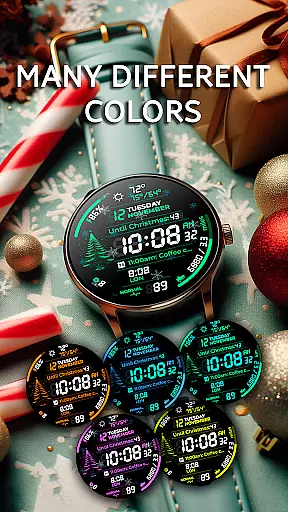
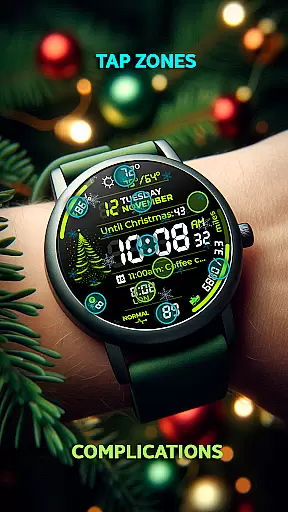
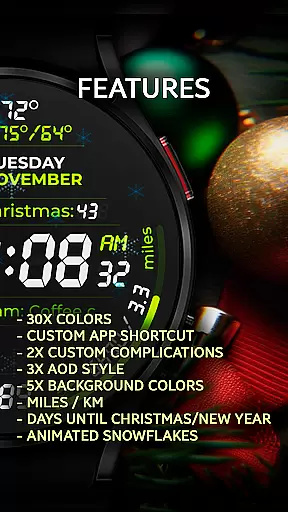
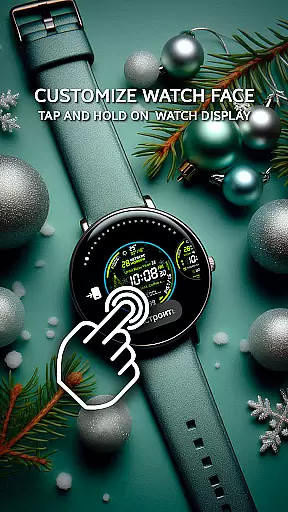
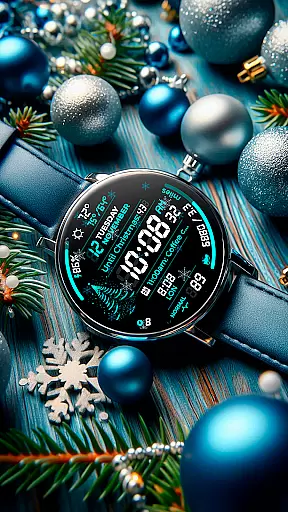
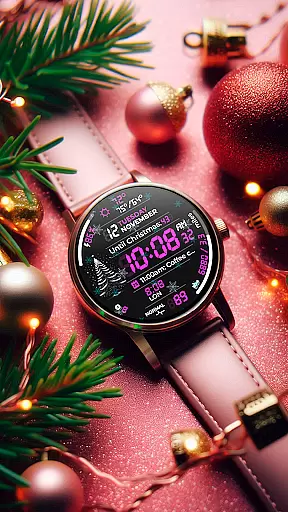
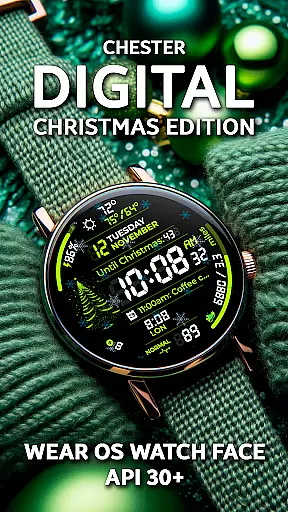
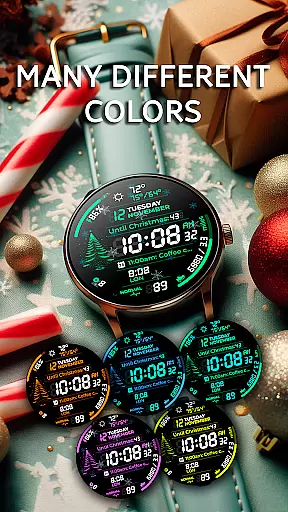
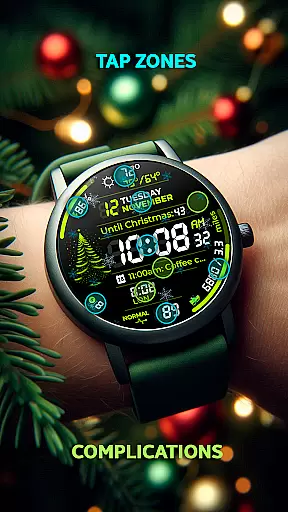
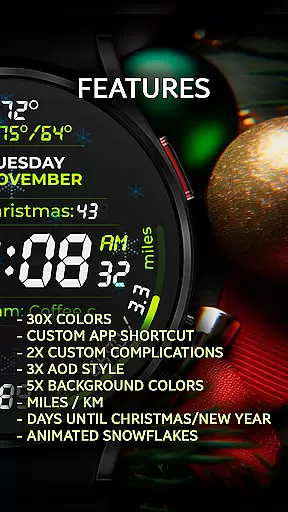
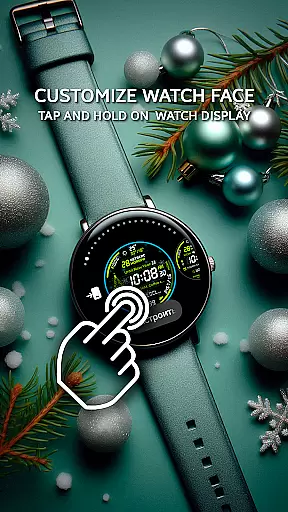
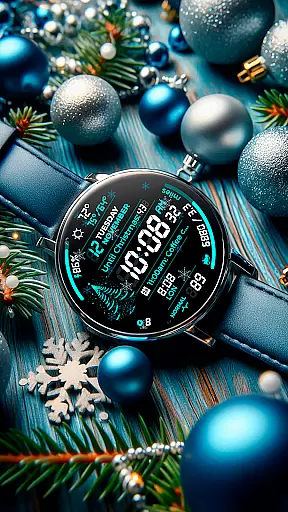
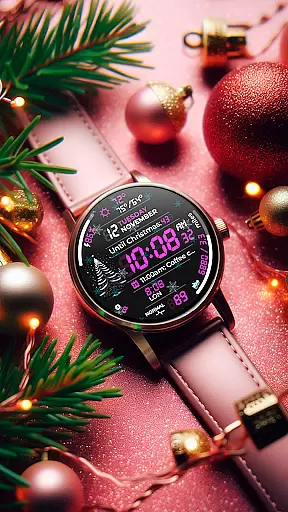
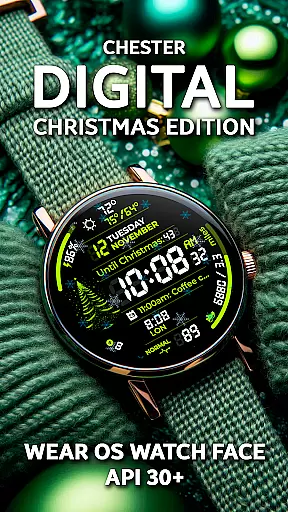
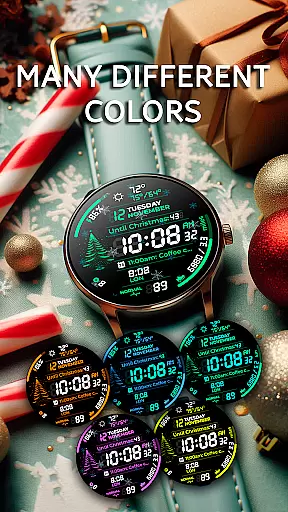
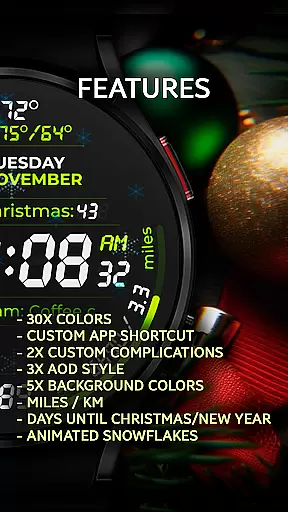
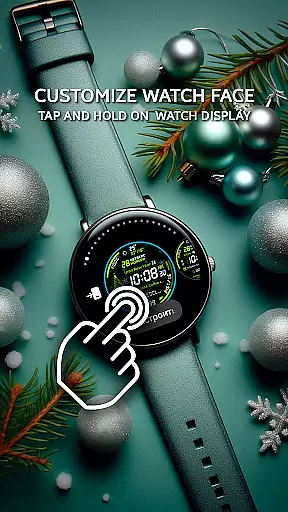
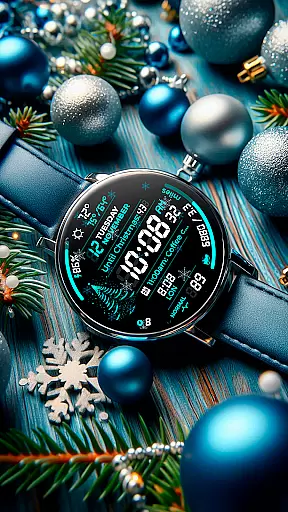
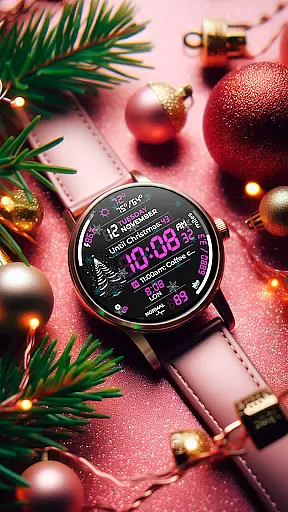
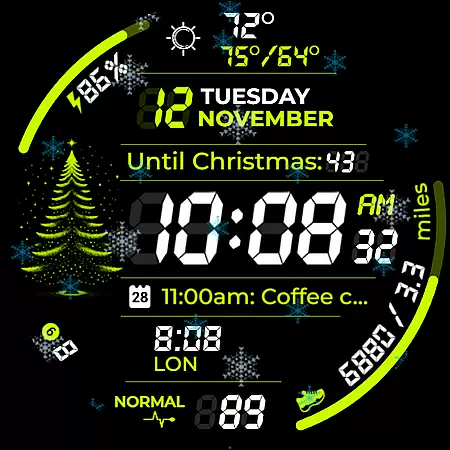
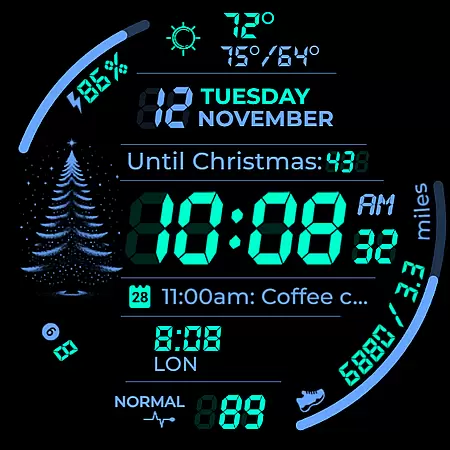
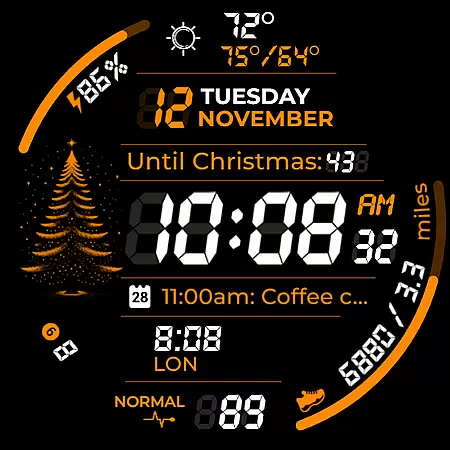
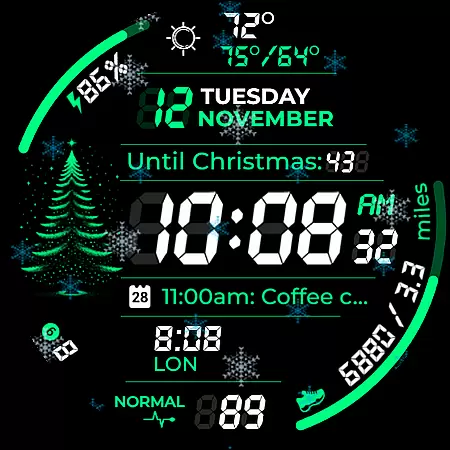
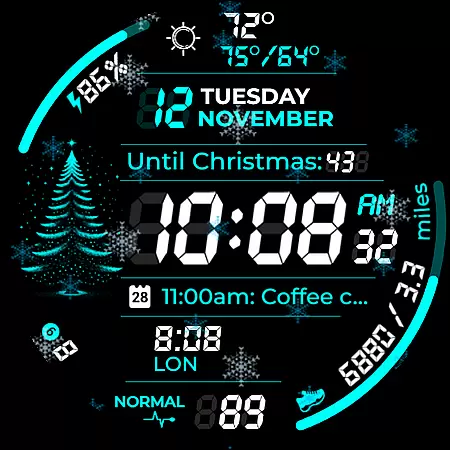
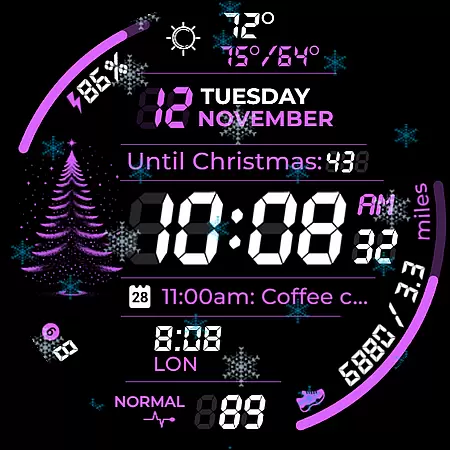
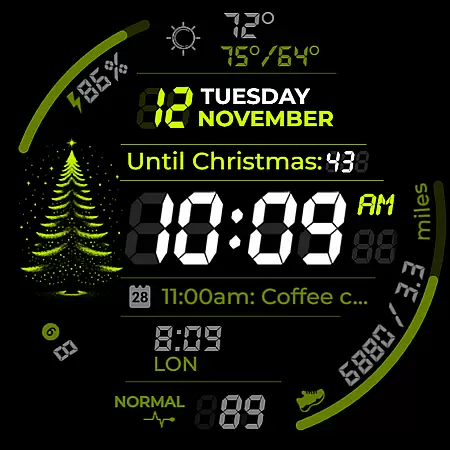
Chester Digital: Christmas is a feature-rich watch face designed specifically for Wear OS devices, offering users a customizable and interactive holiday experience. With 30 vibrant color schemes, app shortcuts, and complication zones, this watch face allows users to personalize their smartwatch to match their festive style.
Key features include Always-On Display (AOD) styles, background color options, distance tracking in miles or kilometers, and interactive tap zones for quick access to important functions. Additionally, it provides weekly and yearly tracking, full calendar reminders, weather updates, snowflake animations, countdowns to Christmas and New Year, and an unread notifications counter.
This watch face is compatible with all Wear OS API 30+ devices, including Google Pixel Watch and Galaxy Watches. Whether you're looking to track your fitness goals during the holidays or simply want to enjoy a personalized festive design, Chester Digital: Christmas delivers both functionality and holiday cheer.
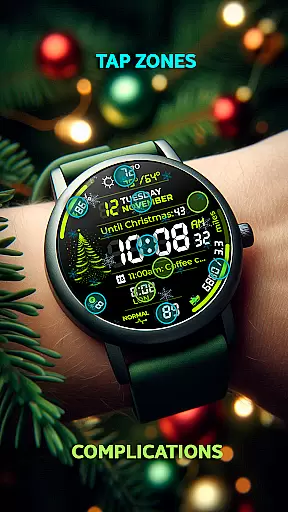
Chester Digital: Christmas stands out with its extensive customization options and interactive features tailored for Wear OS users. The watch face includes 30 unique color schemes, allowing users to choose from a wide variety of vibrant designs that suit their personal preferences. App shortcuts provide quick access to favorite functions, while two customizable complication zones enable users to display personalized information directly on their watch face.
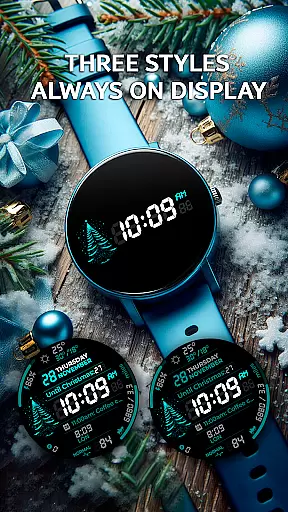
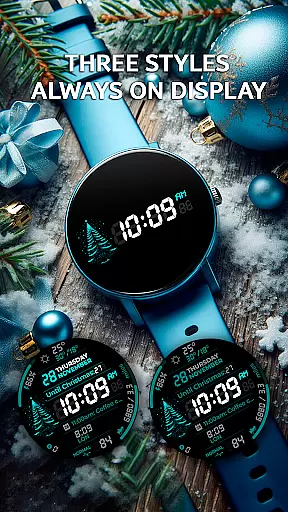
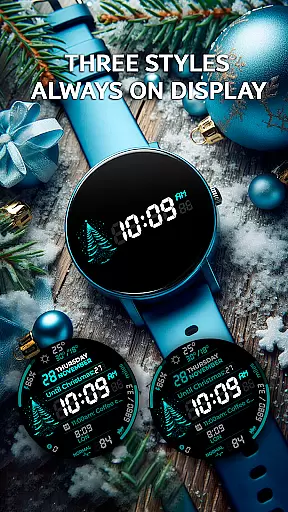
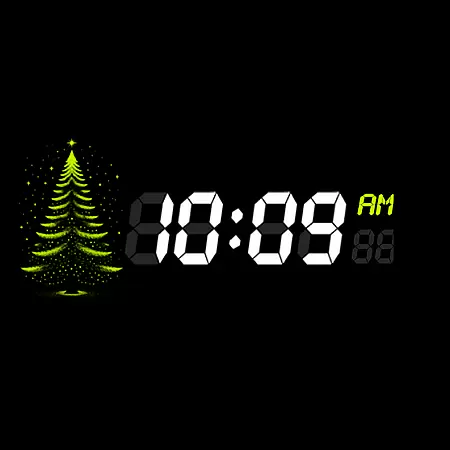
One of the standout features is the Always-On Display (AOD) with three distinct styles, ensuring continuous connectivity even when the watch is idle. Users can also select from five different background colors and track distances in either miles or kilometers, making it ideal for travel and workouts. Interactive tap zones allow users to access essential features with a simple tap, enhancing usability.
Additional highlights include weekly and yearly tracking, full calendar reminders showing event names and times, weather updates with maximum and minimum temperatures, snowflake animations, countdowns to Christmas and New Year, and an unread notifications counter. These features collectively create a versatile and engaging user experience, blending practicality with festive charm.
Companion app integration is essential for a seamless wearable experience. Chester Digital: Christmas ensures that your watch face works harmoniously with its companion app, providing users with an intuitive way to manage settings and preferences directly from their smartphone.
This festive Wear OS watch face allows customization of color schemes, complications, and other features through the companion app. Users can easily adjust 30 vibrant color options, set up app shortcuts, and personalize complication zones without hassle. This synchronization guarantees that all preferences are accurately reflected on the wearable device.
The benefits of this integration include real-time updates and effortless management of the watch face's extensive features. Whether configuring background colors or setting up event reminders, users will appreciate the convenience and time saved through this cohesive connection between devices.
By offering such comprehensive companion app integration, Chester Digital: Christmas enhances user satisfaction by delivering both style and functionality while maintaining continuous connectivity across devices.
Device compatibility is crucial for ensuring optimal performance across various Wear OS devices. Chester Digital: Christmas is designed to work seamlessly with all Wear OS API 30+ devices, including popular models like Google Pixel Watch and Galaxy Watch series, providing users with a consistent experience regardless of their specific device.
This watch face supports a wide range of devices, but it's important to note that it's not suitable for rectangular watches. By focusing on compatibility with circular watch designs, the application delivers an immersive holiday-themed experience tailored specifically for these form factors.
Users benefit from the assurance that they can enjoy all features, including interactive tap zones, weather updates, and countdowns to Christmas/New Year, on their compatible devices. The application's broad compatibility ensures that most Wear OS users can embrace the holiday spirit without worrying about technical limitations.
With its thoughtful design and attention to compatibility details, Chester Digital: Christmas demonstrates a commitment to delivering a festive and functional experience across a diverse range of supported devices.
Highly customizable
Festive animations
Interactive tap zones
Comprehensive tracking
Vibrant color schemes
No rectangular support
Limited AOD styles
Requires Wear OS
Premium feel costs
Complex setup

Diet tracker for weight loss - track calories, food and macros. Simple and easy!
 4.70
4.70
A Wintery Snow Globe on Your Wrist; now celebrating Christmas!
4.5
Beautiful artistic animated digital watch face, with a customizable layout!
4.40
Artistic Digital Watchface
4.3
Watch face for Wear OS.
4.20
Ideal for surviving in the wasteland left after nuclear fallout
4.50
Your second brain for organizing your life: to-do, calendar, reminder.
4.70
Connect, create, and collaborate with Gmail, part of Google Workspace.
4.10
Download full tracks, listen to music offline, make unlimited playlists.
4.80
The Chevron App allows you to pay for fuel from the comfort of your car!
4.80
Easy Voice Recorder is your everyday companion to record important moments.
4.70
Monitor health with the stress test and pulse checker in the heart rate app.
4.60
Simple, helpful messaging by Google
4.60
Deck out your Wear OS Watch face with a beautifully decorated pine wreath!
4.50
Stylish, Energizing and Modern Watch Face crafted by Dominus Mathias.
4.50
Embrace the holiday spirit with this magical animated watch face!
4.40
Christmas watch face. For Wear OS devices.
4.30
Daily Weather forecast with 15 weather images for Day & Night plus Big Bold time
4.10
A watch face that fuses motorsport precision with contemporary smartwatch design
4.0


User Reviews